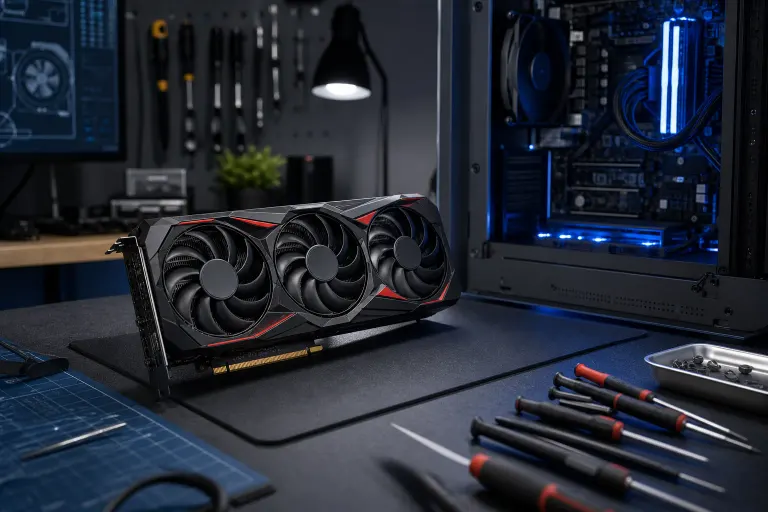
RX 9070 XT Keeps Crashing? 6 Fixes to Try Right Now
TL;DR: Most RX 9070 XT crashes come down to drivers, power delivery, or a case that's cooking itself. Start with a clean driver reinstall, check your power supply and cables, then work through overclocking settings and thermals before you assume the card is dead. Work through these six in order, don't skip to the last one because it's easier.
Got a brand new RX 9070 XT and it's crashing to desktop, black-screening mid-game, or just rebooting your whole machine like it's got somewhere better to be? You're not alone. AMD launches always come with a wave of driver weirdness, and the 9070 XT pulls enough power that any weak link in your build gets exposed fast.
The RX 9070 XT is a genuinely powerful card, AMD's RDNA 4 architecture is a real step forward, but that also means it's less forgiving of sloppy builds, aging hardware, and driver installs that have been patched on top of patched on top of patched. A card this new is going to surface problems that older, less demanding GPUs let slide.
Before you RMA the card or start posting angry things on Reddit, work through this list. I've seen this exact complaint, "9070xt keeps crashing," come across the counter a dozen times in the last few months, and it's almost never actually a dead GPU. Usually it's something dumber and cheaper to fix. Let's go in order.
1. Do a clean driver reinstall (not just an update)
This is where 60% of these cases end. AMD's Adrenalin drivers have had a rough run with new architectures, and just clicking "update" in the app doesn't actually wipe out the old, corrupted driver files sitting underneath. Leftover fragments from a previous GPU driver, especially if you switched from Nvidia, can cause all kinds of silent conflicts that only show up under load.
Here's what actually works: download Display Driver Uninstaller (DDU), boot into Safe Mode, run it to strip out every trace of the old driver, reboot, then install the latest driver straight from AMD's official driver support page. Don't use whatever came bundled on a driver CD or third-party download site (yes, people still do this, and yes, it's still a bad idea).
When you install the fresh driver, skip the full Adrenalin suite for your first test. Install the minimal driver package only, then run the game or workload that's been crashing. If that's stable, the full suite is probably fine to add back. If the crashes came back after adding it, Radeon Chill, Enhanced Sync, or one of the overlay features is likely the culprit, disable them one at a time to narrow it down.
Also worth checking: Windows Update sometimes silently pushes Microsoft's generic GPU drivers on top of what you just installed. After the install, go to Device Manager, find your GPU under Display Adapters, right-click, go to Properties, and confirm the driver version matches what you downloaded from AMD. If it doesn't, you've got Windows overwriting your driver, and you'll want to block that through group policy or use DDU's built-in option to prevent Windows from touching the driver.
If you're not comfortable messing with Safe Mode and driver uninstall tools, that's a completely reasonable thing to hand off. Our remote support team can walk through this over a screen share in about twenty minutes without you touching a single registry key.
2. Check your power supply, not just the wattage number
Everyone checks if their PSU wattage is "enough" and stops there. That's only half the story. The RX 9070 XT can spike to well over 300W in microsecond bursts, much higher than its average or TDP rating suggests. A PSU that's nominally rated for enough wattage can still fail to deliver clean, stable power during those spikes if it's old, if it's a lower-tier unit with weak capacitors, or if it's already running close to its rated load from everything else in your system.
What to actually look for: First, check the PSU's age and brand tier. A 750W unit from a reputable brand like Seasonic, Corsair RMx, or be quiet! Dark Power will outperform a generic 850W unit every single time. If your PSU is more than five years old, its capacitors have degraded and it may no longer deliver what its label promises. Second, look at the rail configuration, the 9070 XT wants clean 12V power, and a multi-rail PSU that splits its amperage unevenly can cause instability even if total wattage looks fine.
Also check the cables themselves. If you're using a single PCIe power cable with two connectors daisy-chained to fill an 8-pin + 8-pin requirement, swap it for two separate cables run directly from the PSU. Daisy-chained cables share current capacity across both connectors, and under load that can cause voltage sag that the card interprets as a fault. It's a small thing that causes a disproportionate number of crashes.
If you have a multimeter or a PSU tester, check your 12V rail under load. Anything dropping below 11.7V under gaming load is a red flag.
3. Pull back any overclocking, yours and the card's automatic boost
If you've got any overclock running on your CPU, RAM, or GPU, turn it off entirely before doing anything else. XMP and EXPO memory profiles count here, yes, even those. An unstable memory overclock won't always crash Memtest86, but it absolutely can cause GPU crashes under the specific memory access patterns that games and graphics workloads use.
For the GPU itself, open AMD Adrenalin and check that you haven't got any custom performance tuning applied from a previous session, especially if you imported a profile from a different card. Even a mild overclock that was stable on an RX 6800 XT might push the 9070 XT's power delivery past what your system can cleanly supply.
If you want to keep an overclock long-term, add things back one at a time and stress test in between. Start with the memory profile, run an hour of 3DMark TimeSpy or a sustained gaming session, then add the GPU clock offset, then the CPU offset. It takes longer but you'll know exactly where the instability lives.
Ready to build a rig that actually rips? Start your build
4. Look at your thermals, GPU, but also VRMs and case airflow
The 9070 XT runs warm by design. AMD tuned RDNA 4 to use heat as a throttle signal rather than aggressively backing off clocks before temperatures climb, which means your card will run hotter than you might expect before it actually throttles. Junction temperatures in the low 100s Celsius on the hotspot sensor are normal and within spec, that's the hottest point on the die, not the average temperature.
What's not fine: sustained GPU edge temperatures above 90°C, VRM temperatures you can't monitor because your motherboard doesn't expose them, or a case where hot air from the GPU has nowhere to go and just recirculates back through the intake. That last one is more common than people think, especially in mid-towers with the intake and exhaust fans fighting each other.
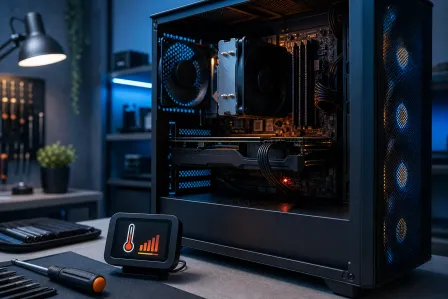
Download HWiNFO64, open the sensors panel, and log temperatures for the duration of a crash-prone gaming session. After a crash, pull up the log and look at what the temperatures were doing in the 30 seconds before it went down. A sudden spike followed by a crash points to thermal shutdown. A crash at totally normal temperatures points back to power or drivers.
If your GPU cooler has been accumulating dust for a couple of years, now is a good time to clean it. Compressed air through the fins with the card out of the case makes a surprising difference.
5. Check PCIe slot seating and reseat the card
This sounds too simple to matter, and then it fixes a shocking number of cases. A GPU that isn't fully seated in the PCIe x16 slot can make intermittent contact that's fine at idle or low load, then fails under the higher electrical demands of gaming. The card might look seated, the bracket is in the case, the retention clip clicked, but the edge connector isn't fully home.
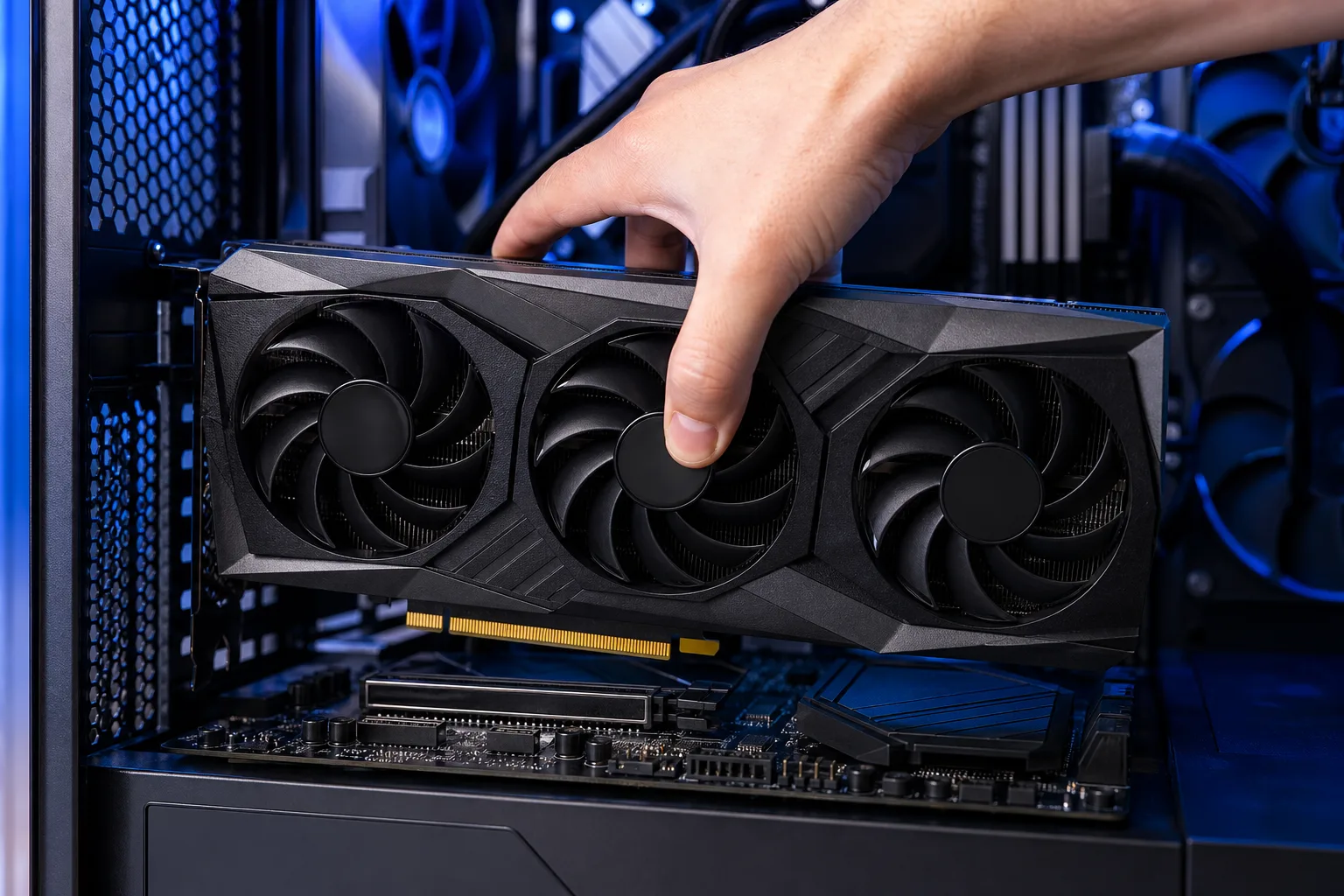
Power down completely, unplug from the wall, ground yourself, remove the card, look at the PCIe slot for any debris or bent pins, then reseat it with deliberate, even pressure until the retention clip fully engages. While you're in there, check that the screws on the bracket aren't overtightened and pulling the card at a slight angle, this is especially common in cases where the GPU support bracket is attached too rigidly.
If your motherboard has more than one PCIe x16-length slot, try moving the card to a different one. A damaged or electrically compromised slot can cause exactly the kind of intermittent crashing you're seeing.
6. Test with the card in another system, or a known-good card in yours
If you've made it through all five steps above and the crashes are still happening, now you need to determine whether the problem is in the card or in the rest of your build. The cleanest way to do that is component swapping.
If you have access to another PC, a friend's, a family member's, a machine at work, try the 9070 XT in it. If the crashes follow the card, the card itself is likely defective and an RMA is the right call. If the card runs clean in another system, your own build has something wrong: a bad PCIe slot, a failing PSU, a memory issue, or something on the motherboard.
Alternatively, borrow or install a different GPU in your machine. If another card runs stable in the same system through the same workloads, that points back to the 9070 XT. If the other card crashes too, your system is the problem and the GPU is innocent.
Document everything before you contact AMD support or your retailer. Dates, crash descriptions, what you tried, and what the results were. A clear log of troubleshooting steps makes the RMA process faster and makes it harder for support to send you in circles.
Nine times out of ten, it's a driver or a power cable. Start there, be methodical, and don't skip steps because they feel too basic. The boring fixes are boring because they work.
Ready to build a rig that actually rips?
Custom gaming PCs built and tuned by people who game. Tell us your budget and target frame rate.