
Laptop Overheating Fixes
Learn what causes laptop overheating and simple steps you can try at home before damage occurs.
- Identify common overheating causes
- Safe DIY cooling solutions
- When to seek professional help
Practical checklists for common computer problems, safer setups and repair-or-replace decisions. Written by our West Palm Beach repair team and sent to your inbox.
In the guide library
Delivered to your inbox
Based on the problems we see at our Okeechobee Boulevard shop.
Things you can try at home without risking your data or warranty.
Clear signs that a problem needs a technician.
For home users
Fix common problems, improve performance and make better decisions about your tech.
Learn what causes laptop overheating and simple steps you can try at home before damage occurs.
A quick diagnostic checklist to identify why your computer is running slowly and what to do about it.
Essential steps to set up your new computer securely and avoid problems down the road.
Rate your computer's overall health across performance, security, and reliability factors.
Decide whether it makes sense to fix your computer or if replacement is the better option.
Our longer guides are free to read on the site, no email needed.
See the online guidesFor business owners
Essential IT fundamentals every small business needs to protect data and reduce downtime.
Read online
Longer reads for when you want the full picture before a repair.
Slow PCs, laptop problems, viruses, hardware failure, data recovery and repair costs.
Read the guideScreens, batteries, charging ports, water damage and what repairs usually involve.
Read the guideManaged IT, cybersecurity, backups, costs and how to choose an IT partner.
Read the guide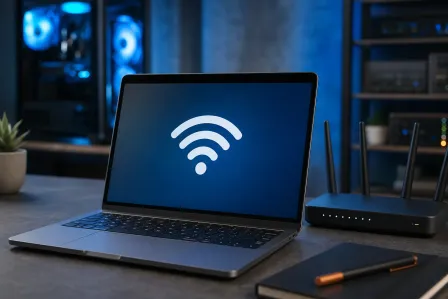
That endless 'Join this network?' popup isn't random. It's usually a router broadcasting weird signals or a saved network list gone stale. Here's how to diagnose it and...
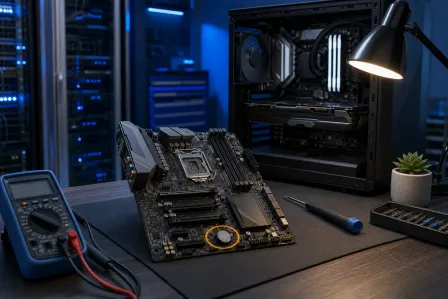
A BIOS problem can stop your PC dead before Windows even loads. This guide breaks down the most common BIOS issues, how to identify which one you're actually dealing...
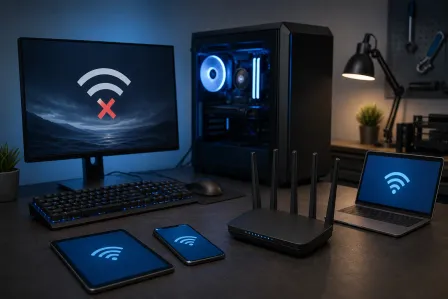
When your PC drops Wi-Fi and everything else stays connected, the router isn't the problem. The issue lives inside your PC, usually in the network adapter driver, power...