

Annoying pop-ups
Fake alerts, unwanted ads and messages asking you to call a number.
Remove viruses, malware and unwanted software with help from a real local team. We’ll explain what we find and what comes next.
A pop-up telling you to call “support” may be a scam. Don’t use the number it gives you. Call the shop directly and tell us what you’re seeing.
From scary alert to sensible next step
 Real people to talk to
 Straight answers
 Help for your PC
Start with the symptom
These symptoms are worth checking—not a diagnosis on their own.
Fake alerts, unwanted ads and messages asking you to call a number.

Searches going somewhere unfamiliar or new toolbars you didn’t install.

Slow starts, freezes and unusual behavior deserve a closer look.

Blocked security tools or unexpected account warnings? Tell us what changed.
How cleanup works
A simple, step-by-step approach to a healthier computer.
 1
1Scan
We review the symptoms, scan for threats, and check startup programs and browser settings. A slow PC isn’t always a virus.
 2
2Clean up
We address detected malware, adware, spyware and unwanted programs. If a reinstall or recovery work makes more sense, we explain the options first.
3Protect
We review updates, security settings and practical account precautions. Ask about Malwarebytes protection and ongoing care for your home PC.
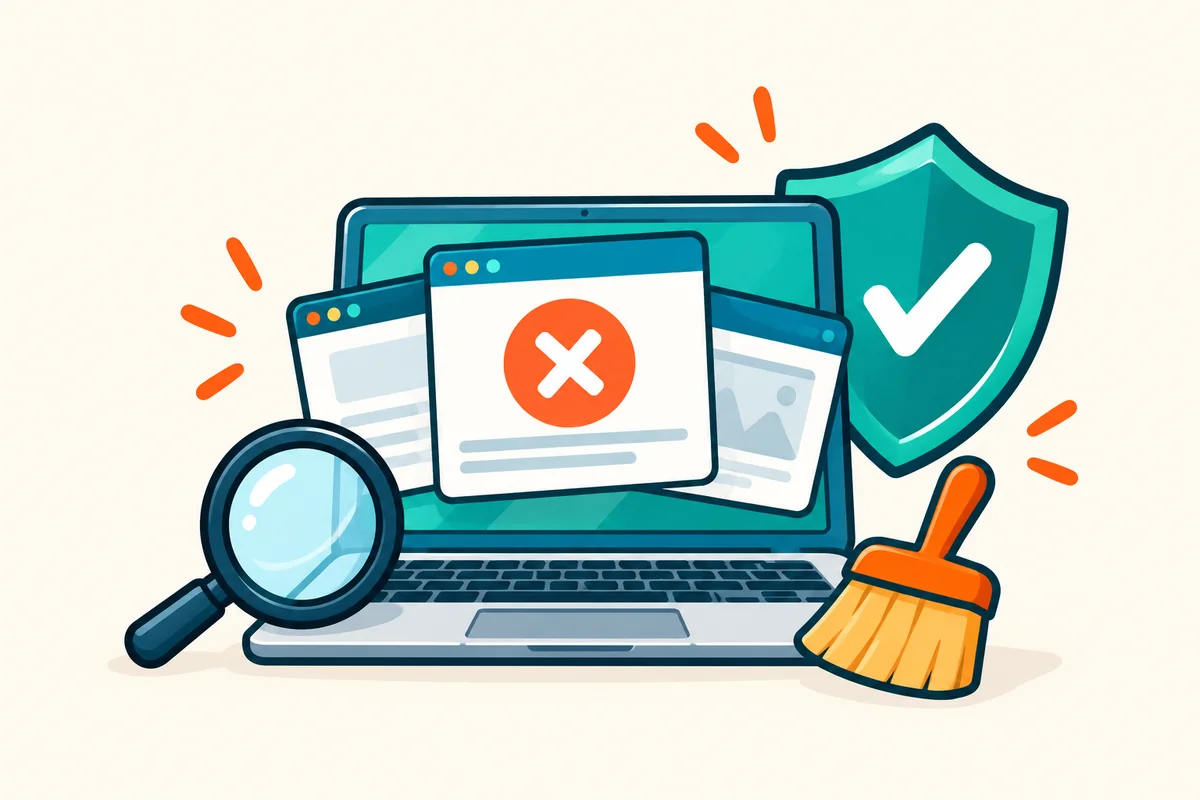
Malware removal and file recovery are different jobs; recovery is not always possible.

Cleanup + prevention
Pop-ups, account warnings and sudden slowdowns can have different causes. Cleanup begins by documenting the behavior, isolating likely threats and checking what needs attention next.
Service illustrations · No customer devices shown

Tune-ups, managed antivirus and updates, with a local team to call. Ask about ongoing care for your home PC.
Palm Beach County
Visit our Okeechobee Boulevard shop for virus and malware cleanup serving West Palm Beach, Royal Palm Beach, Wellington and nearby communities.
Google reviews
The newest 4- and 5-star reviews from our public Google profile.
Good to know
Straight answers to common questions about virus and malware removal.
Talk to a real person at our West Palm Beach shop.
Not necessarily. A webpage can display a fake warning without a system infection. Don’t call the number in the alert or give an unknown caller remote access. Our team can help assess what happened.
Common signs include slow performance, unexpected pop-ups, programs crashing, unfamiliar programs appearing, browser redirects, and files disappearing. If you notice any of these, stop entering sensitive information and bring the computer in for an evaluation.
Timing depends on the infection, system condition, and whether data backup or operating-system repair is needed. We explain the expected turnaround after evaluation and before you approve the work.
We talk through your files and backups before any cleanup or reinstall. An infection can already have damaged data, so we can’t guarantee every file can be recovered.
We recommend keeping your operating system updated, using reputable antivirus software, avoiding suspicious email attachments, and being cautious with downloads. We can install and configure protection software as part of our service.
Yes, we handle ransomware removal. While we can remove the ransomware itself, encrypted files may require specialized recovery. We'll assess your situation and provide honest advice about data recovery options.
The price depends on the infection, damage, backup needs, and remediation required. We evaluate the computer and provide a quote before repair work begins.
In-store computer diagnostics are $60, credited toward your repair if you approve it, and phone and tablet diagnostics are $35. Join our email list and we will email you a coupon for a free diagnostic, up to a $60 value, for new customers. Data recovery, on-site visits and expedited service are quoted separately, and we disclose any charge before it is incurred.

Discover what happens during professional virus and malware removal and why thorough service matters.
Malware is the broad category. A virus is one type of malware. Ransomware is another, and arguably the most damaging. Understanding how they differ tells you how to...
A screaming browser alert does not automatically mean your PC has a virus. Learn the red flags of a fake warning, how to close it without clicking, what to scan next...