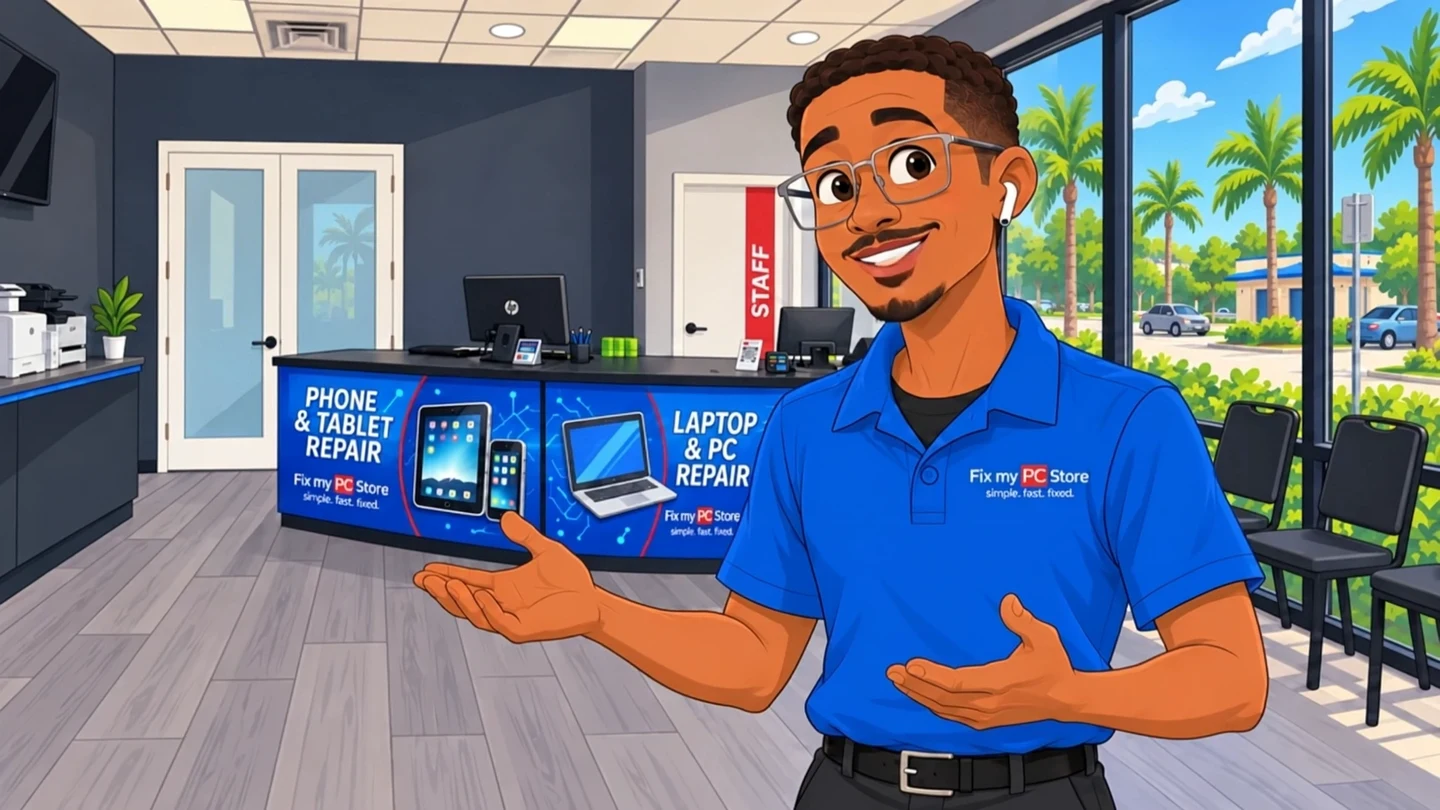
 Running slow?
 Errors & pop-ups?
Desktop & PC diagnostics
No power, failed boots, blue screens, random shutdowns and other problems that need a careful diagnosis.
- Power and startup faults
- Motherboard and component checks
- Windows errors
- Data-preserving repair options
Bring us the symptoms. Our local technicians diagnose desktop and PC problems, explain the practical repair options and wait for your approval before beginning work.
Directions to our West Palm Beach shop
The likely cause and proposed work are explained in plain language.
Expected timing depends on the diagnosis, bench workload and parts availability.
Applicable diagnostic charges, repair pricing and warranty terms are disclosed before approval.
Start with the symptom
Tell us what’s going wrong. We’ll help you figure out the next step.

What we repair
We work on common desktops and custom PCs. Exact repair options depend on the model, fault and available parts.
No power, failed boots, blue screens, random shutdowns and other problems that need a careful diagnosis.

Practical repairs and component replacement when the problem is physical, not another software subscription.

Targeted upgrades for computers that still have useful life but no longer keep up with everyday work.

Assessment and recovery paths for failed drives, missing files and computers that will not start.

Inside the diagnosis
Power, heat, memory and storage problems can feel identical from the outside. A focused inspection helps narrow the likely cause before we explain the practical options.
Service illustrations · No customer devices shown
From intake to pickup
Bring the computer and any power cable or accessory connected to the problem.
We investigate the fault and determine the practical repair options.
You receive the proposed scope, applicable charges and expected timing.
Approved work is completed and the computer is tested before pickup.
Palm Beach County
These three cities are our primary local markets. The other communities below are also service areas, not separate branch locations.
Google reviews
The newest 4- and 5-star Google reviews move continuously. Hover, focus, or use Pause whenever you want more time to read.
Good to know
What to expect before you bring in a desktop or PC.
Talk to a real person at our West Palm Beach shop.
Turnaround depends on the diagnosis, current bench workload, and parts availability. Some eligible repairs can be completed the same day; complex hardware, board-level, and data-recovery work can take longer. We provide a case-specific estimate after evaluation.
Yes! We offer both in-store and on-site repair services throughout Palm Beach County. On-site service is available for an additional fee and is ideal for businesses or customers who cannot easily transport their computers.
Repair cost depends on the fault, parts, labor, and service level. A computer diagnostic is $60 and is credited toward the repair if you approve it, or free with the coupon we email when you join our list. We provide a written quote before repair work begins.
Recovery may be possible even when a computer will not turn on, but feasibility depends on the storage device, encryption, damage, prior attempts, and the files needed. We explain the risks, options, cost, and likely next step after evaluating the media.
Yes. Our technicians work on Windows PCs and Apple Mac computers, including desktops, laptops, and all-in-ones. Model and parts availability can affect which repairs we can complete in-house.
Same-day service is available for eligible repairs when the needed parts and technician capacity are available. Complex repairs can take longer. Walk in at 10140 Okeechobee Blvd, Suite B or call (561) 819-9999 for current availability.
No appointment needed — walk-ins are welcome Monday–Friday 9 AM–6 PM and Saturday 9 AM–5 PM. You can also book online at fixmypcstore.com/schedule-repair or call (561) 819-9999 to reserve a time.
RemoteCare · For your home PC
For $29.95 a month, our local team keeps your PC running smoothly, helps protect against viruses and handles the updates. Something odd pops up? Just call us.
Explore RemoteCare
Good computer repair should feel transparent, not mysterious. This guide walks you through every step of a proper repair visit, from drop-off to pickup, so you know...
If you've been searching 'fix my pc' and wondering whether a local shop is worth it versus buying new, here's the straight answer. We break down every major repair...
Compare local and mail-in PC repair by total cost, shipping, turnaround, warranty route, data handling, and approval terms before choosing a provider.