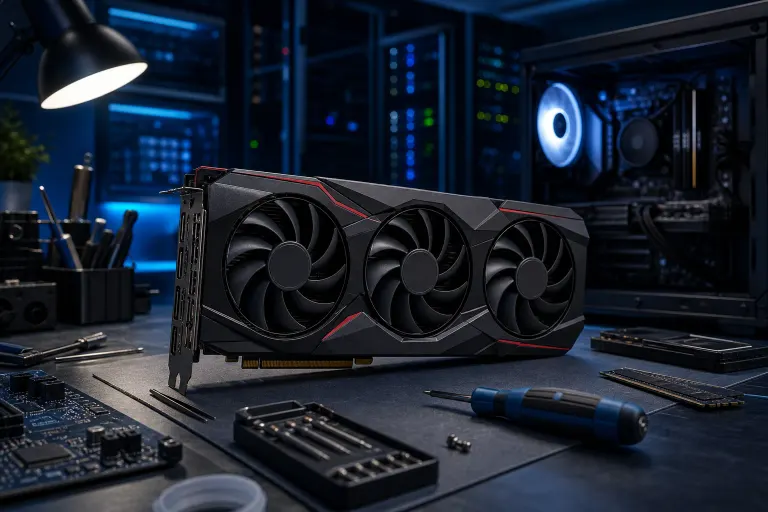
RX 9070 XT Driver Timeout: Causes and Fixes Explained
TL;DR: The RX 9070 XT driver timeout error is a known issue affecting early RDNA 4 owners. It usually shows up as a black screen followed by a "Display driver stopped responding and has recovered" message. Updating drivers, adjusting power settings, and checking PCIe power connections resolve the problem for most people.
What Is the 9070 XT Driver Timeout, Exactly?
If you just built or bought a system with an AMD Radeon RX 9070 XT and you keep hitting a black screen mid-game or mid-task, you are almost certainly dealing with a driver timeout detection and recovery (TDR) event.
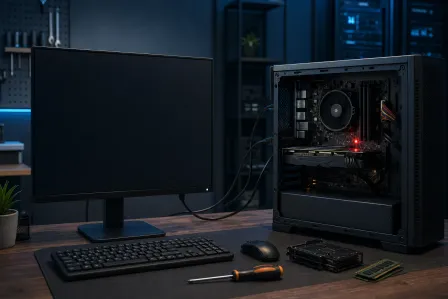
Here is what that means in plain language. Windows watches the GPU constantly. If the GPU stops responding to commands for more than about two seconds, Windows assumes something went wrong and forcibly resets the display driver. That reset is the "recovered" message you see. Sometimes the system recovers. Sometimes it crashes to a blue screen. Sometimes the display just goes dark and does not come back. Microsoft documents this behavior in their official TDR (Timeout Detection and Recovery) documentation.
The 9070 XT driver timeout issue has been especially common on early driver releases for the RDNA 4 architecture. AMD launched the RX 9070 series in early 2025, and first-generation drivers for brand-new GPU architectures almost always have rough edges. That does not make it less annoying, but it does mean fixes are actively being pushed out.
Why the 9070 XT Keeps Timing Out: Real Causes
There is rarely just one cause. The driver timeout on the RX 9070 XT tends to come from a combination of factors. Understanding which one is hitting you helps you fix it faster.
Driver Bugs on a Brand-New Architecture
RDNA 4 is AMD's newest GPU architecture. The first drivers that shipped with it were built on a tight timeline. Early adopters of any new GPU generation tend to absorb the first wave of driver bugs so that everyone else does not have to. AMD has been releasing hotfix and stability drivers throughout 2025, and each one has addressed specific crash scenarios.
This is the most common root cause for people who have solid hardware and a clean system.
Inadequate PCIe Power Delivery
The RX 9070 XT has a rated TDP that puts real demand on your power supply. If your PSU is marginal for your overall system load, or if the PCIe power cables are not fully seated, the card can brown out under load. A brown out looks exactly like a driver timeout from Windows' perspective.
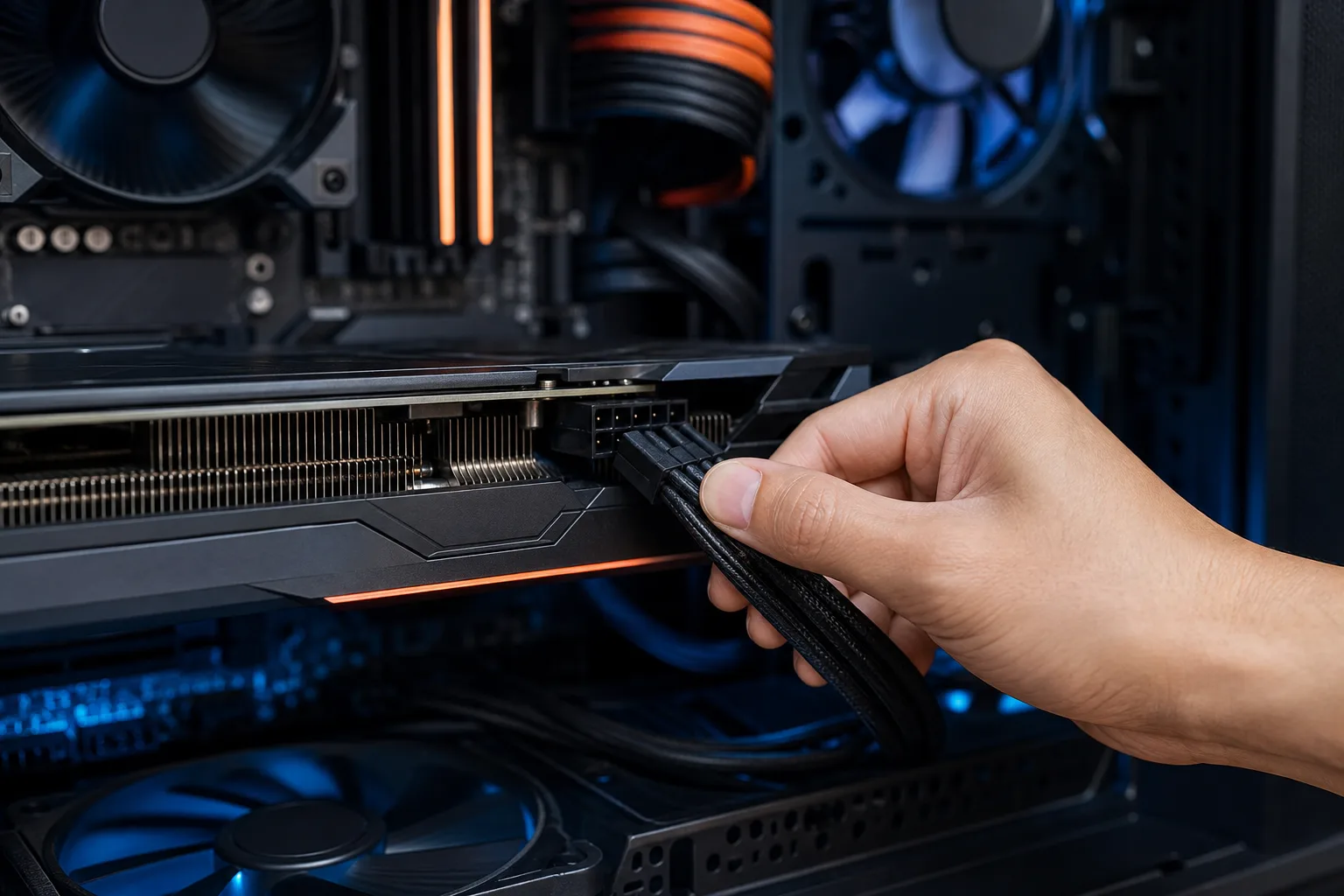
Check that both PCIe power connectors are fully clicked in. If your PSU uses a daisy-chained cable where both connectors come from one wire, try routing from two separate cables instead.
PCIe Bandwidth and Slot Issues
Some users have reported that running the card in a PCIe 3.0 slot or a slot that operates at x8 instead of x16 triggers instability. The 9070 XT is designed for PCIe 4.0 or 5.0 at x16. If your motherboard's primary slot is occupied or your CPU does not fully support the bandwidth the card expects, you can see handshake issues that look like driver timeouts.
Check your motherboard manual to confirm you are using the correct slot for your GPU.
Aggressive Memory or GPU Overclocking
Even factory overclocked models and any manual overclocking you applied can push an already-stressed driver over the edge. RDNA 4's memory controller is sensitive on early drivers. Dropping memory clocks slightly, or running at stock speeds entirely, eliminates this variable quickly.
Windows Power Plan Interference
Windows "Balanced" power plan can aggressively throttle PCIe link states to save energy. When the GPU tries to ramp up suddenly, the PCIe link is still in a low-power state and the handshake fails. Switching to "High Performance" power plan is a simple fix that has helped a meaningful number of users.
Ready to build a rig that actually rips? Start your build
Why This Matters Beyond Just Crashing Your Game
A driver timeout that recovers might seem harmless. It is not always.
Repeated TDR events can corrupt an active game save or an open file. If you are using your PC for anything beyond gaming, repeated crashes create real risk. A crash mid-render, mid-export, or while writing to disk can corrupt that work.
For anyone using a high-end GPU for content creation, 3D work, or even just running multiple monitors, stability is not optional. If you are seeing the 9070 XT driver timeout repeatedly and none of the software fixes below have helped, treating it as a hardware investigation is the right call. Our team at Fix My PC Store handles exactly this kind of GPU and system stability diagnosis, and we work with custom builds regularly.
If you had someone else build your machine and the crashes started immediately, it is also worth reviewing the build itself. Check out some of the builds we have done through our custom gaming PC wizard to get a sense of what a properly specced and tested system looks like.
What AMD Has and Has Not Said
AMD has acknowledged instability with early RDNA 4 drivers. They have released multiple updates since launch, each targeting specific crash patterns including TDR events under sustained load, multi-monitor configurations, and specific game engines. You can review AMD's official release notes and driver history on AMD's driver support page.
What AMD has not done is provide a single comprehensive fix that resolves all cases. Some users on the latest driver still report occasional timeouts, which suggests some of the root causes are still being worked through.
AMD's official driver release notes are the best place to confirm what each update addresses. Reading those notes before you update tells you whether a given release is likely to help your specific scenario.
There are also community reports suggesting that some crashes correlate with specific monitor refresh rates and variable refresh rate settings like FreeSync. Whether that is a driver bug or a configuration issue is still being sorted out publicly.
What to Do About the 9070 XT Driver Timeout Right Now
Work through these steps in order. Each one takes a few minutes and removes a variable.
Step 1. Update to the latest AMD driver. Do not just download from AMD's site and install over the top. Use DDU (Display Driver Uninstaller) in safe mode to fully remove the existing driver first. Then install the latest package clean. A dirty driver install leaves old files that cause new bugs.
Step 2. Switch your Windows power plan. Open Control Panel, go to Power Options, and select High Performance. On laptops this is less relevant, but on desktops it is a quick win.
Step 3. Check PCIe power connections. Physically unplug and re-seat both power connectors on the card. If you are using a daisy-chain cable, swap to two independent cables from the PSU.
Step 4. Confirm your PCIe slot. Check your motherboard manual. Make sure the GPU is in the primary x16 slot. If it is already there, check whether your BIOS has an option to force PCIe Gen 4 rather than auto-negotiating.
Step 5. Disable or reduce overclocking. In AMD Software: Adrenalin Edition, set the GPU and memory back to stock. If you have an XFX, Sapphire, or other AIB card with a factory overclock, some models let you switch to a stock BIOS mode.
Step 6. Adjust TDR delay (advanced). Windows' default TDR timeout is 2 seconds. Some users increase this via a registry edit to give the driver more time to recover. This does not fix the underlying issue, but it can reduce the frequency of full crashes while AMD works on a permanent fix. Microsoft documents the TdrDelay registry setting in their TDR documentation.
Step 7. Monitor temperatures and voltages. Use HWiNFO64 to log GPU temperatures, core voltage, and power draw during a crash-triggering session. Export the log and look at what happened in the seconds before the timeout. A voltage spike or temperature plateau often tells the story.
If you have been through all of these and are still crashing, it is time to get hands-on help. You can reach us through remote support if you want a technician to walk through your logs and settings with you, or bring the machine into the shop for a full computer repair diagnostic.
For builders and upgraders in West Palm Beach and the Treasure Coast, we are also happy to review your build configuration before you start chasing ghost problems. Sometimes the fix is as simple as a BIOS update or a cable swap that takes ten minutes in person.
You can also browse our free guides for more GPU troubleshooting resources and general PC maintenance tips.
Driver issues on new hardware are frustrating, but they are almost always solvable. The RX 9070 XT is a genuinely capable card, and AMD's driver team has a track record of cleaning up RDNA launches over time. Most people who follow the steps above see a stable system within a session or two of testing.
Ready to build a rig that actually rips?
Custom gaming PCs built and tuned by people who game. Tell us your budget and target frame rate.