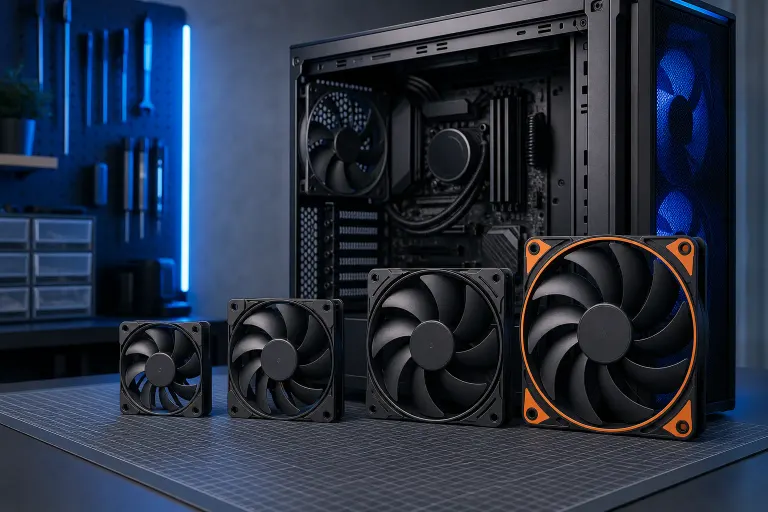
How to Pick the Right PC Case Fan Size for Your Build
TL;DR: Check your case manual for mounting point dimensions before buying any fan. 120mm is the most common size and works for most builds. 140mm moves more air at lower RPM and is quieter. 80mm fans are mostly legacy hardware at this point.
What you need
- Your case manual or the manufacturer's spec page
- A ruler or tape measure (for unlabeled cases)
- Your target: airflow, noise level, or both
- Knowledge of your case's fan headers or a PWM hub if you're adding multiple fans
1. Measure your mounting points first
Don't guess. Pull up your case's spec sheet or open the side panel and look at the screw hole pattern.
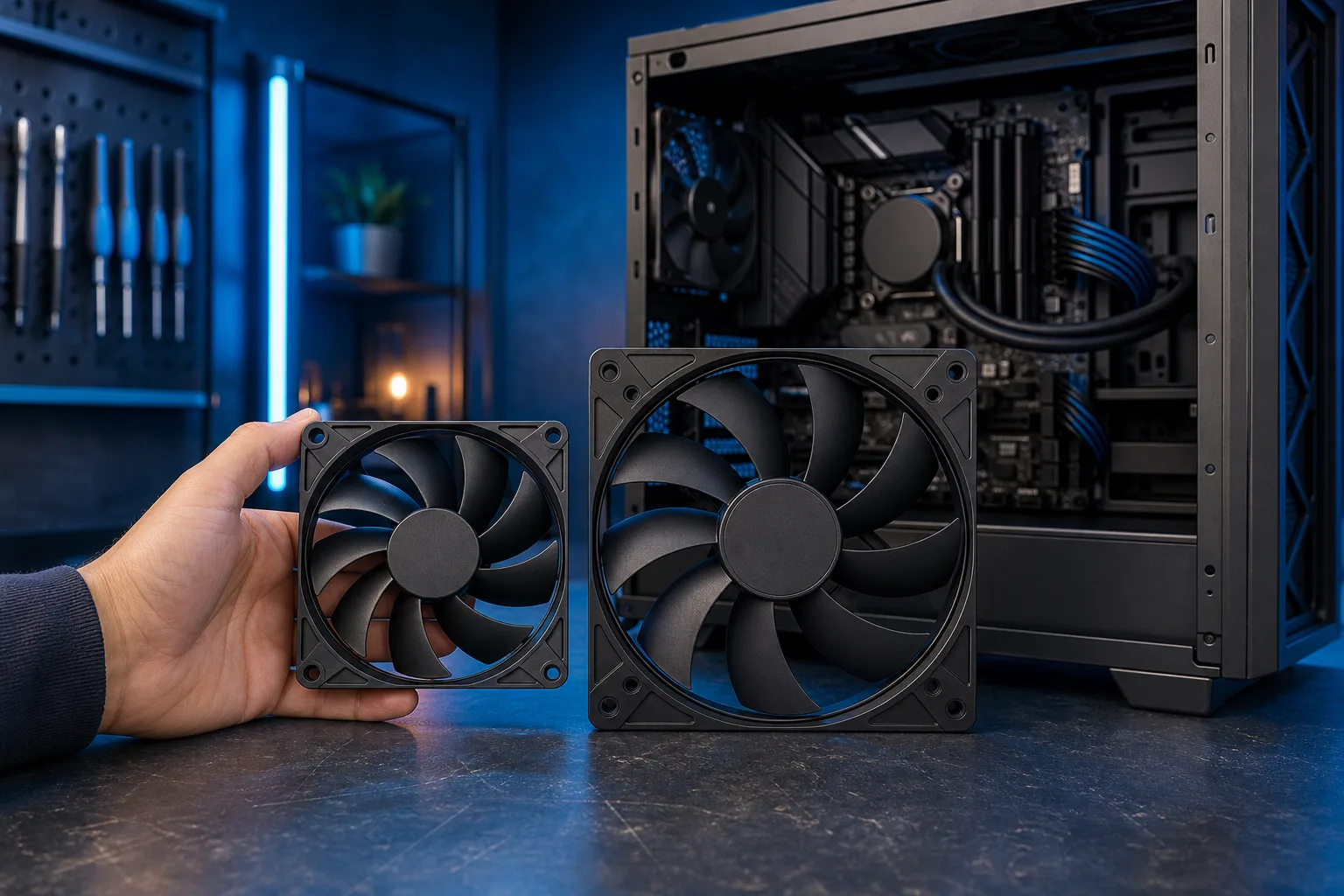
Fan sizes refer to the distance between mounting holes, not the blade diameter. A 120mm fan has mounting holes 105mm apart. A 140mm fan has holes approximately 125mm apart. They are not interchangeable on most mounts.
Some cases have hybrid mounts that accept both 120mm and 140mm fans on the same bracket. If yours does, that's a decision point, not a default.
2. Understand what each size actually does
Here's a practical comparison of the three sizes you'll actually encounter:
| Size | Best for | Noise trade-off | Availability |
|---|---|---|---|
| 80mm | Legacy cases, tight spots | Loud at equivalent airflow | Limited, expensive per unit |
| 120mm | Everything. Universally supported | Moderate at mid RPM | Widest selection, lowest cost |
| 140mm | Front intake, large radiators | Quieter at same airflow | Most mid-tower and full-tower cases |
The physics: A larger fan moves the same volume of air at fewer RPM. Fewer RPM means less noise. This is why 140mm fans are popular in quiet builds even though they cost a bit more.
3. Map your case positions
Fan placement matters as much as size. Walk through each position:
Front (intake): Usually the highest-priority position. Use the largest size your case supports, typically 120mm or 140mm. This is where you feed cool air into the system.
Rear (exhaust): Almost always 120mm. One fan here is standard. It expels hot air near the CPU area.
Top (exhaust): Many mid-towers support 120mm or 140mm here. Good for heat rising naturally out of the case. Skip this if you're installing a top-mounted radiator instead.
Bottom (intake): Less common, but some cases support it for GPU cooling. Usually 120mm.
Side panel: Mostly found on older designs. 120mm is typical. Less important in modern layouts.
Ready to build a rig that actually rips? Start your build
4. Match fan size to your radiator if you're liquid cooling
AIO and custom loop radiators are measured by the fans they use. A 240mm radiator uses two 120mm fans. A 280mm radiator uses two 140mm fans. A 360mm radiator uses three 120mm fans.
If you're planning a liquid-cooled build, pick your radiator first, then confirm your case has the physical space and the correct mounting points for that radiator's fan size.
5. Decide based on your build goal
Use this decision logic:
- Quiet home or office PC: Prioritize 140mm intake fans running at low RPM. Pair with a 120mm rear exhaust.
- Gaming PC with air cooling: Two or three 120mm intakes at the front, one 120mm exhaust at the rear, one at the top if available.
- High-airflow workstation or rendering rig: Max out front intake positions with the largest supported size. Add top exhaust. Positive pressure (more intake than exhaust) reduces dust accumulation.
- Budget build: Stick to 120mm throughout. Replacement fans are cheap and universally available.
If you want to see how these decisions play out in real custom builds, the custom gaming PC builder walks through component selection including cooling.
Common mistakes
Buying fans before checking the case. Happens constantly. A 140mm fan on a case with only 120mm mounts is a return trip you didn't need.
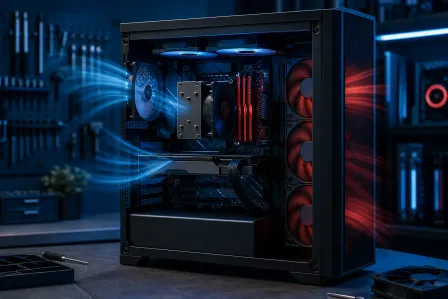
Assuming more fans always means cooler. Airflow direction matters. An unbalanced setup, say five intakes and one exhaust, creates pressure issues and turbulence that actually hurt thermal performance.
Ignoring RPM range on the spec sheet. A fan rated at 2000 RPM max will be noticeably louder than one rated at 1200 RPM max, even at the same size.
Mixing fan brands expecting uniform noise profiles. Different manufacturers tune their bearings and blade curves differently. A matched set will usually perform more consistently.
Forgetting header count. Your motherboard has a limited number of fan headers. If you're running five fans, you likely need a PWM splitter or fan hub, not five individual headers.
Bottom line
120mm is the right default if you're unsure. 140mm is worth the slight premium if quiet operation matters to you and your case supports it. Always check your mounting points before ordering anything.
If your PC is running hot regardless of fan configuration, that's usually a sign of a deeper thermal issue, dusty heatsinks, dried thermal paste, or a failing component. The team at Fix My PC Store can diagnose cooling problems and get your machine stable. Stop by the shop at 10140 Okeechobee Blvd, Suite B, West Palm Beach, or call 561-819-9999 during shop hours, Monday through Friday 9 a.m. to 6 p.m. and Saturday 9 a.m. to 5 p.m.
Ready to build a rig that actually rips?
Custom gaming PCs built and tuned by people who game. Tell us your budget and target frame rate.