Phone Face ID or Facial Recognition Stopped Working: Common Causes
TL;DR: Facial recognition usually stops working because of a dirty or blocked sensor, a software bug, a botched OS update, or physical damage to the front camera or depth sensor. Start with the simplest checks first. If the hardware is damaged, a repair shop can confirm it quickly.
What Happened
One day Face ID or face unlock works perfectly. The next, your phone either refuses to recognize you or never starts the scan at all. No warning, no obvious cause.
This happens more often than you might expect, and the reasons span a wide range from a smudge on the wrong lens to a corrupted system file.
Here is what is actually going on under the hood.
Your phone uses more than just a camera
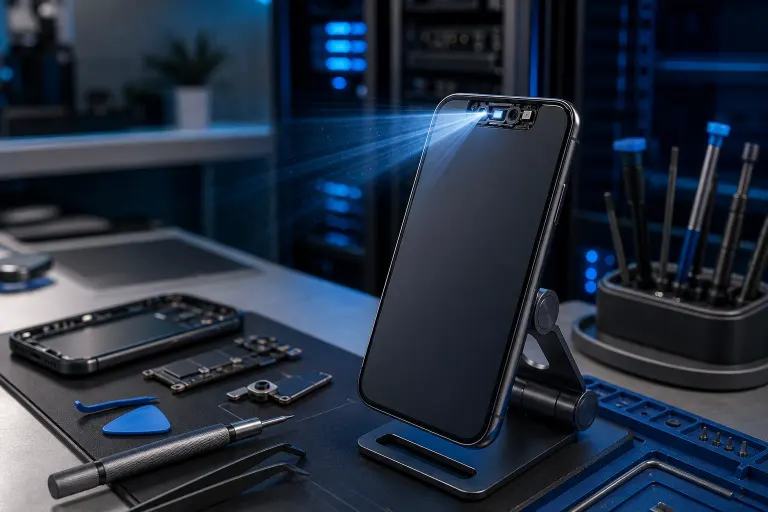
Apple Face ID relies on a structured-light projector, an infrared camera, and a flood illuminator, all packed into the front sensor cluster. Android facial recognition varies by phone: some use a simple 2D front camera, others use a more capable infrared depth system.
Any one of those components failing, or even being partially blocked, can break the whole feature.
Why It Matters
Face unlock is not just convenient. For many people it is the primary barrier between their personal data and anyone who picks up their phone. When it stops working, you are either locked into a slower PIN workflow or, in some cases, locked out entirely after too many failed attempts.
Understanding the cause helps you fix it faster and avoid unnecessary worry.
The most common causes, in order of likelihood
| Cause | What to check |
|---|---|
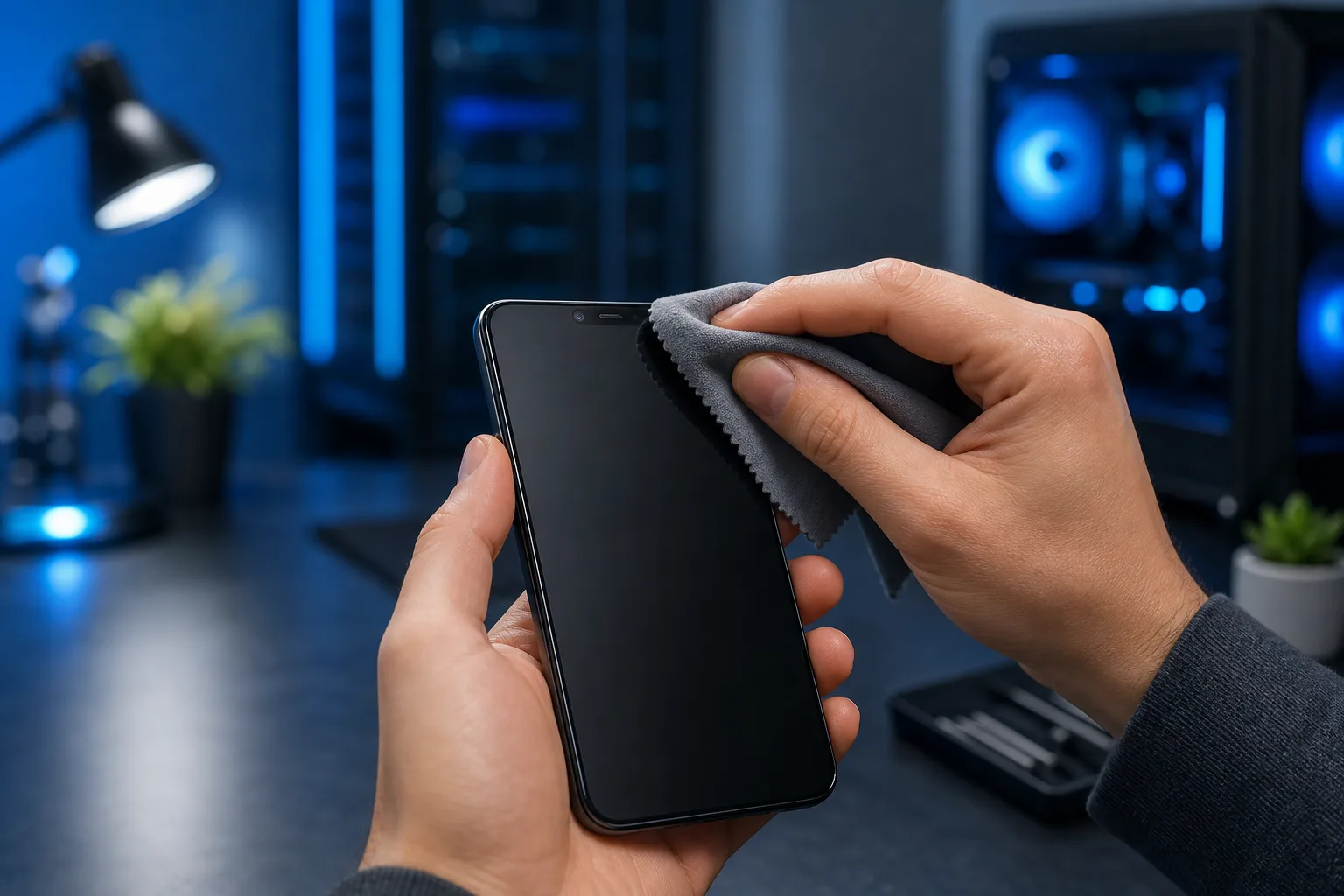
| Dirty or smudged sensor area | Clean the top of the phone with a soft, dry cloth |
| Screen protector blocking sensors | Remove protector temporarily and test |
| Software bug or corrupted Face ID data | Re-enroll your face in settings |
| Failed OS update | Check for a follow-up patch, or restore |
| Lighting conditions | Extremely bright backlight or total darkness can fool sensors |
| Accessory interference | Some cases cover the sensor cluster slightly |
| Physical drop damage | Cracked glass over the sensor or dislodged flex cable |
| Water or moisture ingress | Even water-resistant phones can have sensor damage from moisture |
Dirty sensor area is the single most common cause. The infrared projector and receiver sit right at the top of the phone where your hand naturally rests.
Screen protectors are the second most overlooked culprit. A protector that sits even slightly too high can block the infrared beam. This is especially common after replacing a cracked screen protector.
Re-enrolling your face fixes a surprising number of cases where the stored facial data becomes mismatched after a software update or restore.
OS update failures can corrupt the secure enclave data that stores Face ID enrollment. If recognition broke right after an update, that is a strong signal.
Drop damage is worth noting separately. A fall does not need to crack the display to break facial recognition. The sensor cluster is delicate, and a sharp impact can dislodge a cable or crack an internal component with no visible sign on the outside of the phone.
Cracked screen or a phone that won't hold a charge? Get a repair quote
What We Don't Know Yet
If your phone broke its facial recognition after a third-party screen repair, the cause is almost certainly the repair itself. Apple and some Android manufacturers tie the front sensor assembly to the original device at the hardware or software level. A screen swap using non-OEM parts, or done without the right calibration tools, can permanently disable Face ID or reduce face unlock accuracy.
Unless the repair shop doing the work has the licensed tools and genuine parts for your specific model, re-enabling full Face ID functionality after a screen replacement may not be possible without returning to an authorized service provider.
This is worth knowing before you approve any screen repair.
What to Do About It
Work through these steps in order. Stop as soon as the issue is resolved.
- Clean the sensor area. Use a dry microfiber cloth on the top edge of your phone. No sprays.
- Remove your screen protector and test face unlock without it.
- Check your lighting. Try in a normally lit indoor space, away from direct sun or complete darkness.
- Re-enroll your face. On iPhone: Settings, Face ID and Passcode, Reset Face ID, then set it up again. On Android: Settings, Biometrics, Face Recognition, then remove and re-add.
- Restart your phone. A full power cycle clears many transient software bugs.
- Check for a pending OS update. Install it. If the problem started after a recent update, search your phone model and the update version to see if others are reporting the same issue. Apple and Android manufacturers often push hotfixes quickly.
- Check if a case is covering the sensors. Try without the case.
- Back up your phone, then reset it. This is a last resort for software causes. Only do this if you have a confirmed backup.
If none of those steps resolve it, the problem is very likely hardware. A broken infrared projector, a damaged depth sensor, or a dislodged cable after a drop are not user-serviceable. They need hands-on diagnosis.
If you are in West Palm Beach or the surrounding area and want a technician to take a look, the team at Fix My PC Store handles mobile device repairs and can assess what is actually going on. You can reach them at 561-819-9999 or stop by 10140 Okeechobee Blvd, Suite B, West Palm Beach, FL 33411. Initial checks for standard in-store repairs are free. You can also schedule a visit or ask a question before bringing your phone in.
For issues that might not require a physical visit, remote support may help you work through software-side troubleshooting.
Cracked screen or a phone that won't hold a charge?
Bring it in. Most phone and tablet repairs are same-day, with parts that actually last.