Why Does My Phone Take So Long to Charge From a Wall Adapter?
TL;DR: Slow charging almost always traces back to one of four culprits: a low-wattage adapter, a damaged or wrong cable, a dirty or damaged charging port, or a battery that's holding less charge than it used to. Test them in that order and you'll usually find the answer in under 15 minutes.
What happened
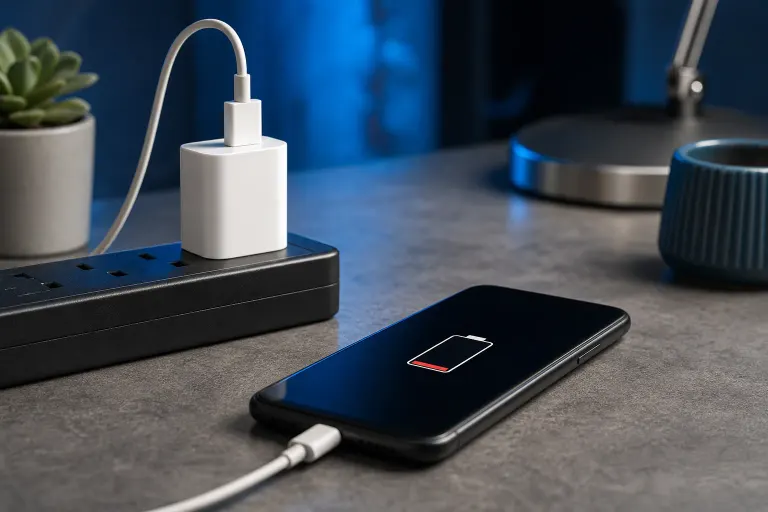
You plug your phone into the wall, walk away, and come back to find it's barely moved. This is one of the most common tech complaints we hear, and it's rarely one single cause. Modern phones use smart charging that slows down on purpose at certain battery levels, but that's not the same as a phone that crawls from 20% to 50% over an hour.
A few things usually explain the gap between "should be fast" and "is actually slow":
- The wall adapter doesn't supply enough power for your phone's fast-charging standard
- The cable is worn, cheap, or not rated for fast charging
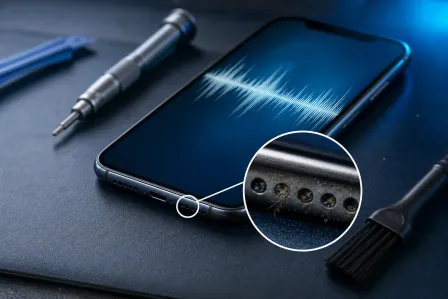
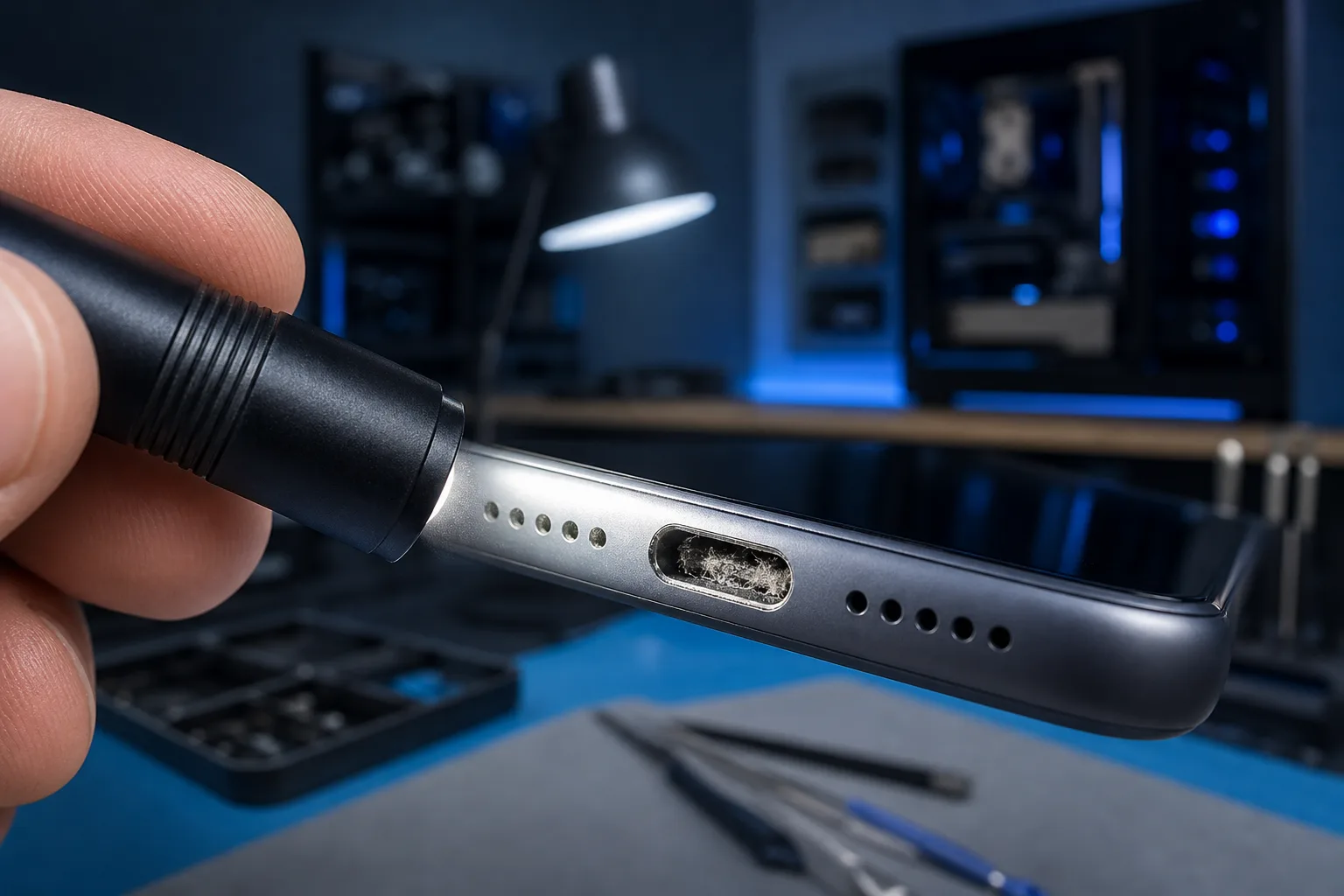
- The charging port has lint, dust, or corrosion blocking a solid connection
- The battery itself has aged and can't accept a full charging rate anymore
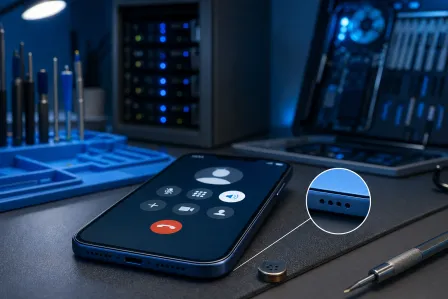
- The phone is working hard in the background while charging, which eats into charging speed
Why it matters
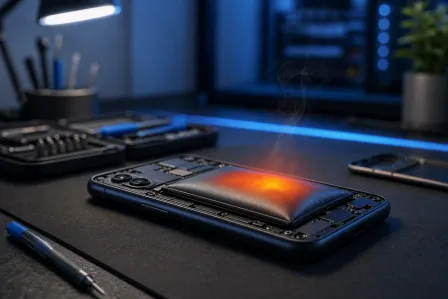
Slow charging isn't just annoying, it's often a early warning sign. A cable or adapter issue is a simple fix. A battery that can't accept fast charge anymore usually means it's aging out, and that same battery will likely show other symptoms soon, like dying faster than it should or swelling slightly. Catching the real cause early means you're not caught off guard later with a phone that won't hold a charge at all.
A dirty or damaged charging port is worth catching early too. If debris is causing a loose connection, that same looseness can eventually damage the port's internal pins, turning a five-minute cleaning job into a full port repair.
Cracked screen or a phone that won't hold a charge? Get a repair quote
What we don't know yet
Without seeing your specific phone, cable, and adapter, we can't tell you which of these is your issue. Every phone brand has its own fast-charging standard (USB Power Delivery, Qualcomm Quick Charge, proprietary fast-charge protocols), and mismatched gear between phone, cable, and adapter is extremely common. We also can't diagnose battery health remotely. A phone can look fine on the outside and still have a battery that's lost real charging capacity.
If you've already tried a different cable and adapter and nothing changes, that points toward the phone itself, either the port or the battery, and that's worth an in-person look.
What to do about it
Work through this in order. Each step rules something out.
- Swap the cable first. Try a cable you know works well with another device. Frayed or bent cables are the single most common cause of slow charging.
- Swap the adapter. Use a different wall adapter, ideally one rated for your phone's fast-charging wattage. A phone that supports 25W fast charging will crawl on an old 5W adapter, even with the right cable.
- Try a different outlet. Rarely, a wall outlet itself can underperform, especially on old wiring or a shared power strip.
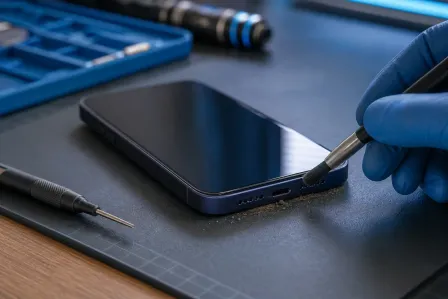
- Inspect the charging port. Use a flashlight to look inside the port for lint, dust, or corrosion. Don't poke at it with metal objects. A soft, dry brush or a can of compressed air works better and won't damage the pins.
- Check what's running in the background. Close power-hungry apps, pause downloads, and turn off the screen while charging. Active use competes with charging speed.
- Check your phone's battery health setting, if your phone has one (iPhone: Settings > Battery > Battery Health; many Android phones have a similar menu). A battery that's dropped well below its original capacity will charge slower and unevenly.
- Try wireless charging, if available, as a comparison. If wireless charges at a normal relative speed but wired charging is still slow, that narrows it down to the cable, adapter, or port rather than the battery.
If you've gone through all of that and the phone still charges slowly, the port connector or battery likely needs a professional look. That's not a DIY repair, since opening a phone to replace a battery or port risks damaging other components if you're not set up for it.
Fix My PC Store handles phone and tablet repair, including charging port and battery issues, from the shop on Okeechobee Boulevard in West Palm Beach. Initial checks are free for most standard in-store repairs, and any diagnostic or repair cost is explained before work begins. If you're in West Palm Beach, Royal Palm Beach, or Wellington and want a second opinion, you can schedule a repair or contact the shop to ask questions first.
If the slow charging is on a work phone tied into your business's email or files, and you're more worried about device management across a team than a single phone, that's a conversation for managed IT rather than a walk-in repair.
Cracked screen or a phone that won't hold a charge?
Bring it in. Most phone and tablet repairs are same-day, with parts that actually last.