Mac vs Windows for Architects and Designers in South Florida
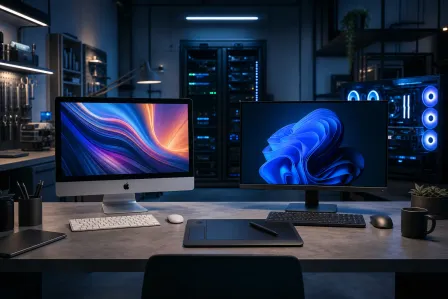
TL;DR: Windows wins on raw hardware choice, software compatibility with industry tools like Revit and AutoCAD, and local repairability. Mac wins on display calibration, build quality, and a stable Unix-based environment for creative workflows. Neither platform is universally better. Your dominant software stack is the deciding factor.
At a Glance
| Factor | Mac | Windows |
|---|---|---|
| Revit, AutoCAD (full) | No native support | Full support |
| Adobe Creative Cloud | Full support | Full support |
| Rhino 3D | Yes (Apple Silicon native) | Yes |
| SketchUp | Yes | Yes |
| Lumion | No | Yes |
| V-Ray (full) | Limited | Full |
| Display color accuracy | Excellent out of box | Varies by hardware |
| Hardware upgrade path | Very limited | Wide range |
| Repair turnaround locally | Slower (fewer parts) | Generally faster |
| Entry cost | Higher | Wide range |
| Virus exposure surface | Lower | Higher |
Software: Where Windows Still Holds the Lead
For architecture and engineering-heavy workflows, Windows is not optional. Autodesk Revit has no native Mac version and runs poorly in virtualization for production work. Lumion, a popular real-time rendering tool used widely by South Florida architects presenting to developers and clients, is Windows-only. V-Ray for SketchUp and Rhino has more complete rendering features on Windows.
If your office runs BIM coordination, energy modeling tools like EnergyPlus front-ends, or civil packages like Civil 3D, you are on Windows. Period.
Adobe Creative Cloud runs well on both platforms. Rhino 3D added a solid Apple Silicon build. SketchUp works on both. If your workflow centers on these tools with occasional rendering, Mac becomes viable.
Hardware: Windows Offers More Range, Mac Offers More Consistency
The M-series Apple Silicon chips (M3 Pro, M3 Max, M4 Max, and similar, spanning current and recent generations) deliver impressive performance-per-watt and handle large Rhino or ArchiCAD models without fan noise. The unified memory architecture means a 36 GB Mac Studio can handle tasks that would require significantly more RAM on a conventional Windows workstation, according to some benchmarks, at least for memory-bandwidth-limited work.
Windows workstations, by contrast, let you configure a discrete GPU for GPU-accelerated rendering in V-Ray, Enscape, or Chaos Corona. A mid-range tower with an RTX 4070 or better will render faster than any current Mac laptop for those workflows. You also have upgrade paths: add RAM, swap GPUs, expand storage without replacing the whole machine.
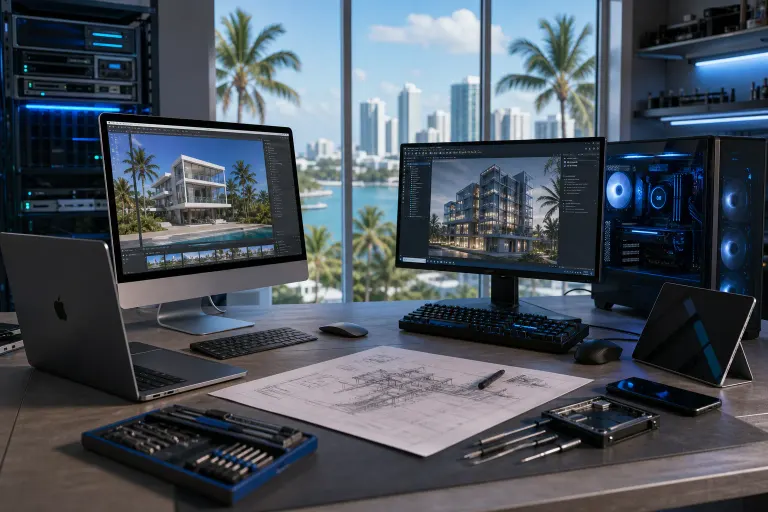
For a South Florida architecture firm presenting photorealistic renderings to real estate developers, that GPU rendering speed often matters more than silence and portability.
Display and Color Accuracy
Mac displays, particularly the Liquid Retina XDR panels on MacBook Pros and Pro Display XDR externals, are factory calibrated and cover P3 wide color gamut well. For interior designers working in color-critical material selection, that out-of-box accuracy is meaningful.
Windows laptops vary considerably. Budget to mid-range panels often have poor factory calibration. A high-end Windows workstation paired with a calibrated IPS or OLED display (Dell UltraSharp, ASUS ProArt) matches or exceeds Mac quality, but at added cost and configuration effort. If you are buying a Windows machine for design work, budget for a quality external display or hardware colorimeter calibration.
Computer acting up? Get a real diagnosis. Book a diagnostic
Cost and Total Value Over Time
A MacBook Pro 14-inch M3 Pro starts at around $1,999. A comparable Windows laptop in terms of build quality and display (Dell XPS 15, ASUS ProArt Studiobook) lands in a similar range. At the workstation level, a capable Windows tower for rendering can be assembled for less than an equivalent Mac Pro.
The real cost difference shows up over the ownership cycle. Mac hardware holds resale value longer. Windows hardware depreciates faster but can be upgraded incrementally. A Windows tower that is four years old can get a GPU upgrade for another two to three years of production use. A four-year-old MacBook Pro gets replaced.
Local Repairability in South Florida
This point matters more than most buyers consider before something breaks.
Windows laptops and desktops use widely available parts. A failed SSD, dead display, or bad power jack on a Dell or Lenovo can often be sourced and repaired within one to two business days locally. Most repairs are straightforward.
Mac repairs are more involved. Apple uses proprietary SSDs, T2 and Apple Silicon security chips, and soldered components that limit third-party repair options. Parts availability through independent shops depends on the model and current supply. Mac repair is available locally, but turnaround can take longer depending on part sourcing, and some repairs require specific tooling and software authorization.
For a one-person design studio where a three-day laptop outage kills a deadline, that difference is real. For a firm with a managed IT setup and loaner machines, it matters less.
Security and IT Management
Macs have a smaller malware target surface and macOS includes solid built-in security defaults. For small design studios without dedicated IT staff, that is a practical advantage.
Windows environments need active endpoint protection, patching discipline, and more deliberate security configuration, especially in firms handling client contracts, plans, and financial data. If your firm is on Microsoft 365, Windows integrates more tightly with Intune device management and the full Microsoft stack. Business IT and cybersecurity support is easier to standardize across a Windows fleet.
For firms already invested in managed IT, Windows usually reduces per-device management complexity at scale.
Mixed Environments: A Practical Note
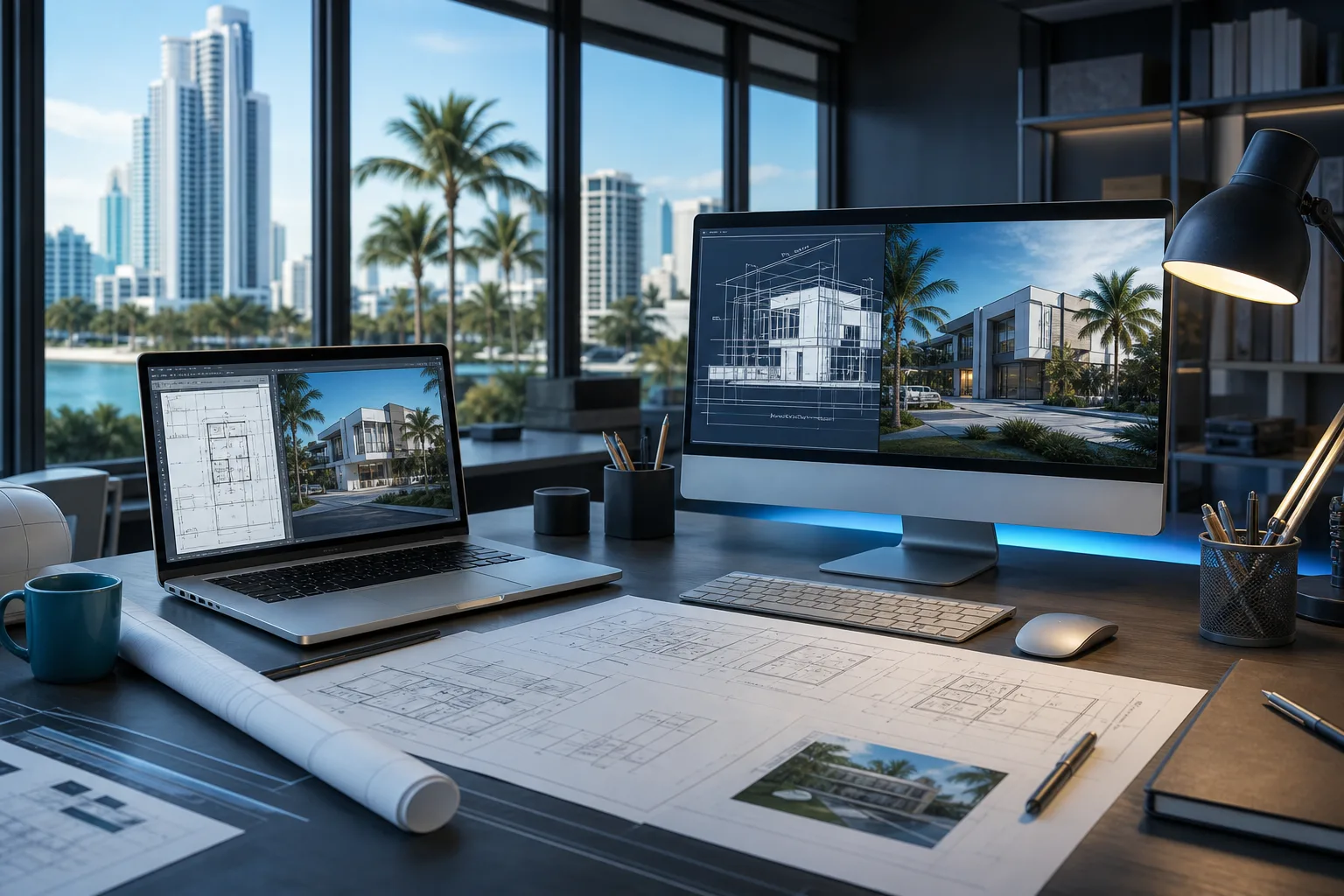
Many South Florida design firms run both. Principals and interior designers prefer Mac for presentations and creative work. Project managers and architects running Revit or Lumion are on Windows workstations. File sharing across platforms works well with cloud storage (OneDrive, Dropbox) or a properly configured NAS. The friction is manageable with the right setup.
If you run mixed hardware and need file servers or cross-platform workflows locked down, business networking and backup and disaster recovery planning should happen before problems surface, not after.
Verdict
If you run Revit, Lumion, or V-Ray at full capacity, you are on Windows. No workaround changes that.
If your work centers on Adobe CC, Rhino, SketchUp, and client presentations, Mac is a capable, low-maintenance choice with excellent displays.
For most South Florida architecture and design firms, the honest answer is: Windows workstations for production and rendering, Mac laptops as an acceptable option for design-side roles that do not touch Windows-only software.
When hardware fails, the repair path matters. If you are in Palm Beach County and need a machine assessed, Fix My PC Store at 10140 Okeechobee Blvd in West Palm Beach handles both platforms. Initial diagnostic checks for most in-store repairs are free. Call 561-819-9999 or schedule a repair.
Computer acting up? Get a real diagnosis.
Fix My PC Store has repaired thousands of machines across West Palm Beach. Honest pricing, no upsell games, and a free diagnostic for new customers with our email coupon.