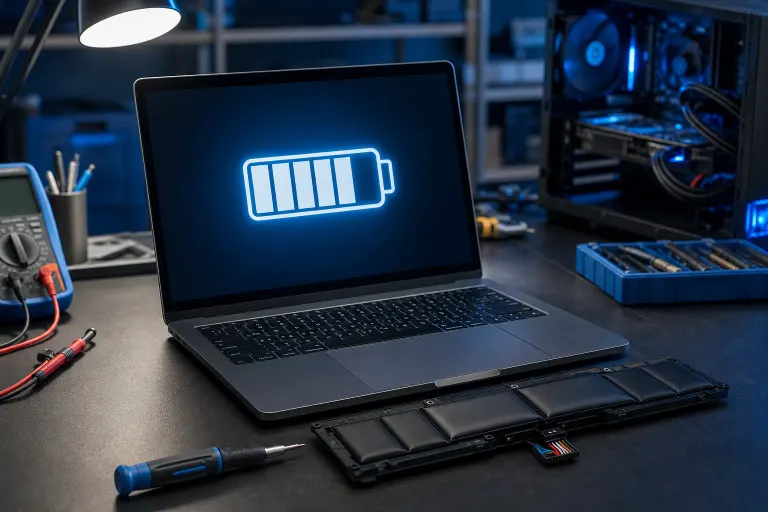
Why Does My Laptop Battery Show 100% but Die After 20 Minutes?
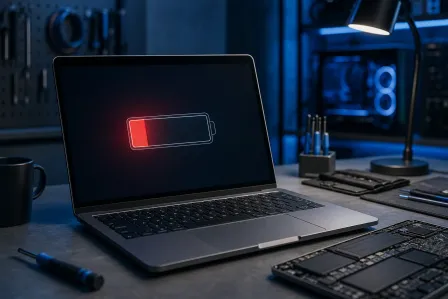
TL;DR: A battery that reads 100% but dies fast has lost significant physical capacity over time. The operating system still reports a full charge relative to what the battery can hold now, not what it held when new. The fix is usually a battery replacement, not a software trick.
What Happened
Laptop batteries use a built-in controller chip to estimate charge level. Early in a battery's life, that estimate is reasonably accurate. After hundreds of charge cycles, the battery's actual energy storage shrinks, but the controller can lag behind in updating its model.
The result: your OS sees "100%" because the battery says it's full. But full now might equal 25% of the original capacity. Run anything demanding and the voltage drops faster than the controller expected. The laptop interprets that as a sudden, catastrophic drop and shuts down to protect itself.
This is not a bug. It's a worn-out battery behaving exactly as physics says it should.
Why It Matters
This problem is common and gets worse in South Florida's heat. High ambient temperatures accelerate lithium-ion degradation. If your laptop lives on a desk near a window, sits in a hot car, or runs warm most of the day, expect capacity to drop faster than the manufacturer's rated cycle count suggests.
The misleading percentage is the frustrating part. Most users assume software is broken or Windows needs reinstalling. It rarely is. The battery is the culprit almost every time.
Computer acting up? Get a real diagnosis. Book a diagnostic
What We Don't Know Yet
You don't know how much capacity your battery has actually lost until you measure it. Windows and macOS both have built-in tools for this, and they give you a real number to work with before you spend anything.
On Windows: Open Command Prompt as Administrator and run powercfg /batteryreport. Windows generates an HTML report and prints the exact file path in the command output, check that path carefully, as it varies depending on how you opened the prompt. Look for "Design Capacity" versus "Full Charge Capacity." If your full charge capacity is less than 60-70% of the design capacity, the battery needs replacing.
On macOS: Hold Option and click the battery icon in the menu bar, or go to System Information > Power. Look at "Cycle Count" and "Condition." If it says "Replace Soon" or "Replace Now," that's your answer.
Battery capacity quick-reference:
| Full Charge vs. Design Capacity | What It Means |
|---|---|
| 85-100% | Battery is healthy |
| 70-84% | Noticeable wear, monitor it |
| 50-69% | Runtime is significantly reduced |
| Below 50% | Replace soon, shutdowns likely |
What to Do About It
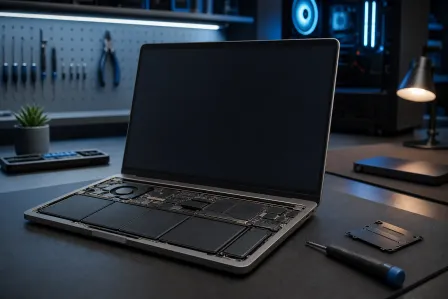
If the report shows heavy wear: The battery needs to be replaced. There is no software fix for a cell that has lost physical capacity. Recalibration tricks you may have read about work only for minor reporting drift in otherwise healthy batteries. They will not restore lost capacity.
If the report looks surprisingly healthy: Check your power settings first. Windows balanced or power-saver plans throttle performance but also limit max charge on some laptops to 80% by design, especially on Dell, Lenovo, and HP machines with battery health management enabled. Disable that setting in your manufacturer's power utility and run the battery report again.
If you're unsure what the report means: Bring the laptop in. Fix My PC Store offers free initial checks for most standard in-store repairs. The technician can run a hardware-level battery diagnostic, confirm whether the cells are the issue, and quote a replacement before any work starts. The shop is at 10140 Okeechobee Blvd, Suite B, West Palm Beach, and open Monday through Friday 9 a.m. to 6 p.m. and Saturday 9 a.m. to 5 p.m.
If you need a quick remote walk-through on running the battery report yourself, remote support is also an option.
One thing worth knowing: laptop battery replacements are usually straightforward repairs. Don't let a dying battery push you into replacing a machine that's otherwise running fine.
Computer acting up? Get a real diagnosis.
Fix My PC Store has repaired thousands of machines across West Palm Beach. Honest pricing, no upsell games, and a free diagnostic for new customers with our email coupon.