Why Does My Mac Show a Flashing Question Mark Folder at Startup?
TL;DR: A flashing question mark folder means your Mac can't find a valid startup disk, usually because of a boot setting mix-up, a failing drive, or a loose internal connection. Some causes are simple to check yourself. Others point to a drive that needs professional diagnosis before you lose data trying to fix it.
What Happened
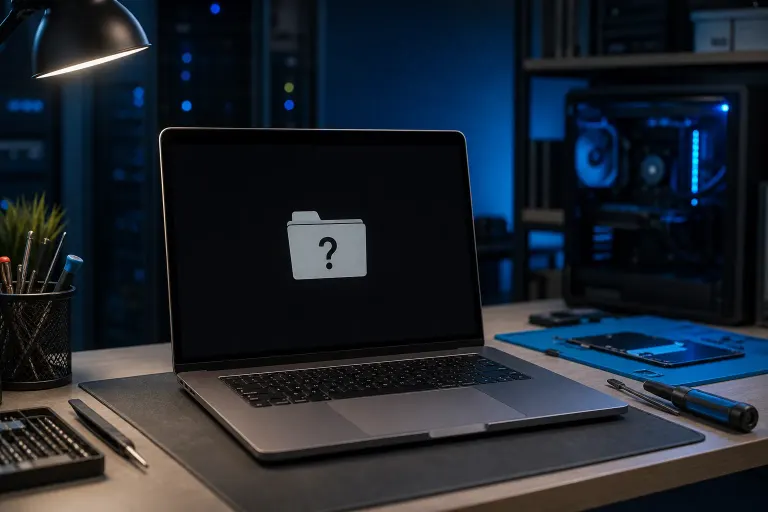
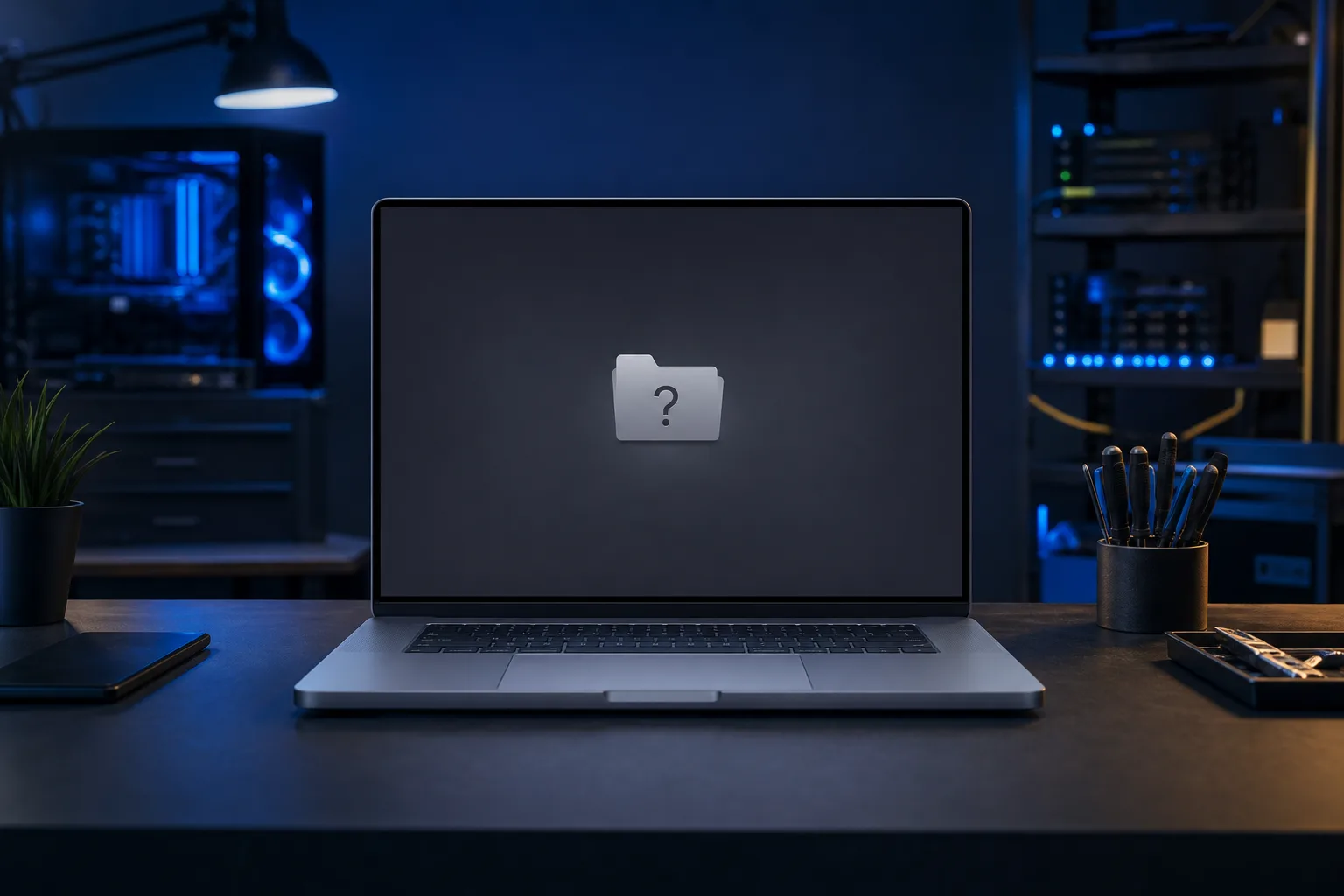
You turned on your Mac expecting the usual chime and login screen. Instead you got a gray screen with a folder icon that has a question mark blinking inside it. No login screen. No desktop. Just that folder, flashing away like it's waiting for you to do something.
Here's what that icon actually means: your Mac's firmware looked for a startup disk (the drive with macOS installed) and couldn't find one it recognizes as bootable. It's not a virus message. It's not a warning that your files are gone. It's simply your Mac saying "I don't see anything I can start up from."
That distinction matters a lot for how worried you should be. Let's walk through why.
Why It Matters
Think of your Mac's startup process like a GPS trying to find a destination. If the address is wrong, outdated, or the road is washed out, the GPS doesn't crash, it just can't route you anywhere. The flashing folder is your Mac's version of "route not found."
A few common reasons this happens:
- Startup disk setting got confused. Sometimes macOS loses track of which drive it's supposed to boot from, especially after a software update, a power interruption, or connecting an external drive.
- The drive's directory structure is damaged. The actual files might still be sitting there, but macOS can't read the map that tells it where things are.
- The internal drive is failing. Older Macs with traditional hard drives, and even some SSDs, can develop physical problems over time that make them unreadable.
- A loose or failing connection. On some Mac models, the cable or connector between the logic board and the drive can work loose, especially after being moved or dropped.
- An external drive is confusing the boot process. If you have something plugged in that your Mac is trying (and failing) to boot from instead of the internal drive.
Notice something? Most of these are about the Mac not finding the drive, not necessarily destroying what's on it. That's the encouraging part. But a few of these, especially the failing drive scenario, do put your data at real risk if you keep restarting or running repair tools blindly. Knowing which situation you're in changes what you should do next.
Computer acting up? Get a real diagnosis. Book a diagnostic
What We Don't Know Yet
Without looking at your specific Mac, there are things we genuinely can't tell you from here:
- Whether this is your first time seeing the flashing folder, or it's happened before and gone away on its own (that pattern matters).
- Whether you have an external drive, dock, or USB device connected right now that might be interfering.
- How old your Mac is and whether it has a traditional spinning hard drive or an SSD, since failure patterns differ.
- Whether you have a recent backup. This is the single biggest factor in how calm you can afford to be.
- Whether any unusual clicking, grinding, or repeated restart attempts have already happened, which can be a sign of mechanical drive failure.
If you're not sure about your backup situation, that's worth sorting out as its own project, flashing folder or not. Backups and disaster recovery is a good primer on why this matters even outside emergencies.
What to Do About It
Here's a step-by-step way to work through this calmly. Take it one step at a time, and stop if anything feels uncertain.
Step 1: Disconnect everything external. Unplug any USB drives, SD cards, docks, or external hard drives. Then restart. If the flashing folder disappears and your Mac boots normally, one of those external devices was the culprit. Good news, you're done.
Step 2: Try resetting the startup disk selection. On Apple Silicon Macs, hold the power button until you see startup options, then choose your internal drive as the startup disk. On Intel Macs, hold Option at startup to see available disks and select the right one. If your Mac boots after this, the setting had simply gotten confused.
Step 3: Check Disk Utility from Recovery Mode. Boot into macOS Recovery (hold Command+R on Intel, or hold the power button on Apple Silicon until you see Options). Open Disk Utility and run First Aid on your internal drive. If it reports errors it can fix, let it try. If it reports errors it can't fix, that's your signal to stop DIY attempts and get a second opinion before you lose anything further.
Step 4: Listen and observe. Is there any unusual sound from the Mac? Clicking, repeated spin-up and spin-down? That's often a mechanical hard drive in real trouble, and continued restart attempts can make data recovery harder, not easier.
Step 5: Decide: DIY or professional help.
| Situation | What it suggests | Reasonable next step |
|---|---|---|
| Folder disappeared after unplugging external devices | Boot order confusion | No further action needed, maybe label your cables |
| Startup disk reselect fixed it | Settings got reset somehow | Keep an eye out for repeat occurrences |
| First Aid fixed errors | Minor directory corruption | Back up immediately, monitor for recurrence |
| First Aid can't repair, or drive doesn't show up at all | Possible drive failure | Stop restarting repeatedly, seek data recovery help |
| Clicking or grinding sounds | Likely mechanical failure | Power off and get professional diagnosis before more attempts |
If you're in that last category, or you're just not confident navigating Recovery Mode and Disk Utility without a guide standing next to you, that's exactly when bringing it in makes sense. A shop can run deeper diagnostics on the actual drive health, check internal connections, and attempt recovery with the right tools before anything is overwritten.
If you're in South Florida and want someone to look at this in person, Mac repair covers exactly this kind of startup and drive diagnosis. Fix My PC Store's shop on Okeechobee Boulevard in West Palm Beach offers a free initial check for most standard repairs, with any advanced diagnostic or data recovery fees explained upfront before work starts. You can also schedule a repair or contact the shop directly if you want to talk through what you're seeing first.
One encouraging note to end on: a flashing question mark folder, on its own, does not mean your files are gone. It means your Mac can't find the way in right now. Take it step by step, don't panic-restart a dozen times, and you'll land on the right answer.
Computer acting up? Get a real diagnosis.
Fix My PC Store has repaired thousands of machines across West Palm Beach. Honest pricing, no upsell games, and a free diagnostic for new customers with our email coupon.