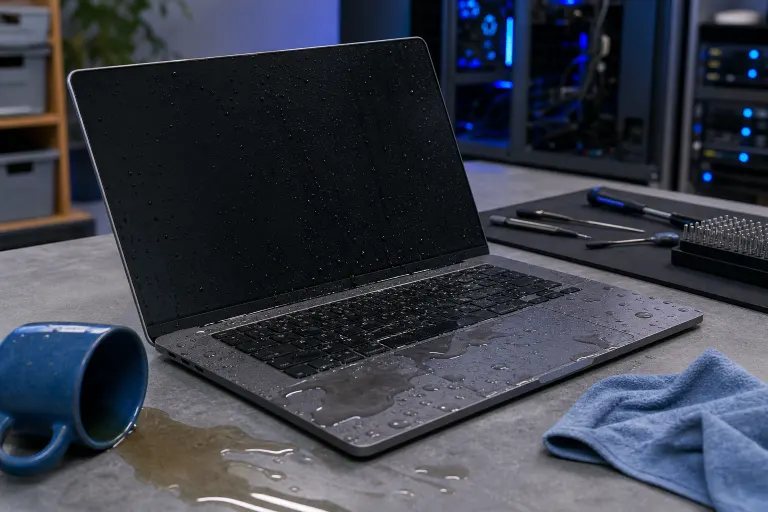
Laptop Spilled On? What to Do Right Away and What Not to Do
TL;DR: If you spilled on your laptop, shut it down right away, unplug everything, and turn it upside down in a tent shape so the liquid drains away from the electronics. Do not turn it back on to "test" it. Then get it to a repair shop soon, because sugary drinks and salty liquids keep causing damage after the surface dries.
Don't panic. You can still help your laptop a lot in the next few minutes, and these steps are simple. Let's walk through them together.
What you need
You probably have everything within reach already.
- A dry, lint-free cloth or paper towels
- A flat, clear surface to work on
- A screwdriver set, only if you are comfortable opening panels (optional)
- A phone or another device to look up your files and accounts later
- About 10 minutes of calm attention
What the liquid was matters. Plain water is the most forgiving. Coffee, soda, juice, tea with sugar, alcohol, and anything salty or sticky are harder, because they leave residue that corrodes metal over time.
Step 1: Shut it down and cut the power
Speed matters more than saving your open work. Liquid is most dangerous to a laptop when electricity is flowing through it, because that is what causes shorts.
- Hold the power button until the laptop turns off completely. Don't wait for a polite shutdown if liquid is actively dripping inside.
- Unplug the charger from the wall and from the laptop.
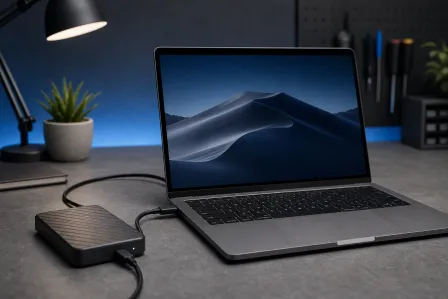
- Unplug everything else: USB drives, mice, external monitors, dongles, headphones.
Did you feel a pull to quickly save that document first? Resist it. Your files are almost always recoverable. A fried motherboard is the real risk.
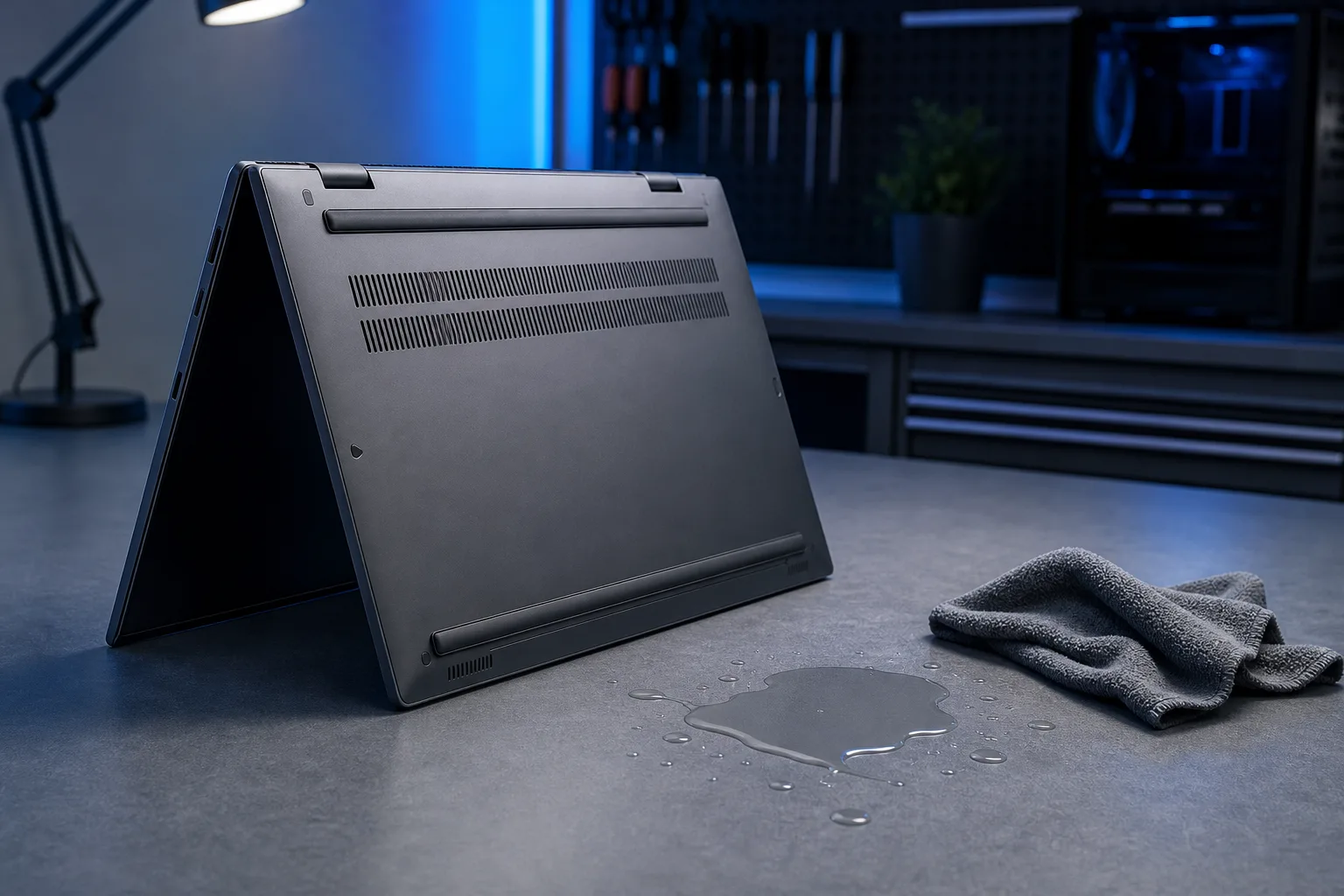
Step 2: Remove the battery if you can, and flip it into a tent
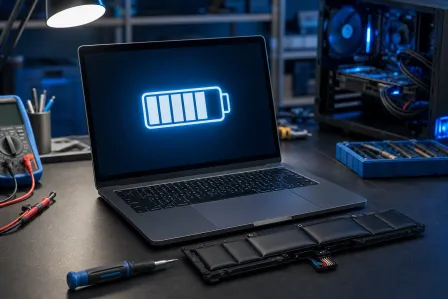
If your laptop has a removable battery, take it out now. Many modern laptops have sealed internal batteries. Don't force anything open on those, and skip ahead.
Next, turn the laptop upside down in an open tent shape, with the screen and keyboard facing down and the hinge at the top. This lets gravity pull liquid away from the motherboard and out through the keyboard, instead of deeper inside.
Don't shake it hard. Gentle tilting is enough. Shaking can push liquid into places it hadn't reached yet.
Step 3: Blot, don't rub
With the laptop still tented, use your dry cloth to blot the outside surfaces, ports, and keyboard gaps.
- Blot gently and let the material soak up liquid.
- Wipe up pooled liquid on the desk too, so it doesn't wick back in.
- Don't press hard on the keyboard or screen.
If the spill was sugary or sticky, wiping the surface still helps, but know that a cloth can't reach the residue that has already gone inside. That is the part a technician handles.
Computer acting up? Get a real diagnosis. Book a diagnostic
Step 4: Let it air dry, and be patient
Leave the laptop tented in a dry, room-temperature spot with some airflow. A fan in the room is fine. Give it a full 24 to 48 hours before even thinking about powering it on, and longer for anything other than plain water.
This step is the hardest, because waiting feels like doing nothing. But a laptop that feels dry on the outside can still have moisture trapped under the keyboard and around the board. Turning it on too early is how a recoverable spill becomes a dead motherboard.
Step 5: Decide whether to book a repair
Here is a simple way to decide.
| Situation | Best next move |
|---|---|
| A small splash of plain water, wiped fast, laptop was off or asleep | Dry it fully for 24 to 48 hours, then test carefully |
| Plain water, laptop was on and went black or flickered | Get it checked before powering on again |
| Coffee, soda, juice, alcohol, or anything sugary or salty | Have it inspected soon, because residue keeps corroding after it dries |
| A large pour, or liquid clearly went inside | Stop and bring it in without trying to power it up |
| Work laptop or one with important data | Back up and get it checked before relying on it again |
If you are in the West Palm Beach area, Fix My PC Store handles laptop repair at its shop at 10140 Okeechobee Blvd, Suite B. A computer diagnostic is $60 and is credited toward the repair if you move forward. The timing and every charge are laid out for your approval before any work begins. You can learn more on the computer repair page or reach out through the contact page. If you own a Mac, the same first steps apply, and there is a dedicated Mac repair page.
When the technician opens the laptop, they can look for liquid residue and corrosion on the board, which you generally can't see or clean safely at home. Whether a repair is worthwhile depends on what they find, and that is confirmed with you first.
Step 6: Protect your files while you wait
While the laptop dries, think about what is on it. Do you have a recent backup? If not, don't power the laptop on just to copy files. Let a technician handle recovery, because a drive can often be read even when the rest of the laptop won't run.
While you wait, change the passwords for anything sensitive that was saved or open on the laptop if you are worried it may not come back. For a business, a regular backup routine makes a spill an inconvenience rather than a crisis. See backups and disaster recovery for how that works.
Common mistakes
These are the moves that turn a fixable spill into an expensive one.
- Turning it on to "see if it works." Power plus moisture is the main cause of permanent damage.
- Using a hair dryer or heat. High heat can warp parts and push moisture deeper. Room air is safer.
- Putting it in rice. Rice doesn't pull liquid out of electronics, and starch dust and grains can end up in the ports and vents.
- Shaking it or hitting it. This spreads liquid to dry areas.
- Wiping only the top and calling it done. Sugary and salty spills leave residue under the keyboard that keeps corroding.
- Waiting a few weeks to see if anything goes wrong. Corrosion is gradual. A laptop that works for a month and then fails was often damaged on day one.
- Charging it "just to check." The charging circuit is one of the most exposed spots when liquid gets inside.
Bottom line
Shut it down, unplug it, tent it, blot it, and let it dry without powering it on. Then get a professional look at it, especially if the liquid was anything other than clean water. The first few minutes decide a lot, but patience over the next day or two decides the rest.
If you want a second set of eyes, book a repair or contact the shop. Spills are stressful, but they are also one of the most common laptop problems, and many are recoverable when you respond the right way.
Computer acting up? Get a real diagnosis.
Fix My PC Store has repaired thousands of machines across West Palm Beach. Honest pricing, no upsell games, and a free diagnostic for new customers with our email coupon.