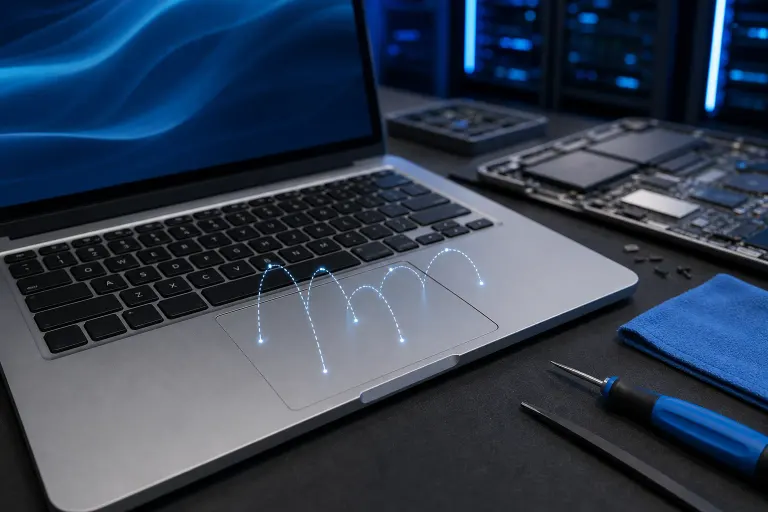
Why Is My Laptop Trackpad Jumping or Skipping While I Type?
TL;DR: Cursor jumping while typing is usually palm contact triggering the trackpad, an outdated or corrupted driver, or a misconfigured sensitivity setting. A swollen battery pushing up on the trackpad from below is less common but serious. Start with software fixes; escalate to hardware inspection if the problem persists.
What Happened
You're mid-sentence and the cursor teleports three lines up. Your text appears in the wrong paragraph. This is one of the most disruptive laptop problems in everyday use, and it has a surprisingly short list of root causes.
The trackpad reads touch input continuously. While you type, the base of your palm or a stray finger can graze the surface. The laptop interprets that contact as a deliberate pointer movement or click. That's the most common explanation, and it happens on both Windows and Mac hardware.
When it isn't palm contact, the next suspects are:
- Palm rejection settings turned off or set too low. Most trackpad drivers include a palm rejection threshold. If it's disabled or weak, minor palm grazes register as input.
- Outdated or corrupted trackpad driver. A driver in a bad state can generate phantom events or fail to filter touch properly.
- Third-party touchpad software conflict. On Windows, manufacturer utilities (Synaptics, ELAN, Precision) sometimes conflict with generic HID drivers loaded by Windows Update.
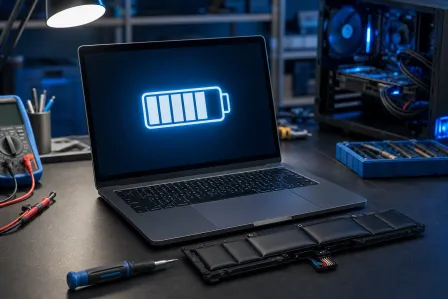
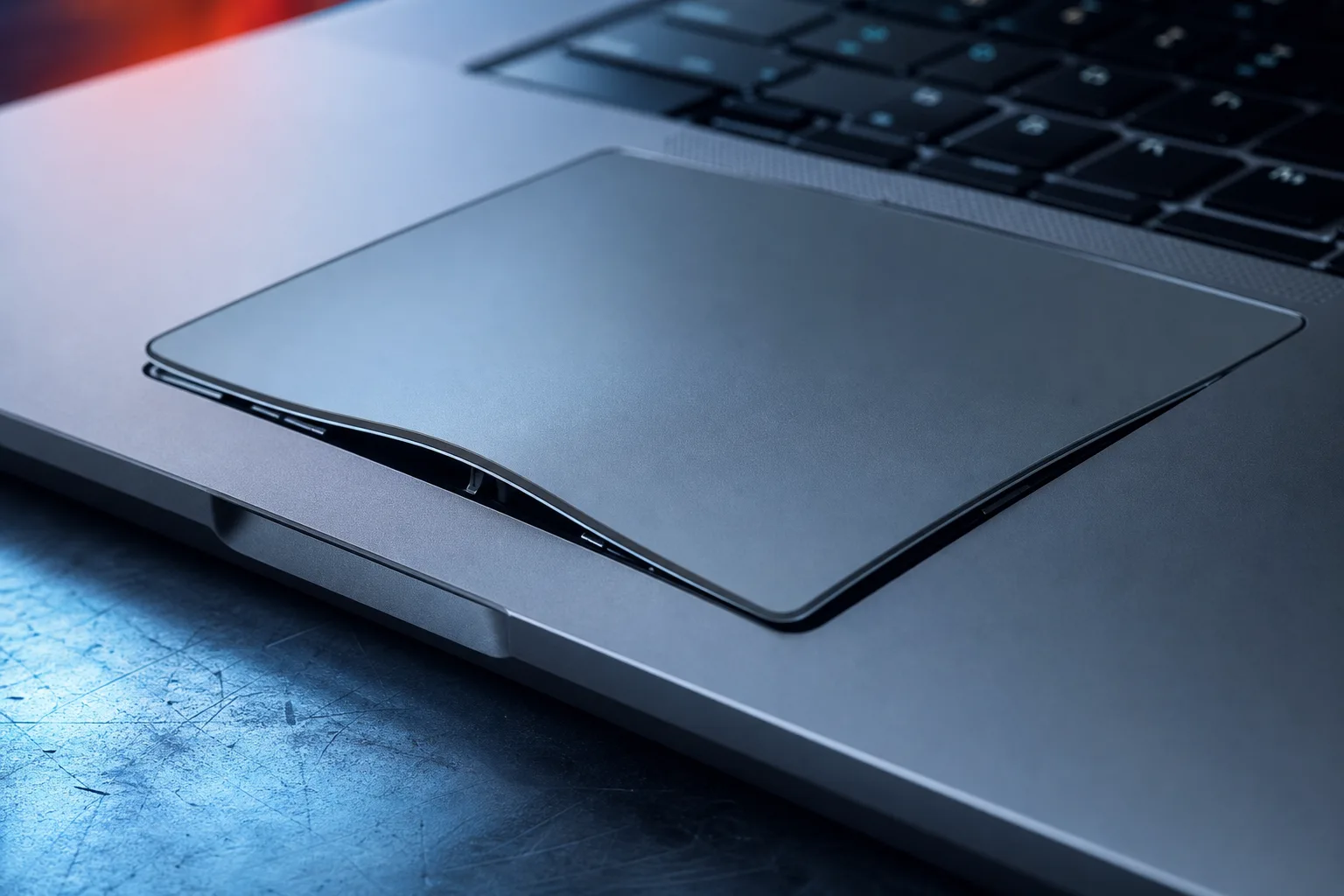
- A swollen battery. The battery sits directly below the trackpad on most thin laptops. As it expands, it physically deforms the trackpad surface, causing erratic input that no software fix will solve.
- Dirt or moisture under the trackpad surface. Debris along the edges can register as continuous ghost input.
- Hardware failure in the trackpad controller itself. Least common, but it happens, especially after liquid exposure.
Why It Matters
Beyond pure annoyance, an uncorrected jumping cursor slows real work and can cause data loss if a click lands on the wrong control. The swollen battery scenario is worth calling out specifically: a battery that has expanded enough to warp the trackpad is a physical hazard. Swollen lithium cells can vent or, in rare cases, fail more dramatically. Ignoring the symptom because it looks like a software glitch is a mistake.
Driver conflicts also matter on managed machines. If your laptop is part of a business fleet, a bad driver pushed via Windows Update can affect multiple devices simultaneously.
Computer acting up? Get a real diagnosis. Book a diagnostic
What We Don't Know Yet
Without inspecting the specific machine, it isn't possible to say whether the trackpad surface is physically deformed, whether a battery replacement is needed, or whether a driver rollback will hold. Some manufacturers have issued firmware updates that improve palm rejection on specific models. Whether one applies to your hardware depends on the make, model, and current firmware version.
If the jumping started immediately after a Windows Update or macOS update, a known regression in the driver for your hardware may be involved. Checking manufacturer forums for your specific model is worth doing before assuming the hardware is at fault.
What to Do About It
Work through this in order. Stop at whichever step resolves it.
1. Check Palm Rejection Settings First
Windows (Precision Touchpad):
- Open Settings > Bluetooth & devices > Touchpad.
- Under "Tapping," verify "Touchpad sensitivity" is set to Medium or High.
- Scroll down and confirm palm rejection is enabled.
Mac:
- Open System Settings > Trackpad.
- Review tracking speed and confirm "Tap to click" behavior matches your expectations. macOS handles palm rejection in firmware; there's no slider, but keeping macOS updated keeps that logic current.
2. Update or Roll Back the Trackpad Driver (Windows)
- Open Device Manager (Win + X > Device Manager).
- Expand "Human Interface Devices" or "Mice and other pointing devices."
- Right-click your trackpad entry and choose "Update driver."
- If the problem started after a recent update, choose "Properties > Driver > Roll Back Driver" instead.
- Restart and test.
If Windows loaded a generic HID driver over a Precision or Synaptics driver, download the manufacturer-specific driver directly from the laptop maker's support site.
3. Use an External Mouse as a Diagnostic
Plug in a USB or Bluetooth mouse and disable the trackpad entirely (Device Manager > right-click > Disable). If the cursor still jumps, the problem is upstream of the trackpad. If it stops, the trackpad hardware or driver is confirmed as the source.
4. Inspect for Physical Deformation
Press gently on the center of the trackpad. Does it flex more than it used to? Does the chassis feel slightly raised around the battery compartment? These are signs of battery swelling. Do not continue using the laptop if you suspect a swollen battery. This is not a DIY fix.
5. Clean the Trackpad Edges
Power off the laptop. Use a dry microfiber cloth and, if needed, a small amount of isopropyl alcohol on a cotton swab to clear debris from the trackpad border. Avoid moisture near gaps in the chassis.
6. When to Bring It In
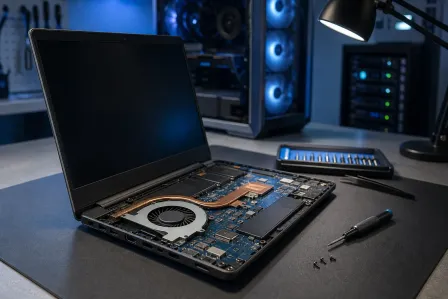
If steps 1 through 5 don't resolve the problem, or if you see any sign of battery swelling, the next step is a physical inspection. A technician can check for swelling, test the trackpad controller, reseat the cable, and determine whether a trackpad replacement or battery replacement is needed.
Fix My PC Store offers free initial checks for most standard in-store repairs at the shop on Okeechobee Blvd in West Palm Beach. You can book a laptop repair appointment or reach out via the contact page if you want to describe the issue first. Remote diagnostics are also available for software-side problems through remote support.
For Mac users with a jumping trackpad, the same swollen battery concern applies. Apple silicon MacBooks in particular have the battery positioned directly under the trackpad. Mac repair is handled separately if that's your machine.
Computer acting up? Get a real diagnosis.
Fix My PC Store has repaired thousands of machines across West Palm Beach. Honest pricing, no upsell games, and a free diagnostic for new customers with our email coupon.