Hurricane Power Outage Prep for Your West Palm Beach Office
TL;DR: Power outages during hurricane season are predictable events, not surprises, so treat them that way. Back up your data offsite before the storm, protect your hardware from surge and flood damage, and have a plan for how staff will work if the office loses power for days. Do these five things now and you'll spend the storm worrying about your roof, not your files.
What you need
- A current, verified offsite or cloud backup of your business data
- Battery backups (UPS units) for servers, network gear, and critical workstations
- A surge protector or whole-office surge suppressor at your electrical panel
- A list of what needs to shut down, in what order, and who's responsible for it
- A way for staff to work remotely if the office is dark for a few days
- Fully charged laptops, phones, and portable chargers before landfall
If you're missing more than one of these, start with the backup. Everything else is about protecting hardware. The backup protects the thing you actually can't replace, your data.
1. Verify your backups actually work, today
Most offices think they have backups. Fewer have backups they've actually tested. A backup you haven't verified is a hope, not a plan.
- Confirm your backup includes everything critical: accounting files, client records, email, shared drives, and any line-of-business software data.
- Confirm at least one copy is offsite or cloud-based, not sitting on a drive next to the server it's backing up. If a storm floods the building, a local-only backup drowns with everything else.
- Do a test restore of a few files, not just a status check that says "backup completed successfully." Those messages lie more often than you'd think.
- If you're on Microsoft 365, don't assume Microsoft is backing up your data for you the way you need it backed up. Retention settings and built-in recovery are not the same as a real backup strategy. Our Microsoft 365 team can walk you through what's actually covered and what isn't.
If this section made you nervous, that's useful information. Get a proper backups and disaster recovery setup in place before hurricane season peaks, not during it. FEMA's business continuity guidance recommends that organizations maintain and regularly test offsite data backups as a core component of disaster preparedness (ready.gov, Business Continuity Planning).
2. Protect hardware from surge and flood damage
Power doesn't usually fail cleanly. It flickers, browns out, spikes when it comes back on, and repeats that cycle a few times before it's stable. Every one of those events can damage equipment that isn't protected.
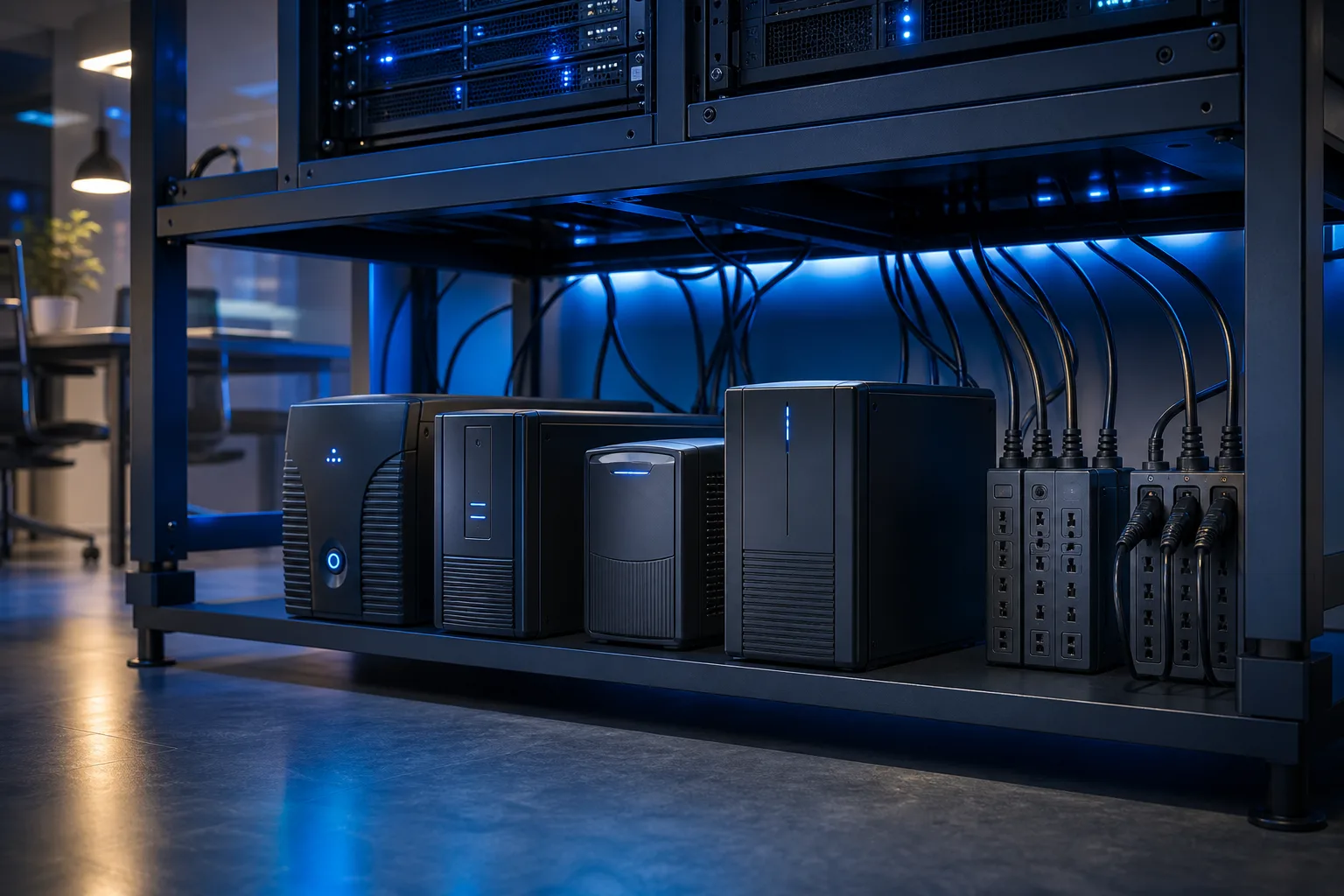
- Put UPS (uninterruptible power supply) units on your server, main network switch, router, and any workstation that can't afford to lose power mid-task.
- Add surge protection at the panel level if your building doesn't already have it. Point-of-use surge strips help but a whole-building suppressor catches spikes before they reach anything.
- Move desktop towers, servers, and network equipment off the floor. Storm surge and roof leaks don't ask permission, and even a couple inches of water will kill a PC.
- Unplug non-essential equipment before the storm if you're evacuating the office. A device that's unplugged can't be damaged by a surge.
- If your building has a history of flooding or you're in a surge zone, consider moving server equipment to the highest floor or an interior room away from windows.
A UPS also buys you a few extra minutes of runtime, which matters more than people expect. That's exactly enough time to do step 3 properly.
3. Shut things down in the right order
When power is about to go, or already flickering, don't just let everything die mid-write. A clean shutdown protects your file systems and your hardware.
- Save and close open files across all workstations.
- Shut down individual workstations first.
- Shut down the server last, after confirming no one is still connected to it.
- Power down network switches, routers, and any other networking gear.
- Unplug everything from the wall, not just powered off. A device plugged in but off can still take a surge.
- Write this sequence down and post it somewhere visible. During an actual storm, people forget steps they'd normally remember, because they're also worried about their roof, their car, and getting home before the roads flood.
If your office runs on a decent business networking setup with managed switches, this is also a good time to confirm your network diagram is documented somewhere other than one person's memory. Storms are a bad time to discover that the only person who knows how the network is wired is on vacation in Michigan.
Tired of IT that breaks at the worst time? Talk to our business IT team
4. Plan for remote work before you need it
After a hurricane, power can stay out for days in parts of Palm Beach and the Treasure Coast, sometimes longer for isolated areas. Your office being dark doesn't mean your business has to be.
- Confirm which employees can work from home and what they need to do it, laptop, VPN access, cloud file access.
- Set up or confirm remote support access so your IT provider can help staff troubleshoot from wherever they land, without needing to physically get to your office.
- Make sure critical accounts and shared drives are accessible from outside the office network, not locked to an on-site server with no remote access path.
- Test VPN and remote desktop connections before hurricane season, not during storm week when everyone's testing it at once and support lines are jammed.
- Have a communication plan: a group text, shared doc, or call tree so staff know where to check in if email or phones are down.
- If client-facing systems (phones, scheduling, payment processing) depend on office internet, know your backup, whether that's a mobile hotspot, a cellular failover device, or simply routing calls to cell phones for a few days.
This is the part that separates businesses that lose a few days of revenue from businesses that lose a few days and keep working anyway.
5. Get devices storm-ready before landfall
This step is boring and gets skipped constantly, which is exactly why outages hurt more than they should.
- Fully charge all laptops, tablets, and phones the day before the storm is expected.
- Charge portable battery packs, the kind that can top off a phone or laptop a couple of times without wall power.
- If you rely on a company laptop for anything critical, make sure it's not the one with the swollen battery or the cracked hinge that's been "fine for now." Get it looked at before the storm, not after, through laptop repair if it's already showing signs of trouble.
- Back up anything stored only on individual laptops, since a laptop that gets damaged or lost during evacuation takes its unsaved files with it.
- Keep charging cables, adapters, and a car charger in an easy-to-grab bag if evacuation is a possibility.
- For Mac users specifically, confirm Time Machine or your cloud backup ran recently. Mac repair issues after a storm often come down to water exposure or drops during a scramble to move equipment, and a recent backup is the difference between an inconvenience and a disaster.
Common mistakes
- Assuming the cloud backup is running when it's actually failing silently. Check the last successful backup date, not just whether backup software is installed.
- Leaving servers and switches plugged in during an outage cycle. Power flickering back on and off repeatedly is often harder on equipment than the outage itself.
- No documented shutdown order. Someone ends up guessing under pressure, and guessing during a storm is how servers get corrupted file systems.
- Treating remote work as a someday project. If nobody's tested VPN or remote access before the storm, storm week is a bad time to discover it doesn't work.
- Forgetting cybersecurity during the chaos. Scammers send a wave of fake "storm relief" and "insurance claim" phishing emails after every major hurricane. Staff working from unfamiliar networks and personal devices are easier targets. If you don't already have business cybersecurity protections in place, hurricane season is a strong reason to fix that now, not in November.
- Not testing the generator, if you have one. A generator that hasn't run in a year is a coin flip. Run it under load before the season, not for the first time during an actual outage.
Bottom line
Hurricane-related power outages in South Florida are predictable, seasonal, and preventable in terms of damage, even if the storm itself isn't. The businesses that come out fine aren't lucky, they verified backups, protected hardware with UPS and surge protection, documented a shutdown order, and set up remote work access before they needed any of it. If your office IT isn't in that shape yet, an ounce of prep in July beats a week of downtime in September. If you want a second set of eyes on your setup before storm season peaks, contact us or take a look at what managed IT support actually covers year-round, including outage prep.
Tired of IT that breaks at the worst time?
We run managed IT, backups, and security for South Florida businesses so you can stop thinking about it.