How to Tell If Your Phone Speaker Is Damaged or Just Blocked
TL;DR: Most muffled phone speakers are blocked, not broken. Run the quick checks below in order. If the speaker still sounds distorted or silent after cleaning, you likely have hardware damage that needs a technician.
What you need
- A quiet room to listen carefully
- Soft-bristle toothbrush or a dry, clean paintbrush
- Compressed air (optional, used carefully)
- A second phone or computer to play a test tone
- Headphones with a 3.5mm plug or a Bluetooth pair
Step 1: Rule out software and settings first
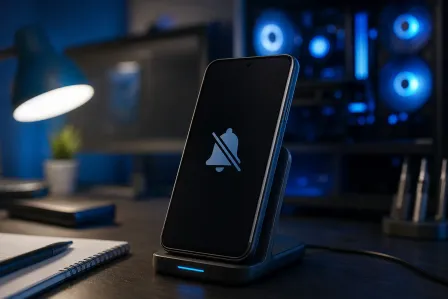
Before touching the speaker grille, check the obvious stuff. Volume all the way up? Do Not Disturb or a scheduled silent mode active? On iOS, the Ring/Silent switch on the side is the sneaky one. On Android, check that no third-party sound or accessibility app is overriding output.
Play a YouTube video or a test-tone site like onlinetone generator at a known frequency. If you hear something, the speaker works at some level. Note whether the distortion is crackling, tinny, or muffled. Each symptom points somewhere different.
Step 2: Test through headphones
Plug in wired headphones or pair Bluetooth ones, then play the same audio. If it sounds clean and full, the speaker hardware path to the amplifier chip is probably fine and the issue is physical, not electrical.
If audio sounds equally bad or distorted through headphones, the problem is upstream of the speaker, possibly a software codec issue, a corrupted audio driver, or a failing amplifier. That warrants a professional diagnosis.
Step 3: Inspect the speaker grille visually
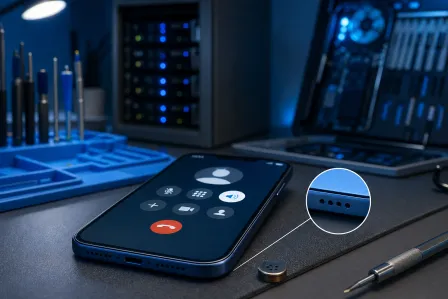
Get a good light source and look at the speaker grille head-on. Phone speaker grilles are tiny mesh openings, usually on the bottom edge or the earpiece slot at the top.
What you're looking for:
- Visible lint or fabric fibers packed into the mesh
- Dark discoloration from skin oils or pocket debris
- A physical dent, crack, or warped grille
A packed grille is extremely common, especially in phones that live in jeans pockets. A dented or cracked grille usually means the phone took an impact.
Cracked screen or a phone that won't hold a charge? Get a repair quote
Step 4: Try cleaning the grille
This is where most muffled speakers get fixed for free.
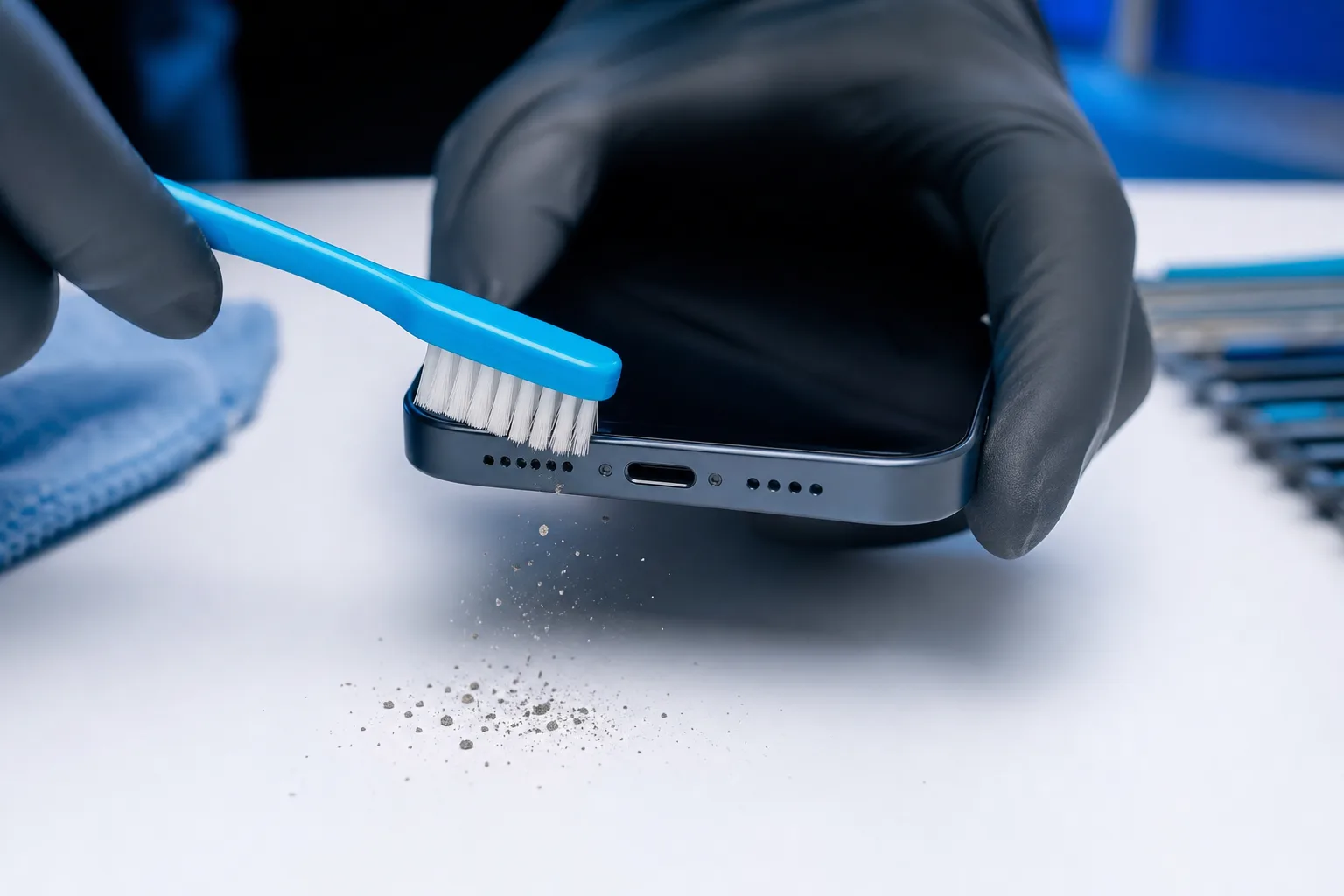
- Hold the phone speaker-side down so loose debris falls out, not deeper in.
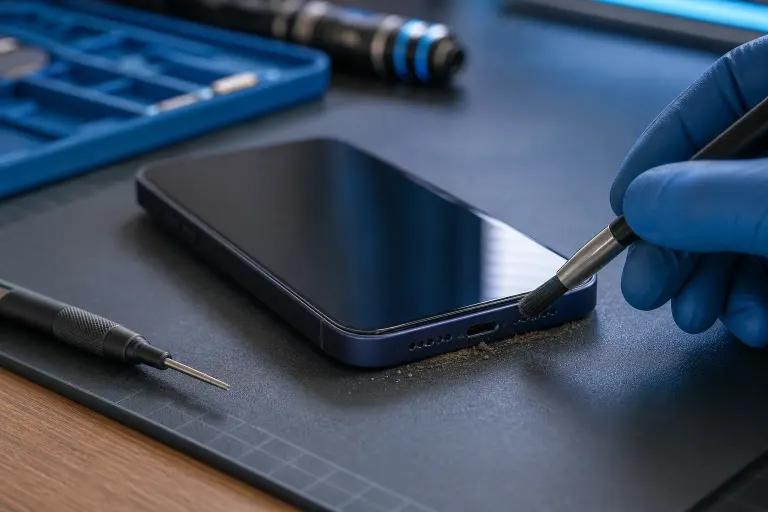
- Use a dry, soft-bristle toothbrush and brush across the grille with short, light strokes. Do not push straight in.
- If you use compressed air, keep it several inches away and use very short bursts. Never insert the nozzle into the grille.
- Avoid pins, toothpicks, or anything metal. Puncturing the speaker membrane is a one-way trip to actual damage.
- Play the test tone again.
Many people skip this step and go straight to a repair shop. Do not be that person.
Step 5: Identify the distortion pattern
After cleaning, use this quick decision table to interpret what you hear:
| What you hear | Likely cause | Next move |
|---|---|---|
| Clear audio, normal volume | Blockage, now resolved | You're done |
| Muffled but audible, no change after cleaning | Debris deeper in grille, or membrane partially torn | Professional cleaning or repair |
| Crackling or rattling at higher volumes | Speaker cone damage or loose component | Hardware repair needed |
| Distorted at all volumes, even low | Blown speaker or amp issue | Hardware repair needed |
| Completely silent, headphones work fine | Speaker disconnected or blown | Hardware repair needed |
| Completely silent, headphones also bad | Software or amp issue | Needs diagnosis |
Common mistakes
Using a vacuum cleaner directly on the grille. The suction can pull the membrane out of position. Use a brush instead.
Blowing into the speaker with your mouth. Moisture from breath is bad news for speaker membranes. Use dry air only.
Assuming water damage is visible. Phones that got wet often show no external signs but have corroded speaker contacts. If your phone had any liquid exposure, mention that upfront to a tech.
Ignoring the earpiece speaker. Phones have at least two speakers: the loudspeaker on the bottom and the earpiece at the top used during calls. Test both. They fail independently, and a dead earpiece during calls is a different repair than a dead bottom speaker.
Skipping the software restart. A full power cycle (not just screen off) clears audio routing bugs. Do it before any physical cleaning.
Bottom line
Most muffled phone speakers just need a proper cleaning. Run the headphone test first to confirm the hardware path is intact, then clean the grille carefully. If audio is still distorted or silent after those steps, you're looking at physical speaker damage or an internal component issue.
At that point, self-repair attempts usually make things worse. The team at Fix My PC Store in West Palm Beach handles phone speaker repairs and can diagnose the problem before quoting you anything. Initial checks are free for most standard in-store repairs. They're at 10140 Okeechobee Blvd, Suite B, open Monday through Friday 9 a.m. to 6 p.m. and Saturday 9 a.m. to 5 p.m. You can also call at 561-819-9999.
Cracked screen or a phone that won't hold a charge?
Bring it in. Most phone and tablet repairs are same-day, with parts that actually last.