In-Store vs. Mail-In PC Repair: How to Compare the Full Cost
TL;DR: In-store repair avoids shipping, while mail-in may be useful for covered manufacturer service or a specialist. Compare actual turnaround, shipping terms, total price, and data-handling policy for your device.
At a Glance: In-Store vs. Mail-In PC Repair
| Factor | In-Store (Local Shop) | Mail-In Service |
|---|---|---|
| Turnaround | Ask for current estimate | Add transit to repair estimate |
| Data handling | Ask who accesses files | Ask who accesses files and how it ships |
| Communication | Ask how updates are sent | Ask how updates are sent |
| Diagnosis | Describe symptoms and get approval terms | Describe symptoms and get approval terms |
| Transport | You bring the device | Ask about packing and carrier claims |
| Cost | Compare full written quote | Include shipping and return fees |
| Good fit | Convenient drop-off or bench work | Warranty or specialist service |
Why People Search "PC Repair Near Me" in the First Place
When your computer breaks, the first instinct is to search for PC repair near me. That makes sense. You want someone nearby, someone you can talk to, someone who can just fix it.
But then the ads kick in. Mail-in services with slick websites promise fast turnaround and low prices. Suddenly you are second-guessing whether local is actually better.
It usually is. Here is why, and the few cases where it is not.
In-Store PC Repair: What You Actually Get
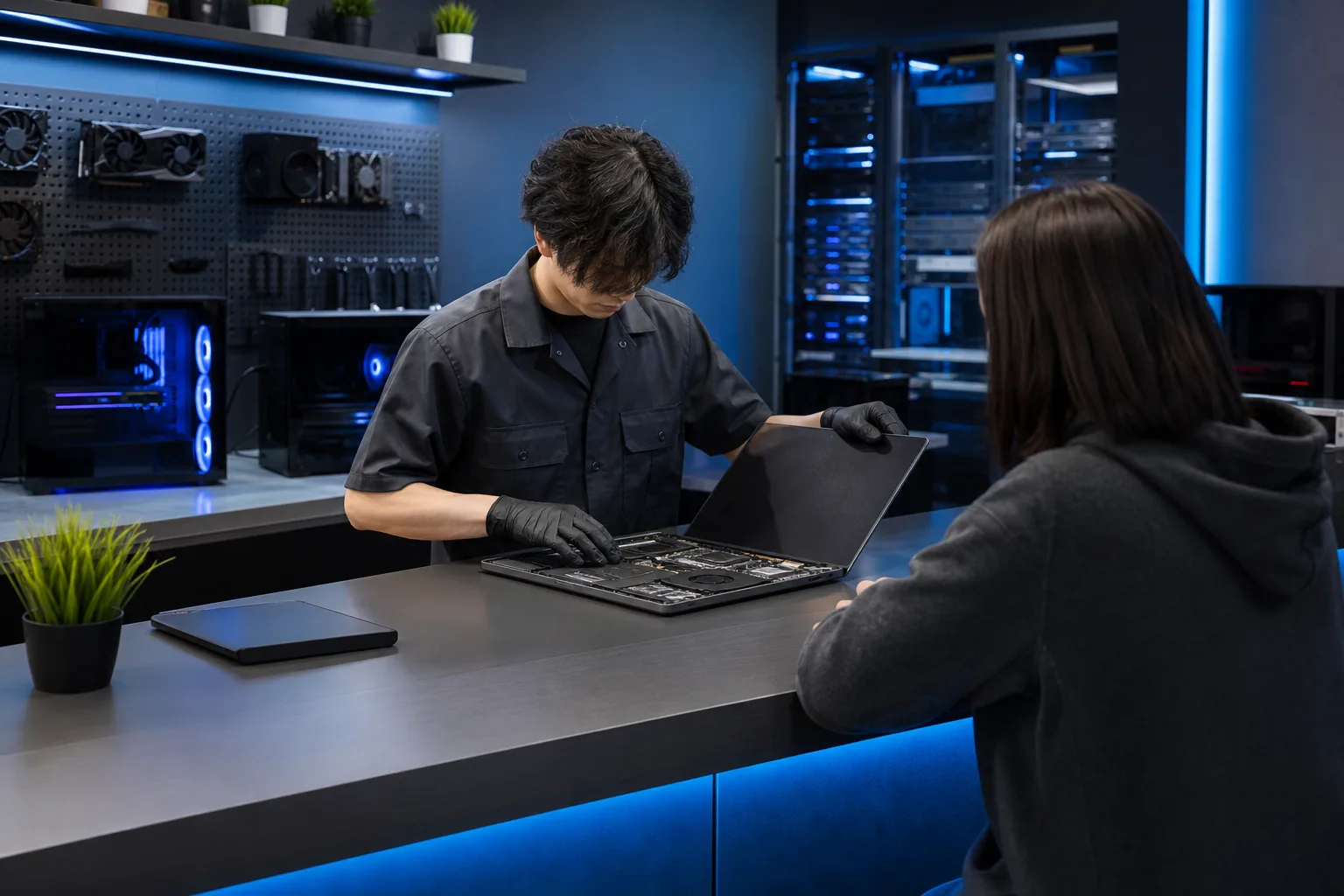
When you walk into a local repair shop like Fix My PC Store, the biggest advantage is not convenience. It is clarity.
A technician can look at your machine, ask you what happened, reproduce the problem, and give you a real diagnosis. The time to diagnose depends on the fault; ask when you will receive findings.
Speed
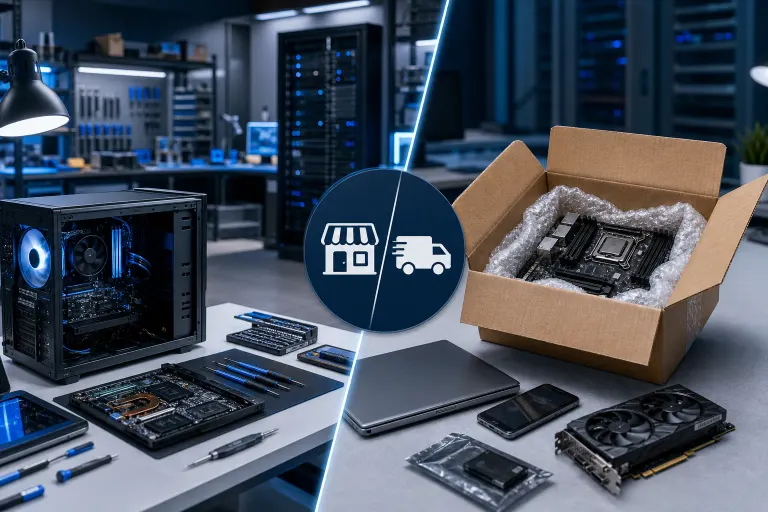
In-store time depends on diagnosis, parts, and workload. Mail-in time also includes packing and transit in both directions. Ask both providers for a current estimate for your model and issue.
Data Safety
This is the part mail-in services rarely advertise clearly.
When you hand your computer to a local technician, your data travels exactly as far as you do. Ask where the device will be stored and who may work on it. You can ask about their data handling practices face to face.
Mail-in means your drive, with all your photos, tax documents, and saved passwords, is traveling on a truck, through a sorting facility, into an unfamiliar shop. Review the carrier and repair provider’s packing, insurance, and data-loss terms before shipping. Back up important files whenever possible.
If you have not backed up recently, ask whether a backup or recovery assessment is available and what it costs before work begins. Our backups and disaster recovery page covers what that looks like for businesses, but the same logic applies to personal machines.
Communication
Ask each provider how findings, price changes, and completion updates will be communicated. You can ask questions without opening a support ticket.
If you have questions about laptop repair or Mac repair specifically, a local tech can answer them in plain language. A mail-in service may use a portal, phone, or email. Check its response and approval process before shipping.
Cost Transparency
Ask for a written estimate and approval terms before repair work, whether the provider is local or mail-in. Some faults need diagnosis before a final quote.
With many mail-in services, you describe the problem, ship the machine, and then get a quote after they open it. Declining at that point might cost you a diagnostic fee plus return shipping. That "cheaper" online price starts looking different.
Mail-In PC Repair: Where It Makes Sense
Fair is fair. Mail-in repair is not always a bad idea. Here are the real cases where it might be the right call.
Active Manufacturer Warranty
If the device is under warranty, check the manufacturer’s current coverage and service options. Depending on the plan and location, service may be on-site, at a service location, or by mail; fees and exclusions vary. Back up data before service when possible.
Highly Specialized Hardware
Some repairs, like a very specific proprietary part for a rare workstation or a model-specific logic board on a niche laptop, might genuinely require a shop that specializes in exactly that hardware. If your local shop cannot source the part and you have confirmed the mail-in service can, that may be worth the tradeoff.
But verify the shop has good reviews, clear policies, and insurance on shipped goods before you send anything.
You Are Not Anywhere Near a Qualified Shop
If you are in a rural area with no reputable repair options within a reasonable drive, mail-in becomes more understandable.
Compare the actual travel time to a qualified local provider with the mail-in service’s full turnaround and specialist capability.
Computer acting up? Get a real diagnosis. Book a free diagnostic
The Hidden Costs of Mail-In That Get Overlooked
People compare the listed service price and stop there. That misses the full picture.
Shipping and packing: Ask whether a label, packing materials, insurance, and return shipping are included. Follow the provider’s packaging instructions and document the device condition before shipping.
Downtime: Add shipping in both directions to the repair estimate. Plan access to work files while the machine is away.
Diagnosis and approval: Give clear symptoms, ask how the provider will confirm the fault, and review any diagnostic or return fee if you decline the estimate.
For business machines especially, that downtime and diagnosis risk is very hard to justify. If your team relies on their computers, ask any provider how it protects business data and handles downtime. You can see what that looks like at our business IT services page.
What About Remote Support?
There is a third option worth mentioning. For software problems, virus removal, slow performance, Windows issues, and similar problems where the hardware is fine, remote support can be faster than either in-store or mail-in.
With your permission, a technician may assess a suitable issue remotely. Ask about availability, access method, and what happens if an in-person repair is needed. If you are dealing with something software-based, check out remote support before assuming you need to bring the machine in at all.
That said, remote support has limits. Hardware failures, physical damage, screen replacements, and component-level work require hands on the machine. Know which category your problem falls into before deciding.
How to Choose: A Simple Decision Framework
Not sure which path fits your situation? Work through these questions.
- Is it a hardware problem? Broken screen, won't power on, failed drive, loud fan, damaged port. Go local.
- Is it a software problem? Slow computer, virus, Windows crashes, setup issues. Try remote support first, then local.
- Is it under active manufacturer warranty? Use the warranty process.
- Do you have a backup? If no, ask any provider about backup or data recovery before approving work.
- Do you need it back fast? Compare current local and mail-in completion estimates.
- Is it a rare specialty machine with a part no local shop can source? Consider mail-in after vetting the service carefully.
For most people reading this in West Palm Beach or anywhere on the Treasure Coast, the answer lands on local most of the time.
Verdict: In-Store PC Repair Near Me Wins for Most Situations
Mail-in repair exists for a reason, and it serves a real need in specific circumstances. But for the average person dealing with a broken laptop or a desktop that will not boot, compare the total estimate, service terms, data handling, and time; the better option depends on your case.
You get a real diagnosis, a clear price, and your machine back without it traveling across the country.
If you are in West Palm Beach or South Florida and you are looking for PC repair near me, you do not need to ship your computer anywhere. Schedule a repair or reach out to the team and get a straight answer about what is actually wrong and what it will take to fix it.
Computer acting up? Get a real diagnosis.
Fix My PC Store has repaired thousands of machines across West Palm Beach. Initial checks are free for most standard in-store repairs; ask about any advanced diagnostic fee before work begins.