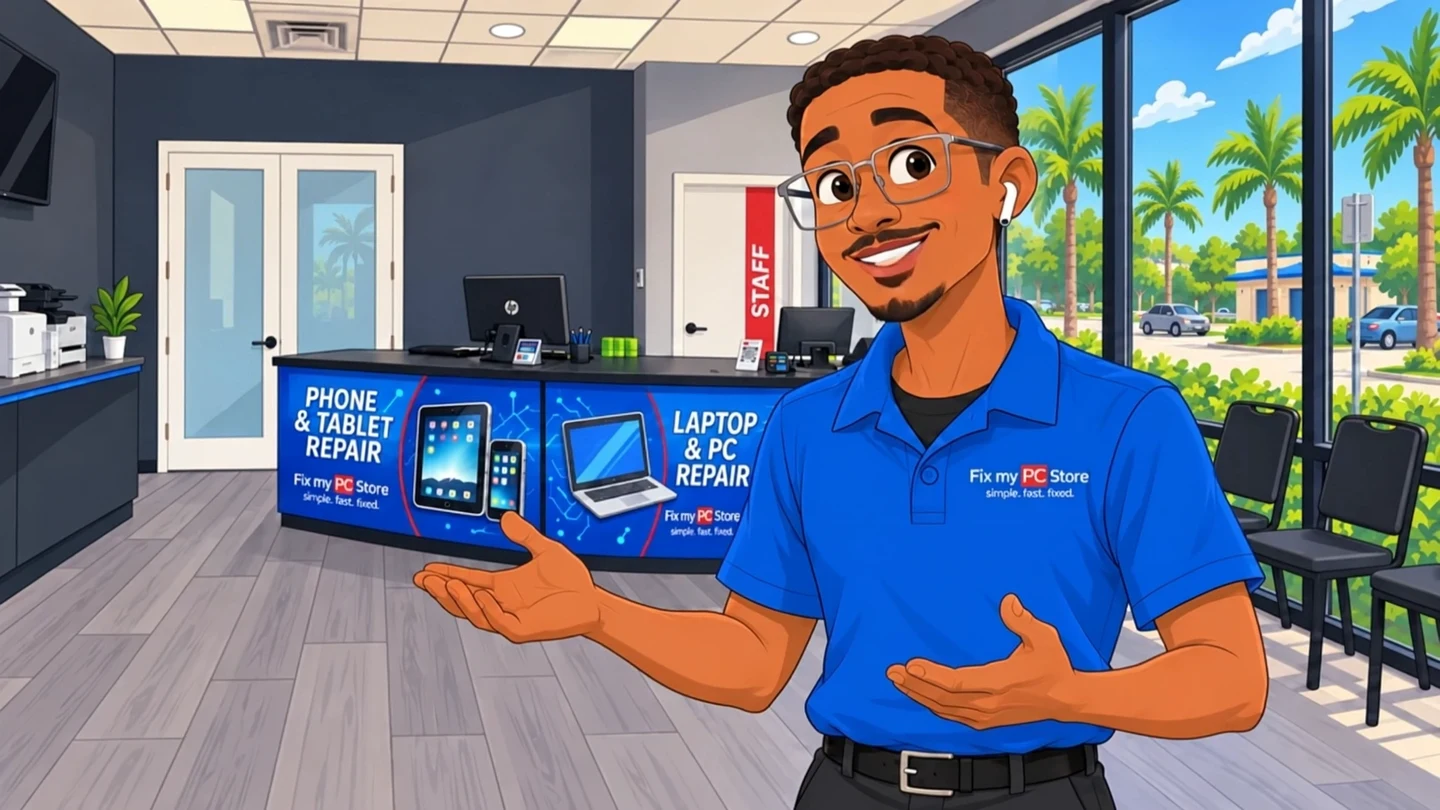
SSD upgrades
Replace a slow hard drive with an SSD. Data migration is scoped before we start.
SSD, memory, graphics card and power supply upgrades for desktops and many laptops. We check compatibility and expected benefit before you buy a single part.
Directions to our West Palm Beach shopUpgrades we install
Compatibility checked before parts
Fit, power, slots and firmware are confirmed for your exact computer.
We tell you what the upgrade should improve, and when replacing the computer makes more sense.
Moving to a new drive? We confirm what transfers and back up first.
Symptoms
Not every slow computer needs replacing. Tell us how you use it and what feels slow.
What we upgrade
Desktop and laptop upgrades, matched to your system and how you use it.
Replace a slow hard drive with an SSD. Data migration is scoped before we start.
More memory for multitasking, on desktops and laptops with upgradeable slots.
GPU installs with power supply, fit and driver checks for gaming or creative work.
Replacement or higher-capacity power supplies sized for the components you run.
Processor and motherboard upgrades when the platform supports them, quoted after a consultation.
Better fans, coolers and fresh thermal paste for systems that run hot.

Compatibility before parts
More memory, faster storage or a different component only helps when it fits the system and the workload. We review compatibility, expected benefit and practical cost before proposing the work.
Service illustrations · No customer devices shown
From intake to pickup
Bring the computer and tell us how you use it and what feels slow.
We confirm the model, current hardware and which upgrades fit and would help.
You receive the proposed parts, applicable charges and expected timing.
Approved parts are installed, configured and tested before pickup.
Palm Beach County
Our three primary local markets, plus nearby Palm Beach County communities, are served from one Okeechobee Boulevard shop.
Google reviews
The newest 4- and 5-star Google reviews move continuously. Hover, focus, or use Pause whenever you want more time to read.
Good to know
Common questions about upgrading a computer.
Talk to a real person at our West Palm Beach shop.
The best upgrade depends on the bottleneck. An SSD can improve storage-heavy startup and loading, more RAM can help memory-constrained multitasking, and a graphics-card upgrade can help compatible gaming or creative workloads. We check compatibility and expected benefit before quoting parts.
Many laptops can take more RAM or a larger SSD. Some thin laptops have memory or storage soldered to the board and can’t be upgraded. We check your exact model and recommend what’s possible.
Cost depends on the computer, memory type, capacity, part availability, and labor. We confirm compatibility and provide a quote before ordering or installing memory.
It depends on the computer’s age, condition and what you need it to do. We compare the upgrade cost with the expected benefit and tell you plainly when a replacement makes more sense.
Yes. We confirm the card fits and that the power supply can run it, install it, update drivers and test it. We can also suggest cards that suit your budget and system.
RemoteCare · For your home PC
For $29.95 a month, our local team keeps your PC running smoothly, helps protect against viruses and handles the updates. Something odd pops up? Just call us.
Explore RemoteCare
Random shutdowns, burning smells, or a PC that won't boot can all point to a dying power supply. Here's a step-by-step way to confirm it before you replace parts that...
A dying power supply can mimic almost every other hardware problem, making it one of the trickiest things to diagnose. Here's how to spot the real warning signs before...
Undersized power supplies cause crashes, throttling, and fried components. Hardware Hank walks South Florida gamers through calculating real wattage needs, picking...