Computer Repair: What to Expect From a Trusted Tech Shop
TL;DR: A trustworthy computer repair shop will assess your machine, explain the findings in plain English, get your approval before paid repair work, and stand behind its work. If a shop skips any of those steps, that's your cue to walk.
What You Need Before You Walk In
You don't need to be a tech expert to get good computer repair service. But bringing a few things along makes the whole process faster and smoother.
- Your power adapter. Technicians need to run the machine, and battery-only diagnostics can miss things.
- A plan for device access. Ask whether the technician needs to sign in. If so, discuss a temporary account or provide access through the shop's secure intake process; do not leave a primary password on a sticky note.
- A short description of the problem. What is it doing? When did it start? Does it happen every time or only sometimes? Even a rough answer helps narrow things down fast.
- Any recent changes. Did you install something new? Spill anything? Drop it? Even small details matter.
- Backup status. Do you know if your files are backed up? If not, say so upfront. A good shop will flag data risk before any repair begins.
You do NOT need to bring your mouse, keyboard, or external monitor unless the problem is specifically with one of those.
Step 1: Drop-Off and Initial Intake
This is where first impressions matter, and they should matter to the shop too.
A solid tech will ask you questions about the symptoms and how you use the machine. Not just "what's wrong" but also how you use the machine, how old it is, and whether you've noticed any warning signs leading up to the issue. That context shapes the whole diagnostic approach.
You should receive a work order or intake form. It should have your contact info, a description of the issue, and a note about what the shop will and won't do without contacting you first. If they just take your laptop and hand you nothing, that's a yellow flag.
At Fix My PC Store, every intake starts with a real conversation, not a clipboard handoff.
Step 2: Diagnosis Before Any Work Begins
This is the single most important step, and the one that separates trustworthy shops from shady ones.
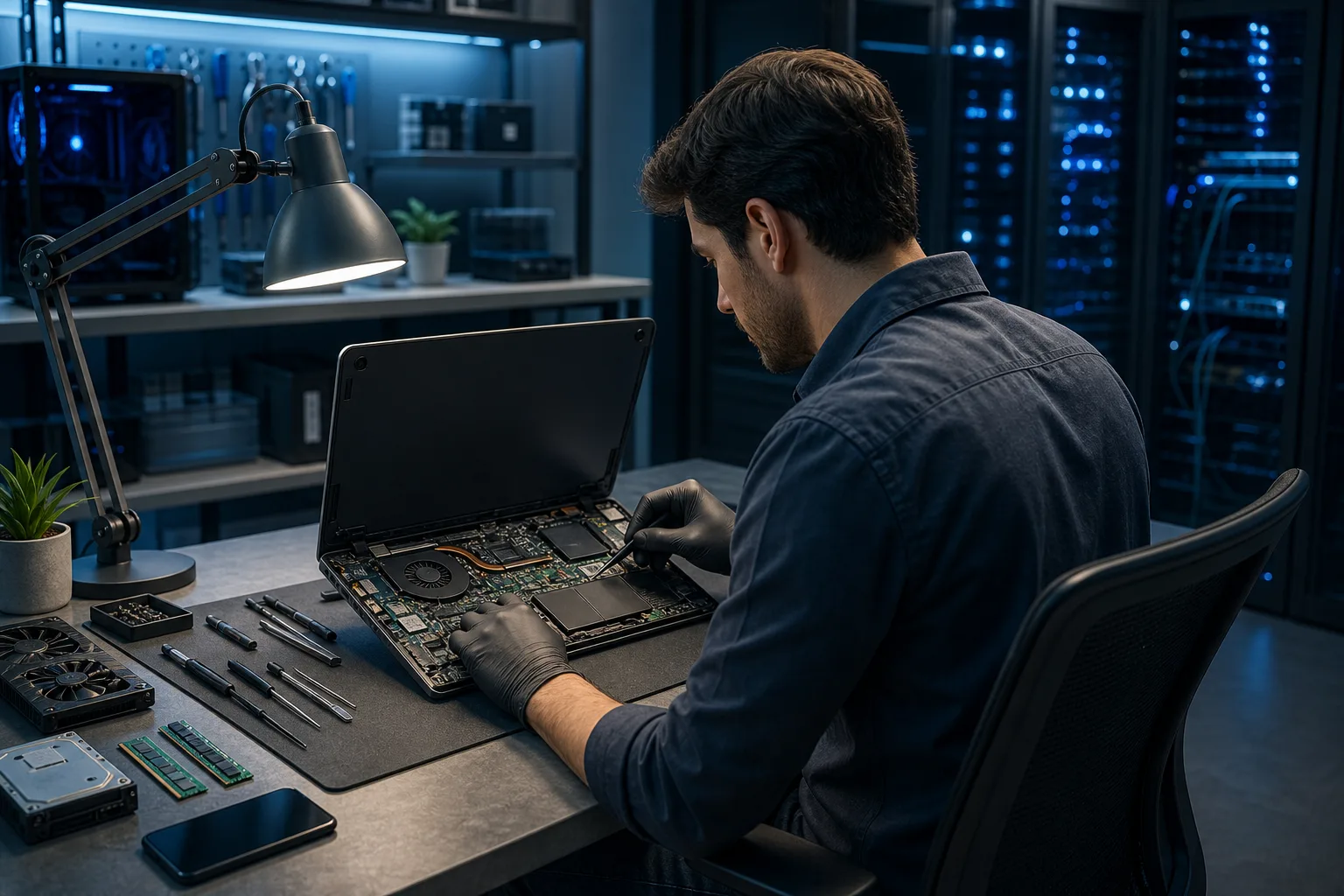
The shop should assess the problem and explain the scope before paid repair work. Some diagnostic steps require opening the machine or running software, so ask what the initial assessment includes.
A good diagnostic process tests the parts relevant to the symptoms. That may include hardware, software, or both; a laptop's screen, battery, and keyboard need attention when the reported problem points to them.
Ask the shop for a time estimate; diagnosis can take longer when a problem is intermittent or a part must be tested. Intermittent problems, the ones that only happen sometimes, take longer to catch.
Once the tech knows what's wrong, they should call or message you with a clear explanation. Not jargon. Not a vague "it needs work." A useful answer: what the tests found, what remains uncertain, and what the proposed repair involves.
If you're bringing in a Mac, the diagnostic process has a few extra layers given Apple's proprietary components. Our Mac repair page covers what that looks like in more detail.
Step 3: A Written Estimate and Your Approval
Here's a rule that should never bend: no shop should do paid repair work without your explicit approval of a written estimate.
The estimate should include:
- The specific repair being done
- Parts cost (if any)
- Labor cost
- Estimated turnaround time
- What happens if additional problems are found during the repair
That last point matters more than people realize. Opening a laptop sometimes reveals a second problem that wasn't visible during diagnosis. A good shop tells you upfront how they handle that scenario rather than surprising you at pickup.
You are allowed to say no. You can take the diagnostic report, thank them, and get a second opinion. Any shop that pressures you or refuses to give you the diagnosis if you decline the repair is not a shop worth using.
Computer acting up? Get a real diagnosis. Book a diagnostic
Step 4: The Actual Repair
Once you've approved the estimate, the tech gets to work. You shouldn't need to be involved during this phase, but you should expect at least one update if anything changes.
For straightforward repairs like a failing hard drive swap, RAM upgrade, or screen replacement on a common laptop model, turnaround is often same-day or next-day. More complex repairs, like motherboard-level work or recovery after liquid damage, can take longer, especially if parts or specialist work are needed.
Don't be suspicious of a shop that takes a full day on something that seems simple. Rushing a repair is how data gets lost or corners get cut.
If your machine has a laptop-specific issue like a broken hinge, cracked screen, or bad charging port, those parts sometimes need to be ordered, which adds time. A good shop will tell you that upfront.
Step 5: Testing Before You Pick Up
A reputable shop doesn't hand your machine back the moment the screw goes in. They test it.
For hardware repairs, that means running the machine under load and verifying the fix actually solved the problem. For software issues, it means confirming the OS boots cleanly, the problematic behavior is gone, and nothing new broke during the process.
If you dropped it off because it was overheating, they should show you the temperature readings before and after. If it was crashing randomly, they should have run it long enough to be confident it's stable.
Ask: "What did you test before calling me?" A good tech will have a clear answer.
Step 6: Pickup, Explanation, and Follow-Up
Pickup isn't just payment and goodbye. It's a short handoff conversation.
The tech should explain what was done, what they found, and whether there's anything you should watch for going forward. If they replaced a failing drive, they should mention whether your data is intact and where it is. If they cleaned out serious dust buildup, they might suggest a cleaning schedule.
A good shop also tells you what they did NOT fix and why. Maybe your battery is at 60% health and not urgent, but worth replacing in the next year. That kind of honest, low-pressure info is genuinely useful.
If you have ongoing IT needs beyond a one-time repair, or you run a small business and this kind of thing keeps happening, it might be worth asking about managed IT support. Proactive monitoring may reveal some warning signs early, depending on the systems and service agreement.
And if you ever need help with something that doesn't require a physical visit, remote support is a fast option for software issues, slow performance, and configuration problems.
Common Mistakes (From Both Sides of the Counter)
Waiting too long. A clicking hard drive or a machine that's suddenly running hot is telling you something. Continued use of a failing drive can make data recovery harder or impossible, so stop using it and ask for an assessment promptly.
Not asking about data. Always confirm whether your files will be preserved during the repair, or whether you need to back up first. Some repairs require a full wipe. You should know that before, not after.
Accepting vague explanations. "It had a virus" is not a complete answer. Ask what kind, how it got there, and what was done about it. A good tech welcomes those questions.
Ignoring the warranty question. Ask how long the repair is guaranteed. Parts and labor warranties vary, but a shop that stands behind its work will have an answer ready.
Choosing on price alone. The cheapest estimate is sometimes the right choice. It's also sometimes the one that gets your laptop returned with new problems. Ask what the price includes before you commit.
Not mentioning everything. If your laptop has been dropped, wet, overheated, or modified before, say so. That context changes the diagnostic process. Hiding it doesn't protect you, it just slows the tech down.
Bottom Line
Good computer repair is a process, not a transaction. Diagnose first, explain clearly, get approval, fix it right, test it, and hand it back with a real explanation. That's the standard.
If you're in West Palm Beach or anywhere in South Florida and you're not sure whether your machine is worth fixing, what the problem even is, or who to trust with it, start here. Bring what you have, describe what you're seeing, and get a straight answer.
No guessing. No pressure. Just an honest look at what's going on and what it'll take to fix it.
Computer acting up? Get a real diagnosis.
Fix My PC Store has repaired thousands of machines across West Palm Beach. Honest pricing, no upsell games, and a free diagnostic for new customers with our email coupon.