Fix My PC: Repairs We Handle and What They Cost
TL;DR: Fix My PC Store in West Palm Beach handles PC and Mac repairs, laptop issues, business IT, mobile devices, and custom builds. Costs vary by repair type, but most common fixes run between $49 and $350. If you're not sure what's wrong, start with a diagnostic (free for new customers with our email coupon).
What You're Actually Getting When You Search "Fix My PC"
Most people search "fix my pc" when something just stopped working. Screen's black. It won't start. It's running like it's full of wet cement. Maybe Windows is throwing errors. Maybe it's been slow for six months and you've finally had enough.
The problem is that search gives you a mix of big-box stores, mail-in services, and guys working out of their apartments. (None of those are inherently bad. Some are. You can guess which ones.)
We're Fix My PC Store. We're a local shop in West Palm Beach. We do this full time, in person, and we've been at it long enough to have seen every failure mode a computer can have. This article lays out exactly what we repair, what it typically costs, and where the money traps are.
If you want to skip straight to booking, go to /schedule-repair. Otherwise, read on.
What Happened: The Full Repair Menu
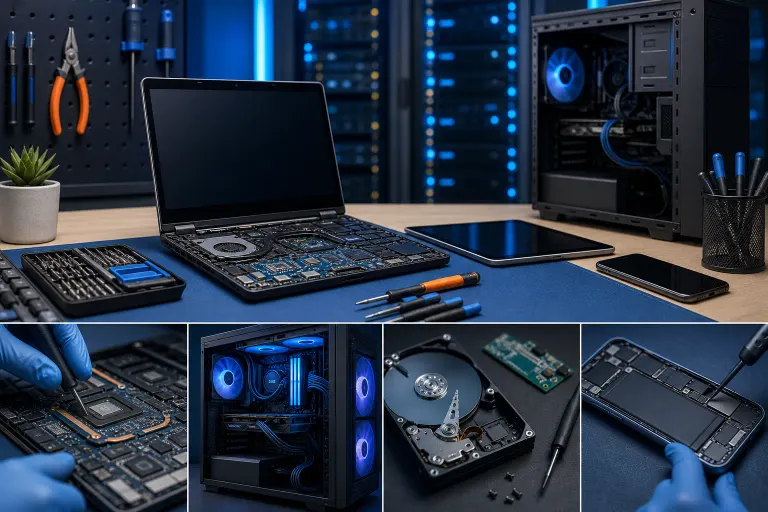
Here's what we actually work on every week. Not a marketing list. A real one.
PC and Desktop Repair
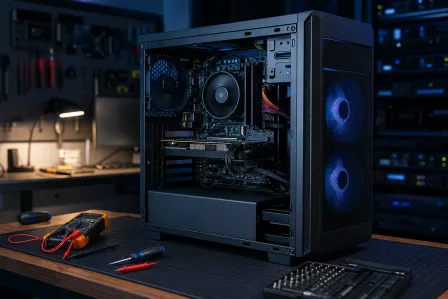
Desktops are easier to work on and cheaper to fix than laptops in most cases. Components are accessible, parts are standard, and there's no cramped chassis to fight with.
Common desktop repairs include:
- Virus and malware removal, Usually $79 to $129 depending on how deep it's dug in. If someone called you saying your computer is infected and you need to call a number, that's a scam. Do not call that number.
- Operating system reinstall, $99 to $149 with data preserved where possible. Sometimes Windows just needs to be wiped and started fresh. It's not dramatic.
- RAM or storage upgrades, $49 to $199 depending on what you're adding. Swapping a spinning hard drive for an SSD is the single best bang-for-buck upgrade most people can make.
- Power supply replacement, $89 to $179 parts and labor. If your PC shuts off randomly under load, this is often the culprit.
- GPU and cooling repairs, Prices vary widely based on parts. A clogged cooler cleaning might be $49. A full GPU replacement is a different conversation.
See the full list at our computer repair page.
Laptop Repair
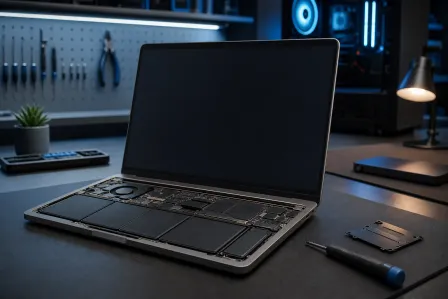
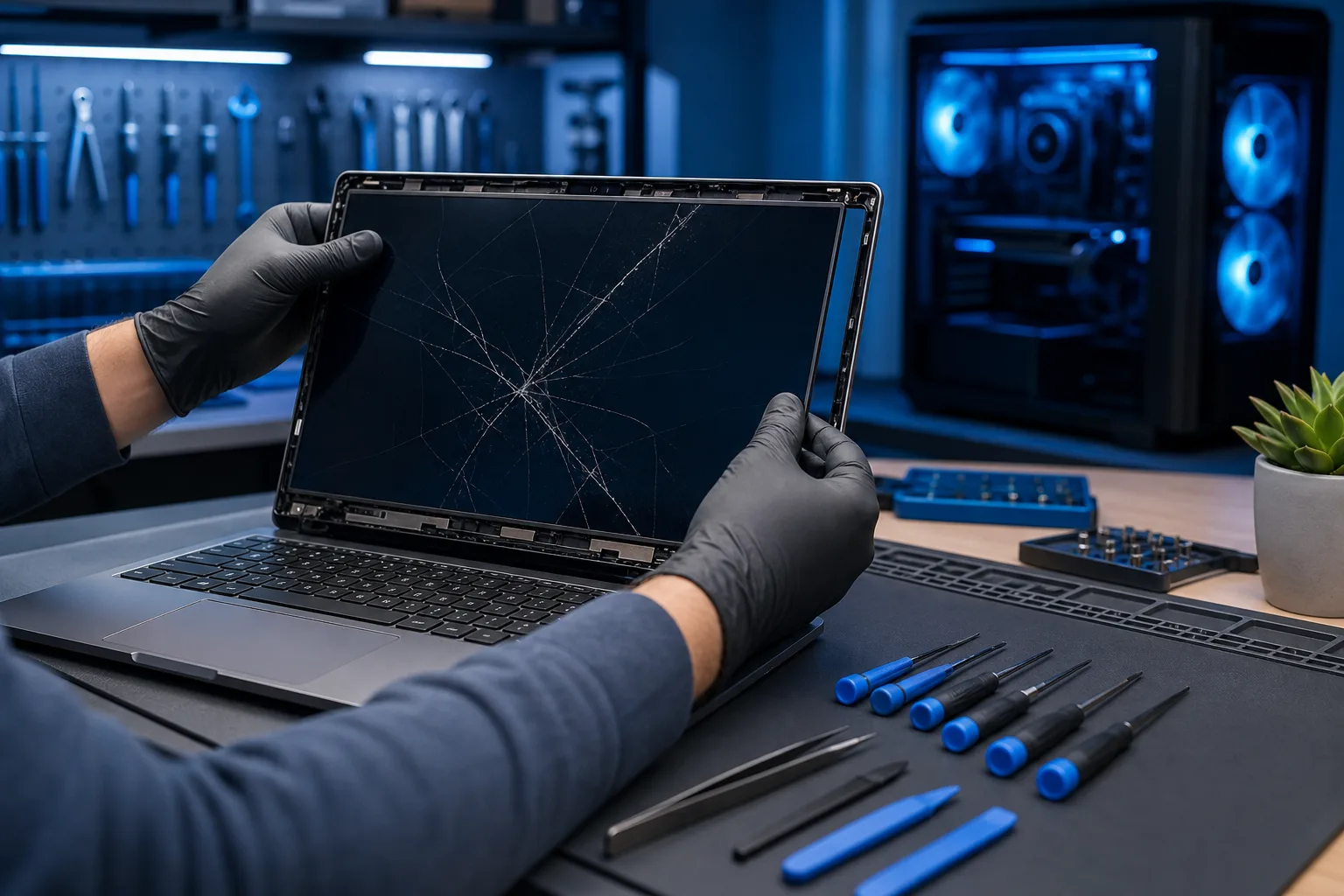
Laptops are where costs get real. Everything is smaller, more fragile, and more labor-intensive to access. Parts are often proprietary.
- Screen replacement, $129 to $299 depending on the panel type. Don't trust the $49 screen replacement shops. They're usually using low-quality panels that look washed out and fail inside a year.
- Keyboard replacement, $99 to $199. On some models this requires removing the entire top case. Fun times.
- DC jack or charging port repair, $89 to $149. If your laptop only charges at a specific angle, this is probably it.
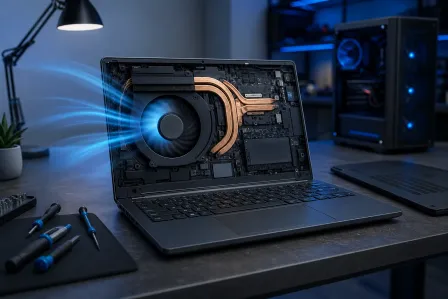
- Thermal paste and fan cleaning, $49 to $89. If your laptop sounds like a jet engine and shuts down without warning, this is frequently the fix. (We wrote a whole guide on laptop overheating already, so we won't rehash it here.)
- Battery replacement, $99 to $179. Prices vary a lot by model. MacBooks are on the higher end.
More detail on laptop-specific work is at /services/laptop-repair.
Mac Repair
Macs get their own category because the parts, tools, and procedures are different. We work on both Intel and Apple Silicon Macs.
Common Mac repairs include screen replacements, keyboard repairs (the butterfly keyboard era was a dark chapter in computing history), storage upgrades where possible, and OS troubleshooting. Liquid damage repairs are possible on some models but not all.
Straight talk: Apple Silicon Macs have most components soldered to the board. Repair options are more limited than they used to be. We'll tell you that up front instead of taking your money for something we can't actually fix.
Full Mac repair info at /services/mac-repair.
Virus, Malware, and Security Cleanup
This is one of the most common reasons people walk in. Their computer got slow, or they clicked something they shouldn't have, or a fake antivirus program is demanding $300 to "fix" things.
We remove the actual infection, check for anything that was installed alongside it (ransomware installers, keyloggers, browser hijackers), and make sure you're not still sitting on a backdoor afterward. Just killing the visible pop-ups and calling it done is not how we work.
If your business has had a security incident or you're worried about what's on company machines, that's a different engagement. Talk to us about business cybersecurity.
Business IT and Managed IT
Not every customer who needs us to fix a PC is a home user. We work with small and mid-sized businesses across Palm Beach County and the Treasure Coast.
Business repairs and services include:
- Workstation setup and repair
- Network troubleshooting and structured cabling
- Server maintenance
- Microsoft 365 setup, migration, and support
- Backup and disaster recovery planning
If you're running a business on whatever IT setup got cobbled together over the years, and you have no idea what would happen if something failed tomorrow, that's worth a conversation. See managed IT and backups and disaster recovery.
Custom Gaming PC Builds
We build custom PCs. Not assembling a pre-selected parts kit, actually helping you figure out what you need for your budget and use case, sourcing the parts, building it, and testing it.
Builds range from around $800 for a solid 1080p gaming machine to several thousand for high-end workstations and content creation rigs. (We've posted some of the wilder builds we've done if you want to see what that looks like. Check /media/video/27000-unreal-engine-monster for a sense of the ceiling.)
For builds, start at the custom gaming PC builder.
Mobile Device and iPhone Repair
Cracked screens, dead batteries, charging ports, cameras, water damage. We work on iPhones, iPads, and Android devices.
iPhone screen replacements typically run $89 to $229 depending on model. Batteries are $69 to $99 on most current models. iPad screen repairs are more involved and cost more.
See /iphone-ipad-repair for current pricing by model.
Remote Support
If you don't want to bring the machine in, or the issue is purely software, we offer remote support sessions. We connect to your machine securely and fix the problem while you watch.
This works for virus removal, software issues, configuration problems, and a lot of Windows and Mac troubleshooting. It doesn't work for hardware failures, obviously. You can't swap a hard drive over Zoom.
Details at /remote-support.
Computer acting up? Get a real diagnosis. Book a diagnostic
Why It Matters: Cost vs. Replace Math
The most common question we get is some version of "is it worth fixing or should I just buy a new one?"
Honest answer: it depends, and anyone who gives you a blanket answer either way is guessing or selling something.
General rules that actually hold up:
Fix it if: The machine is less than five or six years old, the repair cost is under 40-50% of what a comparable replacement would cost, and the data or setup on the machine is worth preserving.
Replace it if: It's eight-plus years old, the repair involves a motherboard or logic board on an older machine, or the total repair cost approaches or exceeds replacement cost.
We'll tell you which category you're in. We don't benefit from telling you to repair something that should be replaced, because that machine comes back in six months with another failure and now you're annoyed at us. Not the business model we're running.
What We Don't Know Yet: The Diagnostic Problem
Here's the thing about most computer problems. Until we look at the machine, we don't know the exact cost.
"My computer is slow" could be malware, a failing hard drive, a RAM problem, a clogged cooler, or just Windows Defender running a scan at the worst possible time. These have very different fixes and very different price tags.
This is why we offer a free diagnostic for new customers with our email coupon before committing to any repair. Bring it in, we'll figure out what's actually wrong, and then we give you a quote. You decide whether to proceed. No surprises, no mandatory $50 inspection fee that gets tacked onto everything.
If you're dealing with a business machine or a fleet of devices, the diagnostic process is a bit more involved. Contact us directly for business situations.
What to Do About It: Next Steps
If your machine is broken right now:
- Don't keep using it. Especially if you suspect a failing drive. Every minute of use risks more data loss.
- Don't let someone remote into your machine because a pop-up or phone call told you to. That's a scam. Full stop.
- Bring it in or book online. You can schedule a repair at /schedule-repair or call us directly.
- Tell us what happened. Not just "it's broken." When did it start? What changed? Did it make a noise? The more you can tell us, the faster we can diagnose it.
We're in West Palm Beach. We work on PCs, Macs, laptops, phones, tablets, and business networks. If you need to fix your PC, this is where you bring it.
If you want to read more before deciding, the complete computer repair guide covers a lot of the ground we skipped here.
Computer acting up? Get a real diagnosis.
Fix My PC Store has repaired thousands of machines across West Palm Beach. Honest pricing, no upsell games, and a free diagnostic for new customers with our email coupon.