Why Is My Mac Slow Only When Running on Battery?
TL;DR: macOS uses a built-in power management system that throttles your Mac's processor and GPU when running on battery. A healthy Mac will feel slightly slower unplugged. A Mac with a degraded battery or misconfigured settings will feel painfully slow. Knowing which situation you're in tells you whether a settings tweak or a battery replacement is the right fix.
What Happened
You unplugged your MacBook and suddenly everything feels like it's wading through wet concrete. Apps take longer to open, videos stutter, and fans spin up faster. Plug it back in and it's fine again.
This isn't a glitch. It's Apple's power management working exactly as designed, at least partly.
macOS includes a feature called CPU power throttling, which reduces how hard the processor works when it isn't connected to wall power. The goal is simple: fewer watts burned means more battery life. Intel-based Macs and Apple Silicon Macs both do this, though Apple Silicon (M1 and later) handles it more gracefully because its efficiency cores are purpose-built for low-power tasks.
On top of that, macOS may automatically switch to a lower-performance GPU mode, reduce screen brightness, and pause or slow down background processes like Spotlight indexing and iCloud sync. All of that adds up to a noticeably different feel.
Why It Matters
The throttling itself is normal. The degree of throttling is what tells you whether something is wrong.
If your Mac feels sluggish but still usable on battery, that's probably just power management doing its job. If it feels like a 2009 netbook, something else is contributing.
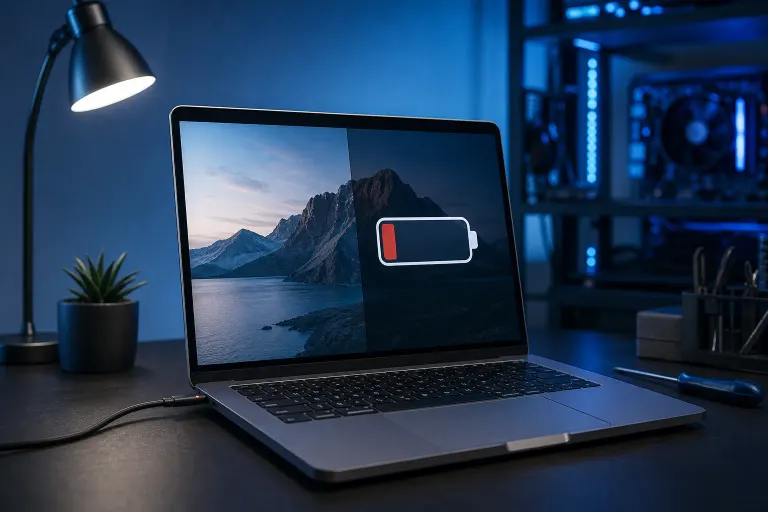
A degraded battery is the most common culprit. When a lithium battery ages, it loses the ability to deliver consistent voltage under load. macOS detects this and throttles the CPU even harder to avoid sudden shutdowns caused by voltage spikes. The battery may still show 80% charge, but its ability to supply peak current is gone.
Here's how to check your battery health right now:
- Hold Option and click the battery icon in your menu bar. Look for "Service Recommended" or "Replace Now."
- Go to Apple menu > System Settings (or System Preferences) > Battery > Battery Health. On newer macOS versions this gives you a health percentage.
- For more detail, open System Information (hold Option and click the Apple menu > System Information > Power). Look at "Cycle Count" and "Condition."
Apple considers a battery healthy up to around 1,000 charge cycles for most modern MacBooks, though performance degradation can begin earlier depending on usage and heat exposure. Apple's official battery service page lists expected cycle counts by model.
A second common cause: Low Power Mode is enabled. macOS Ventura and later added a Low Power Mode toggle for both battery and plugged-in use. If someone (maybe you, maybe a family member) turned it on, it stays on. Check under System Settings > Battery and make sure Low Power Mode is set to "Never" or "Only on Battery" depending on your preference.
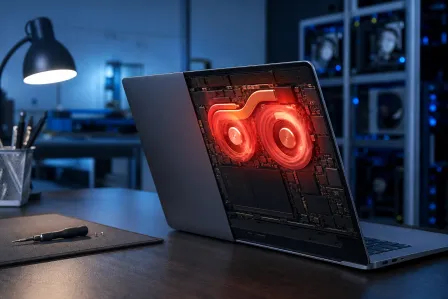
Third possibility: thermal throttling compounding the issue. If your Mac's vents are clogged with dust or the thermal paste on the CPU has dried out, the chip runs hot and throttles even more aggressively on battery because there's less headroom to manage heat. This is especially common on MacBooks that are 4+ years old and have never been cleaned internally.
Quick Decision Table
| What You See | Likely Cause | Self-Fix? |
|---|---|---|
| Slightly slower, still usable | Normal power management | No fix needed |
| Battery health below 80% | Degraded battery | Battery replacement |
| "Service Recommended" warning | Degraded battery | Battery replacement |
| Low Power Mode was on | Settings issue | Toggle it off |
| Hot to the touch, loud fans | Thermal throttling | Cleaning, new thermal paste |
| Slow even with good battery | Software or background processes | Run Activity Monitor |
Computer acting up? Get a real diagnosis. Book a diagnostic
What We Don't Know Yet
Apple doesn't publish exactly how aggressively it throttles at each battery health percentage. The thresholds are internal. So if your battery shows 82% health and performance still feels off, there may be more throttling happening than the health percentage suggests.
Also, third-party apps like coconutBattery (free, reputable) can give you more granular battery data than macOS shows natively, including design capacity vs. current capacity. That's worth checking before assuming a replacement is needed.
If your Mac is running Apple Silicon, note that the performance gap between plugged and unplugged is genuinely smaller than on older Intel machines. If you have an M-series Mac and it still feels dramatically slower on battery, the battery or a software issue is almost certainly involved.
What to Do About It
If the battery health checks out and Low Power Mode is off, open Activity Monitor (Applications > Utilities) and sort by CPU usage while on battery. Look for any process consistently above 50%. Browser extensions, cloud sync apps, and antivirus tools are common offenders that burn more CPU than you'd expect.
If the battery is degraded, replacement is the practical fix. Continuing to run on a degraded battery means chronic throttling and the risk of unexpected shutdowns. MacBook battery replacement is a job that requires the right tools and parts, and doing it wrong risks damaging the logic board.
If you suspect thermal throttling, a professional cleaning of the vents and a thermal paste reapplication can make a meaningful difference on older Intel MacBooks.
The team at Fix My PC Store can run a free initial diagnostic on your Mac in-store at 10140 Okeechobee Blvd, Suite B, West Palm Beach, open Monday through Friday 9 a.m. to 6 p.m. and Saturday 9 a.m. to 5 p.m. If advanced diagnostics or battery work is needed, the scope and cost are explained before anything is touched. Book a Mac repair appointment or reach out through remote support if you want a quick second opinion first.
Computer acting up? Get a real diagnosis.
Fix My PC Store has repaired thousands of machines across West Palm Beach. Honest pricing, no upsell games, and a free diagnostic for new customers with our email coupon.