Why Is My Mac Fan Spinning at Full Speed With Nothing Open?
TL;DR: A Mac fan running at full blast with no apps open is almost never random. A hidden background process, a software bug, a blocked vent, or a failing temperature sensor is driving it. Use Activity Monitor to catch the culprit in about two minutes.
What Happened
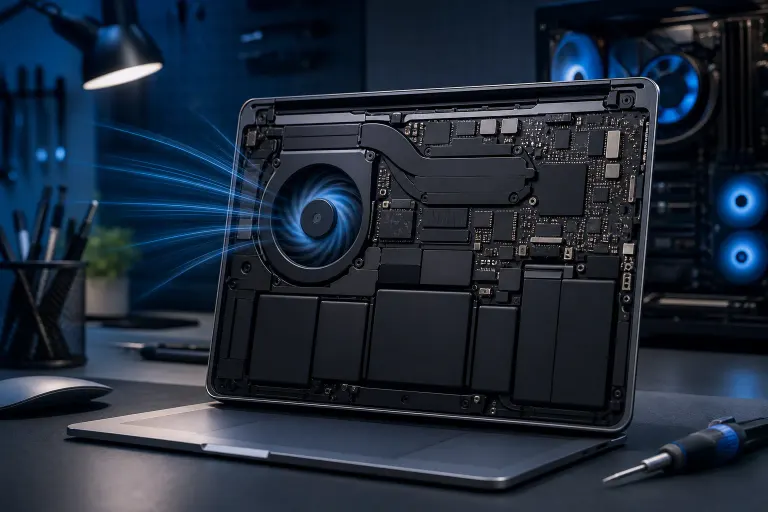
Macs use a thermal management system that ramps fan speed based on internal temperature readings. When the fans go wide open, the Mac is either genuinely hot, thinks it's hot, or has lost reliable temperature data entirely.
The tricky part: macOS can be running heavy background tasks, like a Spotlight re-index after an OS update, a Time Machine backup, a software update download, or a runaway browser extension process, that don't show up as open windows. To your eyes, nothing is running. To the CPU, it's a sprint.
Why It Matters
Ignoring sustained full-speed fans has real consequences. Prolonged thermal stress shortens component life. If the cause is a failing temperature sensor, the Mac has no accurate data to manage heat, so it defaults to maximum fan speed as a failsafe. That is actually the safer failure mode, but it signals something needs attention.
If the fan is loud because the Mac is genuinely overheating and the fan still can't keep up, you risk thermal throttling, sudden shutdowns, and in worst cases, hardware damage.
Computer acting up? Get a real diagnosis. Book a diagnostic
What We Don't Know Yet
Fan noise alone doesn't tell you whether this is a software glitch, a hardware failure, or just normal behavior during a temporary background task. You need data before you act.
It's also worth noting that Apple Silicon Macs (M1, M2, M3, M4 chips) handle thermal management differently than Intel Macs. Some Apple Silicon models are nearly fanless under light loads, so full-speed fan activity on those machines is a stronger signal that something is actually wrong.
What to Do About It
Step 1: Run the diagnostic sequence
Work through these steps in order before assuming hardware failure.
- Open Activity Monitor. Go to Applications, Utilities, Activity Monitor. Click the CPU tab and sort by % CPU descending. Look for any process above 80-90% for more than a minute or two.
- Check the GPU History. In Activity Monitor, go to Window, GPU History. A pegged GPU will drive heat even if the CPU looks idle.
- Wait 10-15 minutes. If Spotlight indexing or a software update triggered it, the fan will often calm down on its own after the task finishes.
- Restart in Safe Mode. On Intel Macs, hold Shift at startup. On Apple Silicon, shut down, then hold the power button until you see startup options, then hold Shift and click Continue in Safe Mode. If the fans are quiet in Safe Mode, a login item or third-party extension is the problem.
- Reset the SMC (Intel Macs only). The System Management Controller handles fan curves. A corrupted SMC can cause fans to run at full speed regardless of temperature. Apple's support page covers the exact reset steps for your model. Apple Silicon Macs reset their equivalent automatically on restart.
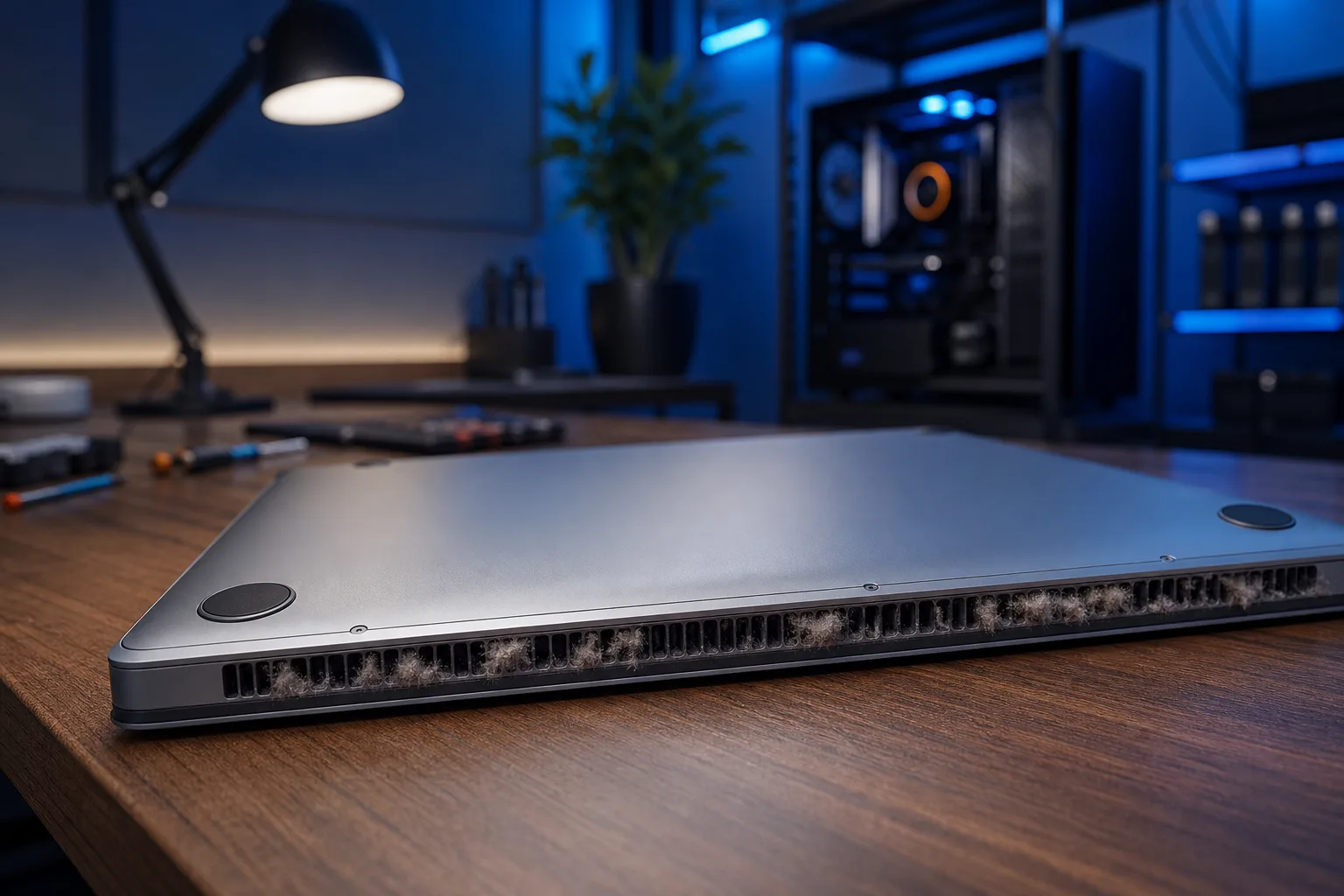
- Check for blocked vents. Soft surfaces like beds and couches block airflow. Dust buildup inside the vents is common on MacBooks older than two or three years. If you can hear the fan but the Mac isn't particularly warm to the touch on the outside, a clogged heatsink or fan assembly is a strong suspect.
Decision table: self-fix or bring it in?
| Situation | What to do |
|---|---|
| Background process found in Activity Monitor | Quit it, monitor for recurrence |
| Fans calm after restart or Safe Mode | Hunt down the offending login item |
| SMC reset fixes it on Intel Mac | Done, monitor |
| Fans loud even in Safe Mode after SMC reset | Likely sensor or hardware issue, get it checked |
| Mac is old, dusty, fans loud but runs cool to touch | Professional cleaning needed |
| Fan noise started after a drop or liquid contact | Stop using it, bring it in now |
When to get professional help
If the fans are screaming in Safe Mode, nothing shows up in Activity Monitor, and an SMC reset didn't help, you're likely looking at a failed temperature sensor, a dirty or damaged fan assembly, or a logic board issue. Those aren't DIY fixes.
Fix My PC Store handles Mac repair out of the shop at 10140 Okeechobee Blvd, West Palm Beach. Initial checks are free for most standard in-store repairs. If you can't make it in, remote support is an option for diagnosing software-side causes. Call 561-819-9999 or book online. Shop hours are Monday through Friday 9 a.m. to 6 p.m. and Saturday 9 a.m. to 5 p.m.
Computer acting up? Get a real diagnosis.
Fix My PC Store has repaired thousands of machines across West Palm Beach. Honest pricing, no upsell games, and a free diagnostic for new customers with our email coupon.