Why Is My Keyboard Lagging Behind What I Type?
TL;DR: Keyboard input lag is almost always caused by a stressed CPU, a misbehaving driver, a wireless connection problem, or Filter Keys being quietly enabled. Start with software checks before assuming the keyboard is dead. Most fixes take under ten minutes.
What you need
- Access to Windows Settings or macOS System Settings
- A second keyboard or USB keyboard (borrowed is fine, for testing)
- About 10-15 minutes
- Task Manager or Activity Monitor open in the background
1. Check if your system is just overloaded
Open Task Manager (Ctrl + Shift + Esc on Windows) or Activity Monitor on Mac. Look at CPU and RAM usage.
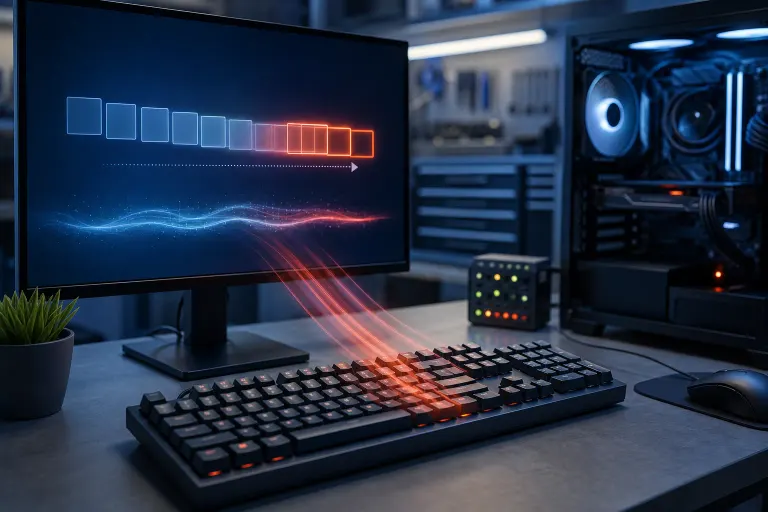
If CPU is sitting above 90% while you type, the keyboard is fine. The computer is too busy to process keystrokes fast enough. Close tabs, background apps, or anything syncing in the background. Retest.
This is the most common cause and the easiest to rule out.
2. Check Filter Keys (Windows only)
Filter Keys is an accessibility feature that intentionally slows down keystroke registration. It is accidentally enabled more often than you'd think, usually by holding Shift for eight seconds.
Go to Settings > Accessibility > Keyboard and make sure Filter Keys is off. If it was on, that is almost certainly your culprit.
3. Test with a different keyboard
Plug in a second keyboard via USB. If the lag disappears, the original keyboard is the problem, not the PC.
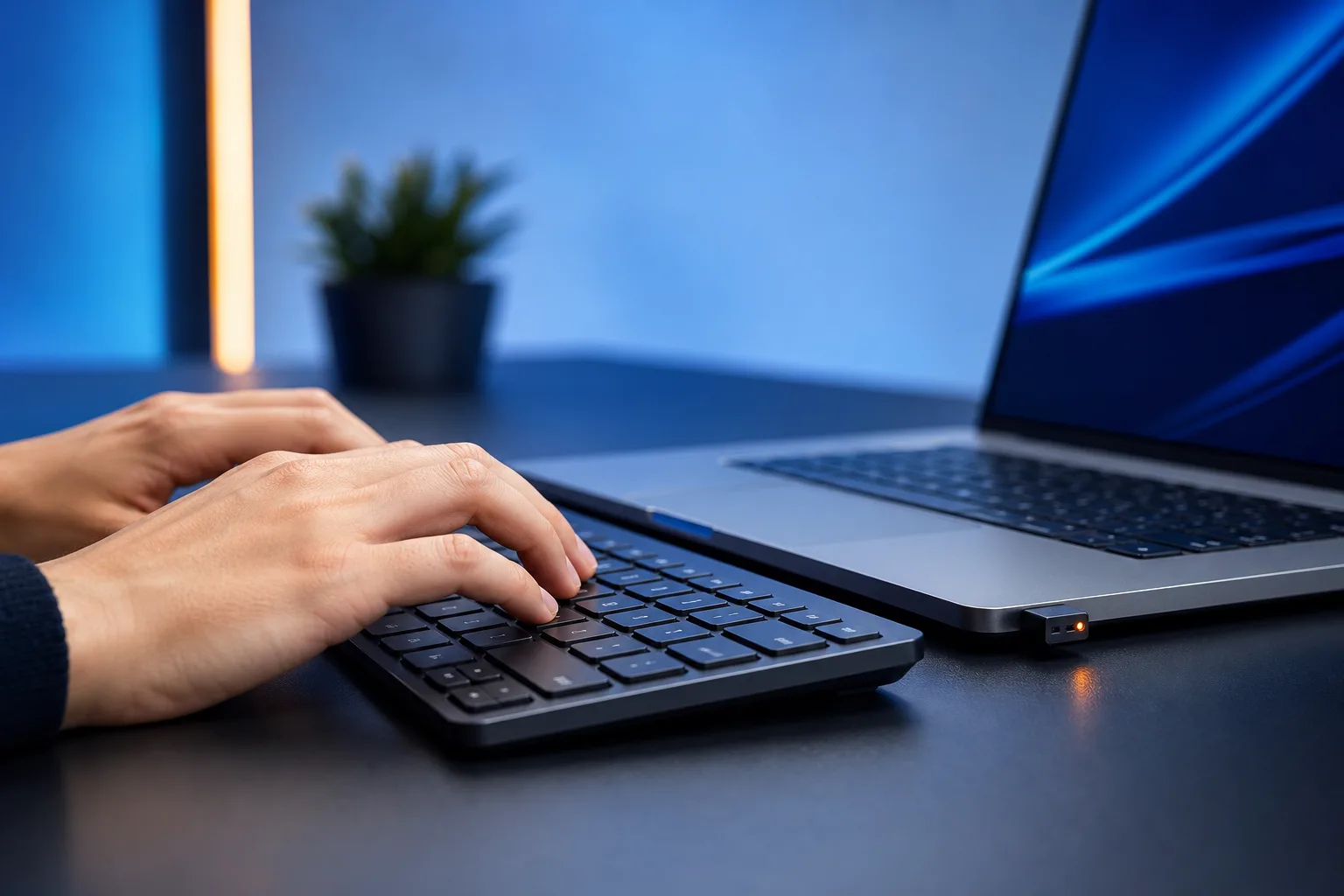
For wireless keyboards: replace the batteries first. Low battery causes exactly this symptom. If you use a USB dongle receiver, try moving it to a different USB port, closer to the keyboard. USB 3.0 ports (the blue ones) can interfere with 2.4 GHz wireless dongles. Try a USB 2.0 port instead.
For Bluetooth keyboards: unpair and re-pair the device. Bluetooth stack issues cause intermittent lag that looks like a hardware fault but is not.
4. Update or roll back the keyboard driver
Outdated or corrupted drivers cause input delay, especially after a Windows update.
- Open Device Manager (right-click the Start button).
- Expand Keyboards.
- Right-click your keyboard and choose Update driver.
- If lag started right after a Windows update, choose Properties > Driver > Roll Back Driver instead.
Restart after either action and retest.
Computer acting up? Get a real diagnosis. Book a diagnostic
5. Check keyboard repeat delay settings
This is different from input lag but gets confused with it. Go to Control Panel > Keyboard (Windows) or System Settings > Keyboard (Mac) and look at the repeat delay and repeat rate sliders.
If the repeat delay is set very long, it feels like the keyboard is hesitating before it registers held keys. Adjust to a shorter delay and test.
6. Run a malware scan
Keyloggers and certain malware strains consume CPU in the background, which indirectly causes lag. If you have noticed other odd behavior alongside the typing delay, run a full scan with Windows Defender or Malwarebytes. This step is especially worth doing if the lag appeared suddenly with no other obvious trigger.
Diagnostic decision table
| Symptom | Most likely cause | First action |
|---|---|---|
| Lag on all apps, all keyboards | CPU/RAM overload | Check Task Manager |
| Lag only on original keyboard | Keyboard hardware or battery | Swap keyboard or battery |
| Lag after Windows update | Driver conflict | Roll back driver |
| Every keystroke needs a long press | Filter Keys enabled | Disable in Accessibility |
| Lag only on wireless, not USB | Wireless interference or battery | Move dongle to USB 2.0 port |
| Sudden lag with no software changes | Malware or failing hardware | Run scan, check hardware |
Common mistakes
Replacing the keyboard immediately. Most people buy a new keyboard before ruling out software. Do the driver and Filter Keys checks first.
Ignoring the USB port. Plugging a wireless dongle into a USB 3.0 hub causes real interference. A direct USB 2.0 port on the back of the PC is always better for dongles.
Forgetting about Bluetooth stack updates. On Windows, Bluetooth driver updates are separate from keyboard driver updates. If your Bluetooth keyboard lags, update the Bluetooth adapter driver in Device Manager, not just the keyboard entry.
Testing only in one app. If the lag only happens in your browser or a specific program, the problem is that app, not the keyboard or Windows. Try a basic text editor like Notepad to isolate it.
Bottom line
Keyboard lag is annoying but rarely mysterious. Start with CPU load and Filter Keys, test a second keyboard to isolate hardware from software, then work through drivers and wireless settings. Most people resolve it within one or two steps.
If you have worked through everything here and still cannot get a clean result, a technician can run a proper hardware diagnostic. The team at Fix My PC Store handles exactly this kind of thing from their Okeechobee Boulevard shop, and remote support is available if you would rather not bring the machine in. You can also book a time online or drop by.
Computer acting up? Get a real diagnosis.
Fix My PC Store has repaired thousands of machines across West Palm Beach. Honest pricing, no upsell games, and a free diagnostic for new customers with our email coupon.