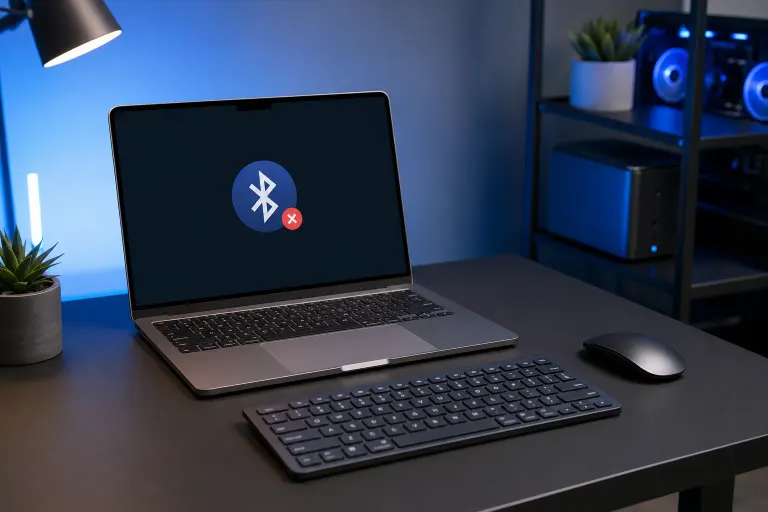
Why Is My Mac Not Connecting to a Bluetooth Keyboard After a Restart?
TL;DR: A Mac that won't reconnect to a Bluetooth keyboard after a restart is almost always dealing with a corrupted preference file, a conflicting pairing record, or a keyboard firmware hiccup. Clearing the Bluetooth cache or re-pairing the keyboard fixes it in most cases. If the problem keeps coming back, the Mac's Bluetooth module or the keyboard hardware may need a closer look.
What Happened
When your Mac restarts, macOS reads stored Bluetooth pairing data from a preference file called com.apple.Bluetooth.plist. If that file becomes corrupted, even slightly, macOS can silently fail to restore the connection. The keyboard shows as paired in System Settings, but no input arrives.
A second cause is a stale or duplicate pairing record. If the keyboard was ever paired with another Mac, an iPhone, or an iPad, it may try to reconnect to a different device on startup before your Mac gets a chance to claim it.
Third, Apple silicon Macs sometimes hold Bluetooth state differently across restarts than Intel Macs did. A Bluetooth module firmware inconsistency, while rare, can produce exactly this symptom.
Why It Matters
This isn't just an annoyance. If you rely on a Bluetooth keyboard as your only input device, a failed reconnection after a restart can leave you locked out of the login screen. That's a real problem on headless Mac minis used in home offices or small businesses.
It also signals that your Bluetooth preference file or pairing database may be in a degraded state. Left alone, that can cause other Bluetooth accessories, like a mouse or headphones, to start dropping too.
Computer acting up? Get a real diagnosis. Book a diagnostic
What We Don't Know Yet
Apple has not publicly documented every scenario in which the Bluetooth preference file becomes corrupted. It's unclear whether certain macOS updates make the file more vulnerable, or whether specific third-party keyboard firmware versions interact poorly with newer macOS releases. User reports suggest the problem appears across multiple macOS versions, but a definitive root-cause statement from Apple hasn't been issued.
What to Do About It
Work through these steps in order. Stop when the problem is resolved.
Step 1: Reset the keyboard's Bluetooth connection
- Turn the keyboard off, wait 10 seconds, turn it back on.
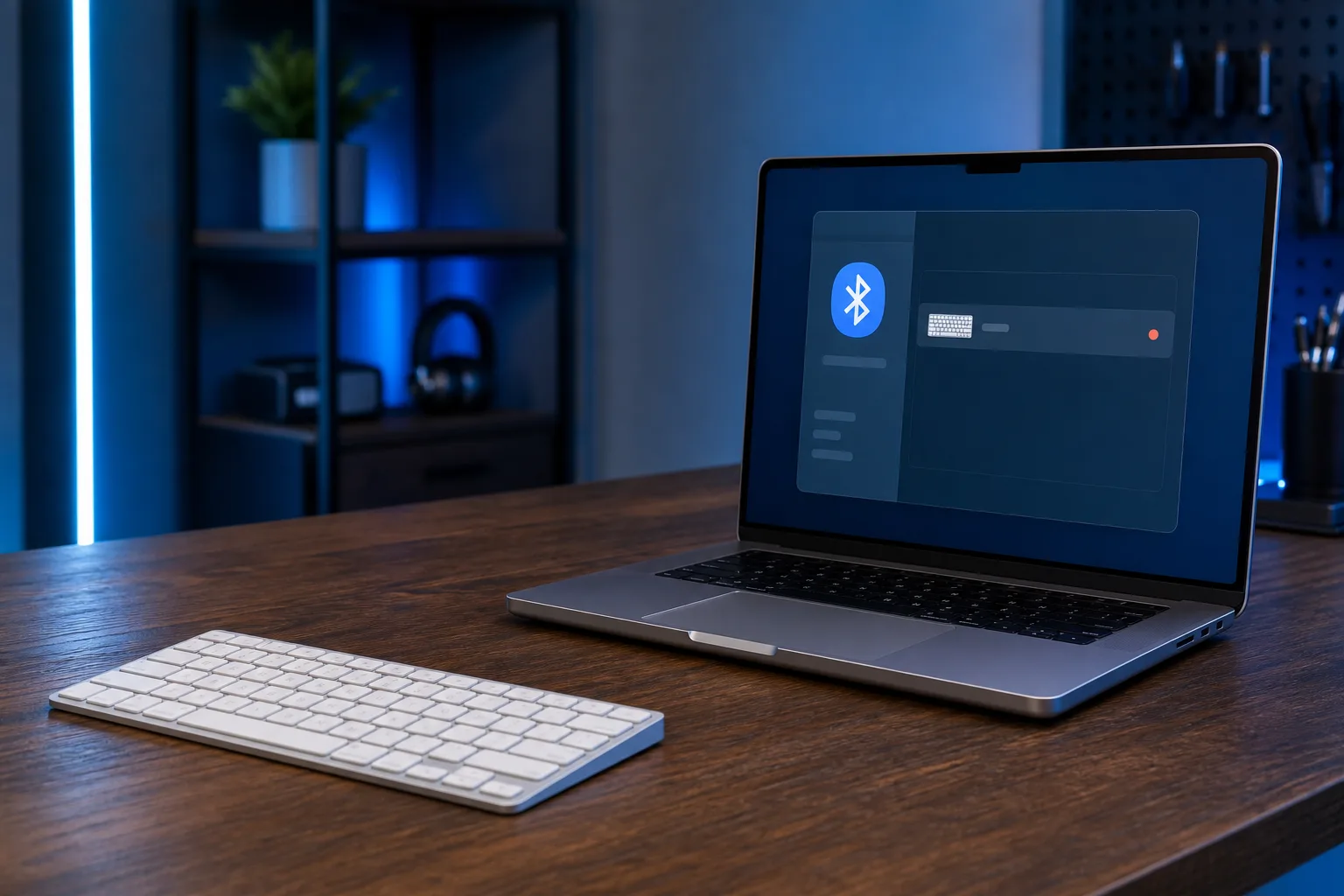
- On your Mac, go to System Settings > Bluetooth.
- Click the Info icon next to your keyboard, choose Forget This Device, then confirm.
- Put the keyboard into pairing mode and pair it fresh.
This alone fixes the problem for many users by clearing the stale pairing record.
Step 2: Delete the Bluetooth preference file
- Open Finder and press Cmd+Shift+G to open the Go To Folder dialog.
- Type
/Library/Preferencesand press Return. - Find
com.apple.Bluetooth.plistand move it to the Trash. - Restart your Mac. macOS will generate a clean replacement file automatically.
- Re-pair the keyboard.
Step 3: Reset the Bluetooth module
On macOS Ventura and later, Apple removed the hidden Option+Shift-click debug menu that used to let you reset the Bluetooth module directly. The closest equivalent now is:
- Turn Bluetooth off in System Settings.
- Shut down the Mac completely (not restart).
- Wait 30 seconds, then power on.
- Turn Bluetooth back on and pair the keyboard.
Step 4: Check for competing devices
If the keyboard was ever paired with another Mac or an iOS device on the same Apple ID, it may auto-connect to that device first. On the other device, go to its Bluetooth settings and forget the keyboard. Magic Keyboards linked to an Apple ID can be managed under System Settings > Apple ID on each machine.
Step 5: Update firmware and macOS
Apple Magic Keyboards receive firmware updates silently through macOS. Make sure your Mac is running the latest macOS point release. Third-party keyboards may have a companion app or a manual firmware update process. Check the manufacturer's support page.
Decision Table: Which Step Fits Your Situation?
| Symptom | Most Likely Cause | Start At |
|---|---|---|
| Keyboard worked until a recent macOS update | Preference file corruption | Step 2 |
| Keyboard connects to phone or another Mac instead | Competing pairing record | Step 1 or Step 4 |
| Keyboard never reconnects without manual toggle | Bluetooth module state | Step 3 |
| All Bluetooth accessories drop after restart | Corrupt preference file | Step 2 |
| Problem appeared after adding a new Bluetooth device | Pairing database conflict | Step 1 |
When to Get Help
If you've completed all five steps and the keyboard still fails to reconnect after every restart, the Bluetooth hardware on the Mac itself may be the issue. Internal Bluetooth antennas can be damaged, and Bluetooth controllers do occasionally fail. That's not a DIY fix.
You can bring your Mac into Fix My PC Store on Okeechobee Boulevard in West Palm Beach for a free initial check. If you'd rather not make the drive, remote support is also available for software-layer diagnostics. Call 561-819-9999 or book online.
Computer acting up? Get a real diagnosis.
Fix My PC Store has repaired thousands of machines across West Palm Beach. Honest pricing, no upsell games, and a free diagnostic for new customers with our email coupon.