Why Is My Gaming PC Crashing Only When I Plug In a USB Device?
TL;DR: A gaming PC that crashes specifically when a USB device is connected usually has a power-related problem (PSU or USB controller), a driver conflict, or a grounding fault. Work through the diagnostic sequence below to narrow it down before swapping hardware.
What Happened
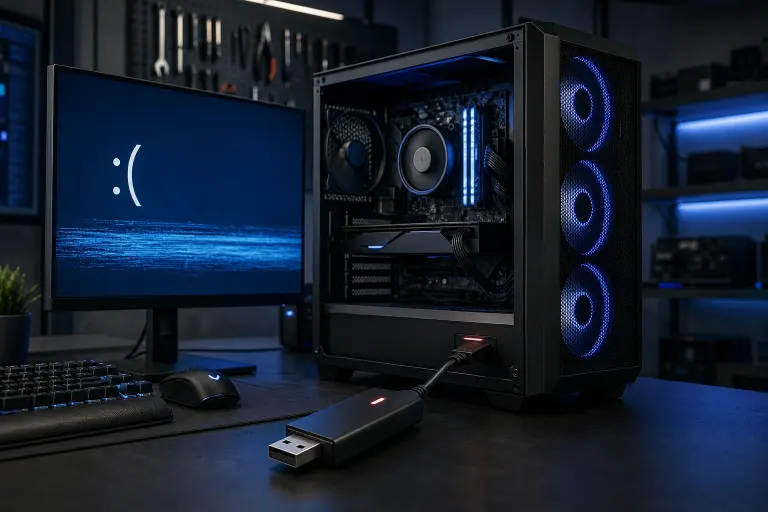
You plug in a USB device, and your PC either blue-screens, hard-resets, or just cuts to black. It doesn't happen any other time. That specificity is actually useful, because it rules out a lot of random instability and points to something reacting to the plug-in event itself.
There are four main failure zones here:
- Power delivery surge. When a USB device is connected, the port supplies 5 V power. If the PSU is running near its limit or has a failing rail, that tiny load bump can cause a voltage dip that triggers a crash or protection shutdown.
- USB controller driver conflict. Windows can re-enumerate the USB bus when a device is connected. A buggy or corrupted driver in that chain can throw a kernel-level error.
- Grounding fault or static discharge. A poorly grounded case or a device with a damaged cable can send a static spike through the USB port straight into the motherboard.
- Failing or overloaded USB hub (internal or external). Too many high-draw devices sharing a single controller can push it past its amperage limit.
Why It Matters
This specific crash pattern is easy to misread as a random instability. Gamers often blame their GPU or RAM and start swapping parts that have nothing to do with it. Getting the diagnosis right the first time saves money and prevents you from pulling hardware that is still perfectly good.
It also matters because repeated power spikes or grounding events can cause cumulative damage to your motherboard's USB controller over time. The longer this goes unchecked, the more likely you are to end up with a permanently dead port or, in worse cases, damaged PCIe lanes near the USB controller.
Ready to build a rig that actually rips? Start your build
What We Don't Know Yet
Without running diagnostics, you can't tell whether the crash is a software-fixable driver issue or a hardware failure. The behavior can look identical from the outside. A single crashed USB port on one brand of flash drive could be totally different from a crash triggered by plugging in a powered USB hub.
Also worth noting: some motherboard BIOS versions have known bugs where USB power management causes instability, particularly on certain AMD chipset boards. Whether that applies to your specific board requires checking your manufacturer's support page for BIOS changelogs.
What to Do About It
Work through this diagnostic sequence in order. Stop when you find the cause.
Step 1: Isolate the trigger device. Test with the simplest possible USB device, a basic flash drive with no external power. Then try a different device. If only one specific device causes crashes, the device itself is likely faulty or incompatible.
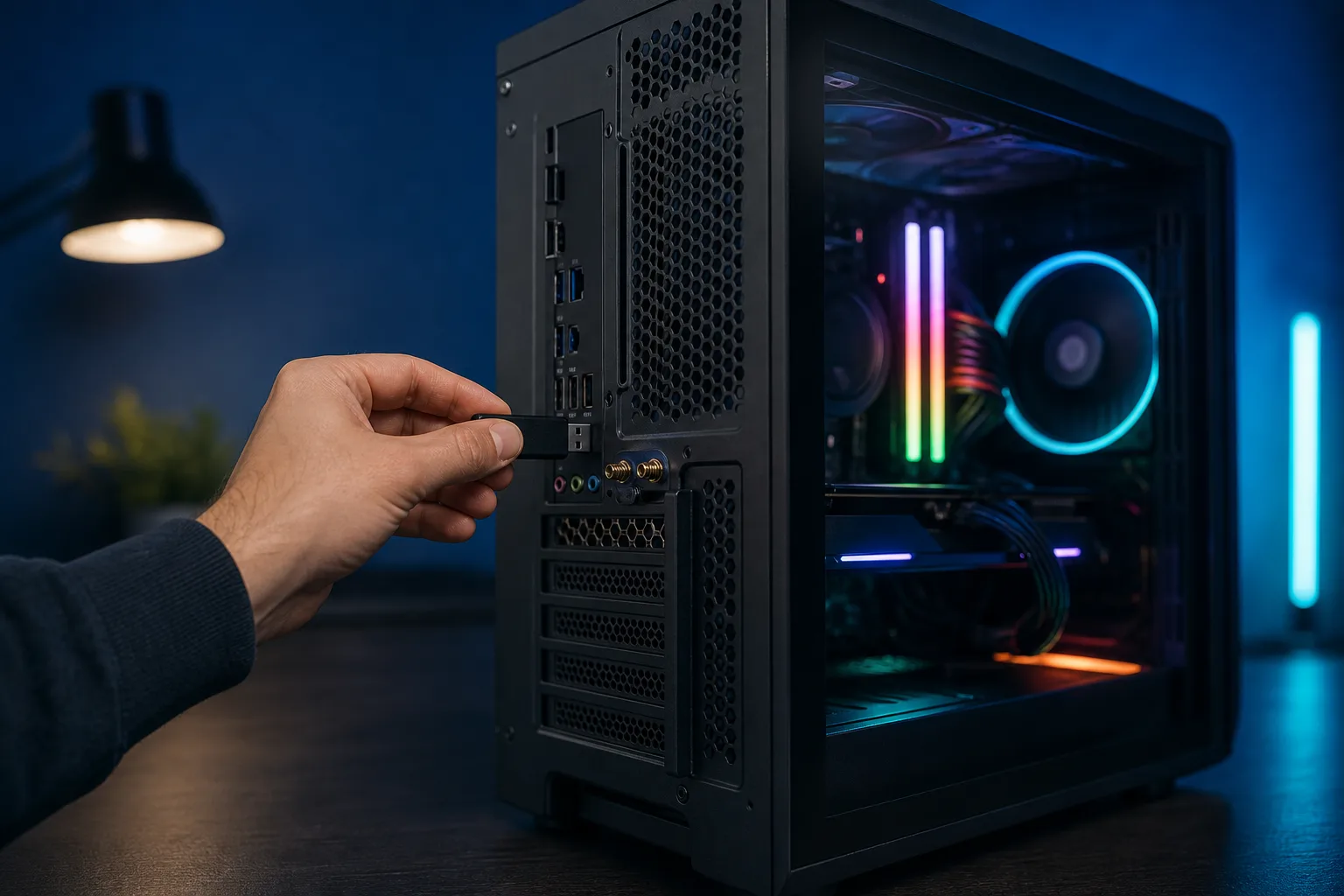
Step 2: Swap USB ports. Plug the same device into every available USB port, including both front-panel and rear-panel ports. If crashes happen on front-panel ports only, the front-panel header connection to the motherboard may be loose or the front-panel wiring may be causing a ground fault.
Step 3: Check Event Viewer before the next crash. Open Event Viewer (Win + X, then Event Viewer), go to Windows Logs > System, and filter for Critical and Error entries. Look for entries timestamped at the moment of the crash. A USBHUB or USBxHCI error points to the USB controller or driver. A Kernel-Power event (Event ID 41) with no prior USB error usually suggests a power issue.
Step 4: Update or roll back USB drivers. Open Device Manager, expand Universal Serial Bus controllers, right-click each host controller, and check for driver updates. If a recent Windows Update preceded the problem, try rolling back the driver instead.
Step 5: Check PSU load under real conditions. Use a tool like HWiNFO64 to monitor your 5 V and 12 V rail voltages while gaming. Plug in the problematic device and watch for a voltage dip below 4.75 V on the 5 V rail. Any dip that large during plug-in suggests the PSU is struggling.
Step 6: Test with a powered USB hub. If the crashing device draws significant power (external drives, certain controllers, capture cards), plug it into a powered USB hub instead of directly into the PC. If the crashes stop, the USB port's power delivery was the bottleneck.
Step 7: Reseat and inspect internal connections. Shut down, unplug the PC, and reseat the front-panel USB headers on the motherboard. Look for bent pins. If your case has a USB 3.0 internal header and it feels loose, that is a known point of failure on heavily used builds.
If you get through all of that and the crashes continue, the USB controller on the motherboard may be damaged. At that point a professional diagnosis makes more sense than further guessing. The team at Fix My PC Store on Okeechobee Blvd can run a hardware-level check and tell you whether it is a board swap or something more fixable. You can also start a remote support session if you want a second opinion on the software and driver side before bringing the rig in.
If you're building a new rig and want the power delivery spec'd correctly from the start, check out the custom gaming PC builder to get a build that won't have these headaches.
Ready to build a rig that actually rips?
Custom gaming PCs built and tuned by people who game. Tell us your budget and target frame rate.