Why Does My PC Overheat Only in Summer? Heat and Airflow Explained
TL;DR: Summer ambient temperatures eat into your cooler's headroom, so a machine that was barely fine in January hits thermal limits in July. Dust, poor airflow, and dried-out thermal paste make it worse. The fixes range from a $0 dust cleaning to a cooler swap.
What Happened
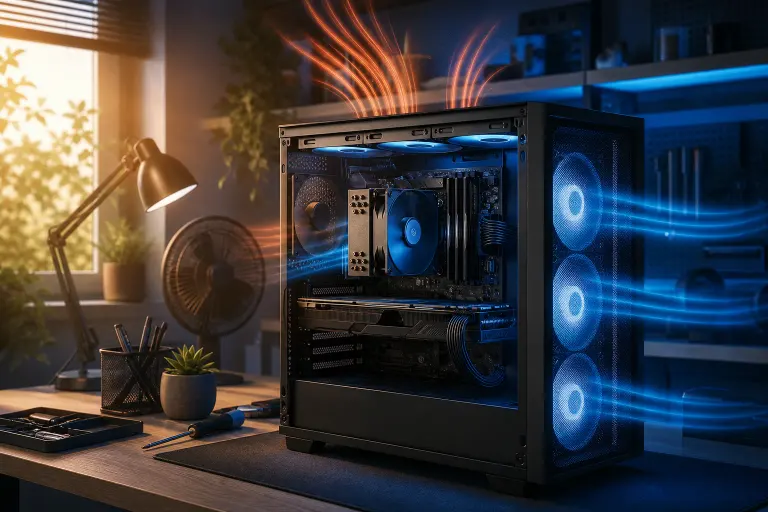
Your PC's cooler doesn't produce cold air. It moves heat from your CPU or GPU into the surrounding air. The cooler can only drop component temperature a certain number of degrees below the air already in your case, and that air is only as cool as your room.
When your room goes from 70°F in January to 82°F in July, that's 12°F less thermal margin before your chip hits its thermal throttle or shutdown threshold. A CPU that sat comfortably at 85°C in winter can hit 95°C or more doing the exact same workload in summer, triggering throttling or unexpected shutdowns.
This effect is especially noticeable in South Florida. West Palm Beach summers push indoor temps higher, especially if AC is struggling or a home office has poor ventilation. That regional context matters: a setup that passes a Northern winter without complaint can cook itself by June.
Why It Matters
Thermal throttling isn't just annoying. When your CPU or GPU hits its temperature limit, it drops clock speeds to shed heat. Your frame rates tank, your render times stretch, and your system can feel like a totally different machine. Sustained high temps also accelerate component aging.
Three factors usually combine to make summer worse than it needs to be:
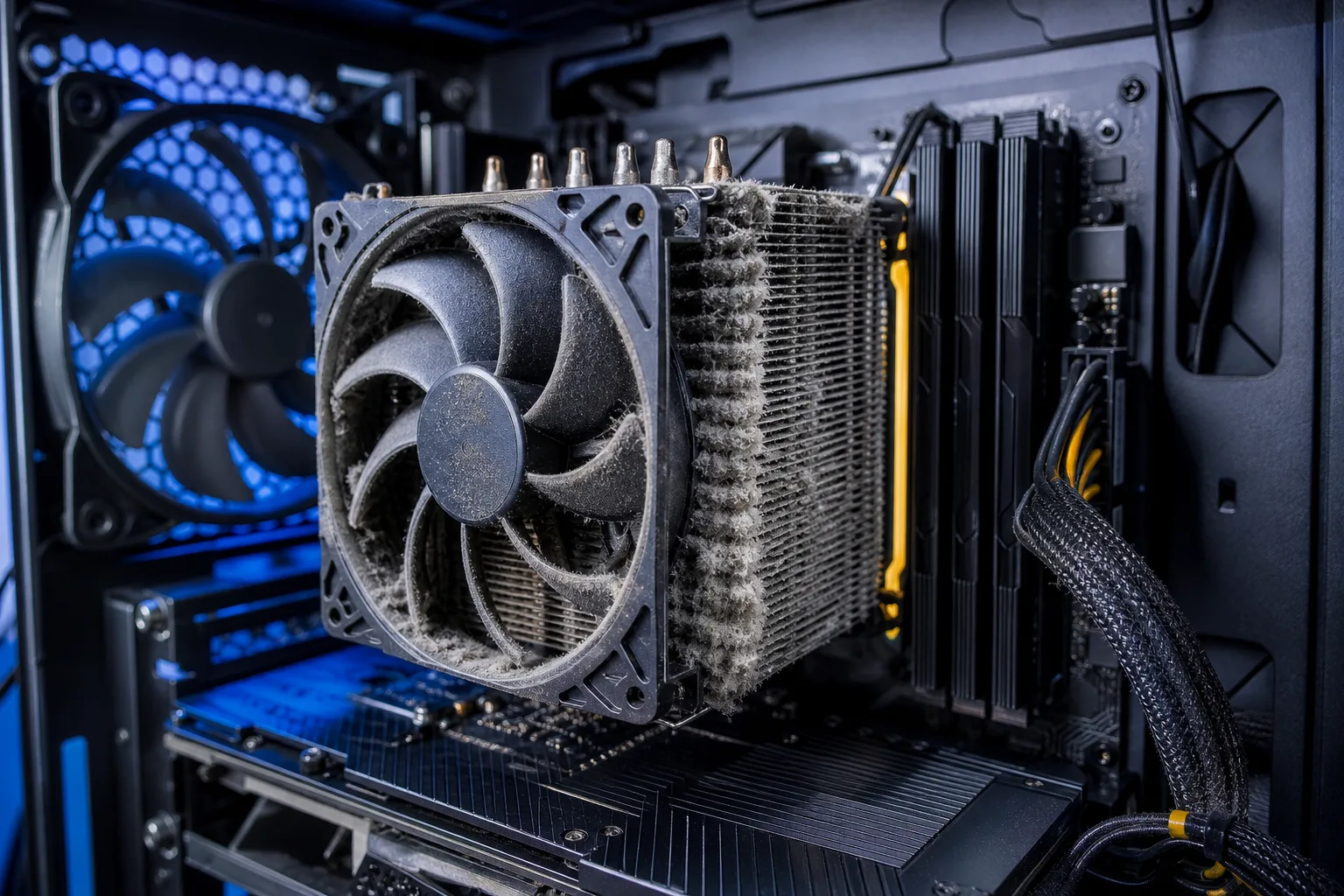
1. Dust accumulation. Dust acts as insulation on heatsink fins and fan blades. A heatsink clogged with six months of lint can lose a significant chunk of its cooling efficiency. Dust builds all year, but the thermal margin in winter hides it.
2. Dried thermal paste. Thermal paste between your CPU and cooler conducts heat away from the chip. It degrades over time. A three-year-old application that was adequate at 70°F ambient may not cut it at 82°F.
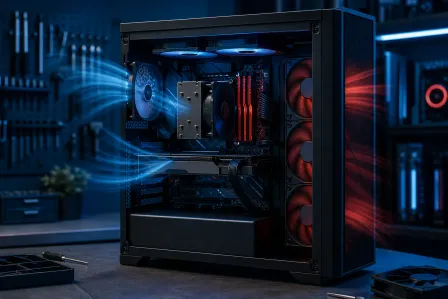
3. Airflow imbalance. Cases need a pressure balance: intake fans pulling cool air in, exhaust fans pushing hot air out. A single rear exhaust fan with no intake, or a front panel blocked by a wall, creates hot pockets inside the case. Summer amplifies any existing imbalance.
Computer acting up? Get a real diagnosis. Book a diagnostic
What We Don't Know Yet
Not every summer overheat has the same root cause. Before you buy anything, you need to know which factor is actually dominant in your system.
You also don't know yet whether your current cooler is undersized for your CPU's TDP, which can be hidden by mild weather all winter. A stock cooler on a high-TDP chip is the classic culprit that only reveals itself under summer stress.
What to Do About It
Run a diagnostic sequence before spending money:
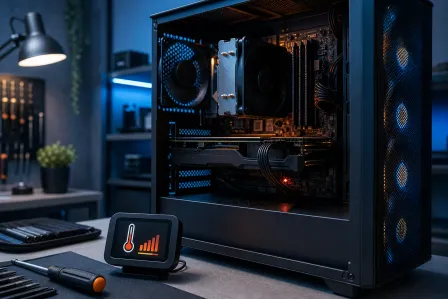
- Check temps under load. Use HWiNFO64 or MSI Afterburner to log CPU and GPU temps during a real workload. Note your room temp at the same time. This tells you how far over the edge you actually are.
- Clean the system. Power off, unplug, and blow out heatsinks, fans, and case filters with compressed air. Do this outside. Check whether temps drop afterward before doing anything else.
- Check airflow path. Count your intake vs. exhaust fans. A slight positive pressure (more intake than exhaust) keeps dust out and maintains fresh air flow. Make sure nothing is blocking front panel intakes, including furniture or carpet.
- Inspect case placement. A PC stuffed in a desk cabinet with the door closed is breathing recycled hot air. Move it somewhere with clearance on all sides.
- Repaste the CPU. If cleaning helped but temps are still high, fresh thermal paste is a low-cost fix. Remove the cooler, clean off the old paste with isopropyl alcohol, and apply a fresh pea-sized dot.
- Evaluate the cooler. If you're on a stock cooler and your CPU TDP is 65W or higher, an aftermarket tower cooler is a meaningful upgrade. More heatsink mass and larger fans move more heat per degree of ambient rise.
Decision table: what to try first
| Symptom | Most Likely Cause | First Fix |
|---|---|---|
| Throttles under heavy load only | Marginal headroom + dust | Clean system, check airflow |
| Hot even at idle | Dried thermal paste or blocked exhaust | Repaste, check fan direction |
| Shuts down suddenly | Hitting shutdown threshold fast | Clean first, then cooler upgrade |
| One game triggers it, others don't | GPU thermal issue | Check GPU temps separately, clean GPU heatsink |
If you've cleaned the system, improved airflow, and repasted and temps are still dangerous, the cooler is undersized or there's something else going on. A hardware diagnostic can catch failing fans, a VRM running hot, or a case design that just doesn't move air well.
If your machine needs a hands-on look, Fix My PC Store at 10140 Okeechobee Blvd in West Palm Beach offers free initial checks for most in-store repairs. You can also check computer repair or book a time to bring it in. For a gaming rig that's outgrown its cooling, the custom gaming PC builder is worth a look if a full rebuild is on the table.
For overclocking fans: yes, summer is exactly when aggressive OC profiles come back to bite you. Dialing back an all-core boost by even 100-200 MHz can recover 5-8°C under load. Sometimes the smart play is backing off the clocks until fall.
Computer acting up? Get a real diagnosis.
Fix My PC Store has repaired thousands of machines across West Palm Beach. Honest pricing, no upsell games, and a free diagnostic for new customers with our email coupon.