Why Does My Laptop Run Hotter on a Desk Than on a Stand?
TL;DR: A flat surface blocks the air intakes on the bottom of most laptops. A stand lifts the machine a centimeter or two, reopening those vents. Cooler air flows in, hot air escapes, and temperatures drop. If your laptop still runs hot on a stand, something else is wrong.
What Happened
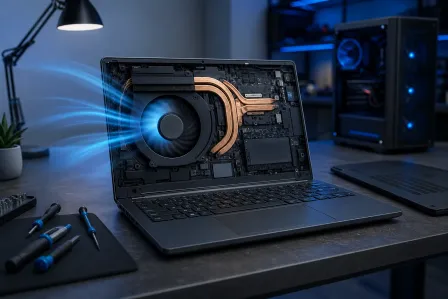
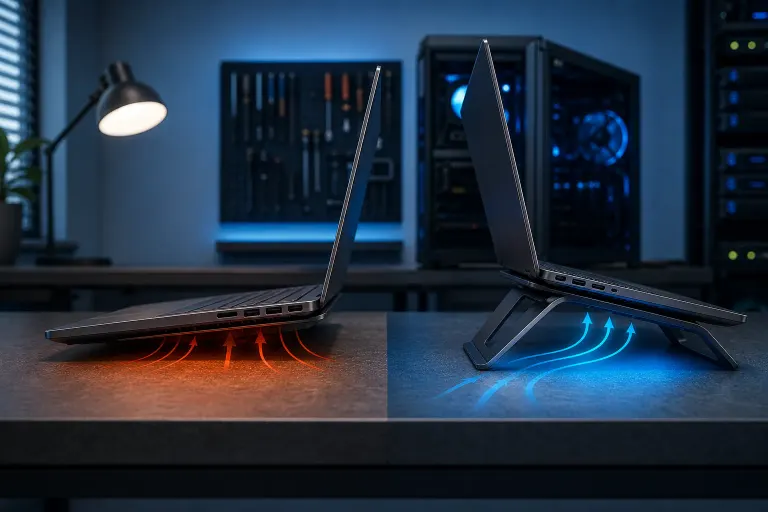
Most laptops pull cool air in through slots or perforations on the bottom of the chassis. That air flows over the heatsink, absorbs heat from the CPU and GPU, and exits through vents on the sides or rear.
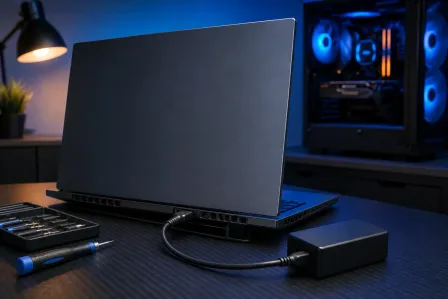
When you set the laptop flat on a desk, those bottom intakes press against the surface. Even a smooth desk reduces airflow significantly. A soft surface like a blanket or pillow can block it almost entirely.
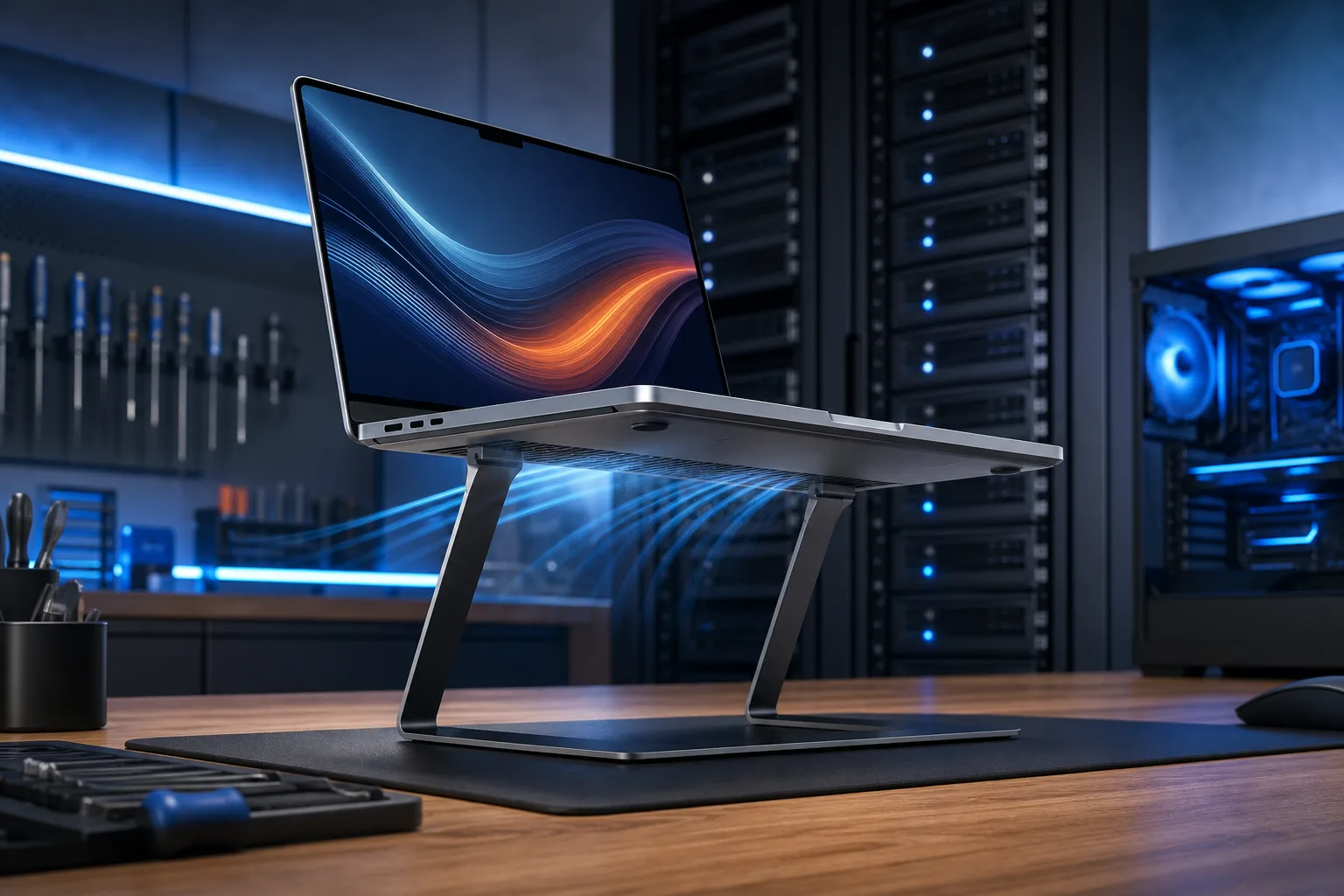
A laptop stand, even a cheap plastic one, creates a gap of roughly 1 to 3 centimeters. That gap is enough to restore meaningful airflow. Some stands also tilt the laptop at an angle, which helps hot air rise and exit faster.
Why It Matters
Heat is the single biggest accelerant of hardware wear in laptops. When the CPU or GPU gets too hot, the processor throttles itself, meaning it intentionally slows down to avoid damage. You feel this as sluggishness, stuttering, or sudden drops in performance during demanding tasks.
Running consistently hot shortens the life of thermal paste, fans, and the components themselves. A laptop that throttles regularly because of poor airflow on a desk is doing quiet, cumulative damage.
Here is a simple way to see whether surface contact is your problem:
- Download a free temperature monitor such as HWiNFO (Windows) or use the built-in Activity Monitor with a third-party menu bar tool on Mac.
- Open a moderately demanding task, like a browser with several tabs or a video.
- Note the CPU temperature while flat on the desk.
- Place the laptop on any rigid object that lifts it a centimeter or two, even a couple of thick books.
- Run the same task and compare temperatures after five minutes.
If temperatures drop noticeably in step 5, airflow restriction was the cause.
Computer acting up? Get a real diagnosis. Book a diagnostic
What We Don't Know Yet
A stand fixes the airflow problem, but it does not tell you why the laptop is running hot in the first place. A few things can make the underlying heat generation worse:
- Clogged fans or heatsink. Dust accumulates inside the chassis over time and insulates the heatsink. A stand helps, but a clogged machine will still run warm.
- Dried thermal paste. The compound between the CPU and heatsink dries out after a few years and stops conducting heat efficiently. No amount of airflow fully compensates for this.
- Background processes. Software running in the background can push CPU usage higher than expected, generating more heat regardless of surface.
- Ambient temperature. Laptops in a warm room, like a South Florida home in summer without AC, start at a disadvantage. The air they pull in is already warmer.
If your laptop runs hot even on a stand, the stand was not the real fix. The underlying issue is still there.
What to Do About It
Start with the stand. Any rigid lift helps. Purpose-built laptop stands range from under ten dollars to over fifty and most make a measurable difference. A passive stand with no fan is usually enough if the vents were your only problem.
Check your software load. Open Task Manager on Windows or Activity Monitor on Mac. If something is using the CPU heavily while you are not actively doing much, that process is generating excess heat. Closing it or identifying it as malware is worth doing before buying hardware.
Clean the vents. A can of compressed air aimed at the exhaust vents every six to twelve months removes dust buildup. Do not blow into the intake vents, as that pushes dust deeper into the machine.
Consider thermal paste replacement. If your laptop is three or more years old and runs hot even after cleaning, the thermal paste between the CPU and heatsink may need replacing. This is a disassembly job that requires removing the heatsink, cleaning the old compound off, and applying fresh paste. It is one of the most effective repairs for a hot laptop.
If you are in West Palm Beach or South Florida and your laptop still throttles or shuts down after trying the steps above, the team at Fix My PC Store can open it up, clean the cooling system, and replace the thermal paste. Book a laptop repair appointment or reach out through the contact page to describe what you are seeing.
For situations where you cannot bring the machine in, remote support can help rule out software causes before you commit to a hardware repair.
Computer acting up? Get a real diagnosis.
Fix My PC Store has repaired thousands of machines across West Palm Beach. Honest pricing, no upsell games, and a free diagnostic for new customers with our email coupon.