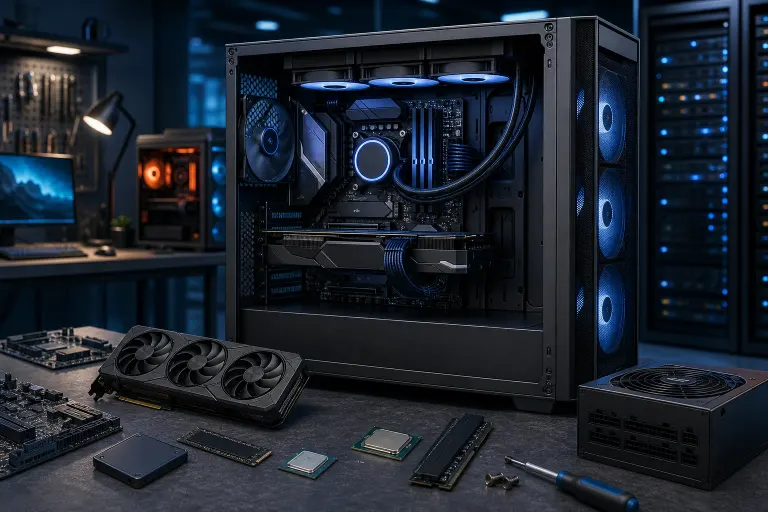
What Lives Inside a Gaming PC? Every Component Explained
TL;DR: A gaming PC is a collection of specialized parts that each handle a specific job. Know what those jobs are and you'll make smarter buying decisions, spot problems faster, and never get ripped off on an upgrade again.
What You Need
You don't need tools for this guide. Just bring curiosity and maybe a notepad if you're planning a build. If you already have a rig and want to know what's inside it, you can check your specs in Windows by pressing Win + Pause/Break or searching "System Information" in the Start menu. If you want to skip ahead and spec out an actual build, our custom gaming PC builder will walk you through it.
Step 1: The CPU, Your PC's Brain
The CPU (Central Processing Unit) handles all general computing tasks. It runs your operating system, processes game logic, handles AI behavior, physics calculations, and basically everything that isn't drawing pixels on screen.
For gaming, you want a CPU that's fast per core (high single-core performance), not just one with a ton of cores. Most games still lean heavily on single-threaded performance. AMD Ryzen and Intel Core processors dominate the gaming CPU market right now, and both are solid choices depending on your budget and platform.
A weak CPU will bottleneck a powerful GPU. That means your graphics card is waiting around doing nothing because the CPU can't feed it data fast enough. Watch your frame times, not just FPS averages, to catch this.
Step 2: The GPU, Where Your Frames Are Born
The GPU (Graphics Processing Unit) is the heart of any gaming build. It renders every frame you see. Higher resolution, higher frame rate, better visual settings. all of that falls on the GPU.
NVIDIA GeForce and AMD Radeon are the two main brands. The GPU has its own processor (called a shader or CUDA core depending on brand) and its own dedicated memory called VRAM. More VRAM matters a lot at higher resolutions and with games that use large texture packs.
Want to see what a properly spec'd GPU can do in an actual build? Check out the RTX 4090 upgrade video we put together. Real hardware, real results.
GPU = frames. It's really that simple. Don't cheap out here if gaming is your primary goal.
Step 3: RAM, Your Short-Term Memory
RAM (Random Access Memory) is where your PC stores data it's actively using right now. The game you're running, the Discord overlay, the browser tabs in the background. all of that lives in RAM while it's open.
For gaming in 2024, 16GB is the minimum and 32GB is the comfortable sweet spot. Some newer titles are starting to push past 16GB usage, especially when paired with a streaming setup or content creation workflow.
RAM speed matters too, measured in MHz or MT/s. Faster RAM feeds the CPU data quicker, which is especially noticeable on AMD Ryzen platforms where the memory controller is tightly tied to performance. DDR5 is the current standard on modern platforms, but DDR4 systems are still very capable.
Two sticks instead of one is always better. Dual-channel mode gives you roughly double the memory bandwidth compared to running a single stick of the same total capacity.
Step 4: The Motherboard, Everything Plugs Into This
The motherboard is the main circuit board that connects every other component. CPU, RAM, GPU, storage, case fans, front panel buttons. it all connects here.
When picking a motherboard, your CPU choice locks in your socket type. An AMD AM5 chip needs an AM5 motherboard. An Intel LGA1700 chip needs LGA1700. You can't mix these.
Motherboards also determine how much RAM you can install, how many storage drives you can connect (M.2 slots and SATA ports), and what overclocking features are available. Higher-end boards also tend to have better power delivery, which matters if you're pushing your CPU hard.
Don't overspend on a motherboard chasing features you'll never use. But don't go basement-tier either, especially if you're pairing it with a high-end CPU.
Ready to build a rig that actually rips? Start your build
Step 5: Storage, SSD vs HDD and Why It Matters
Storage is where your operating system, games, and files live permanently. There are two main types:
SSD (Solid State Drive): Fast, silent, no moving parts. A modern NVMe M.2 SSD connects directly to the motherboard and can reach read speeds of 3,000 to 7,000+ MB/s depending on the drive. This is what your OS and most-played games should live on.
HDD (Hard Disk Drive): Slower, but cheaper per gigabyte. Good for storing large game libraries, media files, or anything you don't need to load instantly.
Boot times, game load times, and open-world streaming (think how fast new areas load as you run through them) all benefit massively from an NVMe SSD. This is one of the most noticeable upgrades you can make on an older system. If your PC is crawling and the drive is old, a storage swap might fix more than you think. Our computer repair team handles storage upgrades all the time.
Step 6: The PSU, Don't Cheap Out Here
The PSU (Power Supply Unit) converts AC power from your wall into the DC voltages your components need. It powers everything.
This is the component most people try to save money on and it's a mistake. A cheap, low-quality PSU can deliver unstable power, cause random crashes and shutdowns, and in worst cases damage other components if it fails badly.
PSU wattage matters. Add up the TDP (thermal design power) of your CPU and GPU, then add about 20-30% headroom for the rest of the system. A high-end gaming build with an RTX 4080 or 4090 class GPU typically needs 850W to 1000W minimum.
Look for PSUs with an 80 Plus Gold or Platinum rating. That's an efficiency certification that tells you the unit wastes less power as heat. Reputable brands include Corsair, Seasonic, and be quiet!.
Step 7: The Case and Cooling
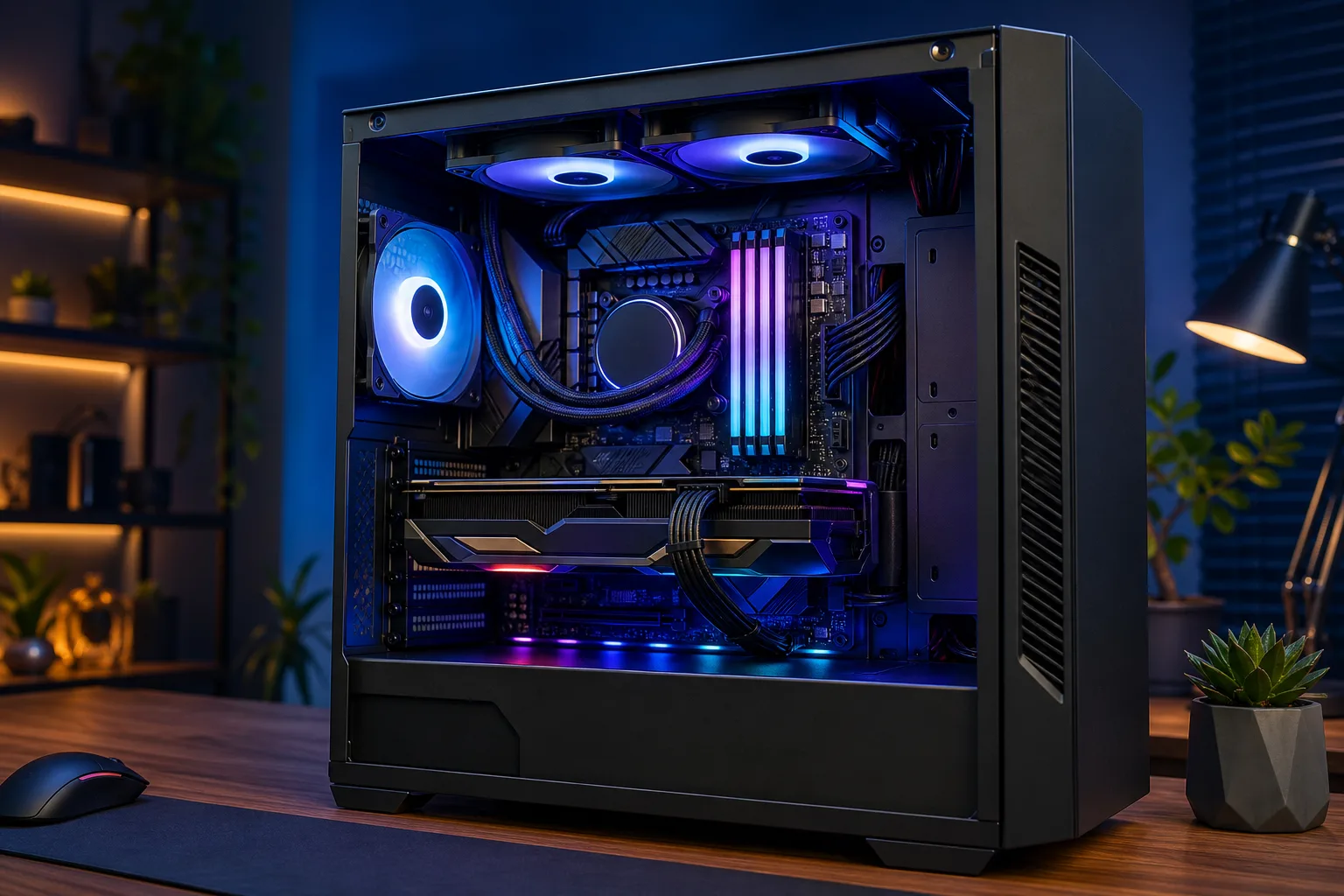
The case holds everything and determines airflow. Airflow determines thermals. Thermals determine whether your PC runs fast or throttles itself trying to stay cool.
Inside your case you'll have either air cooling or liquid cooling (AIO, all-in-one) on the CPU. Air coolers are reliable and effective. A quality tower cooler like a Noctua or DeepCool handles most builds just fine. AIOs look cleaner and can push higher overclocks, but they add complexity and have a finite lifespan due to the pump.
For fans, you want intake pushing cool air in from the front and bottom, and exhaust pulling hot air out the top and back. That's positive airflow done right.
RGB lighting is purely cosmetic but let's be honest, it looks absolutely SICK in a windowed case. Don't let anyone tell you otherwise.
Want to see what a seriously dialed-in build looks like? The Ryzen 9 9950X RGB Monster build shows exactly how a pro-level build comes together.
Common Mistakes
Skimping on the PSU. Already said it once, saying it again. Your PSU protects every other component.
Bottlenecking on purpose. Pairing a budget CPU with a flagship GPU (or vice versa) wastes money. Balance your build.
Ignoring RAM speed on AMD platforms. AMD Ryzen performance is noticeably affected by RAM speed. Don't run slow RAM on a Ryzen build.
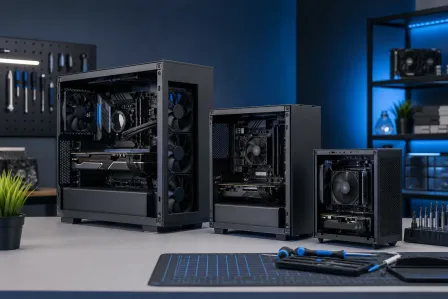
Buying a big case when you don't need it. Larger isn't always better. Small form factor (SFF) builds can be just as powerful and fit in way tighter spaces.
Not accounting for future upgrades. Get a motherboard and PSU with a bit of headroom so you're not rebuilding from scratch in two years.
Installing the RAM in the wrong slots. Most dual-channel configurations want sticks in slots 2 and 4, not 1 and 2. Check your motherboard manual.
If you're ever unsure about a build or running into issues with an existing rig, reach out to us and we'll help you sort it out.
Bottom Line
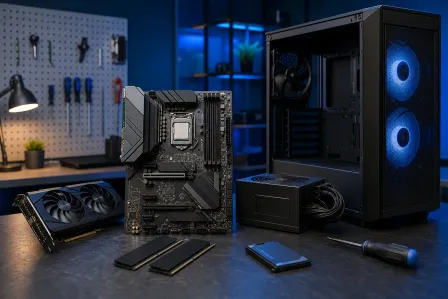
A gaming PC is just a team of specialized components, each doing one job really well. CPU handles logic. GPU renders frames. RAM stores active data. Storage holds everything long-term. Motherboard connects it all. PSU keeps the power clean. Case and cooling keep temps in check.
Understand what each part does and you'll know exactly where to invest when you're building or upgrading. Want a hand putting together your ideal build? Our custom gaming PC builder is the fastest way to spec something that actually matches how you game. And if your current rig is acting up, our computer repair team in West Palm Beach has you covered.
Ready to build a rig that actually rips?
Custom gaming PCs built and tuned by people who game. Tell us your budget and target frame rate.