What Is a Network Switch and Does Your Small Office Need One?
TL;DR: A network switch expands how many wired devices your office can connect. If you have more than four or five computers, printers, or other wired equipment, a switch is probably worth getting. If you're running two laptops and a wireless printer off a consumer router, you almost certainly don't need one yet.
What Happened
Small business owners come in here asking about network switches more often than you'd expect. Usually it's because somebody at a big-box store or some IT guy on YouTube told them they need one, or because their internet started acting slow and someone pointed a finger at the router setup.
Sometimes they genuinely do need a switch. Sometimes they just need their router rebooted and their cables organized. (You'd be amazed how many "network problems" are one bad cable.)
So let's actually explain what a switch is, when it earns its place on your desk, and when it's just a box you bought because the guy at the store made you feel dumb for not having one.
Why It Matters
What a Network Switch Actually Does
Your router does two jobs. It connects your office to the internet, and it connects your local devices to each other. Most consumer and small-business routers come with four ethernet ports in the back. That's it. Four.
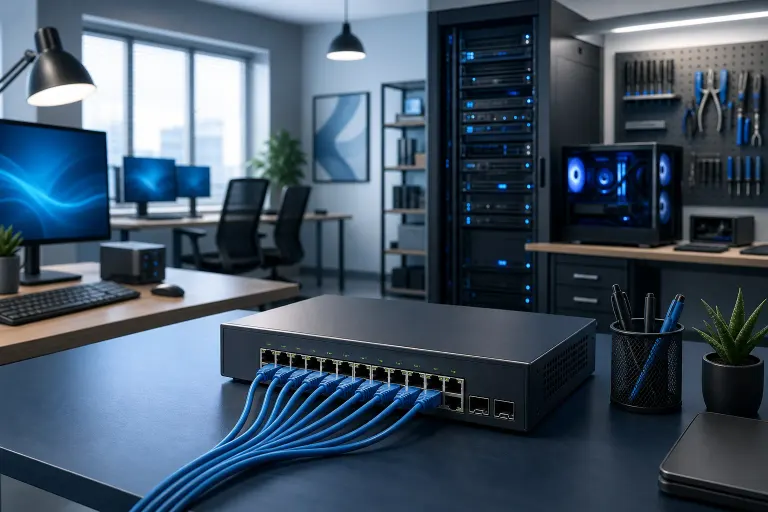
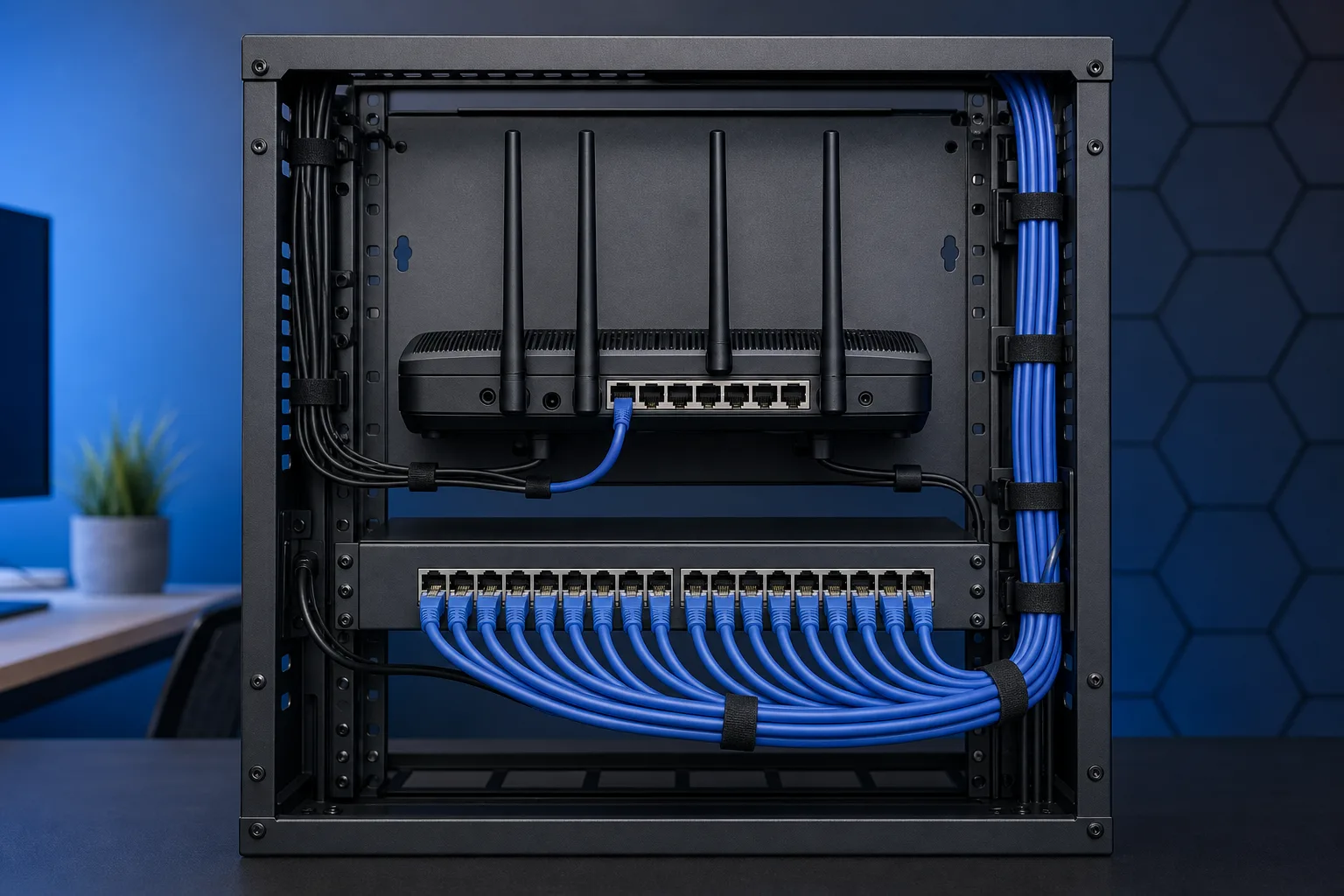
A network switch plugs into one of those router ports and gives you more ports. You can get an 8-port switch, a 16-port switch, a 24-port switch. You plug it in, you connect devices to it, and now all those devices can talk to each other and reach the internet through your router.
The switch itself doesn't replace the router. It just extends the local wired network. Think of the router as the main road and the switch as the parking lot. More spots, same road.
Managed vs. Unmanaged: The Part Everyone Gets Wrong
Here's where people either overbuy or underbuy.
An unmanaged switch is plug-and-play. No configuration, no login page, no settings. You plug it in and it works. For most small offices under ten people, this is all you need. They cost anywhere from $20 for a cheap 5-port up to $150 or so for a quality 16-port.
A managed switch lets you configure things like VLANs, traffic prioritization, and port security. Big offices, schools, and mid-size businesses use these. If you're running separate networks for employees and guests, or if you need to isolate your point-of-sale system from the rest of the office, a managed switch starts making sense.
If you're a two-person accounting office in Boca, you do not need a managed switch. Don't let anyone talk you into one.
(And if someone is pushing you toward a fully managed enterprise switch for a small office and quoting you four figures, walk out. Or call us. Our business networking team has seen that pitch a hundred times.)
Why Wired Still Matters in 2024
Everybody's on Wi-Fi now, so why are we even talking about ethernet? Because Wi-Fi is shared bandwidth. Every device fighting for the wireless signal is splitting the available throughput. A busy office with 10 wireless devices, a wireless printer, two smart TVs running video calls, and someone doing cloud backups is going to feel that.
Wired connections are faster, more stable, and harder to interfere with. If you're running a desktop workstation that never moves, plug it in. If you're running a network-attached storage device or a server, plug it in. If you have a printer that everybody uses all day, plug it in.
This matters more than people think for businesses doing real work. Managed IT clients we work with almost always have a mix, wired for stationary equipment, wireless for phones and laptops that move around.
Where Switches Fit Into the Bigger Network Picture
A typical small-office setup looks like this: modem from your ISP, then a router, then the switch connected to the router, then your wired devices connected to the switch. Wireless devices still connect directly to the router's Wi-Fi.
If you have multiple rooms or floors, you might run a switch in each area and connect them back to a central router or core switch. That's called a "star topology" and it's the standard for good reason. It keeps things clean and makes troubleshooting easier.
Poor cable runs, cheap switches with bad power supplies, or mixing equipment from five different generations can cause slow and unreliable networks even if every individual piece technically works. We see this constantly when businesses call us about slow or unreliable setups.
Tired of IT that breaks at the worst time? Talk to our business IT team
What We Don't Know Yet
There are a few things that change the answer here depending on your specific situation.
Power over Ethernet (PoE) is one of them. If you're running IP cameras, VoIP phones, or wireless access points that get their power through the ethernet cable, you need a PoE switch, not just any switch. Not all switches support PoE, and not all PoE switches supply the same wattage. If someone's selling you a PoE switch without telling you how many watts per port it supports, that's a red flag.
Speed is another variable. Most affordable switches are rated at 1 gigabit per port. That's plenty for most offices. 2.5Gb and 10Gb switches exist but cost significantly more. Unless you're moving enormous files across the local network regularly, like video production or large database transfers, 1Gb is fine.
And then there's the whole question of your ISP's actual speed. If you're paying for a 100Mb connection, a fancy switch isn't going to make your internet faster. The bottleneck is the pipe coming into the building, not the local network hardware. Worth knowing before you go spending money.
What to Do About It
Here's the short version on deciding whether you need a switch.
You probably need a switch if:
- You have more wired devices than your router has ports
- You're adding printers, NAS devices, IP cameras, or VoIP phones
- You want to separate network segments for security reasons
- Your current setup uses a cheap consumer router doing triple duty as modem, router, and switch
You probably don't need one yet if:
- You have two or three computers and everything is wireless
- Your router still has open ports
- Your "network problems" are actually Wi-Fi dead zones (a switch won't help that, a better access point will)
If you do buy one, get a reputable brand. Netgear, TP-Link, and Cisco's small business line are all solid. Avoid the ultra-cheap no-name stuff on discount sites. A bad switch can cause intermittent packet loss that looks like a dozen different problems and takes forever to diagnose. (Ask me how I know.)
For cable runs, Cat5e is fully adequate for 1Gb speeds at standard office distances. Cat6 is worth considering if you want headroom for 2.5Gb or 10Gb speeds down the road, or if you want better crosstalk resistance in a dense cable environment, but it's not a requirement for what most small offices are running today.
And if your office is growing, think about this stuff before you need it. Retrofitting network cable through finished walls is expensive and annoying. Running it during a renovation or before you move in is cheap and easy. This is the kind of thing worth a conversation with someone who does business IT professionally before you're stuck.
If you're a small business in West Palm Beach or anywhere on the Treasure Coast and you're not sure what your network actually needs, we're happy to take a look. We do on-site business networking work and we'll tell you straight what you need and what you don't. No upsell, no nonsense.
You can also look into cybersecurity basics for your office while you're at it, because getting the network right is step one of not getting your data stolen. And if you need backups set up across your office machines, that's another thing a properly configured local network makes a lot easier.
Just don't go buy a $600 enterprise switch because some guy on Reddit said so. Come talk to someone first.
Tired of IT that breaks at the worst time?
We run managed IT, backups, and security for South Florida businesses so you can stop thinking about it.