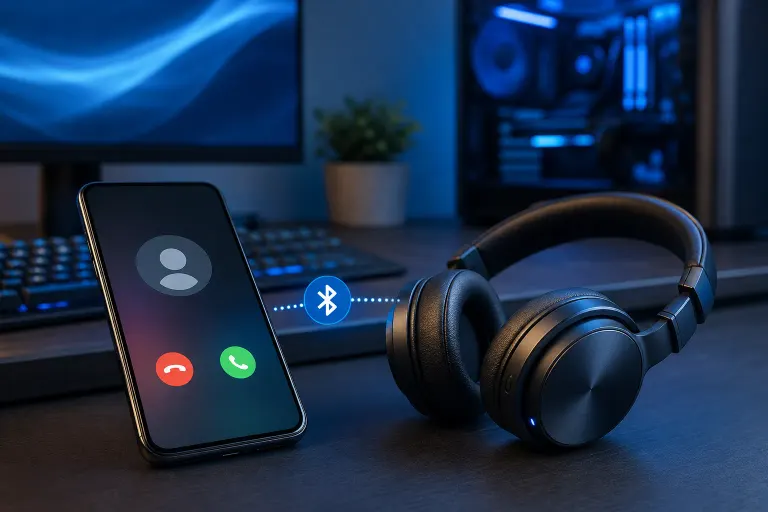
Why Is My Phone Not Ringing When Connected to Bluetooth Headphones?
TL;DR: Your phone is routing ring audio to the Bluetooth headphones, which may be muted, in a low-volume state, or configured to handle only media instead of calls. Check audio routing settings and headphone volume before assuming anything is broken.
What Happened
Bluetooth audio profiles are the culprit most of the time. Your phone uses different profiles for different tasks. Music and podcasts run over A2DP (Advanced Audio Distribution Profile). Phone calls run over HFP (Hands-Free Profile) or HSP (Headset Profile). When you pair headphones, your phone decides which profiles to activate, and sometimes it gets that decision wrong.
If the headphones only connect via A2DP, incoming call audio including the ringtone has nowhere to go. The phone tries to send ring audio over HFP, HFP is not active, and you hear nothing. (Some headphones do not support HFP at all. Mostly true of cheap earbuds or older over-ear cans that were designed strictly for music.)
The other common cause is simpler. The headphone volume was turned all the way down at the hardware level while media volume on the phone looks normal. Ringtone volume and media volume are separate channels on Android and iOS. You can have one at full blast and the other at zero.
A third scenario: Do Not Disturb is enabled, or a focus mode on iPhone is filtering calls. These modes often suppress ring audio regardless of output device.
Why It Matters
Missed calls are the obvious problem. But there is a subtler issue. Some users spend twenty minutes restarting their phone, unpairing and re-pairing headphones, and even considering a repair visit for something that was a volume slider or a DND toggle all along. (Seen it too many times across the counter. Perfectly good phone, perfectly good headphones, one setting out of place.)
It also matters for the reverse situation. If you are on a call and suddenly no one can hear you, the same profile mismatch is often responsible. The mic on HFP is not connecting even though audio is coming through A2DP.
Cracked screen or a phone that won't hold a charge? Get a repair quote
What We Do Not Know Yet
Bluetooth behavior varies by manufacturer. Samsung, Google Pixel, and Apple all handle profile priority differently, and OS updates can change how profiles are negotiated without any announcement. If this started after a software update, that is worth noting.
Some third-party apps that manage calls, like Google Voice or Teams, have their own audio routing logic that can override system defaults. Whether a specific app is the conflict depends on your setup and is harder to pin down remotely.
What to Do About It
Work through this sequence in order. Stop when the problem is solved.
Step 1: Check headphone volume separately. With headphones connected, press the physical volume buttons on your phone while a test call is incoming (or while a ringtone test plays in settings). Watch whether the ringer volume indicator appears or whether only media volume moves. If ringer volume is at zero, raise it.
Step 2: Disable Do Not Disturb and Focus modes. On iPhone: Settings, Focus, check all active modes. On Android: pull down the notification shade and look for the DND icon or bell-with-slash symbol. Disable it, then test.
Step 3: Check Bluetooth audio routing on Android. Go to Settings, Bluetooth, tap the gear or info icon next to your headphones. Look for options like "Phone calls" or "Media audio" and confirm both are toggled on. On some Samsung devices this is under Advanced settings for the paired device.
Step 4: On iPhone, check the ringer switch. The physical mute switch on the left side silences ringtones regardless of Bluetooth. If it is flipped to orange, that is your answer.
Step 5: Test with a different call app. If your default dialer rings fine but a VoIP app does not, the issue is inside that app's audio settings, not the phone or headphones.
Step 6: Forget the device and re-pair. Sometimes a corrupted pairing record locks in a bad profile state. On both devices, remove the pairing entirely and start fresh. This resets profile negotiation.
Step 7: Check whether your headphones support HFP. Look up the model's spec sheet. If HFP is not listed, those headphones will never ring for calls regardless of settings. Ringtone audio may come through the phone speaker instead when that is the case, though behavior varies by OS version.
If you have gone through all seven steps and the phone still will not ring on Bluetooth, the issue may be a software fault deeper in the OS or a defect in the headphone firmware. At that point it is worth getting a second set of eyes on it.
For phone hardware or software issues that go beyond a settings fix, the team at Fix My PC Store can take a look. Walk-ins are welcome Monday through Friday 9 a.m. to 6 p.m. and Saturday 9 a.m. to 5 p.m. at 10140 Okeechobee Blvd, Suite B, West Palm Beach. Initial checks for most in-store visits are free. If you would rather not drive in, remote support is available for software-side problems.
Cracked screen or a phone that won't hold a charge?
Bring it in. Most phone and tablet repairs are same-day, with parts that actually last.