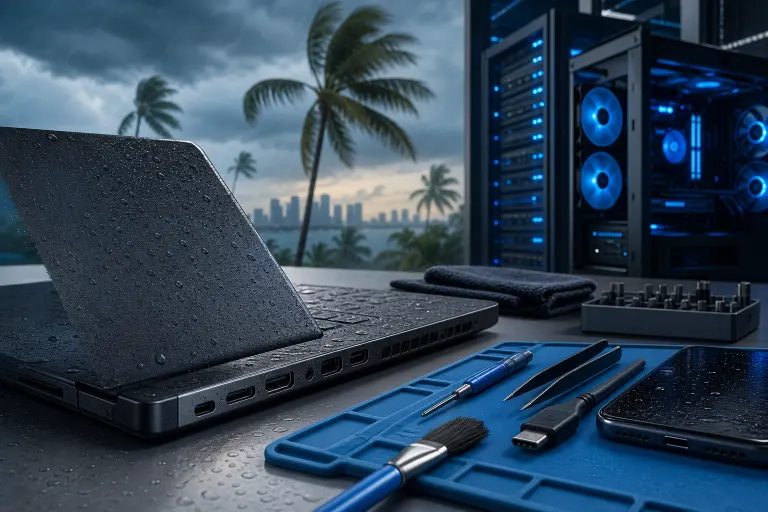
South Florida Humidity vs. Your Laptop Ports: Fix It
TL;DR: South Florida's heat and humidity push moisture and salt air into every port on your laptop, causing corrosion, intermittent connections, and dead charging jacks way faster than in drier climates. Cleaning ports the right way and controlling where you store your gear can add years to your machine. If a port's already corroded shut, that's usually a repair job, not a DIY fix.
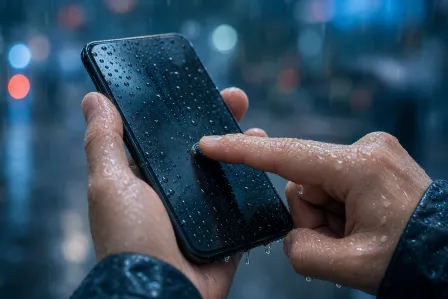
If you've lived here more than a summer, you already know the drill. You walk outside, your glasses fog up, your car seat feels damp before you even sit down. Now imagine that same moisture load hitting the tiny metal contacts inside your laptop's USB-C port every single day. That's basically what's happening, just slower and quieter, until one day your charger won't click in right anymore.
What you need
- Isopropyl alcohol, 90% or higher concentration
- Cotton swabs (the small, pointed kind, not the fat cosmetic ones)
- A can of compressed air or a small electronics-safe air blower
- A flashlight or phone light
- A soft, dry microfiber cloth
- Silica gel packets or a small dehumidifier for storage
- Patience, because rushing this is how people snap connector pins
Step 1: Understand why Florida ports fail faster
Humidity doesn't just sit in the air, it condenses. When you bring a laptop from an air-conditioned office into a hot car, or from a humid porch into a cold AC blast, the temperature swing causes tiny amounts of moisture to condense inside the case and around the ports. That moisture mixes with dust, skin oils, and (if you're near the coast) salt in the air, and you get a slow chemical reaction: corrosion.
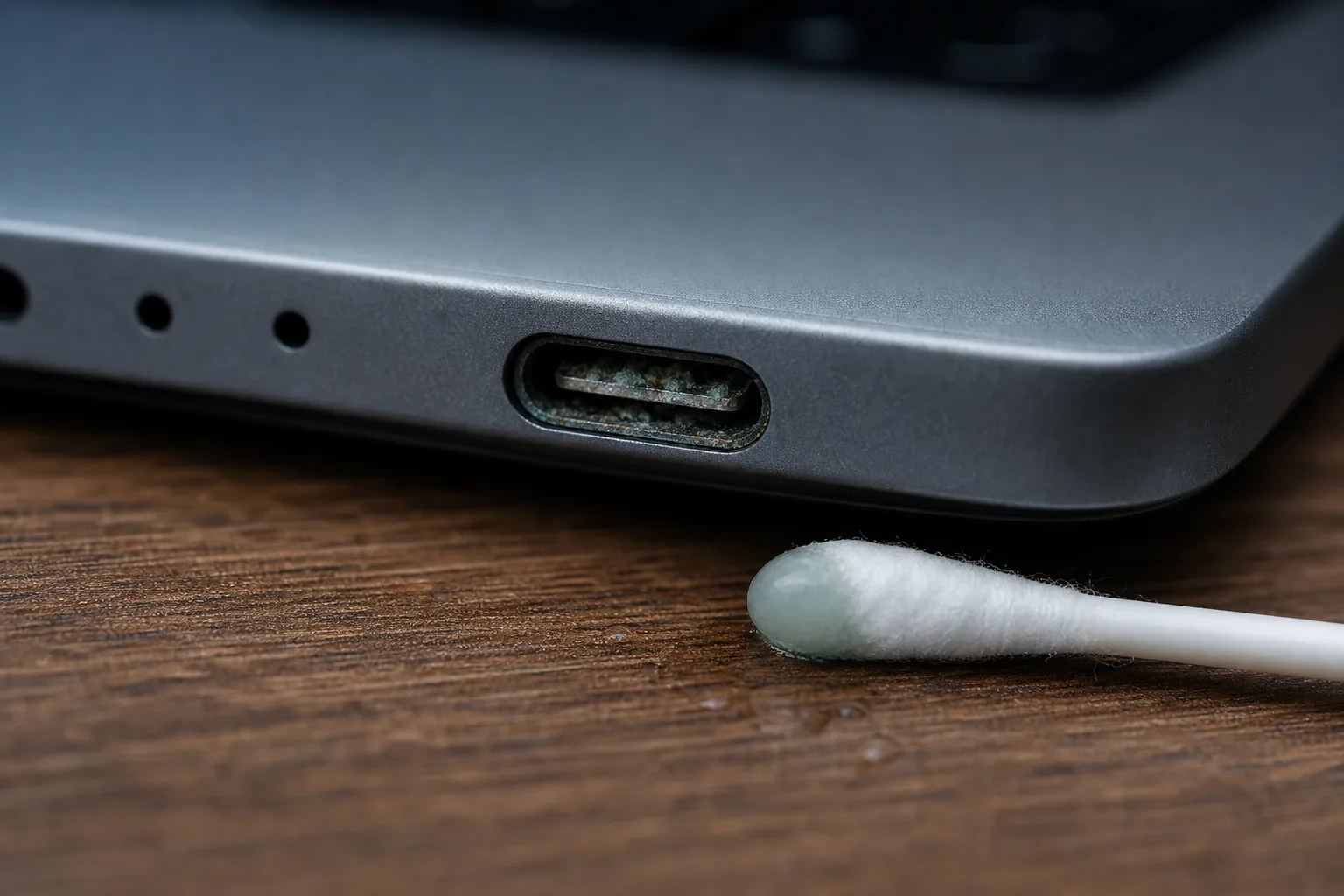
That greenish or whitish crust you sometimes see building up on a USB port or the charging pin isn't just dirt. It's corroded metal, and once it forms, it eats into the contacts and blocks the electrical connection. That's why your charger suddenly needs to be wiggled into "just the right angle" to charge. It's not the cable. It's the port.
Coastal air makes this worse. If you're anywhere near the Intracoastal or the beach from West Palm Beach down through the Treasure Coast, salt particles ride the humidity right into your gear. Combine that with AC units running nonstop and constant temperature swings between indoors and outdoors, and you've got a near-perfect corrosion machine.
Step 2: Check your ports for early warning signs
Before you clean anything, look. Grab your flashlight and inspect:
- USB-A and USB-C ports: Look for discoloration, a dull or greenish tint on the metal contacts, or a fuzzy white buildup.
- Charging port: This one takes the most abuse since it's plugged in daily. Check for a loose feel when the cable goes in, or a charger that only works at certain angles.
- Headphone jack: Static, crackling, or one-sided audio can mean corrosion on the tiny contact rings inside.
- HDMI port: Look for a display that flickers or drops out only when the cable is touched.
If you catch corrosion early, it looks like light discoloration and the port still mostly works. That's your window to clean it yourself. If the port is visibly caked, bent, or the connection is completely dead, you're past the DIY stage.
Step 3: Power down and prep the laptop
Always shut the laptop down completely and unplug it. Don't just put it to sleep. If your laptop has a removable battery, take it out. If not, make sure it's fully powered off before you go near any ports with liquid, even alcohol.
Work in a dry room, not the bathroom, not near the pool, and definitely not on a humid patio. Florida rooms and screened-in porches are gorgeous but they're basically outdoor humidity with a roof. Do this on a dry kitchen table or desk inside with the AC running.
Computer acting up? Get a real diagnosis. Book a diagnostic
Step 4: Clean the ports the safe way
Here's where people mess it up. No spraying alcohol directly into the port. No pouring anything. No jamming a metal tool in there to "scrape" corrosion.
- Dip a cotton swab tip lightly in isopropyl alcohol, then squeeze out the excess so it's damp, not dripping.
- Gently roll the swab tip inside the port opening. Don't force it in, USB and charging ports are shallow, you just need to reach the visible contacts.
- Let the alcohol sit for a few seconds to loosen light corrosion, then use a dry swab tip to wipe it away.
- Use compressed air in short bursts to blow out any loosened debris. Hold the can upright and keep it a few inches away, cold propellant can actually add moisture if you tilt the can.
- Let everything air dry for a full 10 to 15 minutes before plugging anything back in. Patience here matters more than speed.
If corrosion doesn't lift with alcohol and a light touch, stop. Aggressive scraping bends pins and turns a cleanable port into a dead one.
Step 5: Test the connections properly
Once everything's dry, power the laptop back on and test each port:
- Plug the charger in straight, no wiggling, and confirm it charges immediately.
- Test a USB drive or mouse in each USB port.
- Plug in headphones and check both audio channels.
- If you use HDMI for a second monitor, confirm the picture is stable without touching the cable.
If a port still acts flaky after cleaning, that's usually a sign the corrosion reached deeper into the connector than a swab can access, or a pin inside got bent. That's when it's time to bring it in rather than keep fighting it. Our laptop repair team deals with corroded and damaged ports constantly here, it's basically a South Florida specialty at this point.
Step 6: Change how and where you store your laptop
Cleaning fixes today's problem. Storage habits prevent tomorrow's.
- Skip the car. A closed car in Florida heat turns into a sauna, and the humidity spike when you open the door and blast the AC is exactly the condensation cycle that causes corrosion.
- Avoid porches and garages for anything longer than a quick task. Unconditioned spaces here run high humidity almost year-round.
- Use a case with some airflow rather than sealing the laptop in an airtight bag, which can trap existing moisture inside.
- Toss a few silica gel packets in your laptop bag. Cheap, and they actually work.
- Let the laptop acclimate for a few minutes after moving between AC and outdoor heat before opening the lid or plugging in a charger.
If you're running a business with laptops out in the field, on job sites, or in vehicles around Palm Beach or the Treasure Coast, this isn't just an inconvenience, it's a recurring repair cost. Building port care into your managed IT routine, alongside regular hardware checkups, saves a lot of unplanned downtime.
Common mistakes
Using rubbing alcohol that isn't concentrated enough. The stuff at 70% has more water content, which defeats the purpose. Get 90% or higher.
Blowing compressed air at a steep angle or too close. This can push moisture and debris deeper into the port instead of out.
Ignoring a "sometimes works" charging port. That intermittent connection is corrosion getting worse, not better. It won't fix itself.
Storing the laptop in a garage or car for "just a little while" regularly. Ten minutes here and there adds up over months.
Trying to pry out corrosion with tweezers, a paperclip, or a knife. USB-C and Lightning connectors have delicate internal pins that bend permanently with almost no pressure.
Cleaning a port while it's still plugged in or the laptop is on. Always power down first. Electricity and even small amounts of alcohol don't mix well.
Bottom line
South Florida humidity is relentless, and your laptop's ports are usually the first casualty. A little routine cleaning, smarter storage, and catching corrosion early can keep your charging port, USB slots, and headphone jack working like they should for years longer than if you just ignore it. But once corrosion has actually eaten into the contacts or bent a pin, no amount of alcohol and patience brings that back. At that point, get it looked at before a simple port issue turns into a motherboard problem. If you're dealing with a stubborn port, a charger that won't stay connected, or you just want a professional once-over before hurricane season humidity peaks, book a repair or reach out through our contact page and we'll take a look.
Computer acting up? Get a real diagnosis.
Fix My PC Store has repaired thousands of machines across West Palm Beach. Honest pricing, no upsell games, and a free diagnostic for new customers with our email coupon.