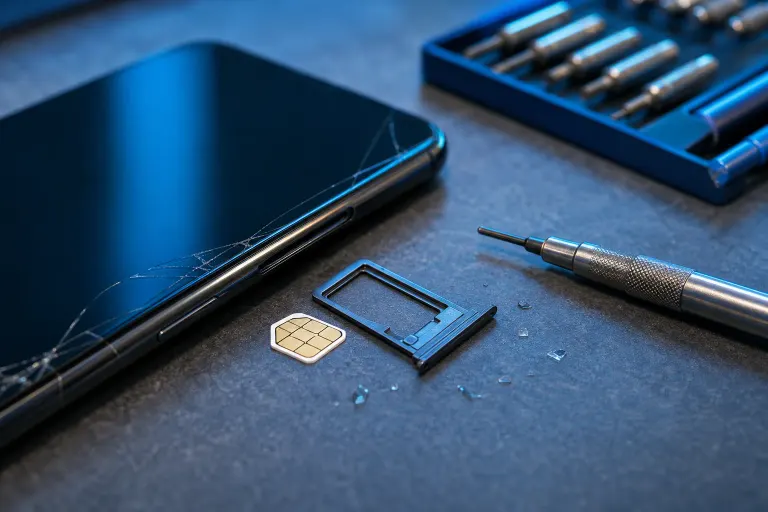
Phone Won't Recognize SIM Card After Being Dropped: What to Check
TL;DR
Most of the time a "no SIM" error after a drop is the tray popping loose or the SIM shifting off its contacts, not a dead phone. Check the tray seating, the SIM contacts, and carrier settings first. If none of that works, the drop may have cracked a solder joint on the SIM reader itself, and that's a repair shop job, not a YouTube tutorial job.
What you need
- A SIM eject tool (or a straightened paperclip, we've all done it)
- A flashlight
- A soft cloth or microfiber (not your shirt, that's how scratches happen)
- Isopropyl alcohol, 90%+ if you can find it
- Another phone or a computer to check carrier status online
- Patience, because rushing this is how trays get bent worse
Step 1: Power off and pull the tray
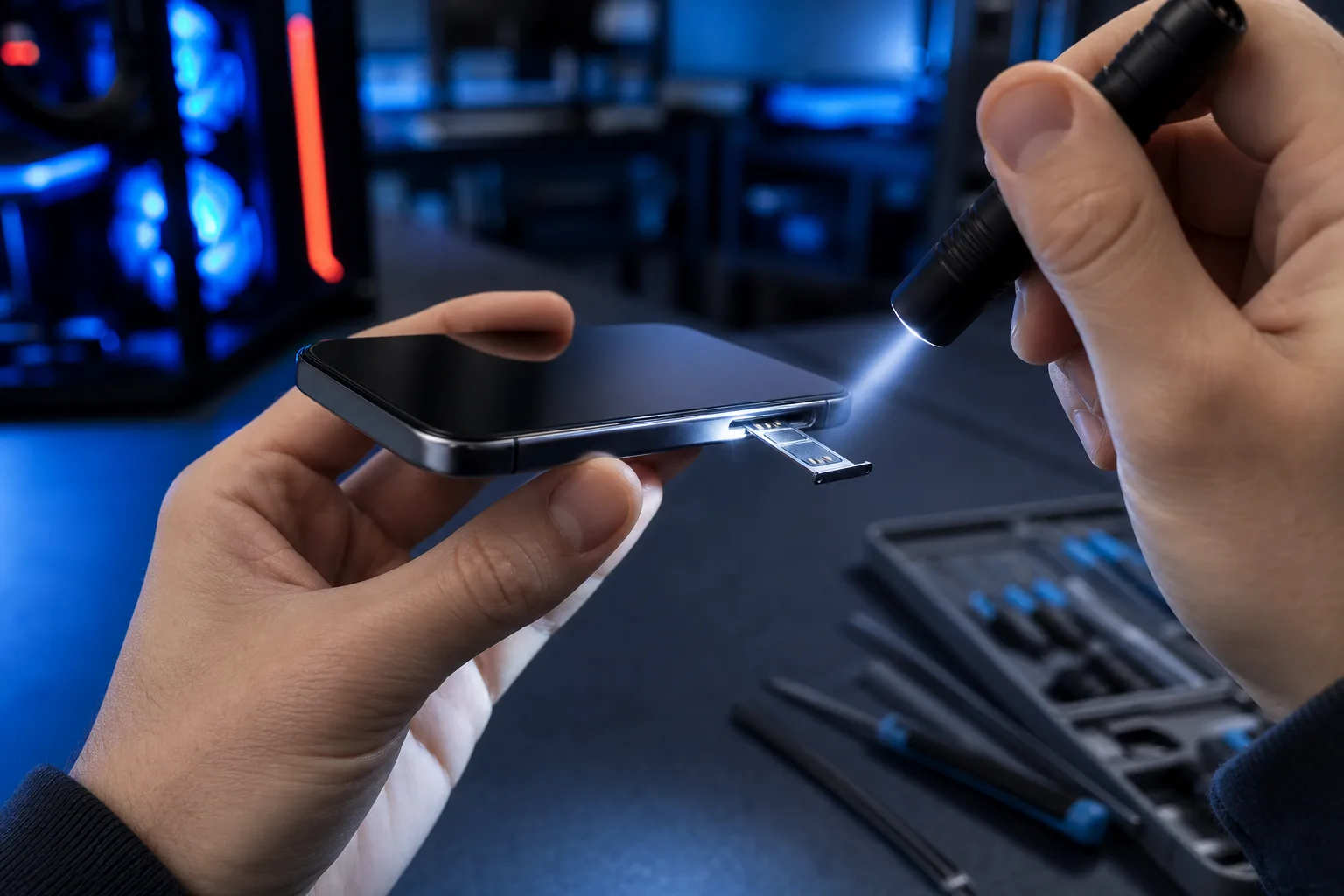
Don't just reboot and hope. Power the phone down completely, then eject the SIM tray. Look at it under good light. Is it seated crooked? Is a corner bent? A drop can knock the tray slightly out of its slot without ejecting it, and the phone reads that as "no card" because the contacts aren't making a clean connection.
If the tray looks fine, reseat it. Push it in straight, all the way, until it clicks flush with the housing. Crooked insertion is a bigger cause of SIM errors than actual damage (people get impatient and shove it in at an angle, then blame the phone).
Step 2: Inspect the SIM card itself
Pull the card out of the tray and look at the gold contact pad. Any scratches, grime, or a hairline crack running through the chip? Drops can crack the SIM card itself if it took a direct hit through the tray slot, though that's less common than tray or phone-side damage.
Clean the contacts gently with a cloth dampened (not soaked) in isopropyl alcohol. Let it dry fully before reinserting. If the card has a visible crack, stop here. Call your carrier for a replacement SIM. No amount of cleaning fixes a cracked chip.
Step 3: Check the tray pins for bending
This is the step people skip and shouldn't. Look inside the empty SIM slot on the phone with a flashlight. There are tiny spring-loaded pins in there that physically touch the card. A drop can bend one of those pins flat or push it out of alignment.
You're looking for pins that are visibly flattened, pushed sideways, or missing entirely. If you see that, do not try to bend it back with a toothpick. Those pins are thin metal on a tiny solder pad, and amateur surgery here usually finishes the job the drop started.
Cracked screen or a phone that won't hold a charge? Get a repair quote
Step 4: Test the SIM in another phone (and another SIM in yours)
This isolates the problem fast. Put your SIM card into a different phone, if you have access to one with the same SIM size. If it works there, the SIM is fine and the problem is in your phone's tray or reader. If it still fails, the SIM card or your carrier account is the issue, not the device.
Then flip it: borrow a known-working SIM and put it in your dropped phone. If your phone still says "no SIM" with a card you know is good, that's strong evidence of physical damage inside the phone rather than a card problem.
Step 5: Check software and carrier settings
Before you assume hardware, rule out software. Go into network settings and confirm the SIM isn't just disabled or stuck on airplane mode after the restart that followed the drop. Check for a pending carrier settings update too, drops sometimes coincide with a phone glitching during a reboot cycle and missing a settings push.
Also call your carrier and ask if the account shows the SIM as active. Rarely, a hard knock triggers a phone to flag itself as lost or reset network settings, and the carrier side shows the account fine while the phone is confused. This rules out a whole category of "it's not actually broken" causes.
Step 6: Look for other drop damage
A SIM error rarely travels alone. Check if the phone also has a cracked screen edge near the SIM tray, a loose-feeling frame, or sudden battery drain. Drops that are hard enough to crack a solder joint on the SIM reader often leave other evidence too. If the frame is visibly bent or the tray won't sit flush no matter what you do, that's physical deformation, not a settings issue.
Common mistakes
- Forcing the tray back in at an angle because it "should just go" (it bends pins, don't do it)
- Assuming a new SIM card fixes it without testing the old one in another phone first
- Scrubbing the SIM contacts with a rough cloth or fingernail, leaving scratches that make contact worse
- Skipping the flashlight inspection of the tray slot because it seems too small to matter
- Waiting weeks to get it looked at, letting a loose connection turn into full corrosion or further bent pins from repeated attempts
Bottom line
Start outside the phone (tray, SIM card, carrier settings) before assuming the worst. If a known-good SIM still won't read in your dropped phone, or you spot bent pins or a cracked frame near the tray, that's internal damage from the impact, and poking at it yourself risks turning a repairable connection issue into a dead SIM reader. That's a job for a bench with the right tools, not a kitchen table. If you're in the West Palm Beach, Royal Palm Beach, or Wellington area, bring it by for a look through mobile and phone repair or send us a message through contact and we'll tell you straight whether it's a quick fix or something deeper.
If the drop also cracked the screen or the phone won't power on cleanly anymore, that's worth mentioning when you bring it in, since the SIM issue might just be the most visible symptom of a bigger impact problem.
Cracked screen or a phone that won't hold a charge?
Bring it in. Most phone and tablet repairs are same-day, with parts that actually last.