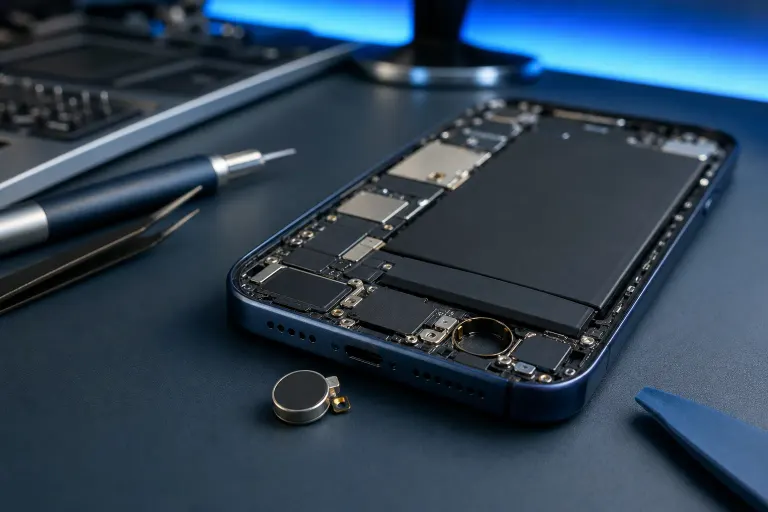
Phone Vibration Motor Weak or Stopped? What Usually Causes It
TL;DR: A phone that barely vibrates or has stopped vibrating entirely is most often caused by a software bug, a displaced or damaged haptic motor, or a detached connector. Software causes are easy to rule out yourself. Hardware causes need a technician.
What you need
- Your phone (obviously)
- A few minutes to run through software checks
- Access to Settings on iOS or Android
- A note of when the problem started and whether it was sudden or gradual
Step 1: Rule out software first
Before blaming the hardware, check the obvious stuff. It sounds patronizing, but you would be surprised how often this is the fix.
On iPhone:
- Go to Settings > Sounds & Haptics. Make sure "Vibrate on Ring" and "Vibrate on Silent" are both on.
- Check that Do Not Disturb or Focus modes are not silencing everything.
- Toggle Haptic Feedback off and back on.
On Android:
- Go to Settings > Sound & Vibration (exact label varies by brand).
- Confirm vibration intensity is not set to zero. Some Android skins let you dial it down to nothing.
- Check that a custom notification profile or battery saver mode is not killing haptics.
If settings look fine, restart the phone. A stuck process can suppress haptic output. Sounds too simple. Works more than it should.
Step 2: Test the motor directly
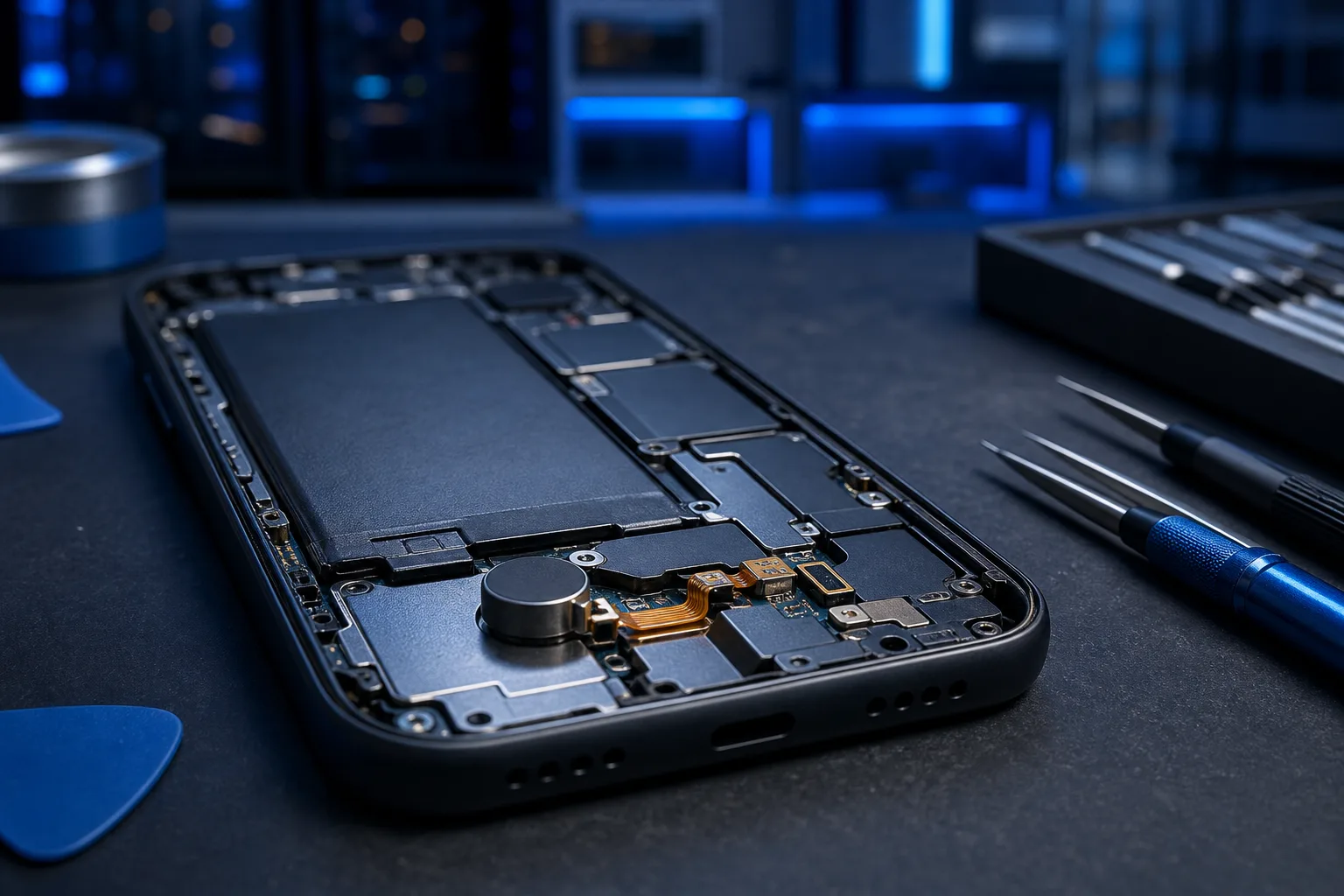
Use a method that forces the motor to fire so you can confirm whether it responds at all.
- iPhone: Settings > Sounds & Haptics, drag the "Ringer and Alerts" slider back and forth. You should feel a pulse.
- Android: Settings > Sound & Vibration > Vibration & Haptics, tap the test buttons if available. Alternatively, set a timer. Timers trigger vibration independently of notifications.
If you feel nothing at all during these tests, the motor is likely the problem, not software. If you feel something faint, it may be a partially disconnected cable or a dying motor.
Step 3: Think about what happened before it stopped
This is your timeline diagnostic. Be honest with yourself.
| What happened | Likely cause |
|---|---|
| Phone was dropped | Disconnected ribbon cable or cracked motor mount |
| Got wet | Corrosion on motor contacts |
| Happened after an OS update | Software or settings reset |
| Gradual fade over months | Motor wearing out (common in older phones) |
| Happened after a screen repair | Technician may have damaged or not reconnected the haptic cable |
Drops and screen repairs are the two biggest culprits for sudden hardware failures. The haptic motor in most phones sits near the bottom of the chassis and its ribbon cable is easy to dislodge.
Cracked screen or a phone that won't hold a charge? Get a repair quote
Step 4: Check for known software bugs
Some iOS and Android updates have shipped with haptic bugs. Before tearing your phone apart, search "[your phone model] vibration not working after [OS version]" and check forums like Reddit or the manufacturer's support pages. If there is a known bug, a patch or a reset of haptic settings usually fixes it.
On iPhone, resetting All Settings (Settings > General > Transfer or Reset iPhone > Reset > Reset All Settings) has resolved haptic issues without wiping data. Worth trying before a hardware diagnosis.
Step 5: Know when it is a hardware job
If software checks reveal nothing, the motor or its connection is almost certainly the problem. Common hardware causes include:
Disconnected haptic cable. The vibration motor connects to the logic board via a fragile ribbon cable. A single drop can pop this loose. A technician can reseat it quickly, often without replacing any parts.
Failed linear resonant actuator (LRA) or eccentric rotating mass (ERM) motor. Newer phones use LRA motors (the kind that give you that crisp iPhone tap). Older and budget phones use spinning ERM motors. Both can fail. LRAs are more sensitive to impact damage. ERM motors wear out mechanically over time.
Corrosion. Water damage corrodes the motor contacts and the connector. Even phones rated water-resistant can corrode internally if seals are old or cracked.
Post-repair disconnection. If someone replaced your screen recently and did not fully reconnect the haptic cable, this is the most likely cause. Go back to whoever did the repair.
Common mistakes
Assuming the phone is defective after one drop. A disconnected cable is not a dead motor. Many techs can fix this without replacing the motor at all.
Ignoring software resets. A full settings reset takes two minutes and has a real success rate for haptic issues. Most people skip it and go straight to a repair shop.
Cranking up volume instead of testing vibration directly. Ringer volume and vibration are separate systems. Turning up your ringer does nothing for a dead motor.
Expecting water-resistant phones to be waterproof. IP67 and IP68 ratings degrade over time. Older phones with those ratings are not protected the same way they were on day one.
Bottom line
Start with software. It takes five minutes and fixes the problem more often than people expect. If the motor does not respond to a direct test after a reboot and settings check, you are looking at a hardware issue: a disconnected cable, a worn motor, or corrosion.
A disconnected haptic cable is a quick repair. A motor replacement takes a bit longer but is straightforward for a technician who works on phones regularly.
If you are in West Palm Beach or South Florida and want someone to take a look, Fix My PC Store handles phone repairs at its Okeechobee Boulevard shop. Book a repair or ask a question at the contact page, or check out the iPhone and iPad repair page if you are on iOS.
Cracked screen or a phone that won't hold a charge?
Bring it in. Most phone and tablet repairs are same-day, with parts that actually last.