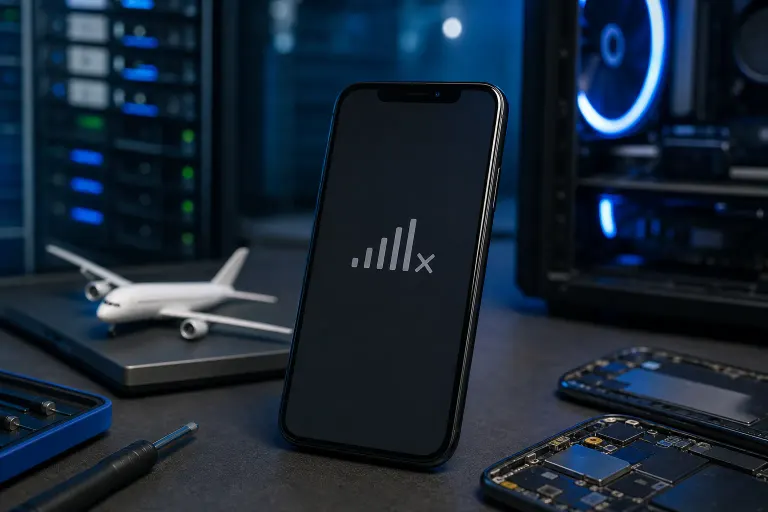
Why Is My Phone Showing No Service After Being in Airplane Mode?
TL;DR: When airplane mode turns off, your phone tries to re-register with your carrier's cell towers. If it gets stuck, the fix is usually a quick forced re-registration or a network settings reset. Hardware damage is rarely the cause, but there are a few situations where it is.
What Happened
Airplane mode does one job: it cuts every wireless radio in your phone, including cellular, Wi-Fi, and Bluetooth. When you switch it off, the phone is supposed to power those radios back on and find the nearest tower.
That process is called IMSI attach (International Mobile Subscriber Identity attach). Your phone broadcasts its identity to nearby towers, the tower tells the carrier network you are present, and signal appears. Normally this takes a few seconds.
Sometimes it does not complete. The radio firmware can get stuck in a transitional state, especially if the phone was in airplane mode for a long time, went through a power fluctuation, or came back to areas with weak coverage. The result is a phone that has its radios on but has not completed the re-registration handshake with the network.
Why It Matters
No service is not just an inconvenience. With no cellular connection you cannot make calls, send SMS, or use mobile data if Wi-Fi is unavailable. In an emergency that is a serious problem.
The good news is that this is almost always a software-level stall, not a broken antenna or SIM. That means it is fixable without any tools.
Cracked screen or a phone that won't hold a charge? Get a repair quote
What We Do Not Know Yet
A stuck registration looks identical on screen whether the cause is a firmware glitch, a carrier outage, a corrupted SIM record, or a bent SIM tray from a drop. You need to rule each one out in order.
Also worth noting: some phones, particularly older Android handsets running outdated firmware, have known bugs where toggling airplane mode corrupts a temporary network configuration file. A software update from your carrier or manufacturer may already have patched this. Check for pending updates if the problem recurs.
What To Do About It
Work through these steps in order. Stop as soon as service returns.
Step 1: Wait 60 seconds. Seriously. Give the re-registration handshake time to finish on a congested tower.
Step 2: Toggle airplane mode again. Turn it on for 10 seconds, then off. This forces the radios to restart the attach process from scratch.
Step 3: Restart the phone completely. A full reboot clears the radio firmware state. This resolves most cases.
Step 4: Check for a carrier outage. Visit your carrier's status page or search your carrier name plus "outage" on a browser. If towers in your area are down, only time fixes it.
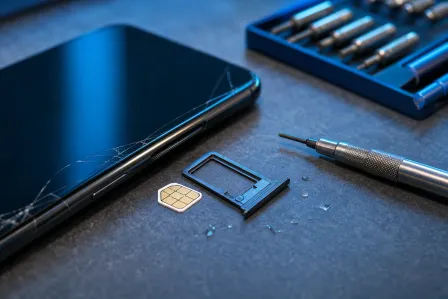
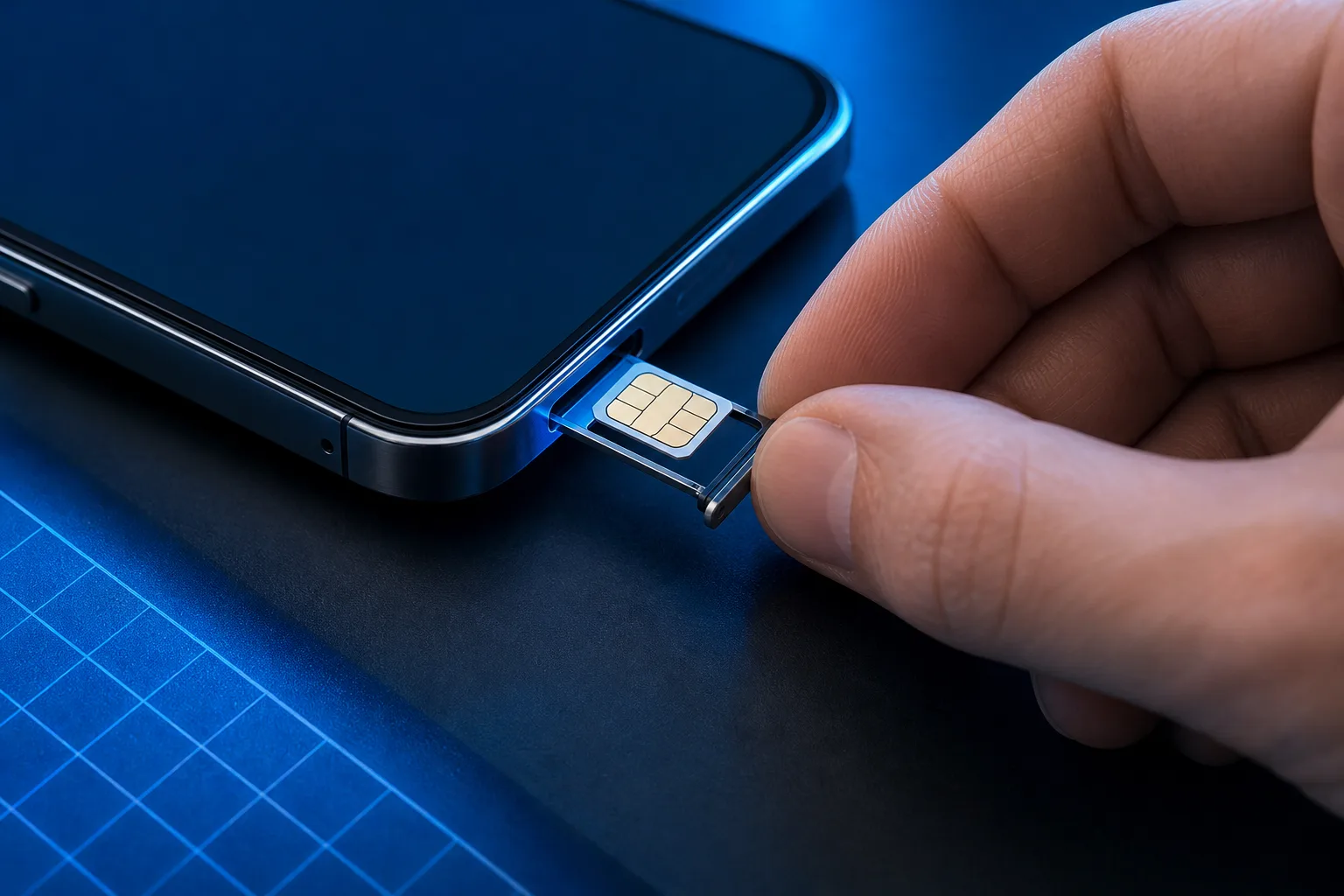
Step 5: Re-seat the SIM card. Power the phone off, eject the SIM tray, remove the SIM, inspect it for debris or corrosion, and reinsert it firmly. Sometimes the tray shifted slightly during travel.
Step 6: Reset network settings. This clears saved Wi-Fi passwords, Bluetooth pairings, and APN settings, so be aware of that tradeoff. On iPhone: Settings > General > Transfer or Reset iPhone > Reset > Reset Network Settings. On Android: Settings > General Management (or System) > Reset > Reset Network Settings. After the reset, the phone fetches fresh carrier configuration and usually re-registers cleanly.
Step 7: Check for a software update. If your carrier pushed a profile update or your phone has a pending OS update, install it. Carrier updates sometimes fix exactly this kind of radio firmware bug.
When the Problem Is Hardware
If all seven steps above still leave you with no service, the issue may be physical:
- A dropped phone can bend or crack the SIM tray, preventing proper contact.
- Liquid exposure can corrode the SIM slot contacts or the antenna connector inside.
- Rare cases involve a failed modem chip, which requires board-level repair.
At that point a free in-store check is a reasonable next move. The technicians at Fix My PC Store can inspect the SIM slot and antenna connections at our West Palm Beach location. Initial checks for most standard repairs are free, and any diagnostic findings are explained before any work begins.
If you are not near the shop, remote support can at least confirm whether the issue is software-based before you make a trip.
Cracked screen or a phone that won't hold a charge?
Bring it in. Most phone and tablet repairs are same-day, with parts that actually last.