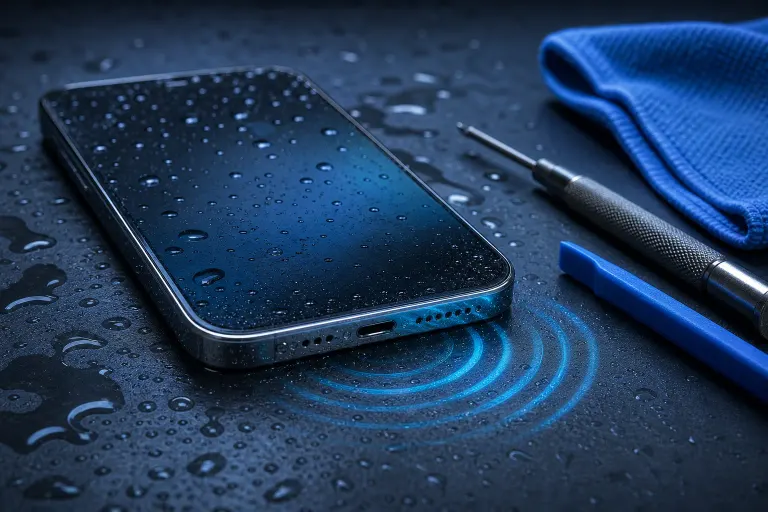
Phone Speaker Muffled After Water Exposure? Fix It Now
TL;DR: A muffled speaker after water exposure is almost always trapped moisture, not a fried speaker. Dry it out properly, use sound (not rice) to help push moisture out, and give it real time before you panic. If it's still muffled after a few days, that's your sign something actually got damaged.
What You Need
- A dry microfiber cloth or paper towel
- A well-ventilated room (not a hot car, not an oven, not direct sun)
- Silica gel packets if you have them, a dehumidifier if you don't
- Patience. Real patience, not "I'll check in 20 minutes" patience
- A speaker-cleaning app or a simple tone generator (search "speaker cleaner" in your app store)
- A toothbrush or soft-bristled brush, just in case
Skip the rice. It's a myth that refuses to die, and dust from rice can actually work its way into your ports. We'll get into that more below.
Step 1: Stop Using the Speaker Immediately
The second you notice muffled or crackly sound after your phone got wet, stop cranking the volume to "test" it. Every time you blast audio through a speaker that has water sitting on the mesh or diaphragm, you risk pushing moisture deeper into the housing instead of letting it evaporate out.
Think of it like a clogged drain. Running more water through it doesn't help. Give it a minute to actually settle first.
Step 2: Power Down and Dry the Exterior
If the phone isn't already off, turn it off. Wipe down every visible surface, especially the speaker grilles, charging port, and any seams. Water loves to hide in the gaps around buttons and camera bumps.
Hold the phone speaker-side down and gently tap the edge of your palm to encourage any trapped water to drip out. Don't shake it violently. That can push water sideways into places it wasn't in before.
Step 3: Let It Sit in a Dry, Room-Temperature Spot
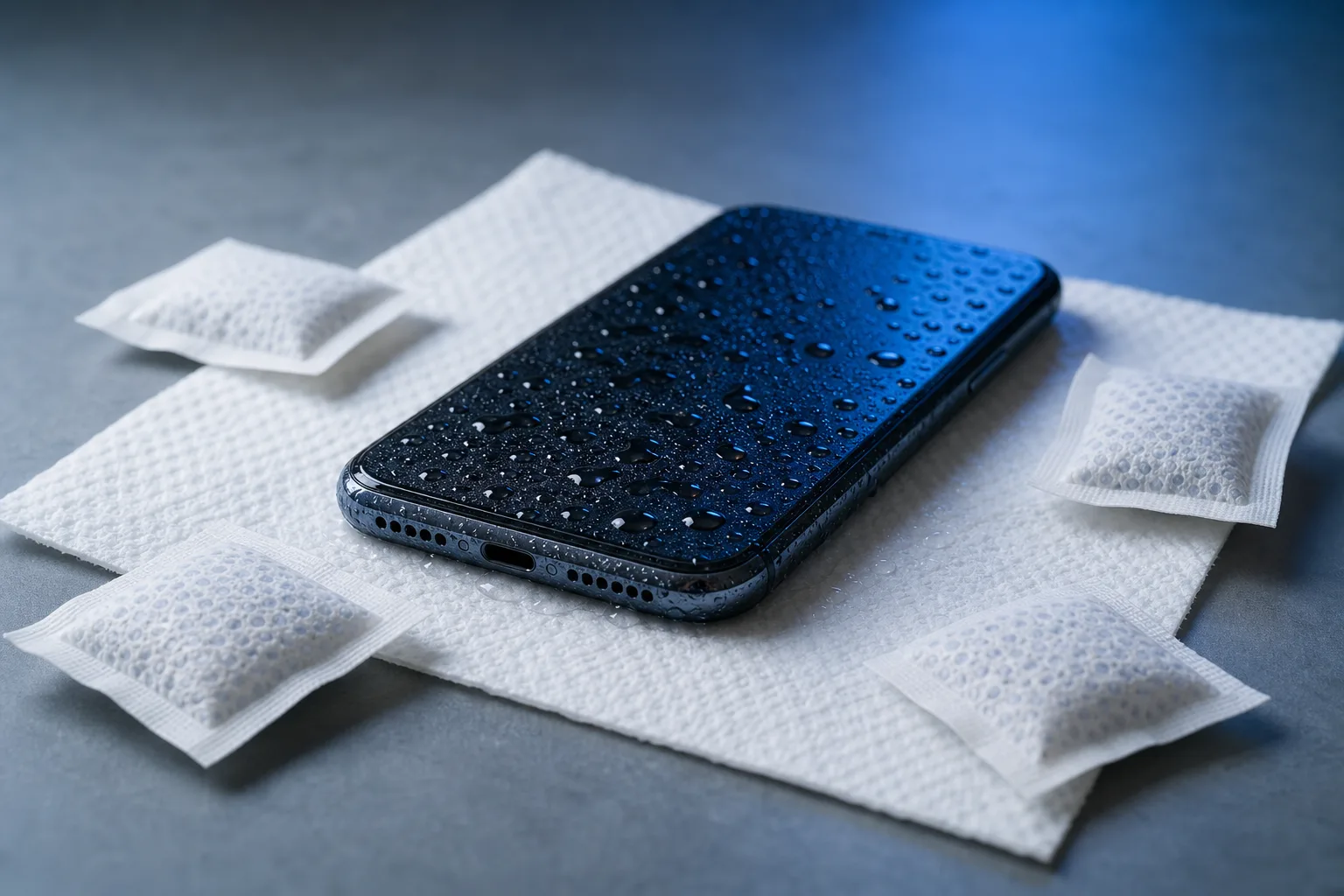
This is the step everyone rushes, and it's the one that matters most. Set the phone speaker-side down on a paper towel in a dry room for at least 24 to 48 hours. If you have silica gel packets from a shoebox or vitamin bottle, toss a few in a sealed container with the phone.
No hair dryers. No microwaves (yes, people have tried). No leaving it on a car dashboard in the Florida sun thinking heat will speed things up. Excess heat can warp internal components or damage the battery, and South Florida humidity works against you the whole time anyway, so a controlled dry indoor space beats anything outdoors.
Cracked screen or a phone that won't hold a charge? Get a repair quote
Step 4: Use Sound to Push Out Remaining Moisture
Once the phone has had time to sit and dry, this is where sound actually helps. Certain low-frequency tones create vibrations that can physically shake trapped water droplets out of the speaker mesh. Several free apps and web tools do exactly this, usually with a simple play button and a warning to point the speaker downward.
Run it for 30 to 60 seconds, wipe the speaker, and repeat if needed. You'll often hear the muffled quality clear up in real time as moisture works its way out. It's oddly satisfying, honestly.
Step 5: Test and Reassess
Play a normal audio clip, a podcast, a song, whatever. Listen for:
- Crackling that fades but doesn't fully disappear
- Sound that's clear on one call but muffled on speakerphone (or vice versa)
- Volume that seems lower than usual across the board
If things sound noticeably better than before, you're on the right track. Keep repeating steps 3 and 4 once or twice a day for another day or two. Moisture evaporation isn't instant, especially in humid climates where the air itself is already saturated.
Step 6: Know When It's Not Just Water Anymore
Here's the myth-busting part. Not every muffled speaker after a splash is purely a moisture issue. Water exposure can also:
- Corrode the speaker's internal contacts, especially with saltwater or pool water (chlorine and salt are far more corrosive than plain tap water)
- Damage the flex cable connecting the speaker to the logic board
- Leave mineral deposits behind after the water evaporates, which can permanently muffle sound even once it's technically dry
If your phone was submerged in the ocean, a pool, or anything other than plain fresh water, the clock is working against you a bit more. Corrosion can start within hours in saltwater, and it doesn't reverse itself with drying time alone.
Common Mistakes
Using rice. It absorbs some moisture, sure, but it's slow, inconsistent, and rice dust can get lodged in your charging port or speaker mesh. Silica gel or just plain air does the job better.
Charging the phone too soon. If there's still moisture anywhere near the charging port, plugging in early risks a short circuit. Wait until you're confident everything is fully dry, port included.
Assuming it's fine because it turned back on. A phone can power on and still have moisture sitting inside. Sound issues especially can take days to fully clear because speaker components are tiny and moisture hides in tight spaces.
Cranking the volume to "test" it repeatedly. Every full-volume test while it's still damp is another chance to push water where you don't want it.
Waiting too long to get it looked at. If it's been more than 3 to 4 days and the muffling hasn't improved at all, that's not a drying problem anymore. That's likely corrosion or a damaged component, and drying it out further won't fix it.
Ignoring other symptoms. If the speaker issue showed up alongside a phone that won't charge, a screen that flickers, or a battery that drains fast, those are separate signs of water damage worth mentioning to a repair tech, not just the audio complaint.
Bottom Line
Most muffled speakers after a splash are just trapped moisture doing what moisture does, being annoying and slow to leave. Dry it properly, use sound to help it along, and don't rush the process with heat or rice. If it's still muffled after a few days, or if the phone went into saltwater or a pool, that's your cue to stop DIY-ing it and get it checked before corrosion turns a simple fix into a full speaker or logic board replacement.
If you're in West Palm Beach or anywhere along the Treasure Coast and your phone's still sounding off after doing the drying-out dance, bring it by for iPhone and iPad repair or schedule a repair and we'll take a proper look before things get worse. Sometimes what sounds like a dying speaker is a five-minute cleaning job. Sometimes it's not. Better to know for sure.
Cracked screen or a phone that won't hold a charge?
Bring it in. Most phone and tablet repairs are same-day, with parts that actually last.