Why Is My Phone GPS Slow to Lock On or Constantly Wrong?
GPS trouble is one of those things people assume is a hardware defect. Most of the time it's not. It's a signal and software problem that behaves differently depending on where you are and what else your phone is doing.
TL;DR: A slow or wrong GPS lock is usually caused by weak satellite visibility, outdated location caches, or a software conflict with Wi-Fi and cell-based positioning. True hardware failure is possible but less common than people assume, and a short diagnostic sequence can tell you which one you're dealing with.
What happened
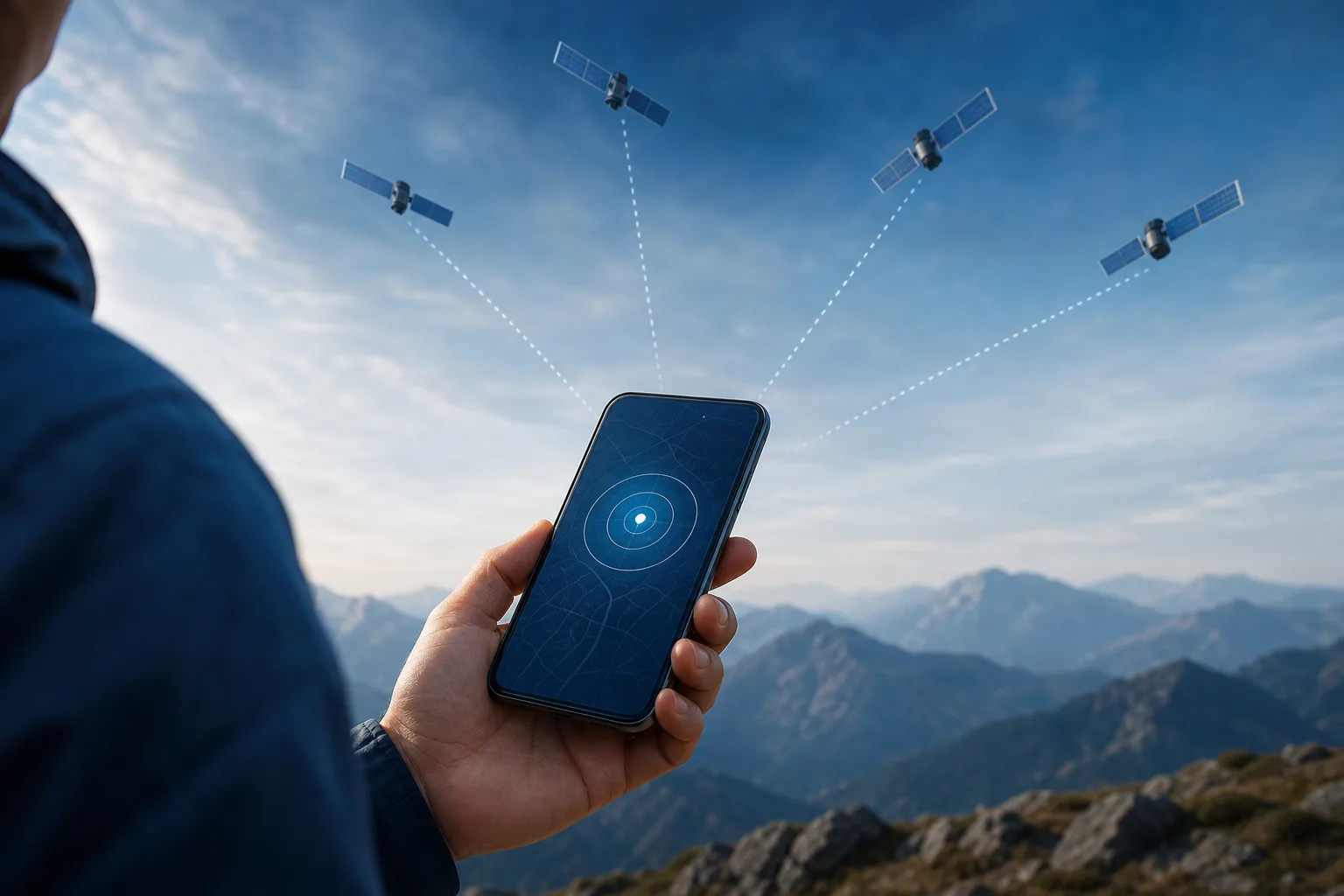
GPS on a modern phone almost never relies on satellites alone. It blends three data sources:
- GNSS satellites (GPS, GLONASS, Galileo, etc.) for raw position data.
- Wi-Fi positioning, which cross-references nearby network signals against a location database.
- Cell tower triangulation, a rougher fallback used when satellite signal is weak.
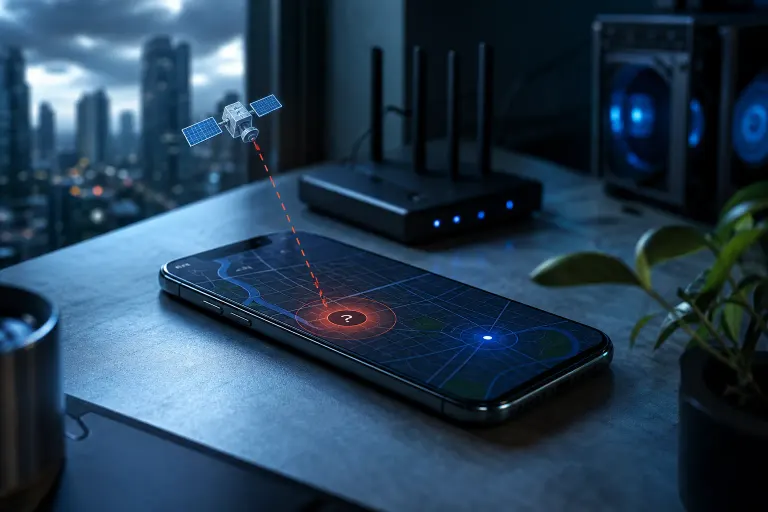
When your phone is slow to lock on, it usually means it's waiting on a clean satellite fix because the other two sources are unavailable or disabled. When it locks on but shows you in the wrong place, it usually means it fell back to Wi-Fi or cell data that's stale or mismatched for your actual location.
In South Florida specifically, this shows up in predictable spots: dense tree canopy, parking garages, high-rise condo corridors along the coast, and areas with lots of new construction where Wi-Fi positioning databases haven't caught up yet.
Why it matters
GPS accuracy affects more than map apps. Rideshare pickups, food delivery, fitness tracking, find-my-phone features, and even some banking apps use location as a fraud check. A phone that's slow or wrong on location can cause real friction: wrong pickup points, delivery drivers circling a block, or security prompts you don't understand.
It's also a useful diagnostic signal. If GPS is bad everywhere, all the time, regardless of location, that points toward a settings or hardware issue worth checking. If it's only bad in specific conditions, that's expected behavior, not a fault.
Cracked screen or a phone that won't hold a charge? Get a repair quote
What we don't know yet
A few things can't be judged from a description alone, only from hands-on testing:
- Whether the issue is isolated to one app (an app-level location permission or caching bug) or system-wide (points toward OS or hardware).
- Whether a case, screen protector, or metal phone ring/stand is interfering with the antenna. This is more common than people expect and easy to rule out.
- Whether the device has taken impact or water exposure that could affect the antenna connection internally. This matters most on older phones or ones that have been dropped.
- Whether a recent OS update changed location behavior. Some updates have shipped with known GPS regressions that get patched later.
Without physically testing the phone in a few different locations and conditions, it's hard to say definitively which bucket a given case falls into.
What to do about it
Run through this in order before assuming it's a hardware fault:
- Confirm location services are set to high accuracy. On both Android and iOS, there's a mode that uses GPS plus Wi-Fi plus cell data together. If it's set to GPS-only or battery-saving mode, accuracy and lock time both suffer.
- Check for a thick case, metal stand, or magnetic mount. Remove it and retest. Metal and strong magnets are a known interference source for GPS antennas.
- Go outside with a clear view of the sky and let it sit for 60-90 seconds. Indoors, underground, or under heavy tree cover will always be slower regardless of phone health.
- Restart the phone. This clears cached location data that may be stale or corrupted, a common cause of "wrong location" rather than "slow location."
- Check for pending OS updates. If a GPS bug was introduced in a recent release, the fix is often in the next one.
- Toggle Wi-Fi off and on. Wi-Fi positioning data can get stuck pointing at an old network location, especially after travel.
- Test the same location and conditions on a different phone if you have access to one. If the second phone locks on fine and yours doesn't, that narrows it toward your specific device.
If you've gone through that sequence and the problem persists in multiple locations, with multiple apps, and after a restart and update check, that's when it's worth having the device looked at. A technician can check for antenna connection issues, water damage markers, or a logic board problem that software steps can't fix. If the phone has other symptoms too, cracked screen, charging issues, or erratic touch response, bundle those into one diagnostic visit rather than chasing each separately.
For hands-on inspection, you can bring the device into the shop or start with a remote support session if the issue looks software-related, like settings misconfiguration or an app conflict. If it turns out to be physical, schedule a repair and have it checked properly rather than guessing further.
Cracked screen or a phone that won't hold a charge?
Bring it in. Most phone and tablet repairs are same-day, with parts that actually last.