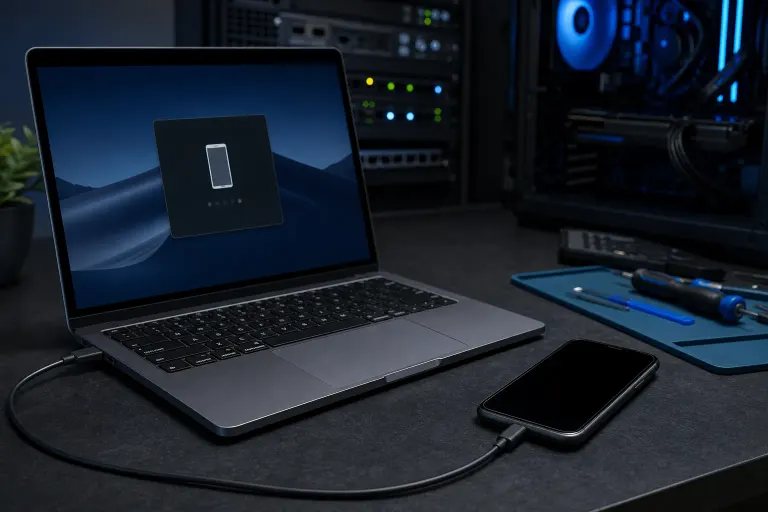
Why Is My Phone Not Recognized When Plugged Into a Computer?
TL;DR: A phone that isn't recognized by a computer is almost always caused by a charge-only USB mode on the phone, a faulty cable, or an outdated driver on the computer. Work through those three in order and most people are back on track in under five minutes.
What Happened
You plug your phone into your PC or Mac, wait for a prompt, and nothing happens. No notification, no new drive letter, no file transfer window. The phone may still charge, which makes it extra confusing.
Charging and data transfer use different pins inside a USB cable. A phone can pull power just fine even when the data side is broken, blocked, or simply switched off in settings.
Why It Matters
This isn't just a mild inconvenience. If you can't connect your phone to a computer, you can't back up photos, transfer files, or run certain software updates. For some people, this is the only wired path they have to their data.
It also matters because there are several different failure points, and treating the wrong one wastes time. A bad cable looks identical to a driver issue from the outside.
Cracked screen or a phone that won't hold a charge? Get a repair quote
What We Don't Know Yet
Without testing each layer, it's hard to say whether the problem lives in the cable, the port, the phone's settings, the operating system, or the device driver. The good news is that each layer takes less than a minute to rule out.
If your phone is running a very new version of Android or iOS, there's also a small chance a recent OS update changed how USB connections are negotiated, and that may need a driver or software update on the computer side.
What to Do About It
Use this sequence. Stop when the connection works.
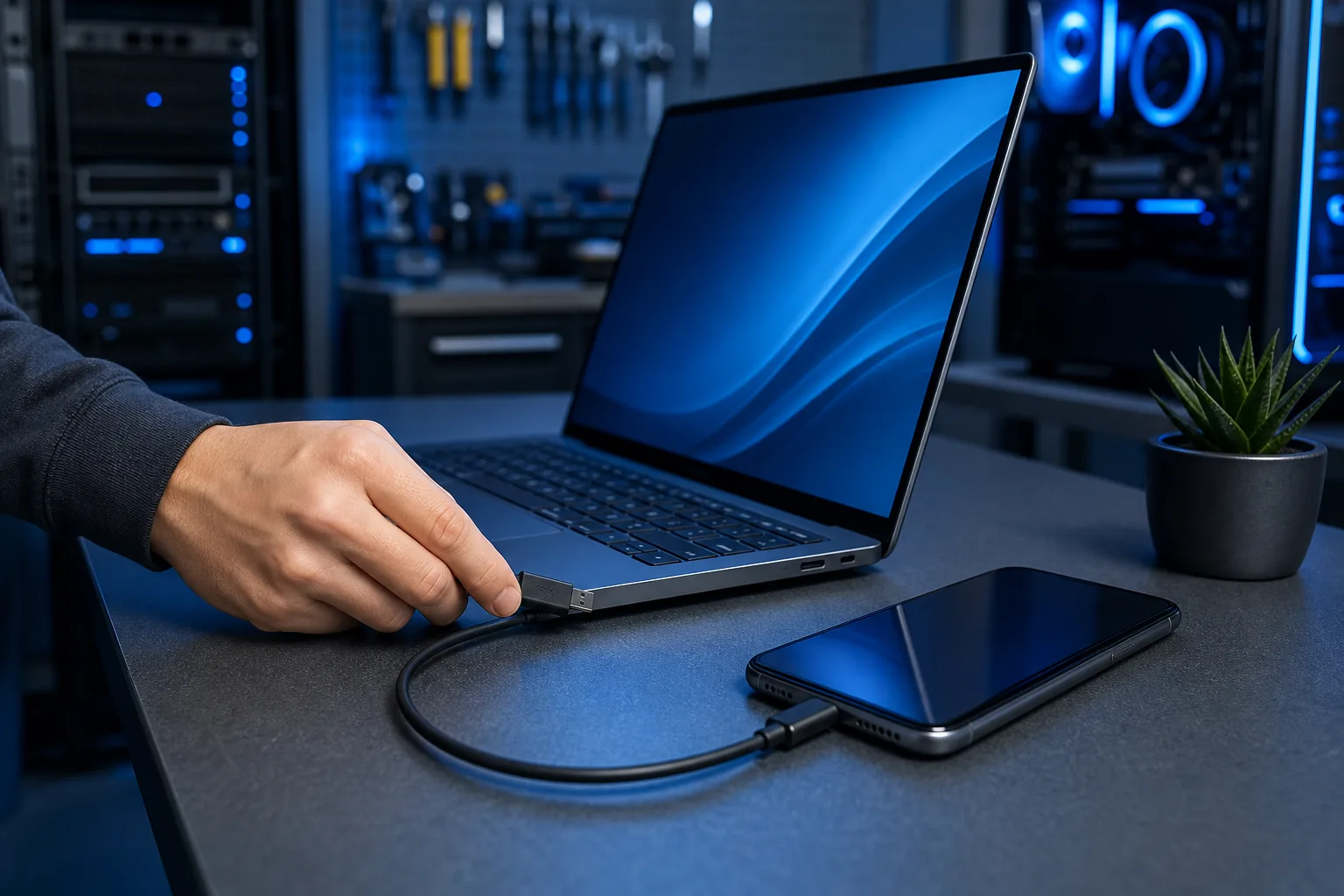
Step 1: Check the USB mode on your phone. This is the most common fix and takes ten seconds. When you plug in an Android phone, a notification usually appears at the top of the screen. Tap it. If it says "Charging" or "No data transfer," tap through to change it to "File Transfer" (also called MTP) or "PTP" for photos. On iPhone, you'll see a "Trust This Computer?" prompt. Tap Trust. If you missed or dismissed the prompt, lock and unlock the phone with the cable still connected.
Step 2: Swap the cable. Many USB cables sold as phone cables are charge-only. They physically cannot carry data. Try a different cable that you know has worked for data before. If you don't have one handy, a cable that came in the box with the phone is usually a safe bet.
Step 3: Try a different USB port on the computer. USB-A ports on the back of a desktop are usually more reliable than front-panel ports. On a laptop, try the port on the other side. This rules out a dead or low-power port.
Step 4: Restart both devices. A fresh start clears any stuck driver state. Restart the phone and the computer, then plug in again before opening any other apps.
Step 5: Update or reinstall the driver (Windows only). Open Device Manager, expand "Portable Devices" or "Other devices," and look for your phone or anything with a yellow warning icon. Right-click and choose "Update driver." If the phone shows as an unknown device, uninstall it, unplug the cable, plug back in, and let Windows detect it again. Android users can also install the Android File Transfer app on Mac, which adds the driver layer macOS needs.
Step 6: Check Apple Mobile Device Support (iPhone on Windows). Open the Windows Start menu, search for "Apple Mobile Device Support," and confirm it's installed and running. If it's missing, reinstalling iTunes or the Apple Devices app from the Microsoft Store usually brings it back.
Decision Table: Which Fix Fits Your Situation?
| Symptom | Most Likely Cause | First Fix |
|---|---|---|
| Phone charges but nothing appears on PC | USB mode set to charge-only | Change USB mode on phone |
| Nothing happens at all, no charge either | Bad cable or dead port | Swap cable, try different port |
| Shows up briefly then disappears | Loose cable or port | Try different cable and port |
| Works on one computer but not another | Driver or OS issue on that computer | Update driver or reinstall Apple/Android support |
| iPhone shows "Trust" prompt but still nothing | iTunes or Apple Devices app missing | Reinstall Apple Devices from Microsoft Store |
If you've worked through all six steps and the phone still isn't recognized, the USB port on the phone itself may be damaged. That's a hardware issue where a technician can help. The team at Fix My PC Store on Okeechobee Blvd in West Palm Beach can check the port and let you know what's involved before any work begins. Initial checks for most standard in-store repairs are free.
Cracked screen or a phone that won't hold a charge?
Bring it in. Most phone and tablet repairs are same-day, with parts that actually last.