Why Does My Phone App Crash Immediately After Opening It?
TL;DR: An app that slams shut the second you open it is almost always one of five things: corrupted cache data, low storage, an outdated OS or app version, a conflict with another app or permission, or in rarer cases a hardware issue like bad RAM or a failing storage chip. Work through the cheap fixes first, in order, before you assume the worst.
What happened
You tap the icon. The splash screen flashes. Then you're staring at your home screen like nothing happened. No error message, no warning, just an instant bounce. This is called a crash-on-launch, and it's one of the most common complaints across both iOS and Android.
It's frustrating specifically because there's usually no error code to Google. The app just dies before it finishes loading, which means whatever's going wrong is happening in that first second or two of startup, before the app can even show you a screen.
Why it matters
Here's the thing gamers and power users already get: a crash-on-launch is basically a boot failure. Think of an app like a PC trying to POST. If something in the startup sequence (loading cached data, checking permissions, allocating memory) hits a wall, the whole process aborts instead of limping along with an error. That's why you don't get a helpful message. It's not a bug report, it's a hard stop.markdown
The reasons this matters beyond annoyance:
- It's often fixable in under five minutes with no tech skills required, so it's worth troubleshooting before you assume your phone is dying.
- A pattern of crashes across multiple apps can point to something bigger going on with storage or the OS itself, not just one buggy app.
- Ignoring repeated crashes on finance, health, or work apps can mean you're missing notifications, payments, or data syncs without realizing it.
Cracked screen or a phone that won't hold a charge? Get a repair quote
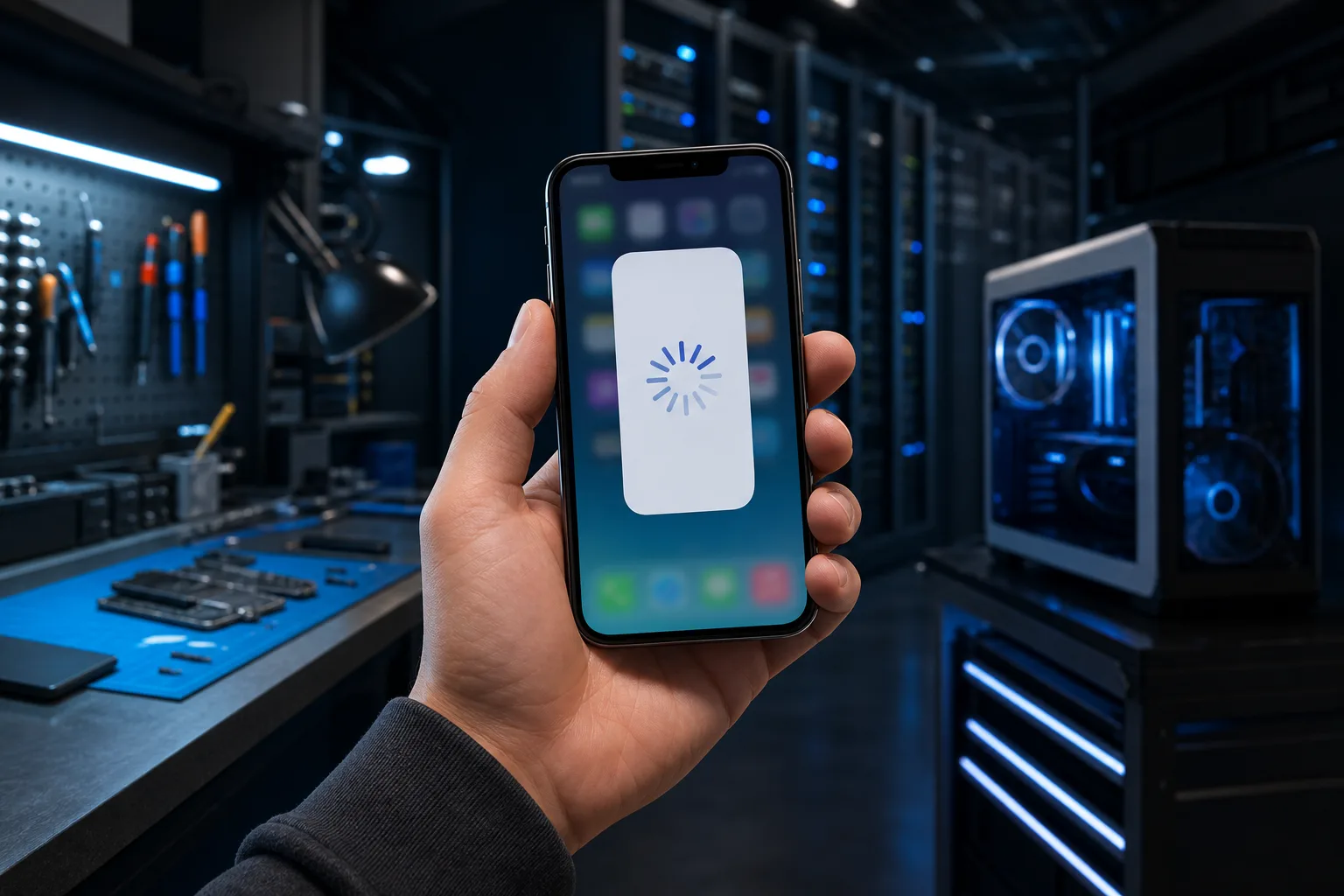
What we don't know yet
Without seeing your specific device, there's no way to say for certain which of the common causes applies to you. A few things we genuinely can't diagnose remotely:
- Whether the issue is the app's code (a bad update on the developer's end) or something local to your phone.
- Whether your phone's storage chip or RAM is physically degrading, which only shows up as random crashes across unrelated apps over time.
- Whether a recent OS update introduced a compatibility issue that the app developer hasn't patched yet.
If you're only seeing the crash on one app and everything else runs fine, it's much more likely to be app-specific. If multiple unrelated apps are crashing, that points toward storage, OS, or hardware.
What to do about it
Run through this in order. Each step is quick, and most people solve it in the first three.
- Force-close and reopen. Sounds obvious, but a stuck background process is a top cause. Swipe it away from your recent apps and relaunch.
- Check for an app update. Developers push crash fixes constantly. An outdated app trying to talk to an updated server backend is a classic crash trigger.
- Check for an OS update. If your phone's software is behind, some apps intentionally refuse to run or crash trying to use features your OS doesn't support yet.
- Clear the app's cache (Android) or offload and reinstall (iOS). Corrupted cache data is probably the single most common cause of crash-on-launch. On Android: Settings > Apps > [App] > Storage > Clear Cache. On iOS, you'll need to offload or delete and reinstall since Apple doesn't expose a cache-clear option.
- Check your storage. If your phone is nearly full, apps can fail to allocate the memory they need on launch. Free up a few gigabytes and try again.
- Review permissions. Some apps crash immediately if a required permission (camera, location, storage) got revoked, often silently, during an OS update.
- Reinstall the app. This resets everything the app relies on locally, short of a factory reset.
- Still crashing after all that? It may be a deeper OS conflict, a corrupted system file, or in rare cases failing storage hardware, which is worth a professional look rather than more guesswork.
If you've been through this list and the crash persists, or if several unrelated apps are crashing and it's starting to feel like the phone itself, not the apps, that's the point where a diagnostic makes more sense than another reinstall. You can bring it by for a look through mobile repair if that page exists on your site, or start with a general computer repair consult if it turns out to be a broader device issue. For quick troubleshooting without a shop visit, remote support can often walk through storage and settings checks over a screen share.
For Palm Beach and Treasure Coast folks who've already tried the basics and are still stuck, Fix My PC Store's West Palm Beach location (10140 Okeechobee Blvd, Suite B) runs free initial checks on most standard repairs, with advanced diagnostics priced and explained before any work starts. You can book a time here or check current shop hours before stopping in.
Cracked screen or a phone that won't hold a charge?
Bring it in. Most phone and tablet repairs are same-day, with parts that actually last.