Phone Screen Yellowing or Tinted? What Causes It
TL;DR: A yellow or tinted phone screen is most often caused by a warm display setting like Night Mode or True Tone, an aging screen protector, or OLED burn-in. Software fixes take seconds. Physical discoloration, especially spreading patches or a greenish hue, usually means the display needs replacement.
What Happened
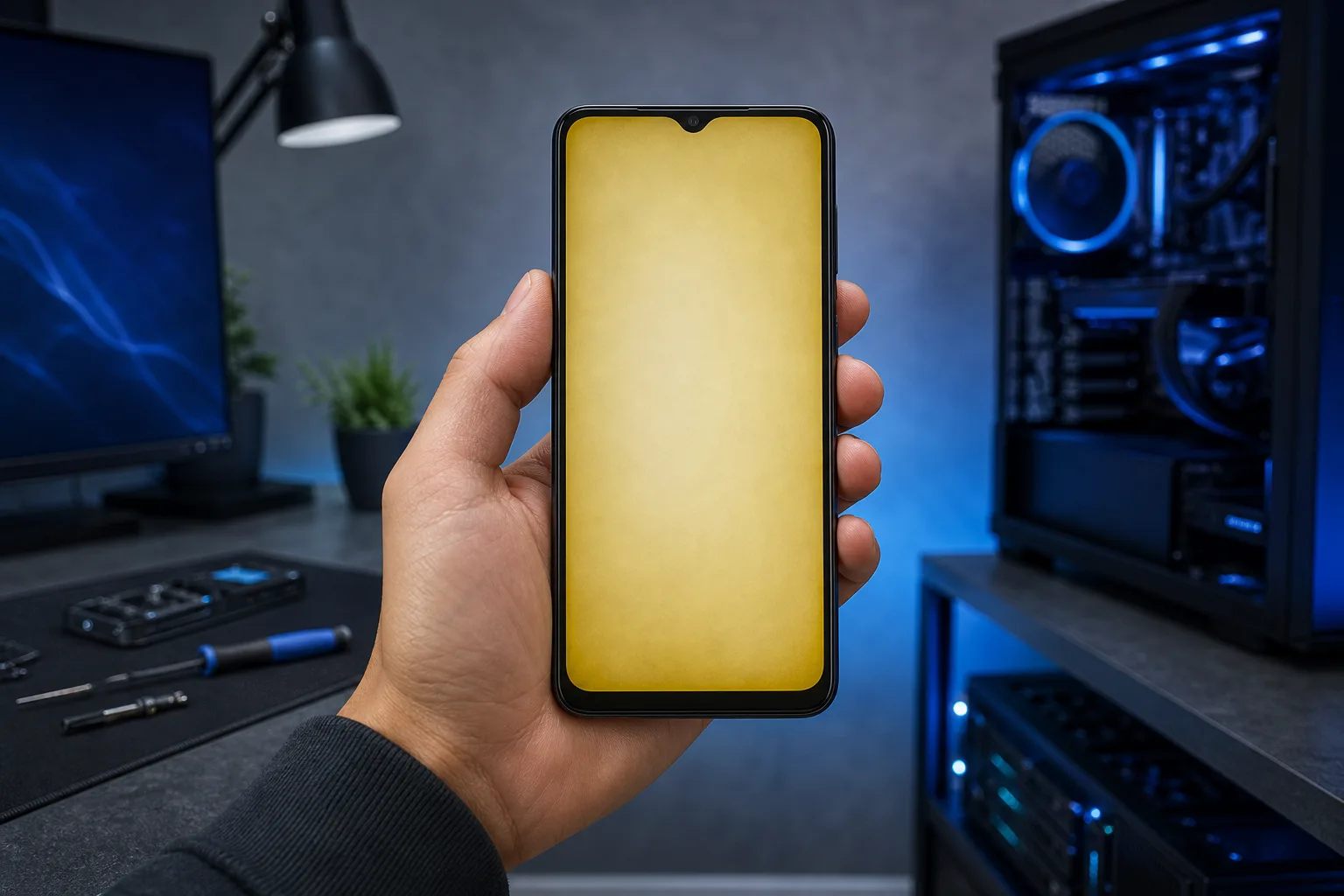
You picked up your phone and the screen looks warmer, yellower, or just off compared to how it used to look. Maybe it happened gradually. Maybe it appeared after a drop or an update.
That shift in color can come from several very different places: a software toggle, an aging accessory, or damage inside the display itself. The cause matters because the fix is completely different for each one.
Why It Matters
Color accuracy affects everything from reading text comfortably to spotting issues in photos you are editing. A tinted screen is not just cosmetic annoyance. It can signal early display hardware failure, which tends to get worse over time if left alone.
Understanding the cause also keeps you from spending money on a screen replacement you do not need, or wasting time on settings tweaks when the display is already failing.
What We Don't Know Yet
Phone manufacturers have not standardized how they handle OLED aging or color drift. Apple, Samsung, and Google all use slightly different algorithms and panel suppliers, so the same symptom can behave differently across devices. There is also no reliable way to predict exactly when color drift will progress to a full display failure. It varies by usage, brightness habits, and environmental exposure to heat.
Cracked screen or a phone that won't hold a charge? Get a repair quote
Diagnosing the Tint: A Step-by-Step Sequence
Work through these in order. Stop as soon as you find the cause.
Step 1: Check Night Mode or warm display settings. On iPhone, go to Settings > Display & Brightness > Night Shift and make sure it is off. Also check True Tone and toggle it off temporarily. On Android, look for Night Light, Eye Comfort Shield, or Reading Mode in Display settings. These filters add a yellow-orange cast by design.
Step 2: Remove the screen protector. Plastic screen protectors yellow with age and UV exposure. Peel it off and look at the screen directly. If the tint disappears, the protector is the culprit. Replace it with a fresh tempered glass protector.
Step 3: Restart the phone. A soft restart clears temporary display driver glitches that can occasionally shift color rendering.
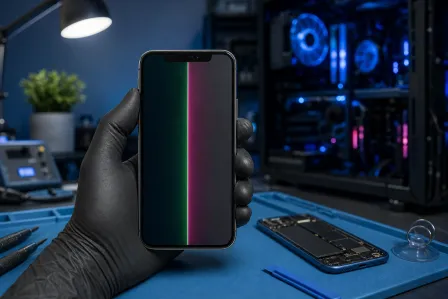
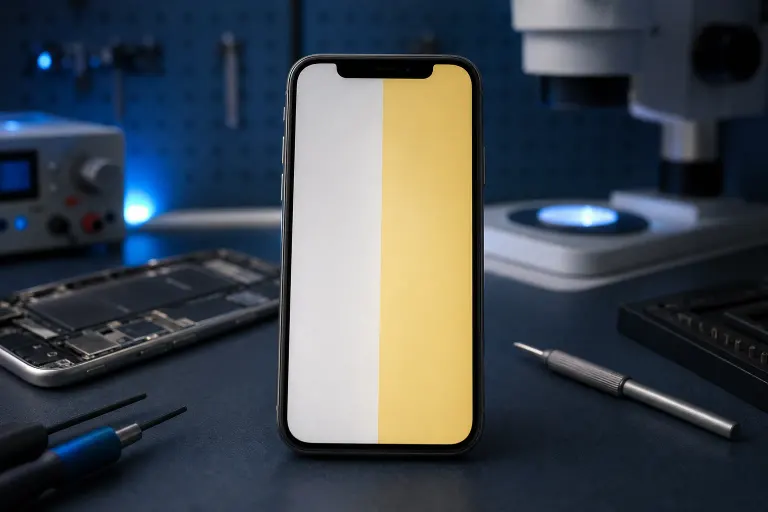
Step 4: Look for patterns in the discoloration. A uniform warm tint across the whole screen points to software or a protector. Irregular patches, greenish or pinkish areas in corners, or a discoloration that moves when you press gently on the screen suggest hardware damage. Spreading yellow patches near the edges often indicate moisture has reached the display panel.
Step 5: Check for recent physical events. Did the phone take a drop? Was it left in a hot car or exposed to moisture? Heat and impact can both cause adhesive layers inside the display stack to degrade, producing visible tinting.
Decision Table: Cause vs. Next Step
| What You See | Most Likely Cause | What to Do |
|---|---|---|
| Uniform warm yellow tint | Night Mode or True Tone active | Turn off the setting |
| Tint gone after removing protector | Yellowed screen protector | Replace protector |
| Irregular yellow patches, spreading | Moisture or adhesive failure | Professional repair |
| Greenish or pink tint, especially in corners | OLED panel aging or damage | Professional repair |
| Tint appeared after a drop | Physical display damage | Professional repair |
| Tint flickering or changing with pressure | Loose display connector | Professional repair |
What to Do About It
If steps 1 and 2 resolved the issue, you are done. Keep display warmth settings on a schedule that suits your eyes and swap screen protectors before they yellow visibly.
If the discoloration is hardware-related, the display panel or its connectors need attention. Continuing to use a failing OLED panel can accelerate damage to adjacent components. Attempting to open a modern smartphone without the right tools also risks damaging the battery, which sits directly behind the screen on most devices.
The Fix My PC Store team handles phone and tablet screen repairs from the Okeechobee Boulevard shop, serving West Palm Beach, Royal Palm Beach, and Wellington. If your screen is showing the hardware symptoms above, book a repair assessment or reach out through the contact page to get a diagnosis before the problem spreads.
Cracked screen or a phone that won't hold a charge?
Bring it in. Most phone and tablet repairs are same-day, with parts that actually last.