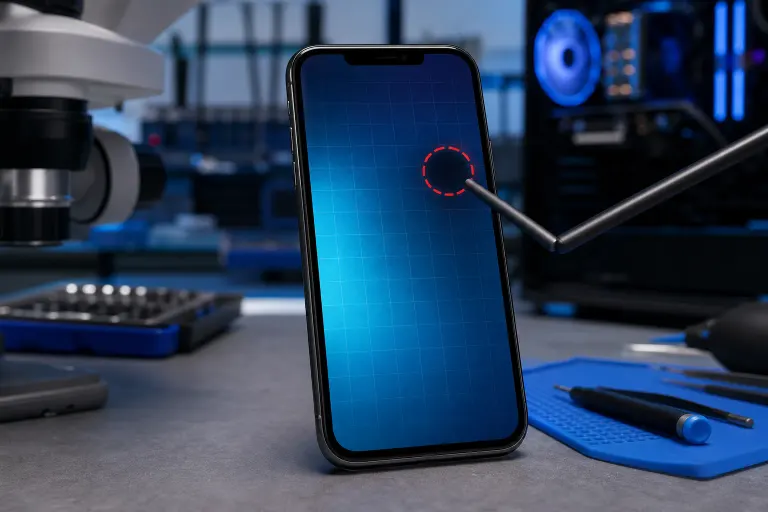
Phone Touch Screen Works Everywhere Except One Spot: What Is Wrong
TL;DR: A dead zone on an otherwise working touch screen is almost always a hardware problem, either a cracked digitizer layer, screen pressure damage, or a loose internal connector. Software resets can rule out rare calibration bugs, but if the spot stays dead, the screen or digitizer needs professional repair.
What you need
- A stylus or your fingertip for testing
- A soft, lint-free cloth
- Your phone charger (battery above 20% helps)
- About 10 minutes
- Optionally: a drawing or notes app to map the dead zone
Step 1: Map the dead zone precisely
Open a drawing app, or the Notes app, and slowly drag your finger across the entire screen in a grid pattern. Mark where input stops registering.
Ask yourself:
- Is the dead zone a clean rectangle or strip? That often points to a digitizer layer failure.
- Does it follow a crack line? That confirms physical screen damage.
- Is it a small irregular patch with no visible crack? Could be pressure damage under the glass or a connector issue.
Knowing the exact shape helps a technician quote the right fix and helps you rule out software causes.
Step 2: Clean the screen and check for interference
Oil, water, or a thick screen protector can fool the capacitive sensor into ignoring touches in one area.
- Power the phone off.
- Wipe the screen with a dry, lint-free cloth.
- If you have a tempered glass protector, carefully peel it back at the corner and test the dead zone with the protector lifted. A bubble or crack in the protector can block input.
- Remove any phone case and retest.
If the dead zone disappears after cleaning or removing the protector, you solved it. Replace the protector and you are done.
Step 3: Restart and run a soft reset
A software glitch can occasionally freeze part of the touch grid. This is rare but worth ruling out in two minutes.
- Hold the power button and do a full restart (not just screen off).
- Retest the same spot.
- If still dead, try a safe mode boot to disable third-party apps: on most Android phones, hold the power button, then long-press "Power off" until Safe Mode appears. On iPhone, there is no safe mode, but a force restart achieves a similar cache clear.
If the dead zone disappears in safe mode, a rogue app is interfering. Uninstall recent apps one at a time.
Cracked screen or a phone that won't hold a charge? Get a repair quote
Step 4: Check for physical damage clues
Look at the phone under bright light at an angle.
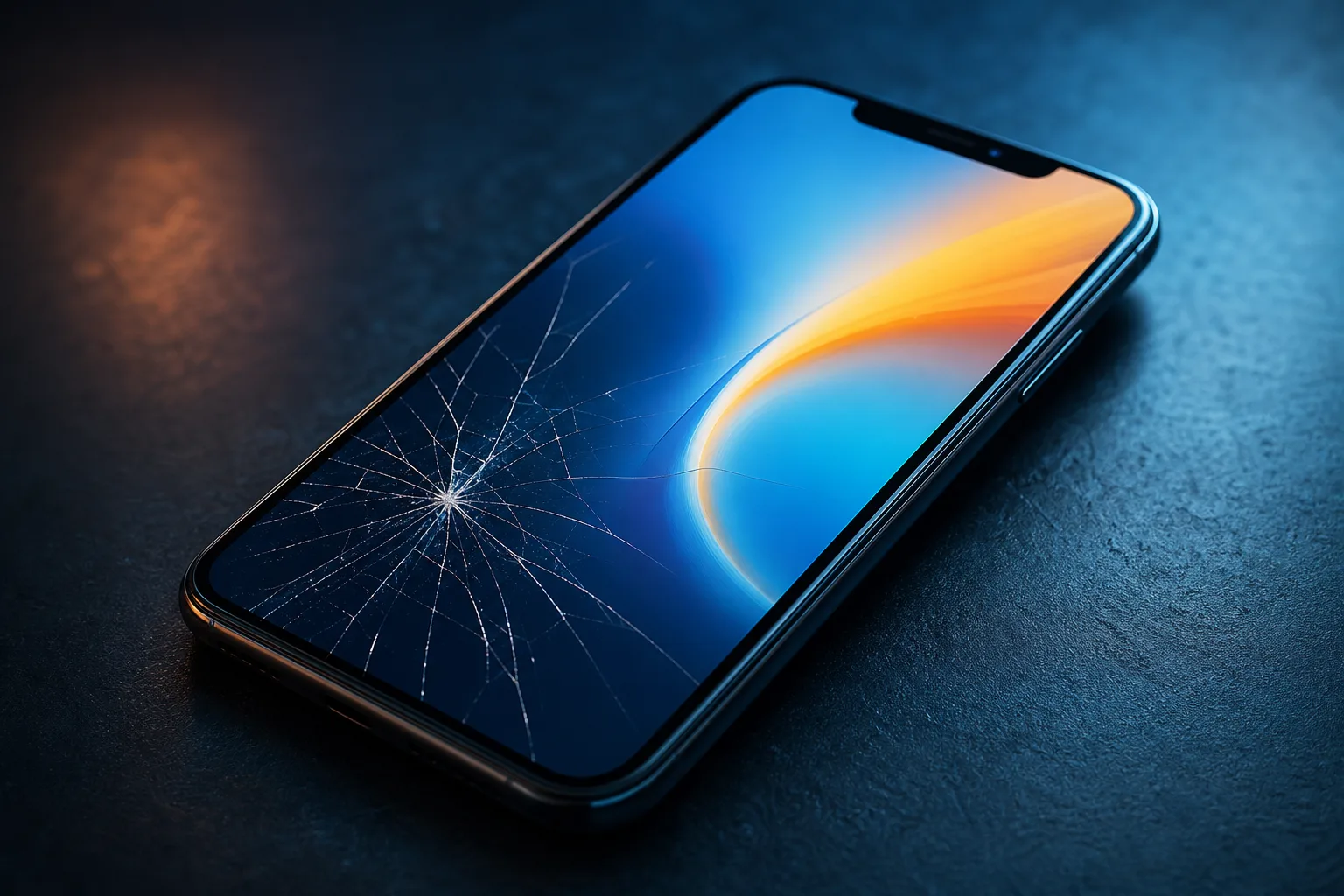
- Visible crack: Even a hairline crack through the digitizer layer breaks the conductive grid at that point. No software fix will restore it.
- Discoloration or bleed: Ink-like spreading under the glass means LCD or OLED damage. The dead zone will likely grow over time.
- No visible damage: The digitizer can fail internally without a visible crack, especially after a drop on a hard surface or sustained pressure (sitting on the phone).
Pressure damage is common and looks fine from the outside but kills the digitizer grid beneath the glass.
Step 5: Test with a charger plugged in vs. unplugged
This one surprises people. Cheap or incompatible chargers can inject electrical noise into the screen, creating phantom dead zones that appear only while charging. Unplug the charger, retest the spot. If it works unplugged but not while charging, the charger is the culprit. Try the original manufacturer charger or a certified replacement.
Common mistakes
- Assuming it is always the screen. A faulty charging cable causing touch interference is a $10 fix, not a screen replacement. Always test unplugged first.
- Ignoring a small dead zone. Small digitizer failures tend to spread, especially after more drops or heat exposure. Getting it diagnosed early is cheaper than waiting.
- Buying a DIY screen kit without knowing the cause. If the issue is a loose internal connector, replacing the whole screen is unnecessary. A technician can reseat the connector in minutes.
- Doing a factory reset hoping it fixes hardware. A factory reset erases your data and cannot repair a broken digitizer. Only try it after ruling out every software cause.
Bottom line
If cleaning, restarting, and testing with the charger unplugged do not bring that spot back to life, the digitizer or display assembly needs physical repair. That is not a DIY-friendly job on most modern phones because the screen is bonded to the frame and requires heat tools and precise pressure.
Fix My PC Store handles phone screen and digitizer repairs at 10140 Okeechobee Blvd, Suite B, West Palm Beach. Initial checks are free for most standard in-store repairs, so you can find out what is actually wrong before committing to anything. Call 561-819-9999 or schedule a repair to bring it in Monday through Friday 9 a.m. to 6 p.m. or Saturday 9 a.m. to 5 p.m.
Cracked screen or a phone that won't hold a charge?
Bring it in. Most phone and tablet repairs are same-day, with parts that actually last.