Phone Screen Has a Green or Pink Line Down the Middle: Causes
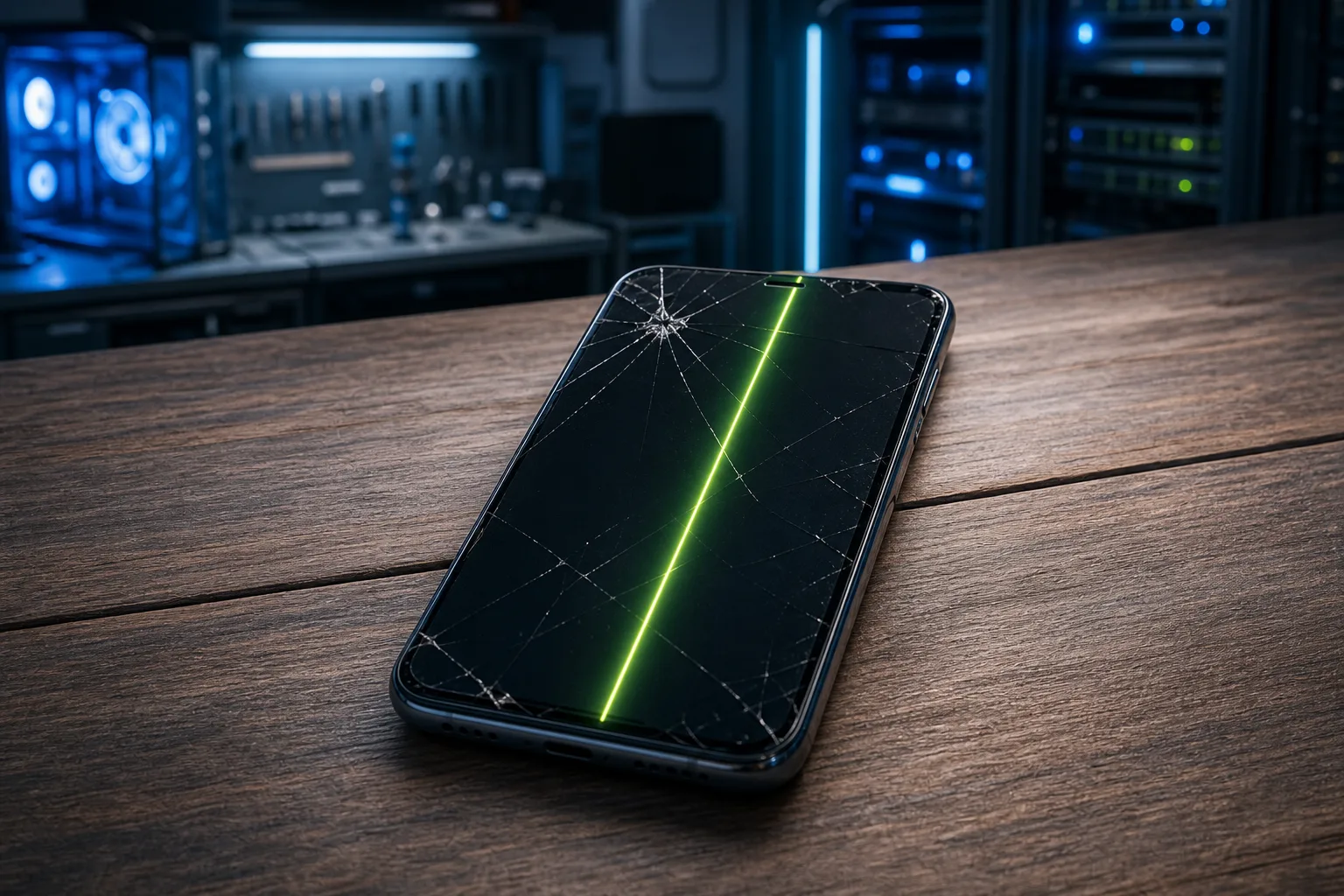
TL;DR: A green or pink line on your phone screen is most often caused by a damaged LCD or OLED panel, a loose or pinched display connector, or physical impact damage. Software can occasionally cause it, but a line that stays in one fixed position almost always means something is wrong with the screen itself.
What you need
- Your phone
- A second device or mirror (to test and compare)
- 5 minutes for a basic self-diagnostic
- Notes on whether you dropped the phone recently
1. Understand what type of line you are seeing
The color and behavior of the line tell you a lot.
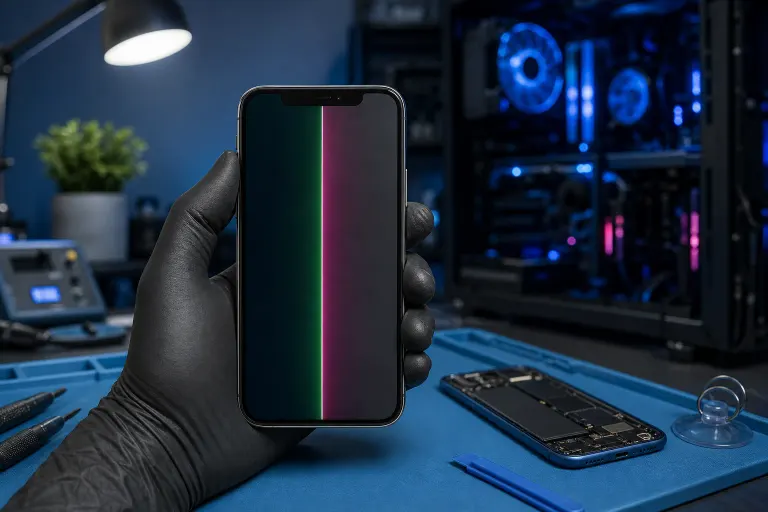
Green lines are more common on OLED and AMOLED screens. A cluster of pixels gets stuck on, showing a bright green stripe.
Pink or magenta lines tend to show up on LCD screens, though they can appear on OLED panels too. They usually signal a damaged sub-pixel column or a failed column driver in the panel.
A line that moves or flickers when you press the screen lightly is more likely a loose connector. A perfectly fixed, unmoving line points to a dead pixel column, which means panel damage.
Ask yourself: Did the line appear after a drop or after the phone got hot? That context matters for the next steps.
2. Rule out a software or app glitch first
This takes two minutes and can save you a trip.
- Restart the phone completely. If the line disappears and does not come back, it was a software rendering error.
- Boot into safe mode (hold the power button, then long-press "Power off" on most Android devices; iPhones do not have a traditional safe mode). If the line vanishes in safe mode, a misbehaving app is the culprit.
- Take a screenshot. Open it on another device or on your computer. If the line does not appear in the screenshot, the damage is in the physical display, not the image being generated by the processor.
If the line shows up in the screenshot, that is a rare case of a GPU or driver-level issue, and a factory reset may help. If the line does not appear in the screenshot, move on to step 3.
3. Check for physical damage
Look at the phone under good lighting.
- Is there a crack, even a hairline crack, near where the line starts?
- Does the screen have any slight separation from the frame?
- Does the line start at one edge of the screen and run straight to the other?
A crack in the glass does not always mean the LCD or OLED beneath it is broken immediately, but pressure on the panel over time will damage it. A line that starts at a crack and runs vertically is almost always internal panel damage.
If there is no visible crack, the damage may be internal. Dropping a phone on a corner can fracture the display layer without breaking the outer glass.
Cracked screen or a phone that won't hold a charge? Get a repair quote
4. Check for heat or pressure damage
OLED panels are sensitive to sustained heat and pressure. If your phone was:
- Left in a hot car
- Sat on or bent in a bag or pocket
- Charged wirelessly for long periods at high temperatures
...the panel can develop dead pixel columns that show up as colored lines. There is no fix for thermally damaged pixels. The panel needs replacement.
5. Identify whether it is a connector issue
This applies mainly if your phone was recently opened for another repair.
Display ribbon cables connect the screen to the motherboard. If that cable is loose, pinched, or seated incorrectly, you will often see:
- A vertical line that shifts slightly when you flex the phone
- Discoloration that appears or worsens when pressing near the edges
- Lines that change intensity when you apply light pressure to the back of the phone
If a repair shop opened your device recently, the connector may simply need to be reseated. This is a straightforward fix. If nobody has opened the phone, a spontaneously loose connector is less common but does happen, especially after a drop.
Cause summary: decision table
| What you observe | Most likely cause |
|---|---|
| Line disappears on restart | Software or GPU glitch |
| Line missing from screenshot | Physical display damage |
| Line shifts when you press the screen | Loose ribbon connector |
| Line starts at a crack | Broken panel beneath glass |
| Line appeared after heat exposure | Thermal pixel damage |
| Line appeared after a drop, no visible crack | Internal impact damage |
Common mistakes
Assuming a restart will fix hardware damage. If the panel is physically broken, restarting will not help. It is worth trying once, but do not delay repair waiting for a miracle reboot.
Pressing hard on the screen to make the line go away. Applying pressure to a damaged OLED or LCD panel can spread the damage quickly. Press gently and briefly only to test connector behavior.
Ignoring the line while the phone still works. A single pixel column failure often spreads. What starts as one thin line can become a wide band within days or weeks, especially on OLED screens.
Attempting a DIY screen replacement without the right tools. Phone screens are held together with adhesive, fragile connectors, and sometimes waterproof seals. Without proper equipment, it is easy to damage the fingerprint sensor, front camera, or face ID components during a screen swap.
Bottom line
A green or pink vertical line on your phone screen is almost never a software problem. The screenshot test in step 2 is the fastest way to confirm that. Once you know it is hardware, the cause is usually a cracked or thermally damaged panel, a loose ribbon connector, or internal impact damage from a drop.
Software fixes are free to try, but hardware damage needs a proper screen replacement. If you are in West Palm Beach or South Florida and your phone has a line that will not go away, the team at Fix My PC Store can take a look. Initial checks are free for most standard in-store repairs. Stop by the shop at 10140 Okeechobee Blvd, Suite B, West Palm Beach, or book a time online.
Cracked screen or a phone that won't hold a charge?
Bring it in. Most phone and tablet repairs are same-day, with parts that actually last.