Phone Screen vs Digitizer: How to Tell Which One Needs Replacing
TL;DR: A broken screen shows visual damage like cracks, dead pixels, or a black display. A bad digitizer means touch stops working correctly even when the image looks fine. Most modern phones bond both layers together, so you usually replace them as one unit anyway, but knowing which is failing tells you exactly what you're dealing with.
At a Glance: Screen vs Digitizer Symptoms
| Symptom | Likely Culprit |
|---|---|
| Cracked glass, bleeding colors, black patches | Screen (display layer) |
| Touch unresponsive in spots | Digitizer |
| Ghost touches, phantom taps | Digitizer |
| Image looks perfect but touch is dead | Digitizer |
| Touch works but display is black or distorted | Screen |
| Both touch and display are broken | Usually both, or a connector issue |
This is your quick reference. Now let's get into why this matters and how to read your phone's symptoms like a pro.
What These Two Components Actually Do
People use "screen" to mean the whole front of the phone, but there are actually two distinct layers doing different jobs.
The display panel (what most people call the screen) is responsible for producing the image you see. On older phones this was LCD. On most modern flagships it's OLED or AMOLED. This layer lights up pixels, renders colors, and shows you your content.
The digitizer sits on top of the display. It's a transparent layer of touch-sensitive grid lines. When you tap, swipe, or pinch, the digitizer detects exactly where your finger is and sends that position data to the phone's processor. You never see the digitizer. It's invisible by design.
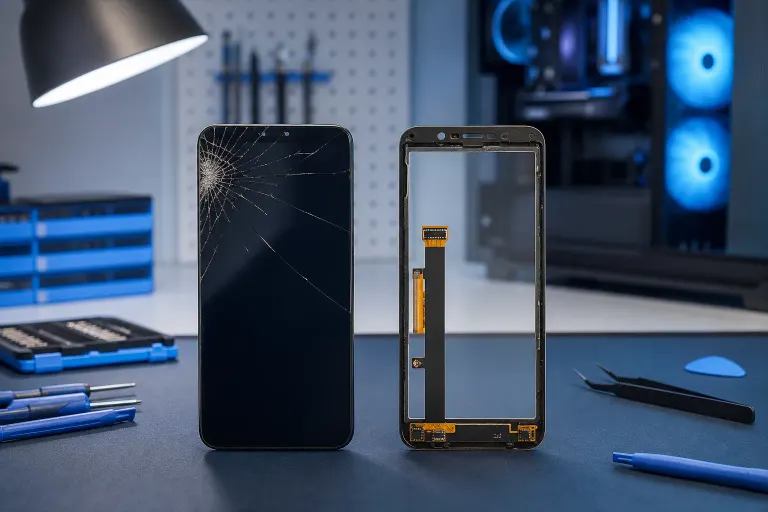
On phones from roughly five or more years ago, these two layers were sometimes separate. A skilled tech could replace just the digitizer glass without touching the display underneath. On nearly every modern smartphone, manufacturers bond them together with optically clear adhesive into what's called a fused assembly. Separating them without the right equipment usually destroys both.
How to Diagnose a Bad Screen (Display Layer)
The display layer fails in ways you can see. Here's what to look for.
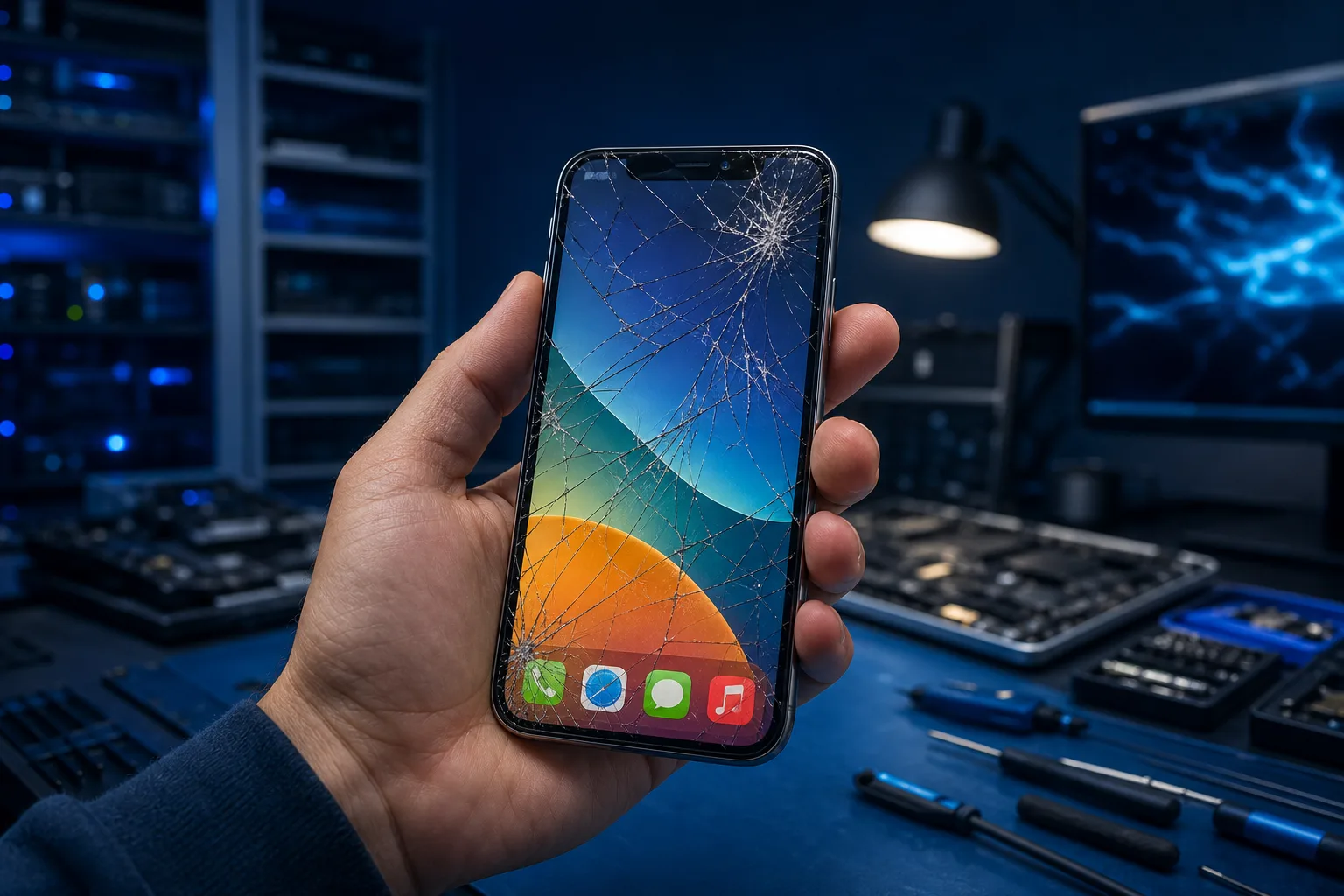
Cracked or shattered glass. This one's obvious. But a hairline crack doesn't always mean the display underneath is damaged. Sometimes the outer glass shatters while the display keeps working perfectly. Sometimes the impact damages the display too, even when the glass looks okay.
Color bleed or ink-like spreading. Drop your phone and notice a dark blotch or rainbow-colored patch spreading from the impact point? That's liquid crystal damage on an LCD, or a cracked OLED panel. That display layer is done. No amount of waiting fixes this.
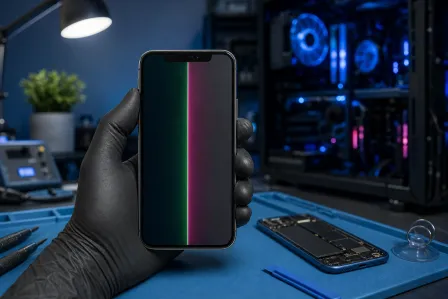
Dead zones of black. Half the screen is black? Vertical or horizontal black bars? A fully black screen with the phone still powering on and playing sounds? These are display failures. The panel isn't receiving signal or it's physically broken.
Washed out colors, extreme dimness, or flickering. A failing backlight on an LCD or a degrading OLED panel can cause these. Sometimes it's also a loose ribbon cable connecting the display to the motherboard, which is a repair rather than a full replacement.
The touch still works even though the display looks bad. Classic screen failure. You can sometimes confirm this by connecting your phone to an external display via USB-C or using screen mirroring. If the phone is functioning but just not showing it on that screen, the display layer is your problem.
How to Diagnose a Bad Digitizer
Digitizer problems are sneakier because the phone can look completely fine.
Touch is unresponsive in specific zones. Tap the top-left corner and nothing happens, but everywhere else works? That's a localized digitizer failure. The display is fine. The grid of touch sensors in that region has failed, probably from impact stress or a hairline crack in the digitizer layer.
Ghost touches or phantom scrolling. This is one of the creepiest symptoms. Your phone opens apps, types characters, or scrolls by itself with no one touching it. Sometimes it happens constantly, sometimes intermittently. A damaged or partially disconnected digitizer can send false touch signals. Moisture behind the screen can cause this too.
Swipe gestures feel laggy or inaccurate. If pinch-to-zoom is janky, or your swipes register a few millimeters off from where you actually touched, the digitizer is struggling. This gets worse over time.
Touch is completely dead but the screen looks perfect. Full image, correct brightness, no visual damage whatsoever, but tapping does nothing. Either the digitizer is physically broken, its ribbon cable came loose from the connector on the motherboard, or the digitizer driver in the phone's software is having a moment. Restart first. If a restart doesn't fix it, it's hardware.
Quick test: Download a touch-testing app or use a built-in diagnostic if your Android has one (many Samsung devices have this in the dialer with a secret code). These apps paint the screen as you drag your finger so you can visually map exactly where touch is and isn't registering.
Cracked screen or a phone that won't hold a charge? Get a repair quote
The Connector and Software Wildcard
Before assuming you need a full replacement, consider two things that mimic both screen and digitizer failures.
Loose ribbon cable. The display and digitizer each have ribbon cables that plug into connectors on the motherboard. A drop, or even aggressive flexing of the phone, can partially unseat these connectors. Symptoms can look like screen failure, digitizer failure, or both. A tech can open the phone, reseat the connectors, and fix this without replacing anything. That's a cheap repair if the parts themselves are undamaged.
Software and driver issues. Rare, but real. A bad OS update or corrupted touch driver can cause ghost touches or an unresponsive display. Try a forced restart. If it's an Android, booting into safe mode disables third-party apps and sometimes reveals whether a rogue app is causing phantom input. If safe mode fixes the ghost touches, you've got a software problem, not hardware.
If you're not sure whether your issue is software or hardware, remote support can help you run through diagnostics before you commit to any parts.
Fused vs Separate Assemblies: Why It Affects Your Repair Cost
This is the part that surprises most people at the counter.
If your phone has a fused display and digitizer assembly, replacing just the digitizer is not really an option without specialized equipment and a lot of skill. Shops that attempt to separate fused assemblies without a vacuum separator and heating equipment usually crack the display in the process. You end up paying for a new display anyway.
For most iPhone models from iPhone 6 onward, and most current Android flagships, you're looking at a fused assembly replacement. The price you pay covers both layers as one unit. Knowing which layer failed is still useful because it confirms the repair is necessary and helps rule out a connector fix or software issue that might be cheaper.
Older budget Android phones sometimes use separate assemblies. If your $150 Android has a working display but dead touch, a separate digitizer replacement can be significantly cheaper. Worth asking specifically when you bring it in.
The iPhone and iPad repair page has more detail on what's covered for Apple devices specifically.
What About Cracked Glass with No Other Symptoms?
This is a common scenario. The glass is shattered but the display looks fine and touch still works everywhere. Do you need to replace it?
Short answer: you should, but it's not always urgent.
Cracked glass has sharp edges that cut fingers. It also lets moisture and dust into the phone's internals, which causes corrosion and eventual component failure. A crack that looks cosmetic today can spread to the display layer after the next small drop. And many phone warranties and insurance claims require a functioning screen to process.
Get it fixed before the damage spreads. A glass-only replacement is only possible on phones with unfused assemblies, or by a shop with separating equipment. On most modern phones, cracked glass means a full assembly swap.
Verdict: Which Repair Do You Actually Need?
Here's the straight answer based on your symptoms.
Visual damage only (cracks, black patches, color bleed): Screen replacement, almost certainly a fused assembly on any phone made in the last four years.
Touch problems only with a perfect-looking display: Start with a restart and a software check. If that doesn't fix it, it's a digitizer connector or a digitizer replacement.
Both visual and touch problems: Full assembly replacement. Don't bother trying to isolate which layer failed first.
Intermittent issues that come and go: Could be a loose connector. That's worth having a tech look at before ordering parts, because it might be a quick fix.
Bottom line: most phone screen repairs in 2024 and beyond involve replacing a bonded assembly. Knowing what's wrong helps you avoid getting upsold or misdiagnosed. If your symptoms don't clearly match either category, bring it in and have someone put eyes on it.
Our team at Fix My PC Store in West Palm Beach handles this stuff every day. Book a repair or swing by to get a real answer without the runaround. And if you've got a laptop with display weirdness too, the laptop repair page covers what we do on the PC side.
Cracked screen or a phone that won't hold a charge?
Bring it in. Most phone and tablet repairs are same-day, with parts that actually last.