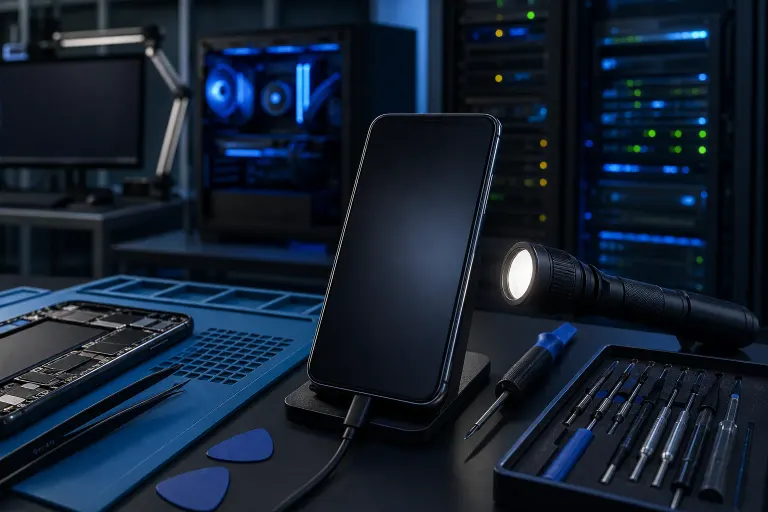
Phone Screen Dark but On: Diagnose a Backlight Failure
TL;DR: A phone screen that's dark but still powered on almost always points to a backlight failure, a failed display connector, or software stuck in an ultra-dim state. Run the flashlight test first to confirm the panel is still alive. Then work through the steps below before assuming you need a full screen replacement.
What You Need
- A bright flashlight (your other hand works, or grab a friend's phone)
- A working charger and cable
- A few minutes of patience
- Optionally: a spare phone or tablet to look up model-specific quirks
No tools required for the diagnosis steps. If you end up needing a physical repair, that's a different story, but the diagnostics are all software and eyeball work.
Step 1: Run the Flashlight Test
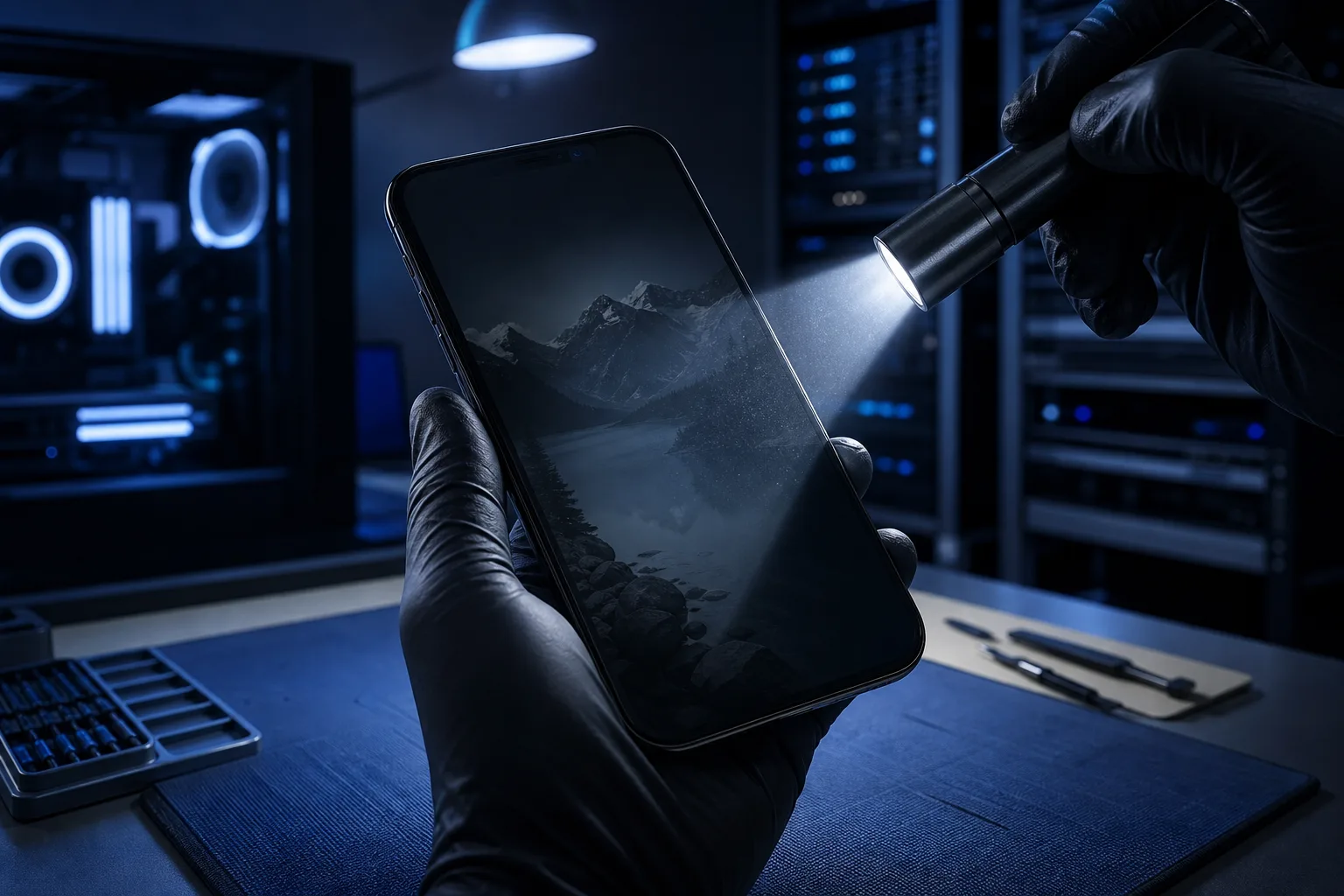
This is the single most important step. Shine a bright flashlight directly at the screen at a sharp angle, usually about 45 degrees to the glass.
Look very carefully. Can you make out a faint image? A home screen, lock screen, or any app UI that's barely visible?
If yes, your LCD or OLED panel is still receiving signal and producing an image. The backlight, the part that makes it visible in normal lighting, has failed. This is good news in a weird way. The display itself may be fine and only the backlight circuit or its connection needs attention.
If the flashlight test shows absolutely nothing, the failure could be deeper: a cracked panel, a failed display driver IC, or a disconnected ribbon cable after a drop.
Step 2: Check for the Obvious Software Culprits
Before blaming hardware, eliminate the easy stuff. Some of these feel dumb, but they catch real problems.
Brightness all the way down. Auto-brightness can glitch and slam the display to near-zero. With the phone running, use the volume buttons or side buttons to navigate if you can't see the screen. On most Android phones you can access Quick Settings with a swipe even on a dark screen.
Power-saving or battery-saver mode. Aggressive battery saver profiles on Samsung, Pixel, and other Android phones can throttle screen brightness to a point where it looks off. Connect to a charger and see if the screen recovers.
A frozen system process. Sometimes the backlight driver process crashes without crashing the whole phone. A forced restart is the fastest fix. On most modern phones: hold the power button and volume down simultaneously for 10-15 seconds until the device restarts.
Do Not Disturb or scheduled display-off settings. Check if a scheduled screen timeout or a third-party app has locked the display. This is rare but happens, especially on phones managed by work IT policies.
If a force restart brings the screen back and it stays on, you may have just had a one-time software hiccup. Watch it for a day. If it comes back, the hardware diagnosis below matters.
Step 3: Look for a Physical Trigger
Think back. What happened right before the screen went dark?
Recent drop or impact. Even a drop that didn't crack the glass can jar the display ribbon cable loose from its connector inside the phone. The image path from the processor to the panel runs through that cable. A partial disconnect can kill the backlight signal while leaving the touch layer and audio completely working.
Water or humidity exposure. Liquid damage to the backlight driver circuit or the power management IC is a common cause of this exact symptom. The corrosion is often invisible from the outside. If moisture is a factor, this is not a DIY situation.
Recent repair or screen replacement. If a screen was replaced recently and the backlight issue appeared right after, the replacement panel's backlight connector may not be fully seated. This happens with lower-quality aftermarket panels too. Worth going back to whoever did the repair.
Heat exposure. Leaving the phone in a hot car can stress display components. Thermal damage to the backlight driver chip is less common but real.
If you can match the dark screen to a physical event, you've got a strong lead on where the failure is.
Cracked screen or a phone that won't hold a charge? Get a repair quote
Step 4: Connect to an External Display (Android Only)
On some Android phones with USB-C and DisplayPort Alt Mode or Miracast support, you can mirror the screen to a TV or monitor wirelessly or via a USB-C adapter.
If the phone mirrors to an external display just fine, the phone's internals are healthy and the fault is isolated to the physical screen assembly. This is really useful information before you spend money on a repair.
iPhone users can use AirPlay to a Apple TV or AirPlay-compatible display to do a similar test.
A clean external display output strongly suggests a hardware-only screen issue rather than a deeper logic board problem.
Step 5: Test in Safe Mode
On Android: hold the power button, then long-press the Power Off option until you see a Safe Mode prompt. Restart into Safe Mode.
In Safe Mode, all third-party apps are disabled. If the screen comes back to full brightness in Safe Mode, a rogue app is messing with your display settings or brightness API. Start uninstalling apps you added recently until the problem stops in normal mode.
On iPhone, there's no Safe Mode in the Android sense, but you can do a similar triage by scheduling a remote support session if you need a hand walking through iOS diagnostics without physically bringing the phone in.
Step 6: Check the Display Connector Seat (If You're Comfortable Opening the Phone)
This step is for people who've cracked open a phone before and are comfortable with small screwdrivers and spudgers. If you're not, skip straight to the repair section.
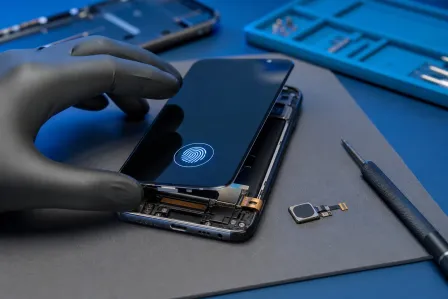
With the phone powered off, open the back cover (or bottom screws depending on the model), remove the battery shield, and locate the display ribbon cable connector. It looks like a small rectangular latch on the motherboard.
Pop it off carefully with a spudger, clean the connector lightly with isopropyl alcohol on a cotton swab, let it dry fully, then reseat it with firm even pressure until it clicks.
Reassemble and power on. If the backlight comes back, you had a loose connector. This is genuinely a common cause after drops.
If you're not comfortable doing this, that's completely fair. The connector reseat is one of the first things a repair tech will check, and it's quick work at a shop. You can book a screen repair or diagnostic at Fix My PC Store and we'll take it from there.
Common Mistakes
Assuming the whole phone is dead. If the phone rings, vibrates, or shows up on your computer when plugged in, it's very much alive. The screen is the issue, not the device.
Buying a replacement screen before diagnosing the connector. A loose or corroded display connector mimics a dead backlight perfectly. If the connector is the issue, a new screen won't fix anything.
Using a non-genuine or ultra-cheap replacement panel. Some budget aftermarket screens have weak backlight components that fail fast. This is especially common in third-party iPhone screens. Quality of parts matters more than most people expect. Check out our complete computer and device repair guide for more on how we approach parts sourcing.
Ignoring the moisture angle. If there's any chance of water exposure, powering the phone back on repeatedly is actively making corrosion damage worse. Power it off and get it to a repair shop for a proper inspection.
Skipping the force restart. It's fast, free, and catches software-caused backlight failures more often than you'd think. Always try it.
Replacing the screen when the fault is the backlight driver on the logic board. On some phone models, particularly older iPhones, the backlight driver circuit is on the motherboard, not the screen. Replacing the screen won't fix it. A technician with a multimeter can tell the difference in minutes. This is called a "backlight IC" or "MOSFET" failure and it requires micro-soldering to fix properly, which is a specialty repair.
Bottom Line
A dark screen on a running phone is almost never as bad as it looks at first. The flashlight test takes ten seconds and immediately tells you whether the panel is alive. From there, you eliminate software causes, look for a physical trigger, test external output, and check the connector before committing to a screen replacement.
If the diagnostics point to a hardware fault you're not comfortable tackling yourself, or if you suspect logic board damage, that's what repair shops are for. The iPhone and iPad repair services at Fix My PC Store cover screen replacements, connector reseats, and even backlight IC repairs for supported models. We're based in West Palm Beach and serve customers across Palm Beach County and the Treasure Coast.
Don't toss a phone over a dark screen. More often than not, it's fixable.
Cracked screen or a phone that won't hold a charge?
Bring it in. Most phone and tablet repairs are same-day, with parts that actually last.