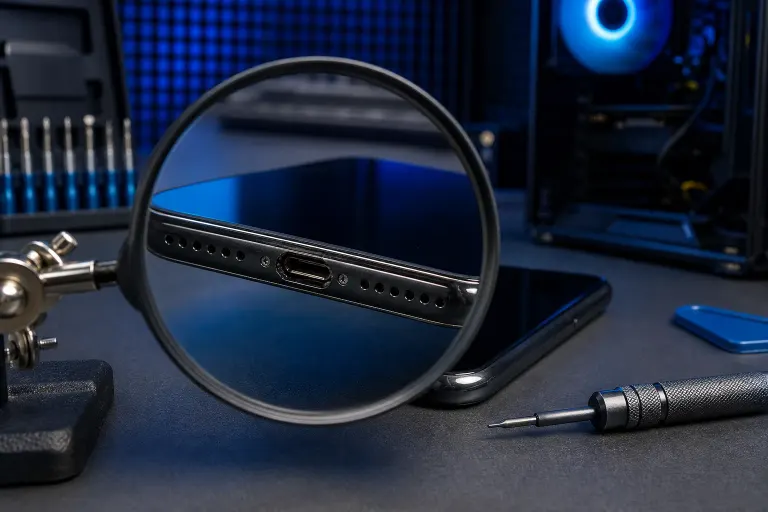
Phone Port Loose or Wobbly? What It Means and What to Do
TL;DR: A loose port is almost always caused by either packed-in debris or a connector that has physically separated from the board. You can safely try the lint fix yourself. The solder fix is not a DIY job. Know which one you have before you touch anything.
What You Need
- A flashlight or your other phone's camera flash
- A wooden or plastic toothpick (not metal)
- Good lighting
- About five minutes of patience
Step 1: Rule Out Lint Before You Do Anything Else
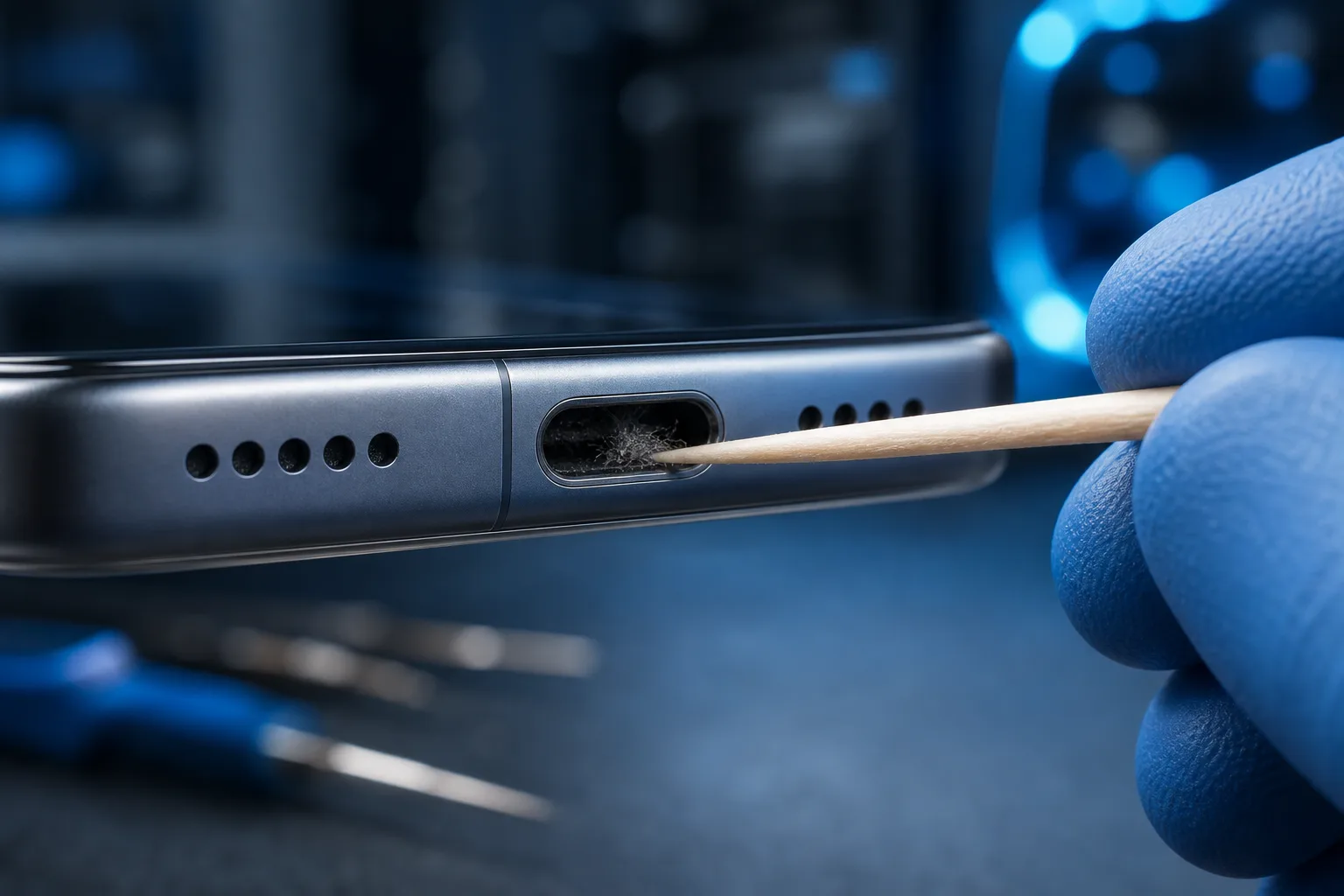
This is the most common cause and the one people skip. Pocket lint compresses over months into a dense plug that pushes your cable up at an angle and feels exactly like a broken port.
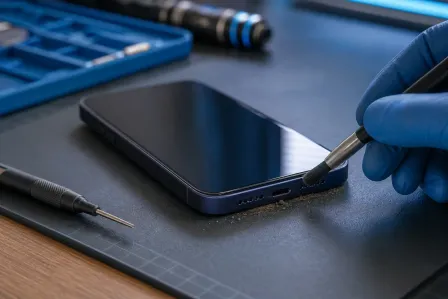
Shine a light directly into the port. If you see a grey or off-white layer at the bottom, that's lint. A toothpick works well here. Gently scrape along the bottom of the port in short strokes. Don't jab. Don't use metal. Metal can damage the contact pins.
After cleaning, plug in your cable. If it sits flat and charges normally, you're done.
Step 2: Check Whether the Port Itself Moves
Plug in your cable and very gently wiggle it side to side. You're checking whether the port housing moves independently of the phone's body.
- Cable moves, port stays fixed. Your cable is worn out or the connection is intermittent. Try a different cable first.
- Port shifts slightly when you wiggle. The connector has separated from the board. This is a hardware problem that needs soldering.
- Port feels fine but charging is inconsistent. Could be a damaged pin or a software/power management issue rather than a physical port problem.
Step 3: Assess the Damage Level
Not all loose ports are equal. Use this to decide your next move:
| Symptom | Likely Cause | Safe to DIY? |
|---|---|---|
| Lint visible in port | Debris buildup | Yes, toothpick method |
| Cable wiggles, port is solid | Worn cable | Yes, replace cable |
| Port shifts when pressed | Loose solder joint | No, needs a tech |
| Port completely detached | Broken off the board | No, needs a tech |
| Intermittent charging, no movement | Damaged pin or software | Possibly, try a restart first |
Cracked screen or a phone that won't hold a charge? Get a repair quote
Step 4: Stop Doing the Things Making It Worse
This is where people go wrong. Once you suspect a solder issue, every charge cycle where you force the cable in at an angle puts more stress on the connection. The port can go from "loose but functional" to "completely detached" fast.
- Switch to wireless charging if your phone supports it. This buys you time without stressing the port.
- Don't prop your phone up by the cable while it charges. The leverage is brutal on a compromised joint.
- Avoid cheap third-party cables with oversized connectors. They fit tight but they torque the port.
Step 5: Decide on Self-Repair vs. Professional Repair
Charging port replacement is a real repair. On most modern phones, the port is soldered directly to the motherboard or on a small daughter board. Either way, it involves heat, fine soldering work, and sometimes adhesive removal to get inside the phone.
If you've cleaned the port and the problem is definitely physical movement, this is the point where a shop visit makes sense. Attempting to re-solder at home without the right tools and experience usually results in a worse outcome than the original problem.
At Fix My PC Store on Okeechobee Boulevard in West Palm Beach, phone and tablet repairs are handled in-shop. If you're in Palm Beach County or the Treasure Coast and want someone to take a look, book a repair visit or drop us a message.
Common Mistakes
Using a metal object to clean the port. Metal conducts electricity and can bend or shear the contact pins. Stick to plastic or wood.
Blowing into the port. You're introducing moisture. Use a toothpick or a can of compressed air held at a distance.
Continuing to charge with a visibly failing port. Each forced connection accelerates the damage. Wireless charging is a better interim solution.
Assuming it's always hardware. Occasionally a phone that won't charge reliably has a software or firmware issue. A forced restart or a software update fixes it. Rule this out before deciding the port is broken.
Opening the phone yourself to "have a look." Without the right tools, you risk tearing the screen flex cable, stripping screws, or damaging waterproofing seals.
Bottom Line
A wobbly port is either lint (easy fix, do it now) or a solder problem (stop using the cable immediately and get it repaired). The diagnostic takes five minutes. The mistake most people make is skipping it and either over-treating a lint problem or under-treating a real hardware failure. Clean it first, assess movement second, and call in a pro if the port itself is shifting.
Cracked screen or a phone that won't hold a charge?
Bring it in. Most phone and tablet repairs are same-day, with parts that actually last.