Phone Mic Broken or Just Dirty? How to Tell for Sure
TL;DR: Most "broken mic" complaints are actually pocket lint, dust, or a software glitch, not a hardware failure. Run a voice memo test, check your mic settings, and clean the ports before you spend a dime on repair. If sound is still muffled or dead after all that, the mic itself (or its connector) is probably toast.
What You Need
You don't need much for this diagnosis. Grab:
- A toothpick or an anti-static soft brush (no metal, no toothbrush bristles that shed)
- A can of compressed air
- A flashlight (your other phone's flashlight works fine)
- Access to your phone's voice recorder app
- Five minutes of quiet space to actually hear what's going on
That's it. No screwdrivers, no opening anything up. If this turns into a hardware issue, that's a job for a bench, not a butter knife.
Step 1: Figure Out Which Mic Is Acting Up
Most phones have two or three microphones now. There's the main mic near the charging port, a secondary mic near the earpiece speaker or front camera for noise cancellation, and sometimes a third one on the back for video recording.
This matters because "my mic is broken" often really means "my Face Time calls sound bad" while regular phone calls are fine, or vice versa. That tells you which physical mic to focus your cleaning and testing on.
Quick gut check: does the problem happen on regular calls, video calls, voice memos, or all three? Write it down mentally, you'll need it in a second.
Step 2: Run the Voice Memo Test
Open your phone's built-in voice recorder app (Voice Memos on iPhone, Recorder on most Android phones). Record yourself talking normally for about 15 seconds, then play it back with the volume up.
What you're listening for:
- Clear but quiet: likely a blocked mic port, not a dead mic
- Muffled, underwater, or crackly: could be debris, could be a damaged mic diaphragm
- Total silence or heavy static only: points toward actual hardware failure or a loose connector
- Sound cuts in and out: often a connector or flex cable issue, especially on phones that have been dropped
This single test does more diagnostic work than anything else on this list. If the recording sounds perfect, your microphone is fine and the problem is somewhere else entirely, like an app permission or a Bluetooth device silently hijacking your audio.
Step 3: Check for the Sneaky Software Culprits
Before you touch a single port, rule out software. This trips people up constantly.
- App permissions: go into Settings and confirm the app you're having trouble with (Zoom, phone dialer, TikTok, whatever) actually has microphone access turned on
- Connected Bluetooth devices: if your phone thinks your earbuds or car are connected, it might be routing audio through a mic that isn't near your mouth
- Case interference: thick cases, especially waterproof or rugged ones, can partially cover mic ports if they're not seated right
- Screen protector overspray: liquid screen protectors sometimes seep into the earpiece speaker area and mess with more than just sound output
If you've recently updated your phone's OS, that's also worth noting. Occasionally an update resets mic permissions or introduces a bug that gets patched a version or two later.
Cracked screen or a phone that won't hold a charge? Get a repair quote
Step 4: Inspect and Clean the Mic Port
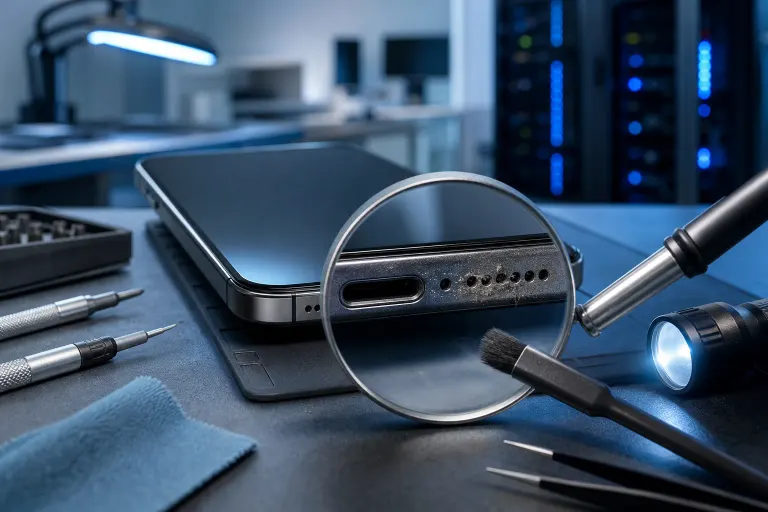
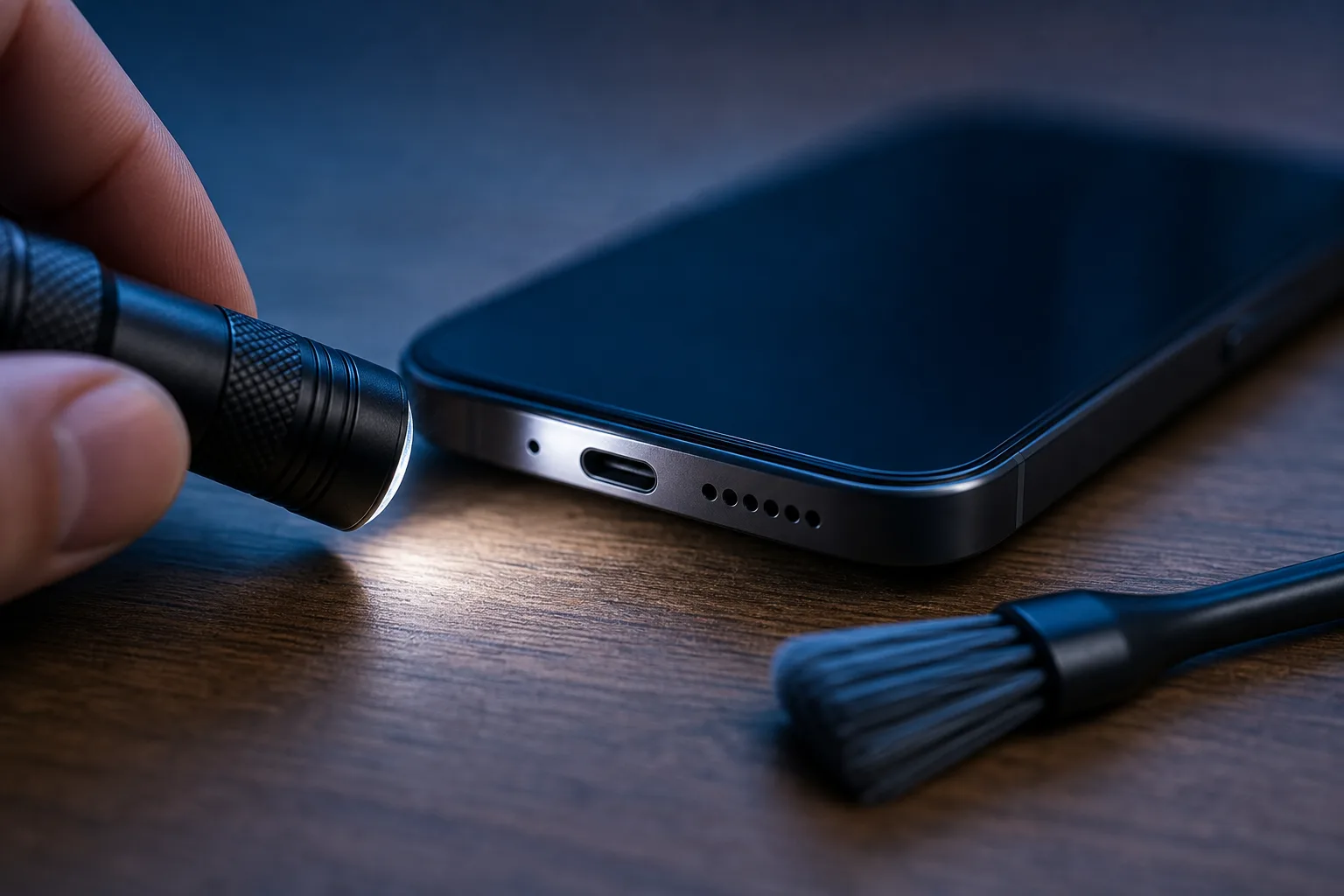
Grab your flashlight and look directly into the microphone opening (usually a tiny hole near the charging port, sometimes another near the top of the phone). Pocket lint, sand, and general grime pack into these holes constantly, especially if you live anywhere near a beach, which, if you're reading this in South Florida, you probably do.
How to clean it safely:
- Hold the phone at an angle so debris falls out instead of further in
- Use a dry, soft-bristled brush (an old clean paintbrush works well) to gently loosen debris
- Follow up with a short burst of compressed air held a few inches away, never right up against the port
- Avoid toothpicks jammed straight in. A light touch at an angle is fine, force is not
- Never use water, alcohol, or cotton swabs that can leave fibers behind
Run the voice memo test again after cleaning. A lot of "broken" mics come back to life at this exact step.
Step 5: Test With a Different App or Call
If cleaning didn't fix it, isolate whether it's app-specific or system-wide. Try:
- A regular phone call to a friend or your own voicemail
- A video call through a different app than the one giving you trouble
- Voice-to-text (dictation) to see if the phone even registers your voice clearly
If one app is bad but everything else works, that's a software or permissions problem, not hardware. If every single method sounds the same (muffled, silent, or staticky), the mic hardware itself is the likely suspect.
Step 6: Check for Physical Damage Clues
Has the phone been dropped, dunked, or sat in a hot car recently? Water and heat both do real damage to tiny mic components. Look for:
- Visible corrosion or discoloration around ports (a sign of past moisture exposure)
- A liquid contact indicator that's changed color, if your phone has one visible near the SIM tray or battery compartment
- Any dent or warping near the mic location from a drop
A phone that took a hard hit or a swim is far more likely to have actual mic damage than one that's just been living in a pocket collecting lint.
Common Mistakes
Jamming a toothpick straight into the port. This pushes debris deeper instead of out, and it's how people accidentally puncture the mic mesh, turning a cleaning job into a real repair.
Assuming it's the mic when it's actually the speaker. People confuse "they can't hear me" (mic problem) with "I can't hear them" (speaker problem) all the time. Test both separately before you diagnose anything.
Skipping the app permissions check. This is the single most overlooked fix. Takes ten seconds to check, saves you from unnecessary repair costs.
Using liquids to clean ports. Water, rubbing alcohol, cleaning wipes, all of it can seep into places it shouldn't and cause the exact damage you're trying to avoid. Dry methods only.
Ignoring water damage history. If the phone got wet weeks ago and seemed fine at the time, corrosion can develop slowly. A mic that worked fine last month can fail today from damage that already happened.
Giving up too early. Some people clean once, it doesn't help, and they assume it's dead. Debris can be deeper than a first pass reaches. A second round with compressed air, done carefully, sometimes finishes the job.
Bottom Line
Most muffled or quiet phone mics are a cleaning problem, not a repair problem. Run the voice memo test, check your app permissions, clean the port with dry tools only, and test again before assuming the worst. If you've done all that and the mic is still silent, staticky no matter what you try, or the phone has visible water or drop damage, you're likely looking at a real hardware issue that needs a professional look rather than more DIY poking.
If you're in West Palm Beach or anywhere along the Treasure Coast and you've ruled out the easy fixes, our iPhone and iPad repair team can diagnose the actual component and give you a straight answer instead of a guess. And if it turns out the issue isn't your phone at all but a laptop or desktop mic acting up during work calls, that's well within our computer repair wheelhouse too.
Cracked screen or a phone that won't hold a charge?
Bring it in. Most phone and tablet repairs are same-day, with parts that actually last.