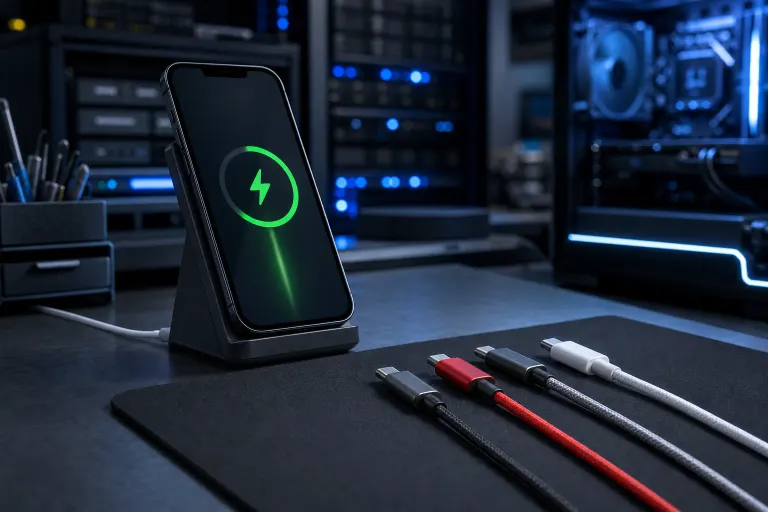
Phone Charges Slowly With Some Cables but Fast With Others: Why
TL;DR: Cables differ in wire gauge, data-line wiring, and fast-charge protocol support. A cable that lacks thick enough copper conductors or the right wiring for USB Power Delivery will bottleneck your charger, no matter how good the charger is. Swap the cable first before you blame the brick or the port.
What Happened
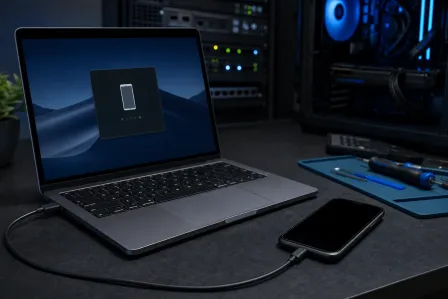
You plug your phone into the charger on your nightstand and it crawls along at a trickle. You grab the cable from your laptop bag and suddenly it is screaming back to 80 percent in under an hour. Same charger, same outlet, same phone. Just a different cable.
This is not a glitch or a failing battery. It is physics and spec sheets.
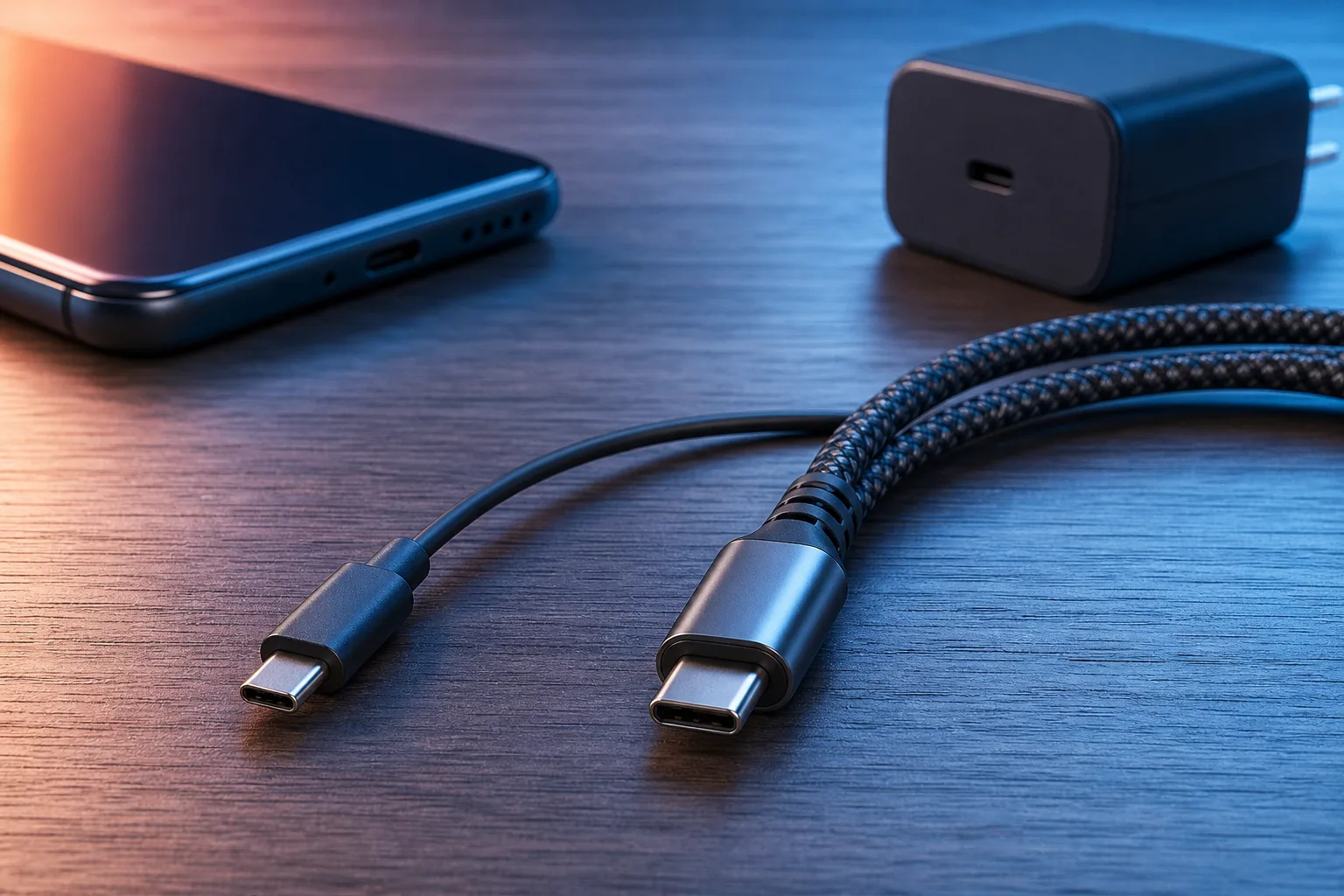
USB cables are not all the same inside. A cheap cable (the kind that comes bundled with a Bluetooth speaker, or gets handed out as conference swag) often uses thin copper wire, sometimes as thin as 28 AWG for the power lines. A quality charging cable, especially one rated for USB Power Delivery or Qualcomm Quick Charge, uses thicker 24 AWG or even 20 AWG conductors. Thicker wire means less resistance. Less resistance means more current can actually reach the battery without being lost as heat in the cable itself.
The wiring inside the USB-C connector matters too. Full-featured USB-C cables carry extra wires, including a Configuration Channel (CC) line that lets the charger and phone negotiate how much power to deliver. A cheap cable may omit those lines entirely, so the phone never gets the signal to kick into fast-charge mode and defaults to the safe baseline of 5 volts at 0.9 amps. That is about 4.5 watts. A proper USB-C PD cable can carry 60 watts or more.
Why It Matters
This is not a minor convenience issue. The difference between a 5-watt trickle and a 45-watt fast charge on a modern phone battery is the difference between plugging in for 15 minutes and actually getting somewhere versus babysitting your phone all evening.
Fast-charge protocols like USB Power Delivery, Qualcomm Quick Charge, and proprietary systems from Samsung, Apple, and OnePlus all require the cable to cooperate. The charger brick can be rated for 65 watts. If the cable cannot carry the negotiation signal, or cannot handle the current without resistance losses, the phone clamps down to safe baseline power delivery automatically. (The phone is protecting itself. It is not being dramatic.)
There is also a heat angle worth knowing. A cable too thin for the current being pushed through it gets warm. Warm cables degrade faster, and in bad cases they can be a fire hazard. This is why a sketchy no-name cable feels warm to the touch during charging and a certified cable stays cool.
Quick cable comparison
| Cable type | Typical power delivery | Fast-charge negotiation |
|---|---|---|
| Free promo / bundled cable | 5W (5V, 0.9A) | Usually no |
| Standard USB-A to USB-C | 5-18W depending on gauge | Partial, protocol-dependent |
| USB-C to USB-C, basic | 5-15W | Sometimes |
| USB-C PD certified cable | 60W-240W | Yes |
| Proprietary (Apple MFi, etc.) | Up to 27W (MagSafe / USB-C) | Yes, with matching charger |
Cracked screen or a phone that won't hold a charge? Get a repair quote
What We Do Not Know Yet
Without testing your specific cable, we cannot say whether your slow cable is the wrong gauge, missing the CC wiring, or just degraded from being jammed in a drawer for three years. Some cables start life fine and slow down as the internal connections corrode or the strain relief fails at the connector end.
It is also worth noting that the charger brick itself can be the bottleneck, not just the cable. A 5-watt charger will not fast-charge anything regardless of how good the cable is. And some phones simply do not support fast charging at all on their hardware, so no cable upgrade will help there.
Apple's situation adds a layer. iPhones older than the 15 series use Lightning, which is a proprietary connector. Fast charging on Lightning requires a USB-C to Lightning cable plus a USB-C PD charger. The cable Apple included in the box for years was USB-A to Lightning and would not trigger fast charging even with a good brick. (Yes, they sold you a phone that could fast-charge and then gave you a cable that could not. Annoying does not begin to cover it.)
What to Do About It
Start here before spending money.
- Identify your phone's fast-charge spec. Look up your model on the manufacturer's site. It will list the wattage ceiling and which protocol it uses (USB-PD, Quick Charge, proprietary, etc.).
- Check your charger brick. The wattage and voltage output are usually printed on the brick or its label. A 5-watt charger cannot fast-charge anything.
- Replace the cable first. Buy a cable that is explicitly rated for USB Power Delivery at the wattage your phone supports, or one that is MFi certified for Apple devices. Expect to spend a few dollars more than the bargain bin option. It is worth it.
- Test the port on your phone. If fast charging works with one cable on a known-good charger but not another, the cable is the culprit. If nothing fast-charges, the port may be damaged or dirty. A compressed-air blast at the port clears lint that blocks a good connection surprisingly often.
- If the port feels loose or charging cuts in and out, the port itself may be damaged. That is a hardware repair, not a cable swap.
If your phone port is damaged, bent, or the phone stopped charging entirely, that is worth a professional look. Fix My PC Store handles mobile device repairs at our West Palm Beach shop on Okeechobee Blvd, and initial checks for most standard repairs are free. You can schedule a repair or call us at 561-819-9999 during shop hours (Monday through Friday 9 a.m. to 6 p.m., Saturday 9 a.m. to 5 p.m.).
Cracked screen or a phone that won't hold a charge?
Bring it in. Most phone and tablet repairs are same-day, with parts that actually last.