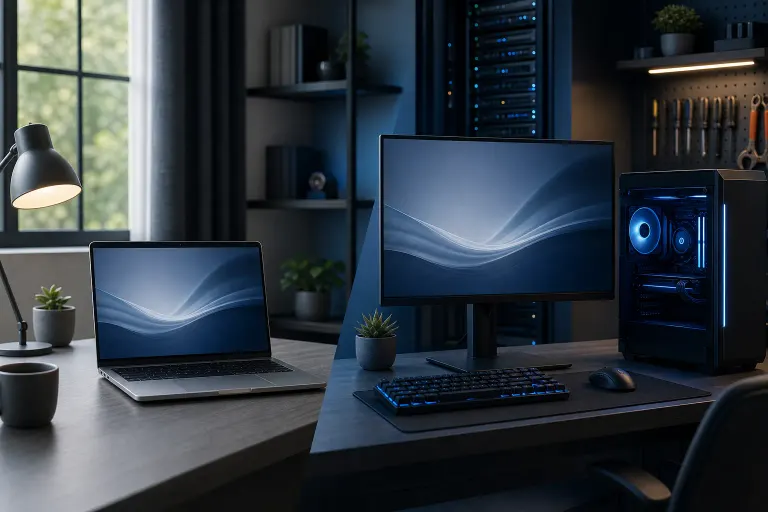
Laptop vs Desktop for a Home Office: Which Makes More Sense?
TL;DR: A desktop wins on value, upgradeability, and repairability when your work stays in one place. A laptop wins when you genuinely need to move. Buying the wrong form factor is a predictable mistake, and an avoidable one.
At a Glance
| Factor | Laptop | Desktop |
|---|---|---|
| Portability | High | None |
| Performance per dollar | Lower | Higher |
| Upgradeability | Limited | High |
| Repairability | Moderate to difficult | Easier |
| Display flexibility | One built-in screen | Add any monitor |
| Power consumption | Low | Higher |
| Setup footprint | Minimal | Requires dedicated space |
| Lifespan (typical) | 4-6 years | 6-10 years |
The Case for a Laptop
A laptop makes sense when mobility is a real, recurring need, not a theoretical one.
If you work from a coffee shop one day a week, take your machine to client meetings, or split time between a home office and another location, a laptop removes friction that a desktop cannot. That convenience has a cost: you pay more for equivalent specs, and the hardware is harder to service when something goes wrong.
Laptops also suit situations where desk space is genuinely limited. A small apartment setup where the computer lives on a kitchen table at night is a reasonable use case.
Where laptops fall short at a desk:
- Typing on a built-in keyboard for eight hours is ergonomically poor. Most laptop users end up buying an external keyboard and mouse anyway.
- A 15-inch screen is not a great primary display for document-heavy work. Add a monitor and you've partially rebuilt a desktop setup.
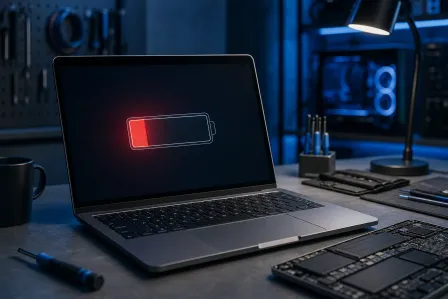
- Battery replacement eventually becomes a maintenance item, typically around year three or four.
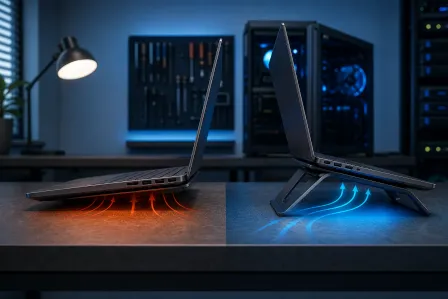
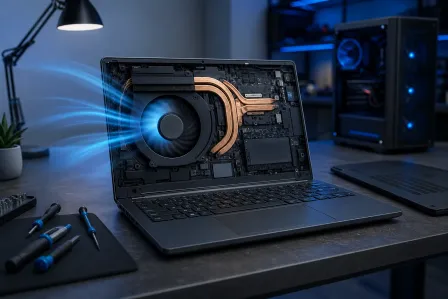
- Heat management is more constrained. South Florida ambient temperatures make this worse. (See our earlier piece on laptop overheating if that's already a problem.)
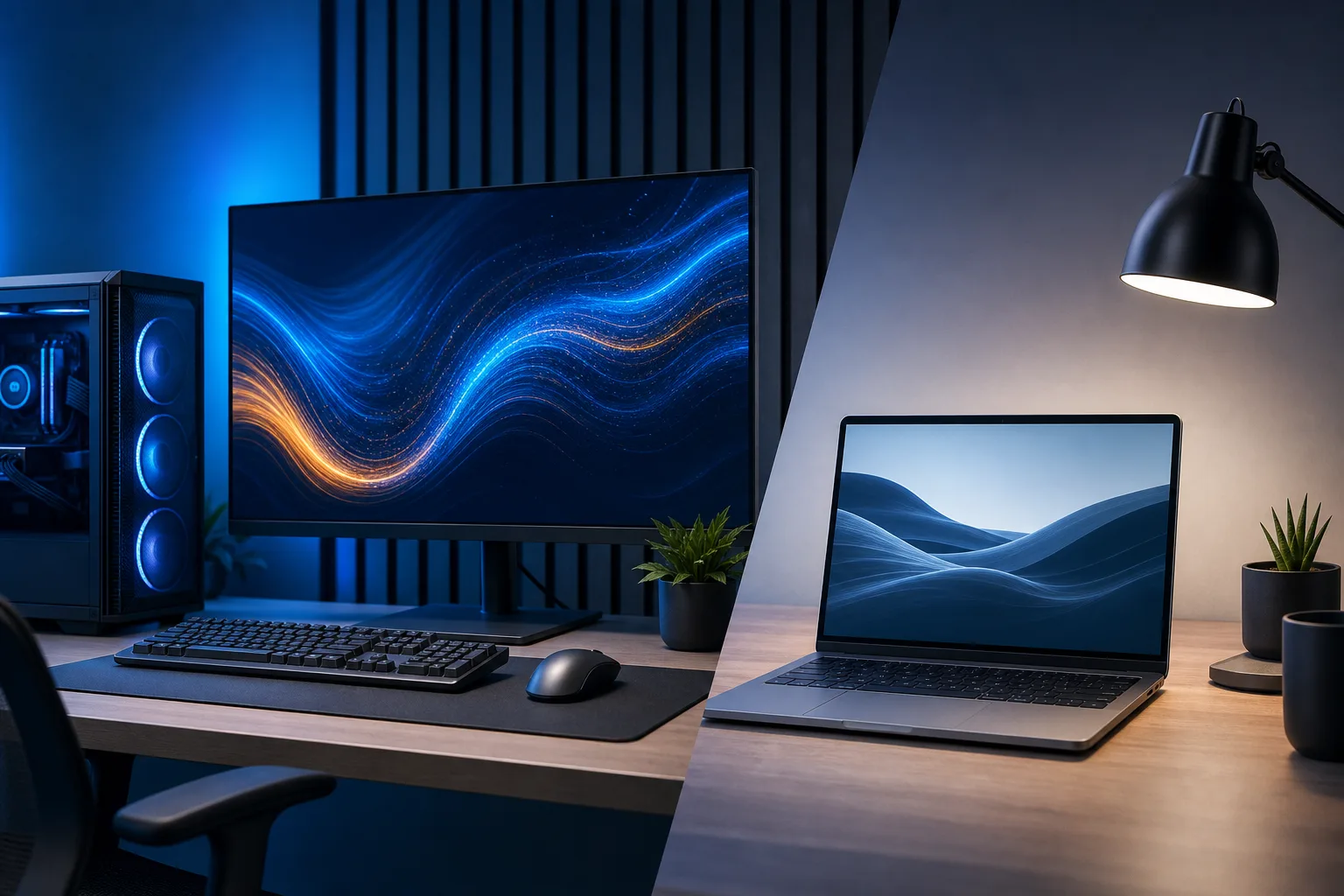
The Case for a Desktop
If your work happens at one desk, a desktop is the more sensible machine in almost every measurable way.
For the same budget, a desktop delivers more RAM, a faster processor, and better thermal headroom. A discrete GPU, if you need one for video editing or any light rendering work, costs significantly less to put in a tower than in a laptop. Storage is easier to expand. When a component fails, replacement is usually straightforward and less expensive.
Concrete advantages worth naming:
- Monitors are separate, so you choose the size and quality independently. One 27-inch display often does more for productivity than any CPU upgrade.
- Desktops are easier to keep for longer. Swapping RAM or adding an SSD extends usable life without replacing the whole machine.
- Repairs are less labor-intensive. A failed hard drive or a RAM slot issue on a tower is a different scope of work than the same problem on a thin laptop chassis.
- Keyboards, mice, and webcams are all user-selected. You control the ergonomics.
The main practical drawback: if power goes out, the machine goes off. A small UPS (uninterruptible power supply) addresses this and protects against the voltage irregularities that are common during Florida storm season.
Computer acting up? Get a real diagnosis. Book a diagnostic
Budget Tradeoffs: What the Same Money Buys
This is not an article that will name specific prices, because they shift. But the ratio is consistent: at any given budget tier, a desktop will outperform a laptop on raw specs. The gap is widest at the mid-range, roughly the $700-$1,200 segment where most home office buyers shop.
A laptop buyer in that range is paying partly for the engineering required to fit components into a slim chassis and run them on battery. A desktop buyer at the same price gets more of the budget applied directly to the processor, memory, and storage.
If budget is the primary constraint, that ratio matters.
The Hybrid Answer: Desktop Plus a Tablet or Cheap Laptop
Some home office workers solve the portability problem by pairing a capable desktop with a low-cost secondary device. A basic tablet handles email and video calls away from the desk. A refurbished budget laptop handles the occasional coffee-shop session.
This approach costs more upfront but often results in a more capable primary machine and a more durable overall setup. It also separates the "needs to be powerful" problem from the "needs to be portable" problem, which are genuinely different requirements.
Repairability: A Factor Most Buyers Skip
Computers break. Accounting for this before purchase is the kind of thing that prevents a bad day from becoming a lost week.
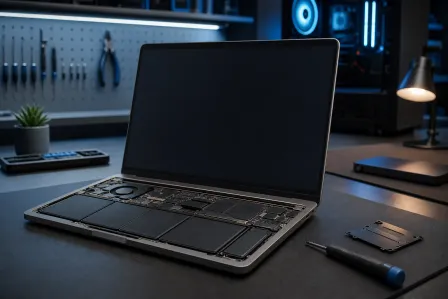
Desktops are generally more repairable. Individual components, including power supplies, RAM, storage drives, and graphics cards, are accessible and replaceable without specialized tools in most cases. Labor costs for desktop repairs tend to be lower because the chassis is designed to be opened.
Laptops vary significantly. Some models, particularly business-grade lines from manufacturers like Lenovo ThinkPad or Dell Latitude, are designed with serviceability in mind. Consumer ultrabooks at the thin end of the market often have soldered RAM and non-replaceable storage, which means a single component failure can make the whole machine uneconomical to repair.
If you're buying a laptop for a home office, check whether the RAM and storage are replaceable before you commit to a model. It's a meaningful factor in total cost of ownership.
For repairs when something does go wrong, laptop repair or computer repair at Fix My PC Store covers both form factors from our West Palm Beach location.
Verdict
Buy a desktop if: your work happens at one location, you want the best performance for the budget, or you expect to keep the machine for more than five years.
Buy a laptop if: you genuinely move between locations regularly, you cannot dedicate a fixed desk space, or portability is a real workflow requirement rather than an occasional convenience.
If you're unsure, default to the desktop and solve portability separately with a cheaper device. The opposite mistake, buying a laptop as a desktop replacement and then running it docked all day, costs you money on hardware and creates a repair headache later.
Hardware questions or need help figuring out what your setup actually needs? Get in touch and we can work through it.
Computer acting up? Get a real diagnosis.
Fix My PC Store has repaired thousands of machines across West Palm Beach. Honest pricing, no upsell games, and a free diagnostic for new customers with our email coupon.