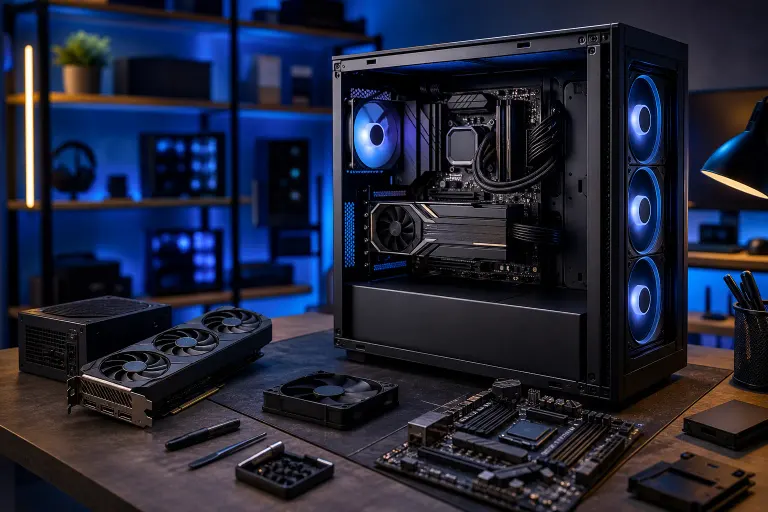
1440p vs 4K Gaming PC Build: How to Plan the Right Rig
TL;DR: For most gamers, 1440p is the sweet spot. It gives you sharp visuals and high frame rates without needing the most expensive graphics card on the shelf. Plan a 4K build only if you have a big screen, value image quality over raw FPS, and are ready to put most of your budget into the GPU, power supply, and cooling.
At a glance
| Factor | 1440p build | 4K build |
|---|---|---|
| Pixels per frame | About 3.7 million | About 8.3 million (2.25x more) |
| Main bottleneck | GPU and CPU share the load, CPU matters more at high refresh | GPU, almost always |
| Typical goal | High refresh (144Hz and up) for competitive and fast games | Max detail at 60 to 120 FPS, often with upscaling |
| VRAM needs | Moderate | Higher, textures at 4K eat memory fast |
| Power and heat | Moderate | Higher, plan for a stronger PSU and better airflow |
| Monitor size sweet spot | Roughly 27 inch | Roughly 32 inch and up, or a TV |
| Upgrade headroom | Easier to keep up with new games | New releases can push even top cards hard |
The pixel math is the whole story here. 2560x1440 is 3,686,400 pixels. 3840x2160 is 8,294,400. Your graphics card has to draw every single one, every frame. That is why the same GPU can feel like a beast at 1440p and like it is wading through mud at 4K.
Planning a 1440p build: the high-refresh playground
Want to hit 144, 165, or even 240 FPS in shooters? 1440p is where that gets realistic without selling a kidney. Here is the plan.
- GPU: A solid upper-midrange card is usually enough for high settings. You do not need the flagship.
- CPU: This is where 1440p builds differ. At high frame rates, the CPU has to prep every frame for the GPU. If it cannot keep up, your GPU sits idle. That is a CPU bottleneck, and it caps your FPS no matter how good your graphics card is. Do not cheap out here if you play esports titles.
- RAM: A fast dual-channel kit helps feed that CPU. Two sticks, not one.
- Monitor: A 27 inch 1440p panel with a high refresh rate is the classic pairing. Pixel density is crisp at normal desk distance.
The tradeoff: You give up some sharpness compared to 4K, especially on bigger screens. Most players will not notice in the middle of a firefight. They WILL notice the smoothness of high refresh.
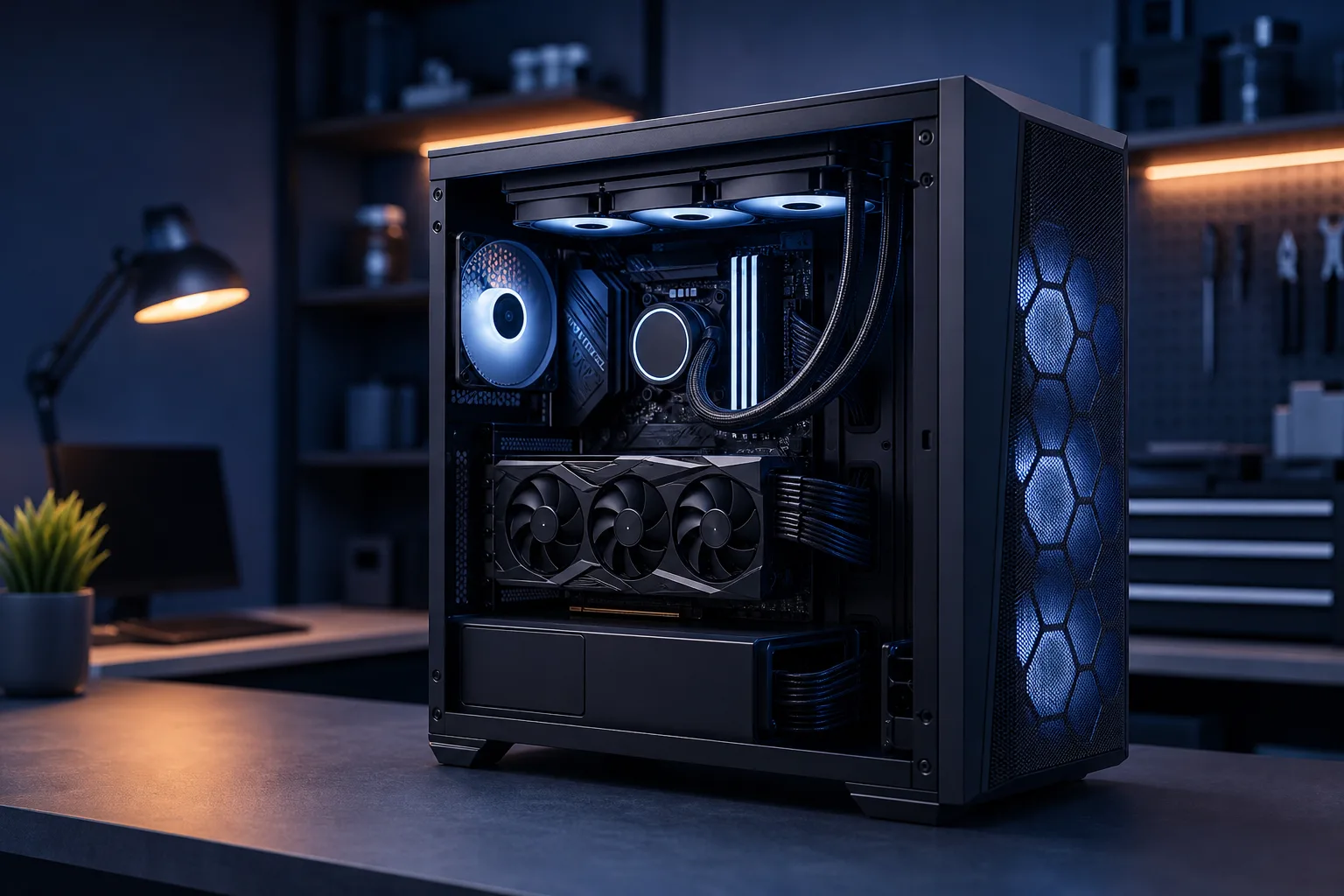
Planning a 4K build: the eye-candy monster
4K is gorgeous. Cinematic single-player games, ray tracing, open worlds where you can see every leaf. But it is a GPU tax, plain and simple.
- GPU: Spend the biggest chunk of your budget here. At 4K, the graphics card is doing the heavy lifting almost all the time.
- VRAM: That is the graphics card's own memory. High-res textures at 4K fill it up quickly. Running out causes stutter and texture pop-in, so favor cards with more VRAM for a 4K target.
- CPU: Still important, but less critical than at 1440p high refresh, because frame rates are lower and the GPU is the limiter. A strong midrange-to-upper CPU is usually fine.
- Upscaling: Tech like NVIDIA DLSS and AMD FSR render at a lower resolution and reconstruct a 4K image. For a lot of 4K builds, this is what makes high settings playable. Check that the games you care about support it.
- Power supply: High-end cards draw serious power and can have brief spikes. Use the GPU maker's recommended PSU wattage as your floor, and buy a quality unit from a reputable brand.
- Cooling and case: More watts means more heat. Pick a case with real airflow, not a glass box with no intake. Here in South Florida, where summer room temps and humidity are no joke, extra cooling headroom matters even more.
The tradeoff: You pay more per frame, and future games will push even top-tier cards. You will likely use upscaling or dial back a setting or two over time.
Ready to build a rig that actually rips? Start your build
Where the money goes: a hypothetical budget split
Hypothetical example for illustration only. These are rough proportions, not quotes or prices.
Say two gamers have the same total budget.
- Gamer A (1440p, competitive shooters): Puts a large share into the GPU, but deliberately bumps the CPU tier up and buys fast RAM, because they are chasing 200+ FPS. Picks a 27 inch high-refresh monitor.
- Gamer B (4K, story games): Pushes the GPU share way up, sometimes approaching half the build cost. Steps the CPU down a tier to pay for it, upgrades the PSU, and adds case fans. Picks a 32 inch 4K monitor with a refresh rate around 120 to 144Hz.
Same money, totally different rigs. Neither is wrong. They are tuned for different games.
How to decide: a quick checklist
Answer these honestly:
- What do you mostly play? Fast competitive games point to 1440p high refresh. Slow, gorgeous single-player games point to 4K.
- How big is your screen and how far do you sit? At around 27 inches on a desk, 1440p looks sharp. 4K shines at 32 inches and up, or on a living room TV.
- Do you care more about smoothness or sharpness? Smoothness means 1440p. Sharpness means 4K.
- Can your budget handle a top-tier GPU plus the PSU and cooling it needs? If not, a well-balanced 1440p build will feel better than a starved 4K one.
- Do you already own a monitor? Build for the screen you have, or include the monitor in the plan. A great GPU on the wrong panel is wasted frames.
- How long should it last before upgrading? 1440p builds tend to stay comfortable with new releases longer at the same tier.
If you answered "it depends" a lot, a high-refresh 1440p monitor is the safe, satisfying middle ground. Some players also run 1440p for shooters and plug into a 4K TV for couch games, using upscaling.
DIY or get help?
Doing it yourself makes sense if you are comfortable checking part compatibility, reading PSU and case clearance specs, and troubleshooting if it does not POST (POST is the power-on self test, the moment your PC proves it is alive). Big GPUs are physically huge, so measure your case clearance before you buy.
Getting help is worth it if you want someone to balance the parts for your exact games and budget, or you are building a high-wattage 4K rig and want the power and cooling done right. Our custom gaming PC builder walks you through your goals and resolution target. Already have a rig that is underperforming at your target resolution? Check out gaming PC repair. And if you are curious about squeezing extra frames out of the hardware, watch Is overclocking worth it?.
Want to talk it through in person? Fix My PC Store is at 10140 Okeechobee Blvd, Suite B, West Palm Beach, open Monday through Friday 9 a.m. to 6 p.m. and Saturday 9 a.m. to 5 p.m. Call 561-819-9999 or reach out here.
Verdict
Pick 1440p if you want the best balance of price, sharpness, and high frame rates, especially for competitive gaming. Spread your budget across a strong GPU and a capable CPU.
Pick 4K if you play visually rich games on a large screen and are ready to make the GPU the star of the build, backed by plenty of VRAM, a quality power supply, and serious airflow.
For most South Florida gamers building their first or second rig, 1440p high refresh delivers the most fun per dollar. 4K is the luxury tier. Totally worth it if that is your thing, just plan for it from day one.
Ready to build a rig that actually rips?
Custom gaming PCs built and tuned by people who game. Tell us your budget and target frame rate.