Why Is My Laptop Loud When Charging but Quiet on Battery?
TL;DR: Plugging in your laptop switches it to a higher-performance power plan, which pushes the CPU and GPU harder and produces more heat. The fans respond by spinning faster. In most cases you can fix it by adjusting your power settings. In some cases, dusty vents or a failing fan are the real culprits.
What you need
- Your laptop (obviously)
- Access to Windows Power Options or macOS Energy Saver / Battery settings
- A can of compressed air (optional, for vent cleaning)
- About 10-15 minutes
Step 1: Confirm the noise is fan noise, not coil whine
Before you chase the wrong problem, identify the sound.
Fan noise is a whooshing or rushing-air sound that rises and falls. It usually kicks in a minute or two after you plug in.
Coil whine is a thin, high-pitched buzz or squeal. It often starts the moment you connect the charger and stays constant. Coil whine comes from the power delivery components, not the fans, and is largely harmless even if it's annoying.
If it's definitely a fan, continue to Step 2. If it's a high-pitched electrical whine, the fix is different and sometimes there isn't one without a hardware swap.
Step 2: Check your power plan
This is the most common cause and the easiest fix.
On Windows:
- Open Settings > System > Power & sleep > Additional power settings.
- See which plan is active when plugged in. "High performance" or "Ultimate performance" will peg your CPU at higher clock speeds constantly, generating heat and fan noise even at idle.
- Switch to Balanced. This lets the CPU throttle down when it's not doing much.
On Mac:
- Open System Settings > Battery.
- Look for Low Power Mode and Automatic graphics switching. When plugged in, macOS may allow higher sustained performance. Enabling Low Power Mode while plugged in will reduce fan activity at the cost of some speed.
Test: unplug, wait 30 seconds, listen. Plug back in. If the fan ramps up within a minute or two, the power plan is almost certainly the trigger.
Step 3: Check what's actually running
A higher power limit while charging means background apps you'd normally never notice can run harder.
Windows: Open Task Manager (Ctrl + Shift + Esc) and click the CPU column to sort by usage. Look for anything chewing more than 10-15% at idle.
Mac: Open Activity Monitor (Applications > Utilities) and sort by CPU%. Same idea.
Common culprits: Windows Update downloading and installing in the background, antivirus scans that are scheduled to run on AC power, browser tabs with video or heavy JavaScript, and cloud sync apps catching up.
Close or defer the offenders. If the fan quiets down, you found it.
Computer acting up? Get a real diagnosis. Book a diagnostic
Step 4: Clean the vents
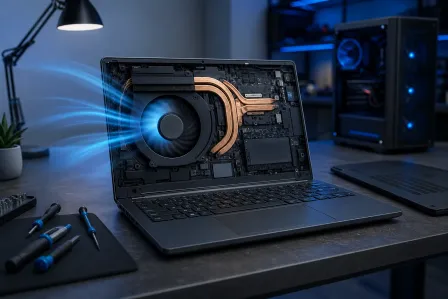
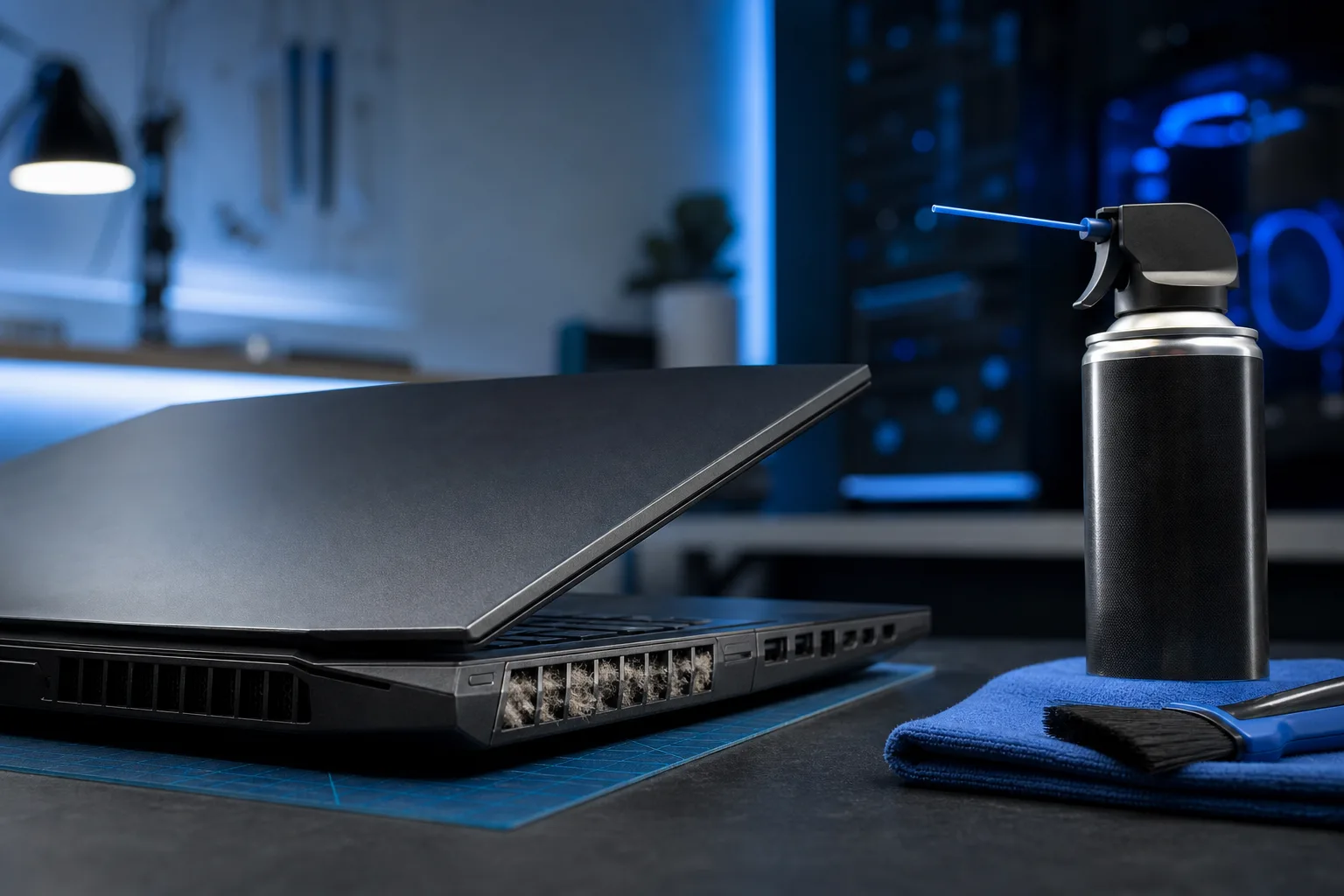
If the power plan is already set to Balanced and nothing unusual is running, dust buildup is the next suspect. Laptops accumulate dust in their exhaust vents and on the heatsink fins. A clogged vent means the fan has to spin harder to move the same amount of air.
- Shut the laptop down completely.
- Hold a can of compressed air a few inches from each vent and give short bursts. Do not use a vacuum; it can create static.
- Power back on and retest.
If you can hear or see debris being cleared, that was part of your problem. If the laptop hasn't been cleaned in a couple of years, this step alone can drop temperatures by several degrees Celsius.
Step 5: Check GPU behavior
Some laptops have a discrete GPU that only activates when plugged in. On battery, the system uses the lower-power integrated graphics to stretch battery life. The moment you plug in, the discrete GPU spins up and generates its own heat, which the fans have to manage.
Windows: In Display Settings > Advanced display, you can sometimes see which GPU is active. Or install GPU-Z (free, no install required) to see real-time GPU load and temperature.
Nvidia Control Panel or AMD Software: You can often set the laptop to prefer integrated graphics unless an app specifically requests the discrete card. This reduces heat and fan noise while plugged in if you're not gaming or rendering.
Step 6: Monitor temperatures
If you've done all of the above and the fans are still loud, check whether the CPU or GPU is actually running hot or just running fast.
- Windows: HWiNFO64 (free) shows per-core temperatures and fan speeds in real time.
- Mac: Stats (free, open source) shows CPU temperature in the menu bar.
If CPU temperatures are above 90-95°C at light load while plugged in, the thermal paste between the CPU and heatsink may be dried out. Thermal paste replacement is a repair-shop job on most laptops.
Common mistakes
Assuming louder always means broken. Louder while charging is often normal and expected. The laptop is designed to run harder on AC power.
Running the laptop on a soft surface. A pillow, blanket, or even a flat desk with no airflow under the chassis blocks the intake vents. The fan then has to compensate. A simple laptop stand helps.
Blasting compressed air into the charging port. Clean the vents, not the ports.
Ignoring it for years. Gradual fan noise increase is easy to ignore, but it usually means the dust load is growing. Letting it continue raises temperatures and shortens component life.
Bottom line
In most cases, a loud laptop fan on AC power is caused by a high-performance power plan, background tasks that kick off when plugged in, or dust-clogged vents. All three are fixable without professional help. If temperatures are spiking above 90°C at light load, or the fan is making a grinding or rattling noise, that points to a hardware issue: worn fan bearings or dried thermal paste. Those are worth getting looked at.
If you're in West Palm Beach or the surrounding area and want a professional diagnostic, Fix My PC Store offers free initial checks on most standard in-store repairs. You can also book a visit or reach out at 561-819-9999. Shop hours are Monday through Friday, 9 a.m. to 6 p.m., and Saturday, 9 a.m. to 5 p.m.
Computer acting up? Get a real diagnosis.
Fix My PC Store has repaired thousands of machines across West Palm Beach. Honest pricing, no upsell games, and a free diagnostic for new customers with our email coupon.