5 Things That Happen to a PC Left in a Hot Car in South Florida
TL;DR
A closed car in South Florida can turn into an oven in under an hour, and your laptop or PC parts don't handle that well. Batteries swell, screens delaminate, drives can get flaky, and thermal paste doesn't like being baked. If a machine's been cooking in a hot car, let it cool to room temp before powering it on, and get it checked if anything looks off.
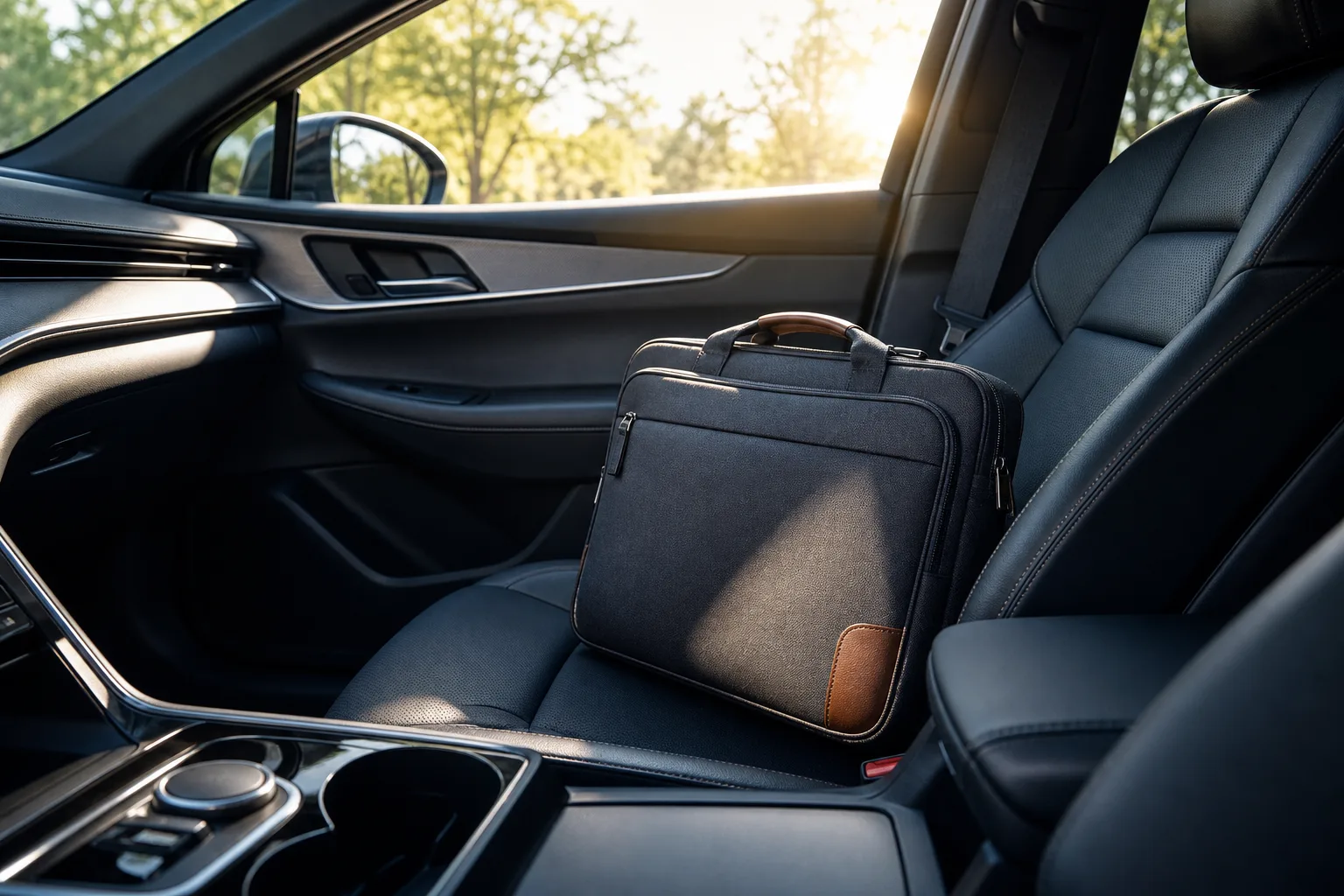
I've seen enough warped laptop lids and bulging batteries roll through the door to know this isn't some rare freak accident down here. It's practically a seasonal event. Folks run into Publix for ten minutes, come back, and the laptop bag's been sitting on black leather seats under a windshield acting like a magnifying glass. Let's talk about what's actually happening inside that bag while you're picking out mangoes.
1. The battery swells (and sometimes won't come back)
Lithium-ion batteries hate heat. Not "mildly dislike," hate. Car interiors here can climb well past 140°F on a sunny day with the windows up, and that kind of sustained heat accelerates the chemical breakdown inside the cell. The classic result: a puffy battery that pushes the trackpad up or makes the laptop rock on a flat table. Once a battery swells, it's done. Don't try to flatten it, don't keep using it, and don't toss it in the regular trash. A swollen lithium battery is a fire risk, not a cosmetic issue.
If your laptop looks slightly warped on the bottom or the trackpad feels loose, stop charging it and get it looked at. This is a job for laptop repair, not a YouTube battery swap tutorial at 11pm. And when it comes time to dispose of a swollen or dead lithium battery, look for a certified e-waste or battery recycling drop-off in your area, many municipalities and big-box electronics retailers offer these programs at no cost.
2. The screen can delaminate or develop dead zones
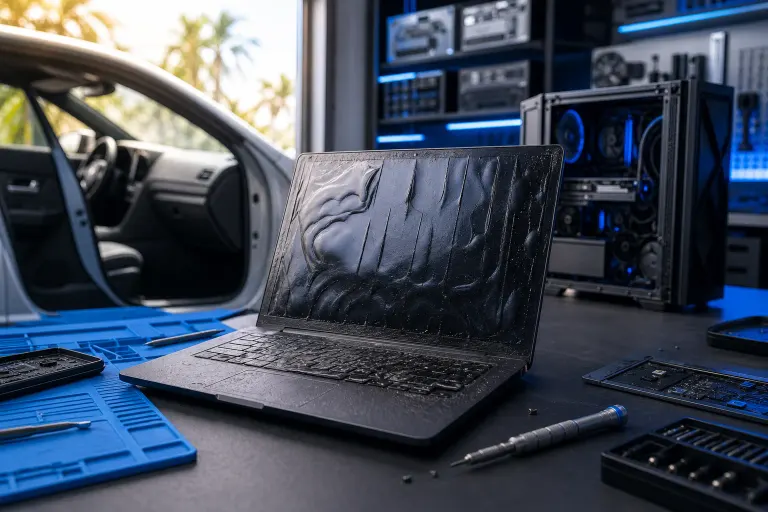
LCD and OLED panels have layers bonded together with adhesives that are rated for a normal temperature range, not "dashboard in July." Extreme heat can soften that adhesive and cause bubbling, discoloration, or a hazy patch that never fully goes away. Sometimes it shows up immediately. Sometimes it takes a few weeks to creep in, which is the annoying part, because you won't connect it back to the hot car incident.
If you notice a weird rainbow sheen, a dark blotch, or lines that weren't there before, that's panel damage, not a software glitch. No driver update fixes a cooked screen. In some cases the damage is subtle at first, a slight yellowing in one corner or a faint ripple near the edge, and only becomes obvious after a few heat-and-cool cycles. By the time it's unmistakable, the adhesive bond has usually failed enough that the only real fix is a panel replacement.
Computer acting up? Get a real diagnosis. Book a diagnostic
3. Thermal paste and pads degrade faster
Thermal paste between the CPU/GPU and the heatsink is engineered to handle operating heat, which is already a lot. But baseline heat soak from sitting in a hot cabin, combined with normal use heat later, can dry out or shift cheaper paste faster than it should. The symptom isn't dramatic on day one. It shows up weeks or months later as a machine that suddenly runs hotter and throttles under load when it never used to.
This one's sneaky because people blame dust or "just getting old." If a laptop that used to run fine is suddenly thermal-throttling and it's had a hot-car history, repaste it instead of replacing it outright. The cost of a repaste is a fraction of a new machine, and it's often the single most effective fix for a laptop that's become annoyingly slow under any kind of sustained workload.
4. SSDs and hard drives get flaky under heat stress
Solid-state drives have an operating temperature range too, and most consumer drives aren't rated to handle extended exposure north of 158°F, though shutdown protection on most modern drives should kick in before real damage happens during active use. The bigger risk with a parked car is heat soak into a powered-off drive sitting idle for hours, which over time can stress the NAND flash and shorten its working life. Mechanical hard drives are worse off: heat plus the drive controller and spinning platters is not a good combination, and a drive that's been cooked once can start throwing read errors down the road.
If a drive that survived a hot car starts acting weird, slow boots, files that won't open, random freezes, back up what you can immediately and don't keep stressing it. This is exactly the kind of situation backups and disaster recovery planning exists for, so you're not gambling your files on a drive that's already compromised.
5. Ports, hinges, and plastics warp or get brittle
This is the one people notice last but it's real. USB ports, charging ports, and hinge mechanisms are plastic and metal assemblies held together with adhesives and tight tolerances. Extended heat can warp a hinge just enough that it feels stiffer or looser than before, or make a port connector sit slightly crooked so cables don't seat right. None of this kills the machine on the spot, but it's the kind of slow failure that compounds over time.
A charging port that sits a little crooked puts uneven stress on the connector every time you plug in, and eventually that becomes an intermittent charge, then no charge at all. A hinge that's slightly warped can crack the display bezel the next time the lid is opened with any force. These aren't dramatic failures, but they're the kind of thing that turns a laptop with a few good years left into a repair bill that starts making a replacement look attractive. Catching them early, and knowing they might be heat-related, gives a technician useful context when diagnosing what's going on.
Computer acting up? Get a real diagnosis.
Fix My PC Store has repaired thousands of machines across West Palm Beach. Honest pricing, no upsell games, and a free diagnostic for new customers with our email coupon.