Why Your Phone Fails Face ID in Bright Sunlight (And How to Fix It)
TL;DR: Face recognition on phones uses infrared (IR) sensors, not a regular camera. Intense direct sunlight saturates those IR sensors with noise, making it hard or impossible to map your face accurately. A few positioning and software tweaks usually fix it, but persistent failures can point to a damaged sensor.
What Happened
You step outside on a South Florida afternoon. Phone out, ready to unlock. Your face unlock fails. Again. And again.
It's not you. It's physics.
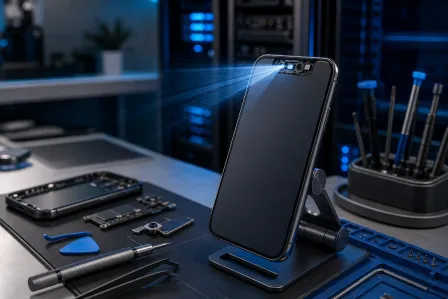
Modern face unlock systems, whether Apple Face ID or Android's 3D face recognition, project a grid of invisible infrared dots onto your face. A separate IR sensor reads how those dots deform across your features to build a 3D map. That's how it works in a dark room, a dimly lit car, or indoors.
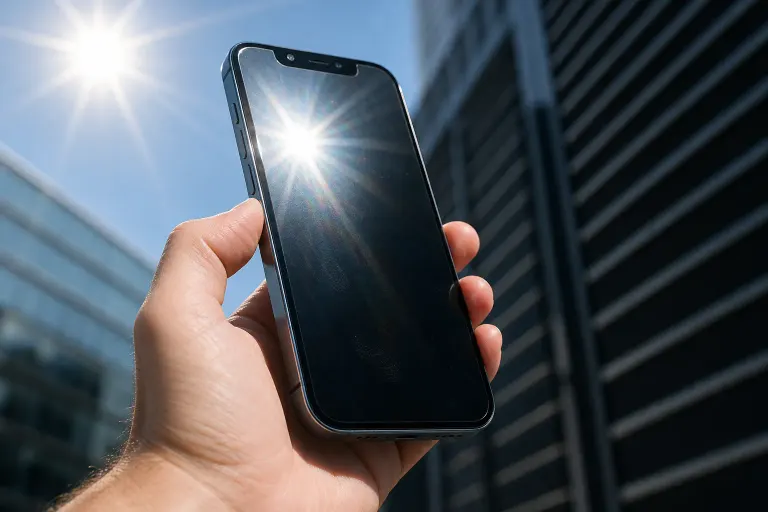
Outdoors in direct sunlight, your phone is suddenly competing with the sun, which blasts out IR radiation at an intensity that overwhelms the sensor's dynamic range. The system gets flooded with IR noise, can't cleanly read its own projected dots, and fails the match.
This is especially brutal in South Florida. We're talking intense UV and IR output most of the year, not a mild overcast day in the Pacific Northwest.
Why It Matters
This isn't just annoying. It tells you something important about what face unlock actually is and what it isn't.
Face unlock is NOT a camera recognizing your face visually. It's an active depth-sensing system using light you can't see. That distinction matters because it means:
- Bright visible light indoors won't usually cause this problem.
- Reflected sunlight from water, sand, or glass can make it worse.
- Some sunglasses, especially polarized or IR-blocking lenses, can block the infrared light the sensor needs and add a second point of failure.
- Hats or shade can actually HELP, because they reduce ambient IR hitting the sensor.
On iPhones, Apple's TrueDepth camera uses a flood illuminator, a dot projector, and an IR camera working together. Android implementations vary. Some phones use a similar structured-light system, others rely on the standard front camera with software processing, which is less secure and more prone to environment-based failures. If your Android uses 2D face unlock (common on budget and mid-range devices), sunlight can confuse it even more easily since it's relying on visible light and contrast.
Cracked screen or a phone that won't hold a charge? Get a repair quote
What We Don't Know Yet
Manufacturers haven't published exact IR sensitivity thresholds or the specific lux levels at which their sensors start failing. So there's no universal number to point to.
It's also not fully clear how much variation exists between units of the same phone model. A sensor that's been exposed to repeated drops, moisture, or screen replacements using non-OEM parts may perform differently than a factory-fresh unit. If your phone recently had a screen repair and face unlock got noticeably worse outdoors, that repair could be a factor.
Some firmware updates adjust how aggressively the system retries or compensates for IR noise, but Apple and most Android OEMs don't document this at a granular level.
What to Do About It
Quick fixes to try right now:
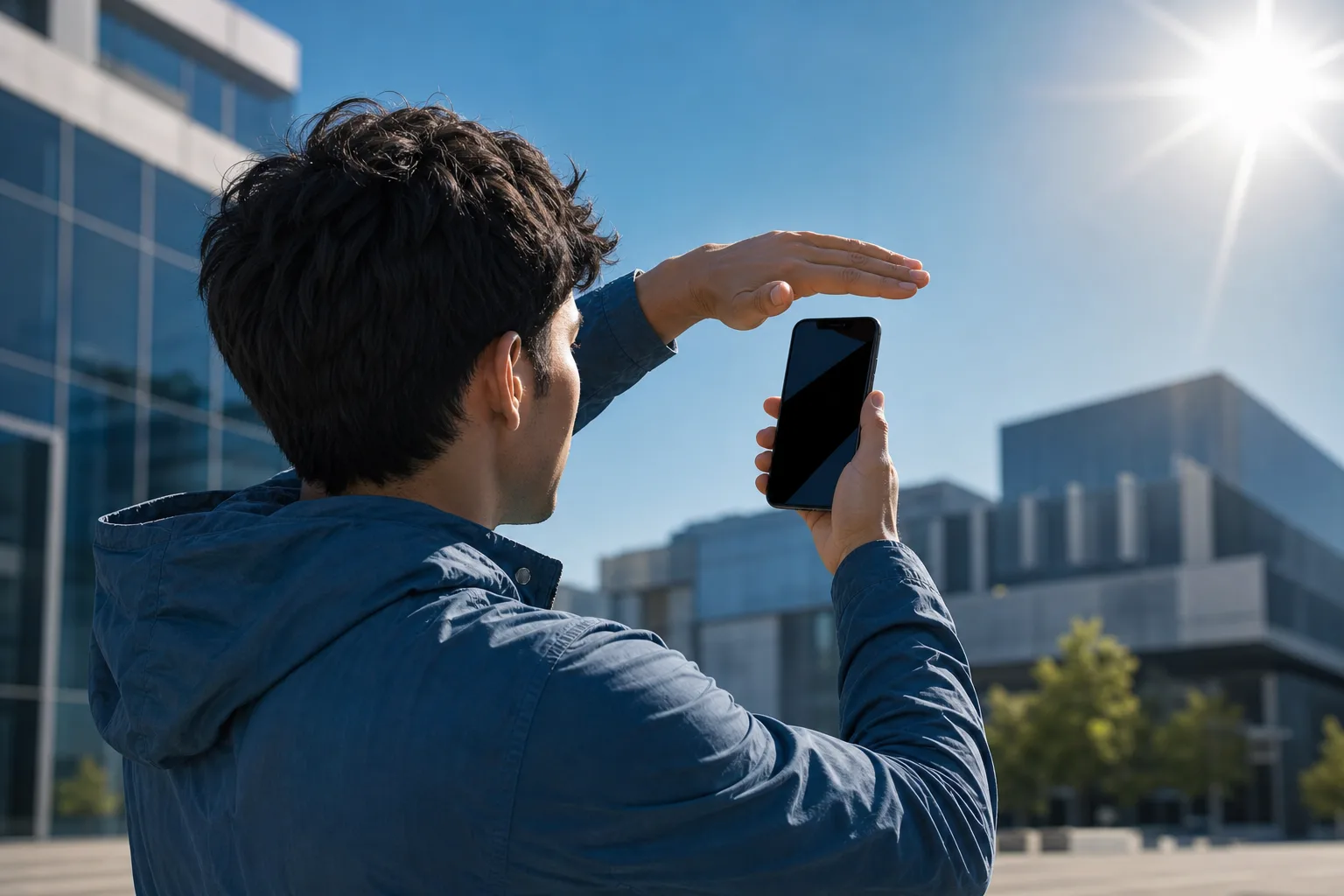
- Shade the front of the phone. Tilt it so your body or your hand blocks direct sun from hitting the front sensors. Even a few degrees can make a difference.
- Re-enroll your face in varied lighting. Go to Face ID or face unlock settings and add an alternate appearance (iPhone) or re-enroll in mixed lighting conditions. Some systems adapt better when trained with more lighting diversity.
- Check if a screen protector is interfering. Thick or low-quality screen protectors can scatter the IR dot projection and reduce sensor performance. Try without one temporarily.
- Keep sensors clean. The tiny IR emitter and sensor area at the top of your phone picks up skin oils and dust. A gentle wipe with a microfiber cloth costs nothing.
- Fall back to PIN or fingerprint outdoors. If your phone has an in-display or side-mounted fingerprint sensor, it's genuinely more reliable in direct sunlight. Use it. Face unlock is a convenience feature, not the only option.
Decision table: sunlight face unlock failure causes
| Symptom | Most Likely Cause | Action |
|---|---|---|
| Fails only in direct outdoor sun | IR sensor saturated by sunlight | Shade the phone, re-enroll face |
| Fails after screen replacement | IR projector or sensor misaligned/damaged | Professional diagnostic |
| Fails with sunglasses on | Some lenses block IR | Remove glasses or use PIN |
| Fails in all lighting since drop | Physical sensor damage | Hardware repair needed |
| Fails on budget Android outdoors | 2D camera-based system, not IR | Use fingerprint or PIN |
When to get it looked at:
If face unlock is failing in normal indoor lighting too, or if the problem started after a drop or a screen repair, the IR hardware may be physically damaged or misaligned. That's not a software fix.
Fix My PC Store handles phone and tablet diagnostics and repairs at 10140 Okeechobee Blvd, Suite B in West Palm Beach. The phone diagnostic is $35 and is credited toward the repair, or free with the coupon our website emails when you join the list, and pricing is explained before any work starts. You can book a time or drop in Monday through Friday 9 a.m. to 6 p.m. or Saturday 9 a.m. to 5 p.m. If you're not sure whether it's worth the trip, remote support can help you rule out software causes first.
Cracked screen or a phone that won't hold a charge?
Bring it in. Most phone and tablet repairs are same-day, with parts that actually last.